





Even the most motivated students may find the intricacies of mathematics daunting. Nonetheless, because of artificial intelligence's revolutionary potential in education, the field of mathematics education is quickly changing.
This guide examines the greatest AI for math and learning resources created to meet a variety of learning demands and learning styles. With the help of these resources, you can confidently overcome mathematical difficulties and realize your entire mathematical ability.
I. Recognizing Your Learning Styles
Identifying your preferred learning method before starting your journey with AI math partners is crucial. Do you learn best visually, with diagrams and drawings making sense? Are you a student who prefers verbal explanations over aural ones and finds them beneficial? Or are you a kinesthetic learner who understands things best by doing? Math AI tools well serve these preferences, providing interactive practice problems, narrated explanations, and step-by-step solutions with visual aids.
Mathematical students frequently struggle with solving challenging homework assignments, fully understanding particular ideas, and efficiently getting ready for necessary tests. These issues are addressed by math AI tools and solvers, which offer prompt solutions, thorough explanations, and practice problems that precisely match your learning objectives.
II. Math AI Tools For Solving Fundamental Math Issues
Do you find yourself stuck on a complex mathematics problem? These cutting-edge options could save your life:
2.1. Photomath
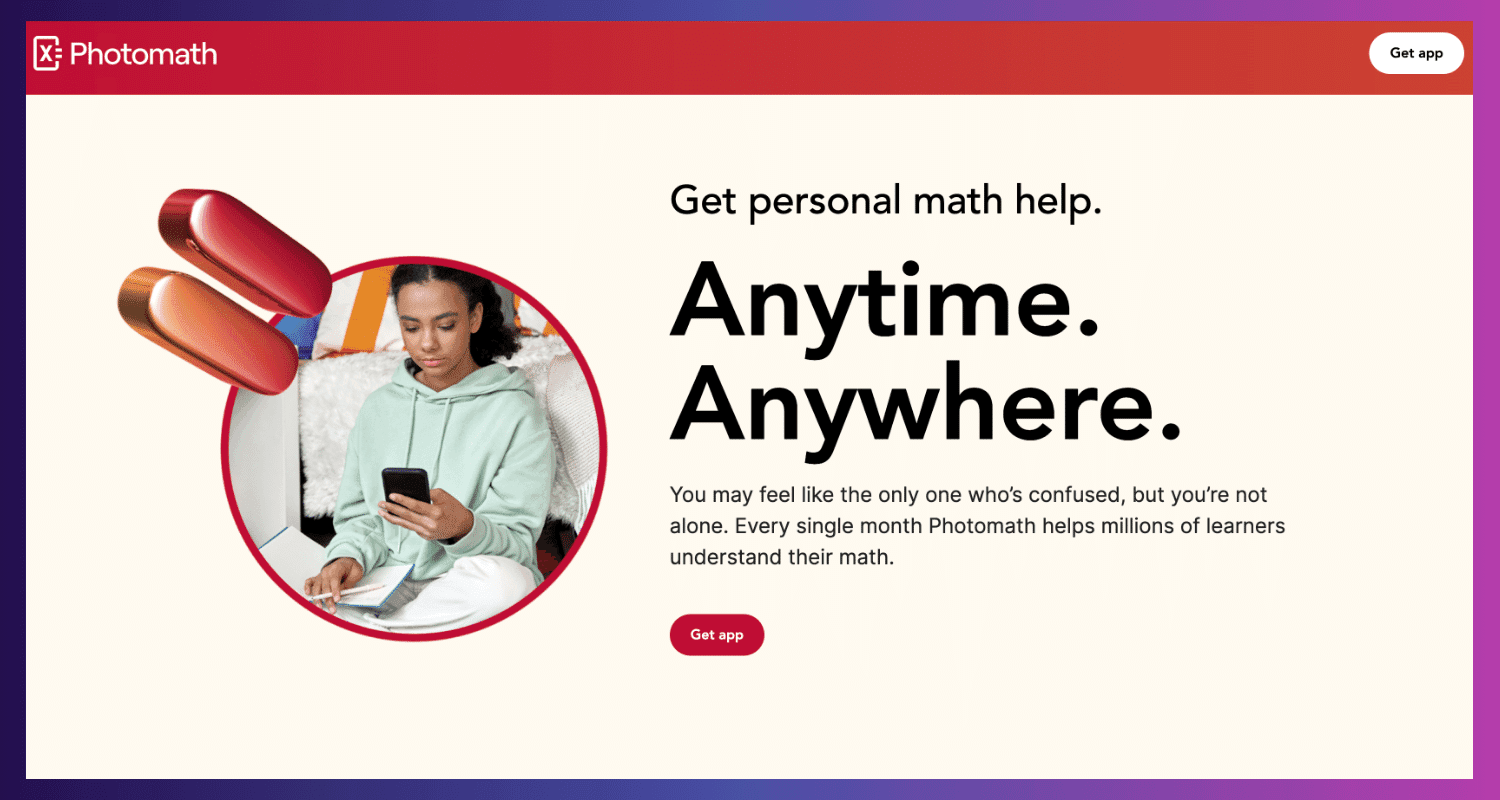
With Photomath, you can quickly take a picture of your smartphone issue and get a detailed solution with brief explanations.
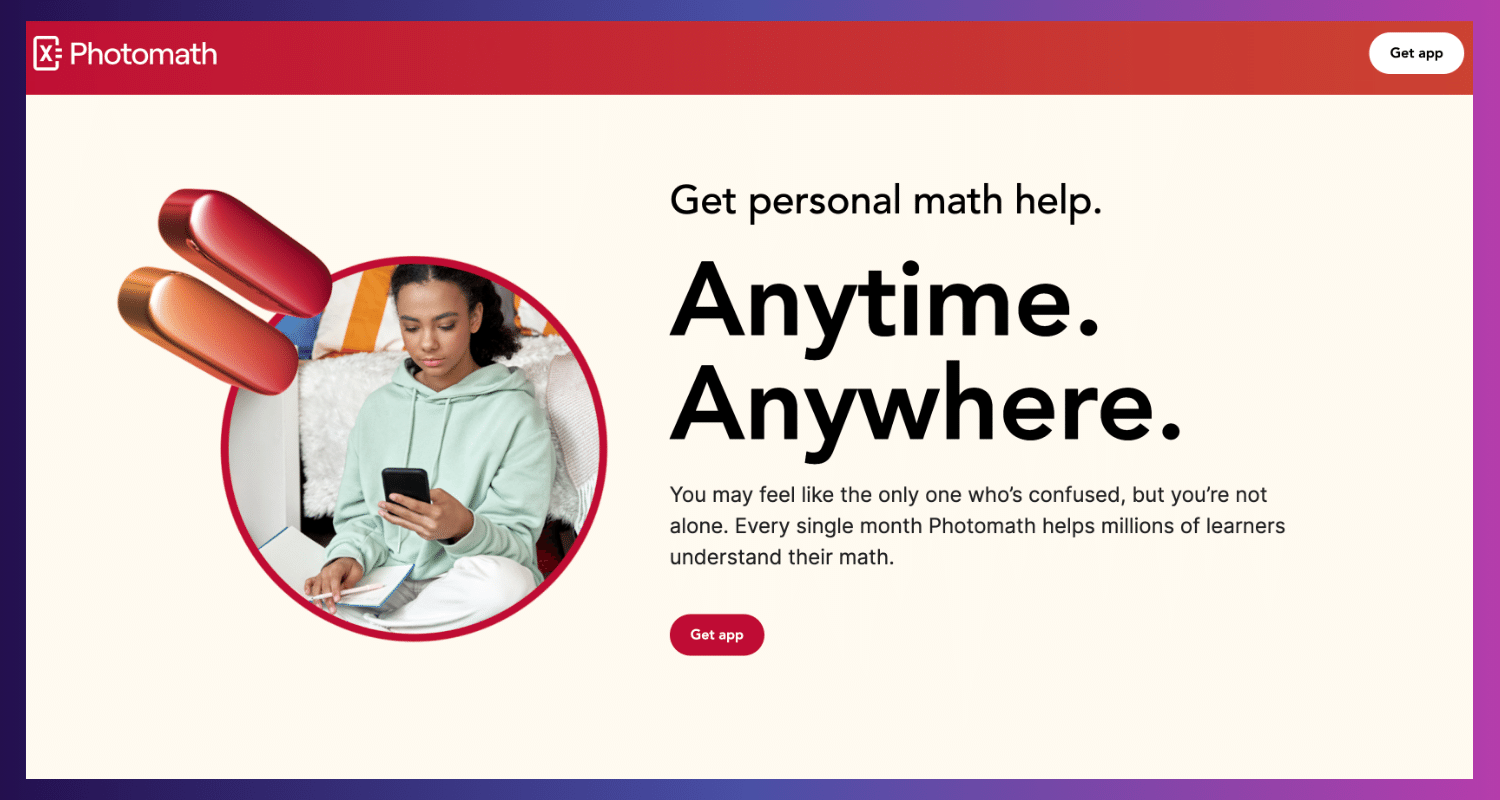
Photo Math's Key Features:
- Image recognition: Uses a scanner to read printed or handwritten equations to find solutions to issues.
- Multiple-step breakdown: Offers thorough justifications for every stage taken to get the answer.
- Subjects covered: Contains extensive coverage of algebra, trigonometry, calculus, and statistics (with certain restrictions on advanced math).
- Perfect for pupils who would rather quickly solve an explanation for an issue they're stuck on by capturing an image of it.
Photo Math's Pros and Cons
Pros
- It is an easy-to-use interface that makes taking pictures simple.
- Essential functions for the majority of math problems are accessible.
- Provides several approaches to solving specific issues.
Cons
- I am restricted to using picture recognition to solve issues (text input is inaccessible).
- I may need help solving intricate or illegible handwritten equations.
- A paid subscription is needed for sophisticated features like various solution approaches and thorough explanations.
Photo Math's Pricing
- Free basic plan with a set number of steps. Full explanations are available with a paid monthly subscription, which starts at $9.99.
2.2. Socratic by Google
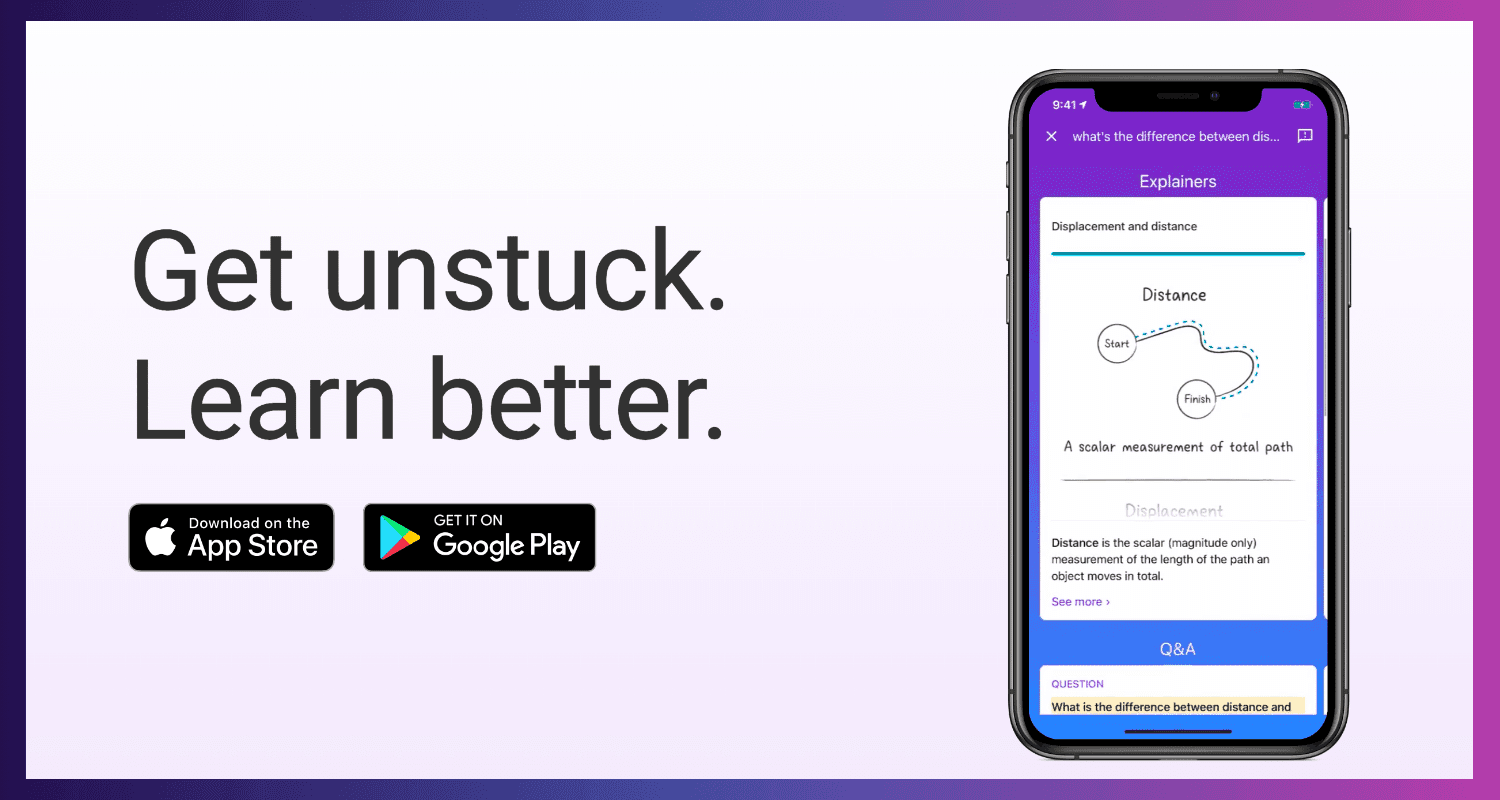
The free smartphone software Socratic scans difficulties, including equations and math problems, using artificial intelligence. Google acquired Socratic in 2018 and aims to give students the most pertinent learning materials for their inquiries.
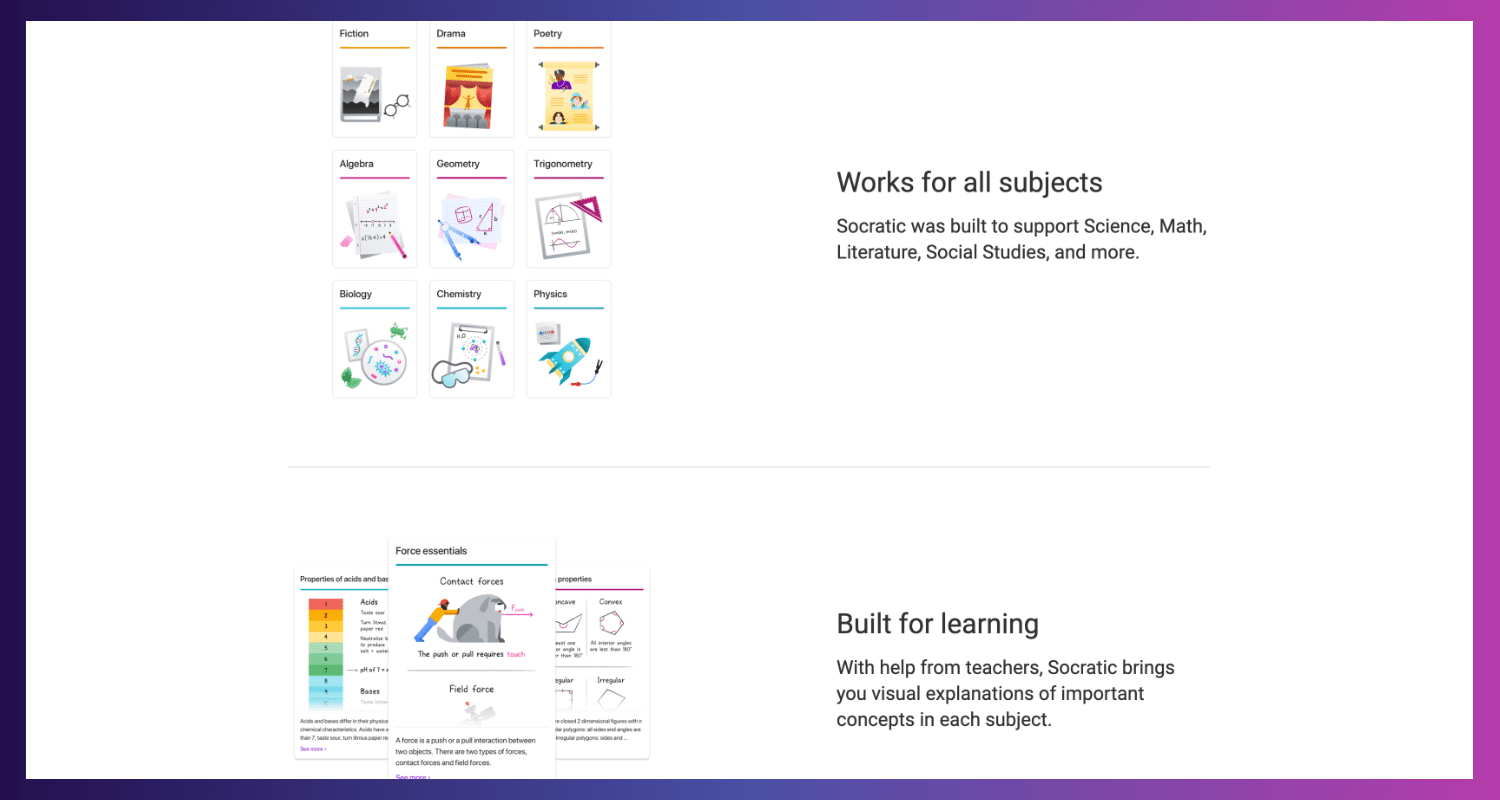
Socratic's Key Features
- AI-powered search: Socratic searches the web and finds the most pertinent educational materials, such as articles, videos, and explanations, to aid in your understanding of the subject. It does this by using AI algorithms. This AI assists in prioritizing reliable and high-quality sources as it sorts through the enormous volume of educational content available online.
- Emphasis on high-quality content: Socratic prioritizes excellent educational resources from dependable websites and sources to guarantee that students are led to credible explanations.
- Different learning styles: Provides a range of explanation formats, including text, video, and maybe interactive components (depending on the materials it discovers), to accommodate different learning styles.
- Perfect for students who find that using a variety of views and learning tools helps them solve problems.
Pros
- Limitless use and no fees.
- Put your attention on top-notch learning resources.
- Several sources of information can provide a more comprehensive viewpoint.
Cons
- Exclusive to mobile applications.
- I suggest restricting interaction when providing explanations.
- It depends on already-existing instructional material; hence, it might only be able to handle some particular or unusual issues.
Socratic's Pricing
Use is entirely free.
2.3. Mathway
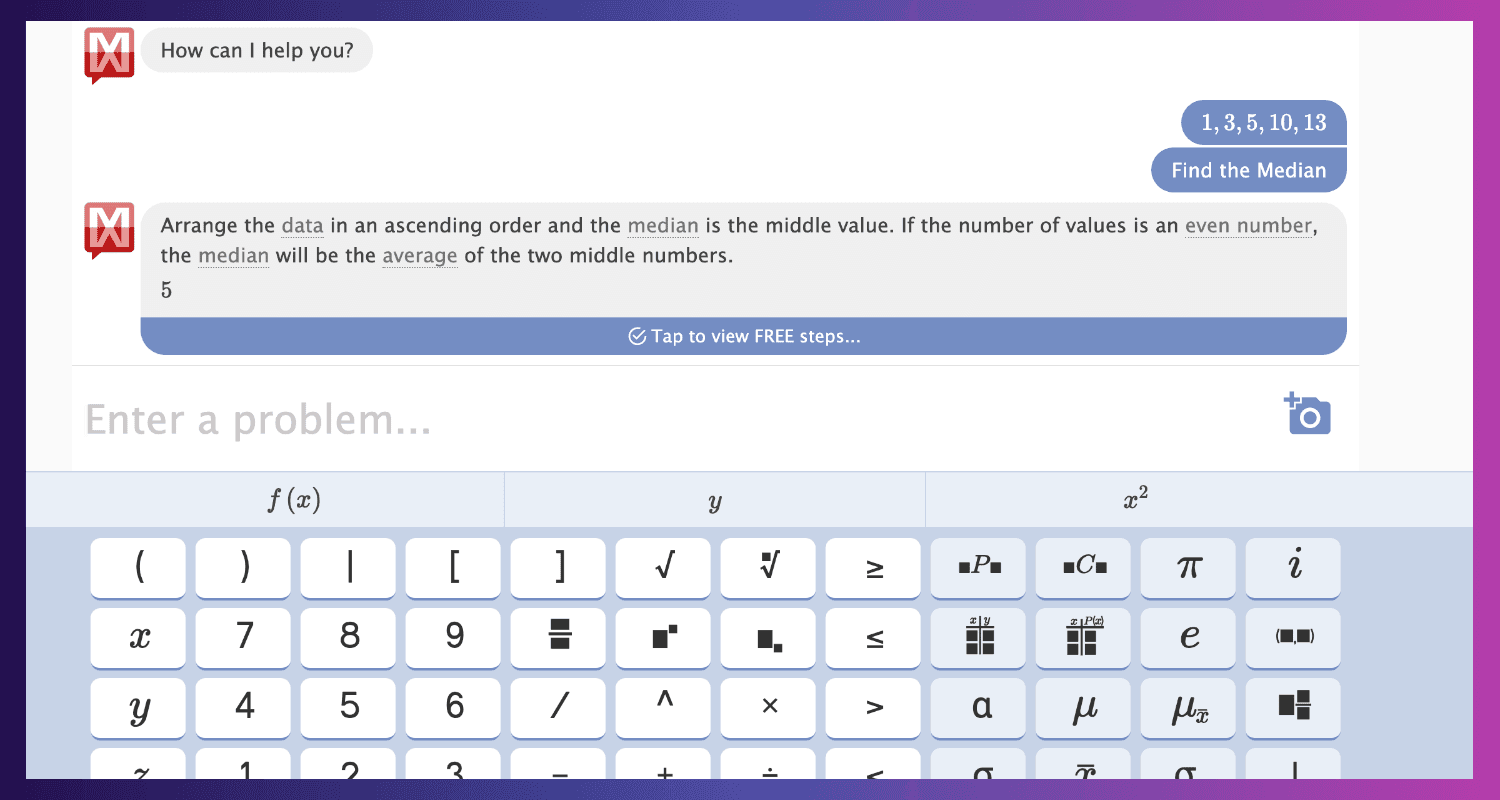
Mathway is an online application that solves various mathematical problems and offers thorough explanations by combining sophisticated algorithms with symbolic manipulation skills.
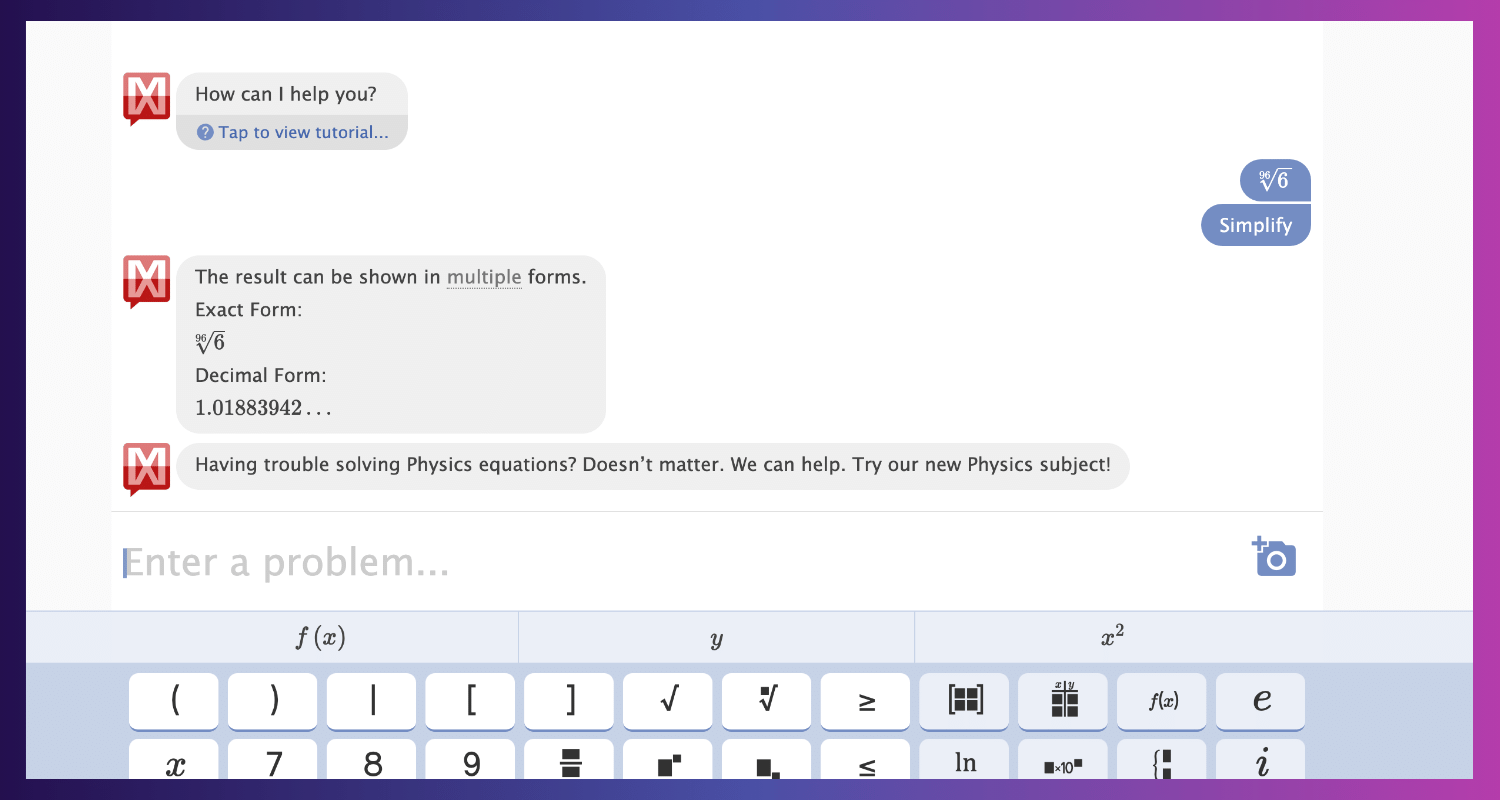
Math way's Key Features:
- Numerous supported topics: solves issues in all areas of mathematics, from calculus to elementary algebra.
- Extensive and intricate solutions: gives detailed explanations in language that is easy to understand.
- Analogous investigation of problems: gives you more perspective and enables you to investigate solutions to issues that are comparable to your own.
- Perfect for students who want detailed explanations and a step-by-step dissection of the solutions and those who need to see examples of related issues to obtain more context.
Mathway's Pros and Cons
Pros
- Manages a broad range of mathematical issues.
- Provides in-depth justifications to ensure complete comprehension.
- Showcases solutions to linked issues, giving important context.
Cons
- The free edition provides only simple problem solutions or a restricted number of steps for complex problem solutions.
- Eliminates the simplicity of picture capture and necessitates laborious problem typing.
- A premium subscription is needed for advanced capabilities like charting, solving particular variables, and providing step-by-step explanations for every problem.
Mathway's Pricing
Free to use, with paid subscriptions offering better features starting at $9.99 for a monthly subscription and $39.99 for an annual one.
2.4. Prodigy
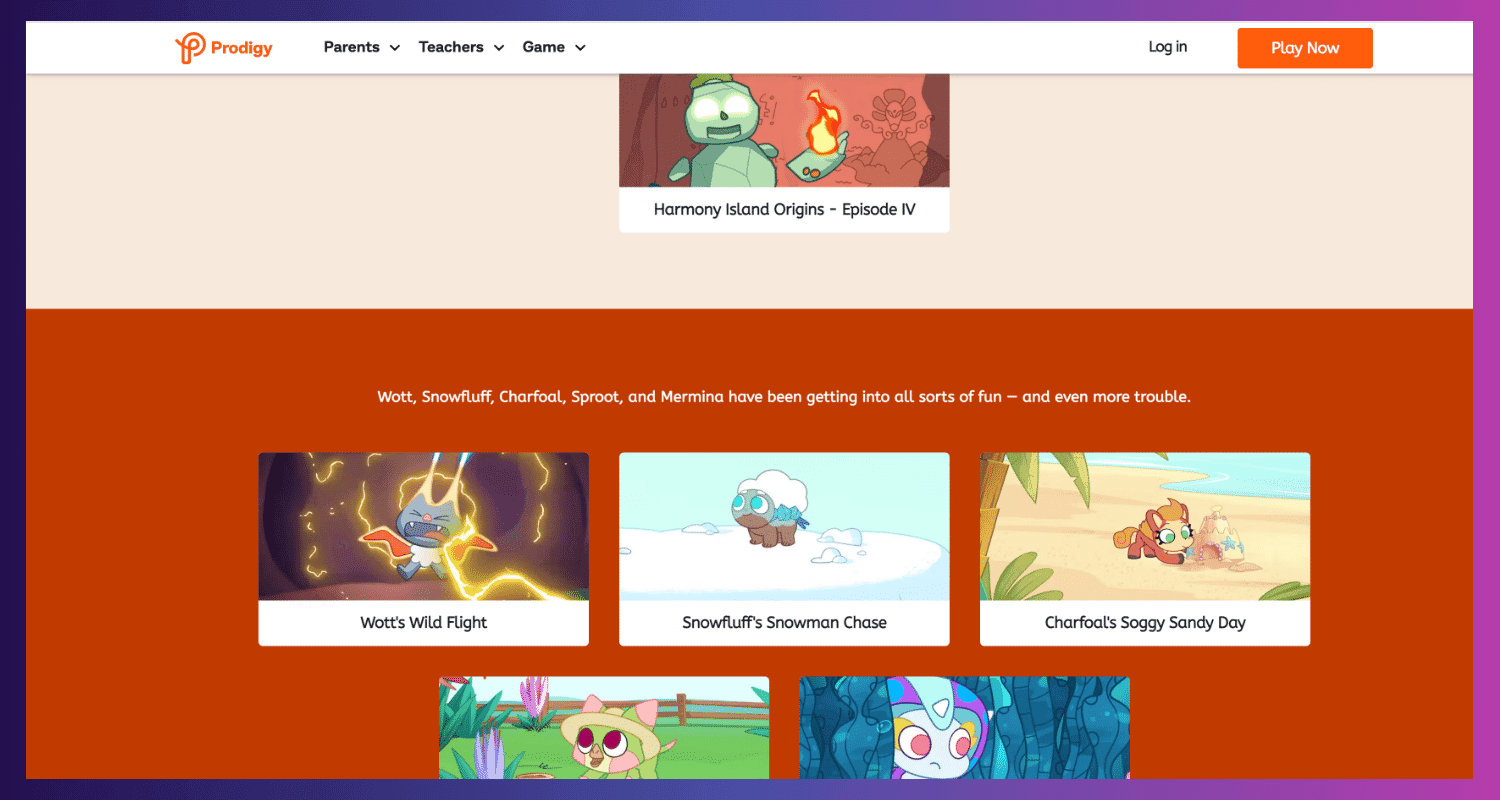
Take off on a fascinating arithmetic adventure where you solve puzzles to fight monsters and gather virtual pets. This game will make learning fun and inspire younger pupils to love math.

Prodigy's Key Features
- Play an MMORPG and practice your math abilities while immersing yourself in role-playing game components like character customization, monster hunting, and pet gathering.
- Adaptive learning: The program modifies the degree of difficulty in response to students' performance to provide them with a suitable challenge.
- Reward system: Students are encouraged to keep learning by receiving incentives for appropriately answering tasks.
- Perfect for younger kids (elementary or middle school) who learn best in a setting centered around games and including customizable characters and incentives.
Prodigy's Pros and Cons
Pros
- It uses gaming features and rewards to make arithmetic practice fun.
- Adjusts the level of difficulty to suit each student's unique learning style.
- Motivates pupils to get experience using a rewards system.
Cons
- It focuses on fundamentals; advanced students might find it inappropriate.
- Older students might be drawn to something other than the gaming atmosphere.
Prodigy's Pricing
Monthly memberships in Prodigy Math begin at $9.95.
2.5. Mathletics
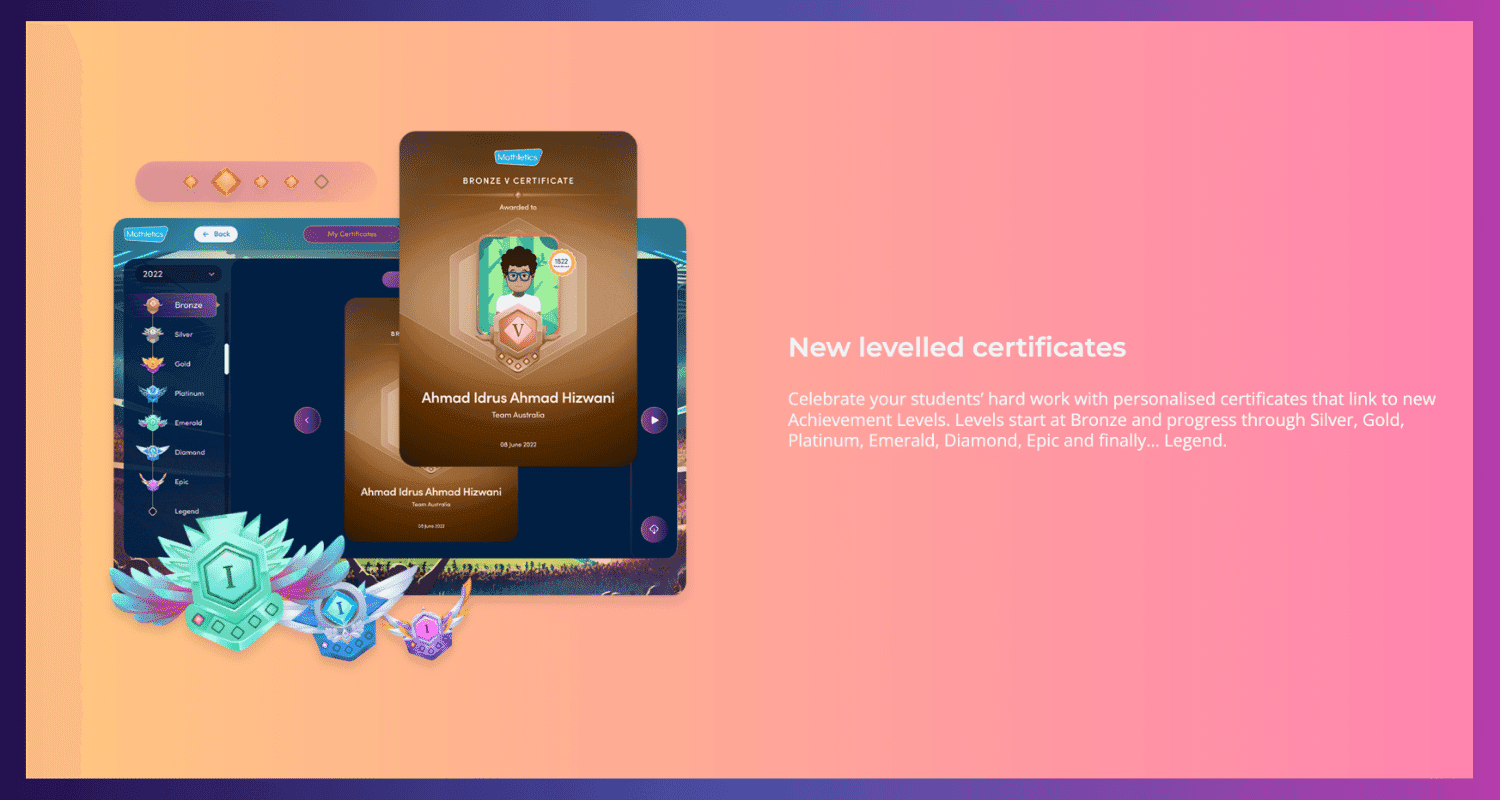
A game-based learning tool called Mathletics helps your child develop a good relationship with arithmetic from an early age by customizing the experience and adjusting to their learning speed.
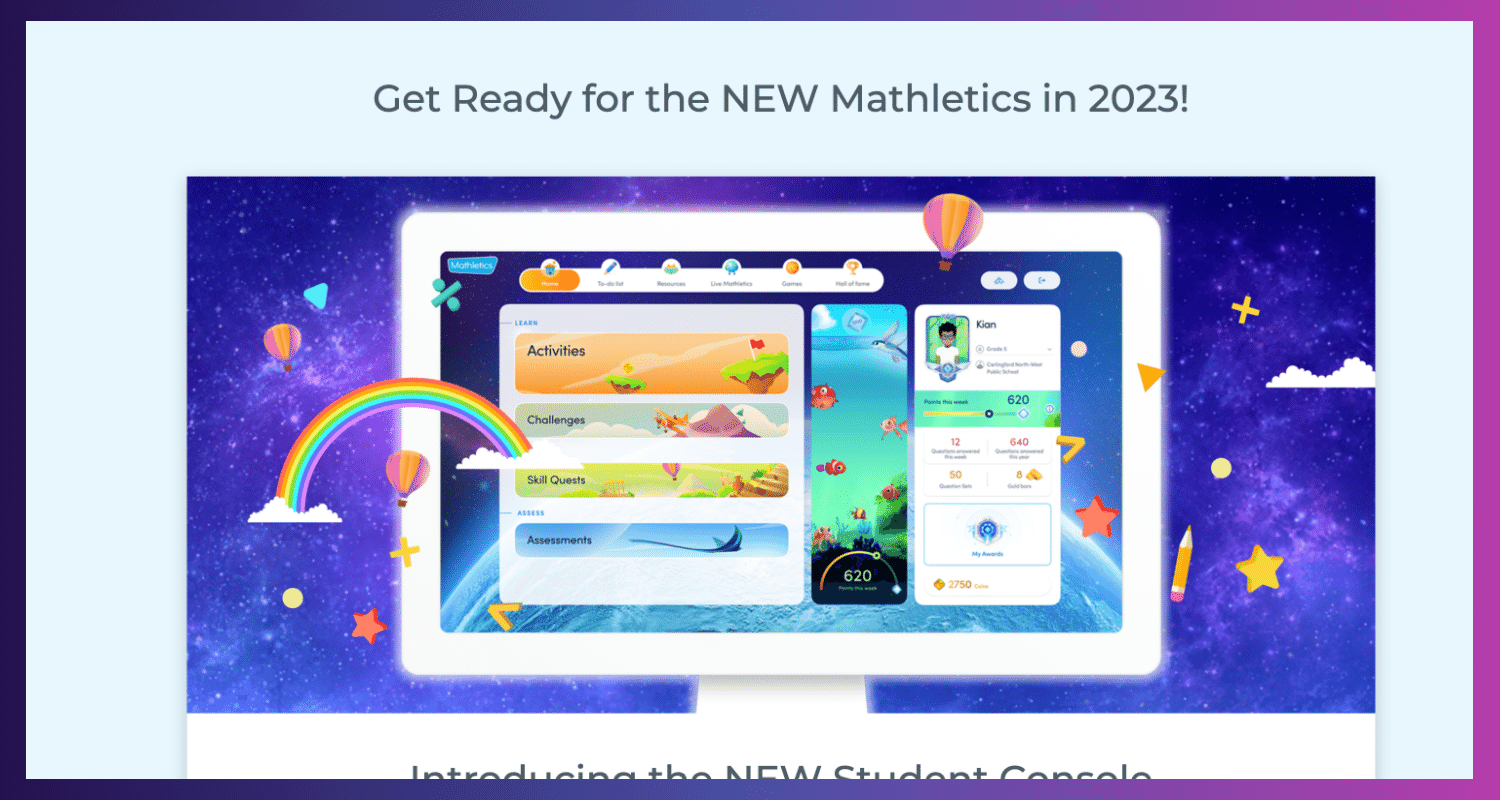
Mathletics's Key Features
- Personalized learning builds a learning plan according to each student's areas of strength and weakness.
- Activities based on games: Provides a range of entertaining games and tasks to help teach mathematical ideas.
- Acknowledgment and incentives: To encourage pupils, offer progress reports and an incentive program.
- Comprehensive reporting: Monitors student development and pinpoints improvement areas, giving parents and educators important information.
- Perfect for parents looking for a tailored learning environment with game-based exercises, incentives, and thorough progress tracking that changes according to their child's speed.
Pros
- Individual demands are met by customizing the learning route.
- It is engaging, game-based exercises that make arithmetic learning enjoyable.
- Motivating prizes and acknowledgment push students to continue participating in the course.
- Gives valuable information for monitoring development and pinpointing areas of emphasis.
Cons
- Paid membership is required for full access.
Mathletics's Pricing
A complimentary trial is offered. The monthly cost of the home user plan is AUD 19.95.
III. Math AI Tool For Interactive Practice
Use these interactive practice platforms to strengthen your comprehension and develop steadfast confidence:
3.1. Symbolab
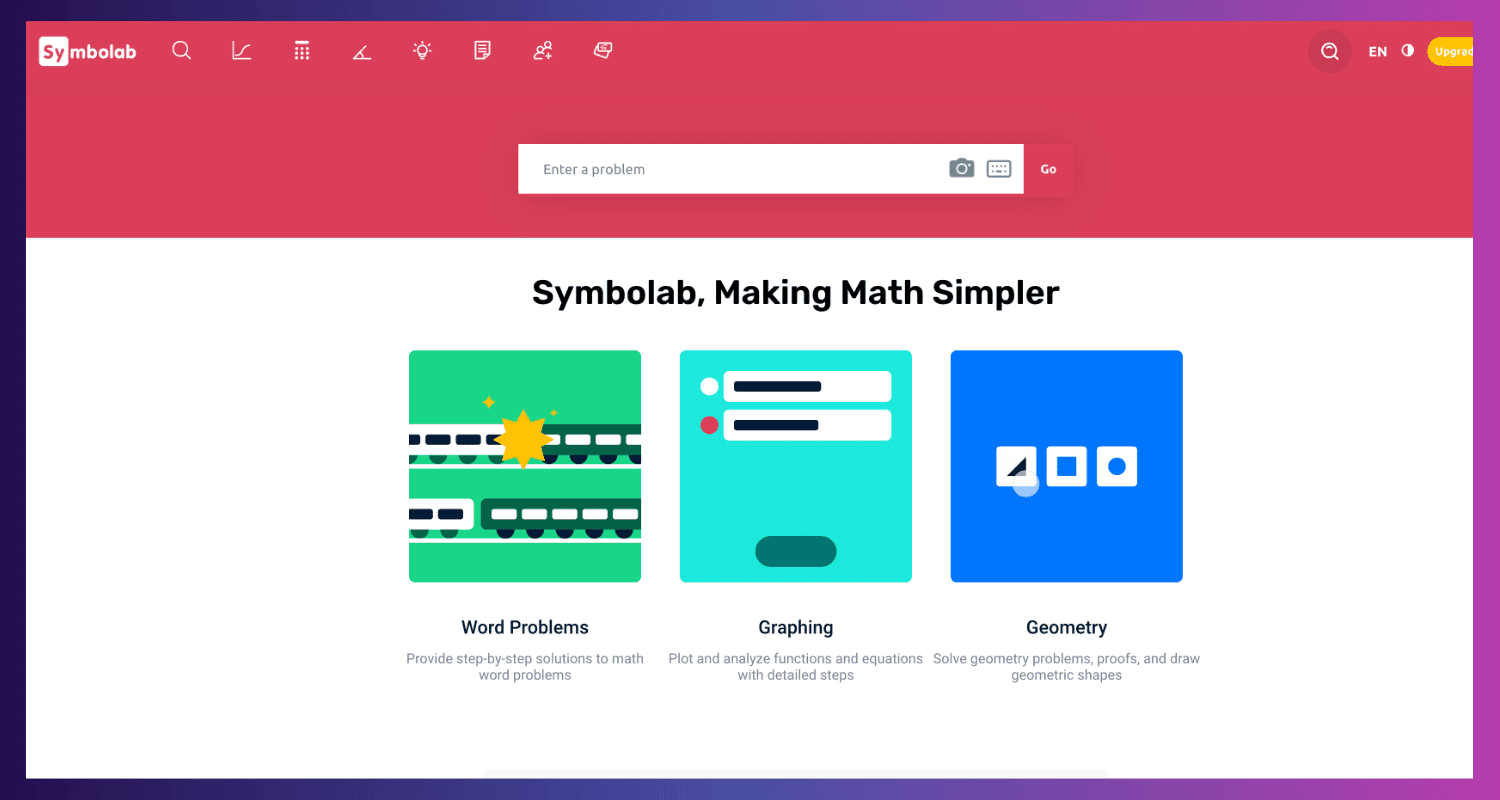
A robust online math solver, Symbolab offers detailed solutions for various mathematical issues. It also provides thorough explanations and a variety of solution approaches, which makes it perfect for honing problem-solving techniques.
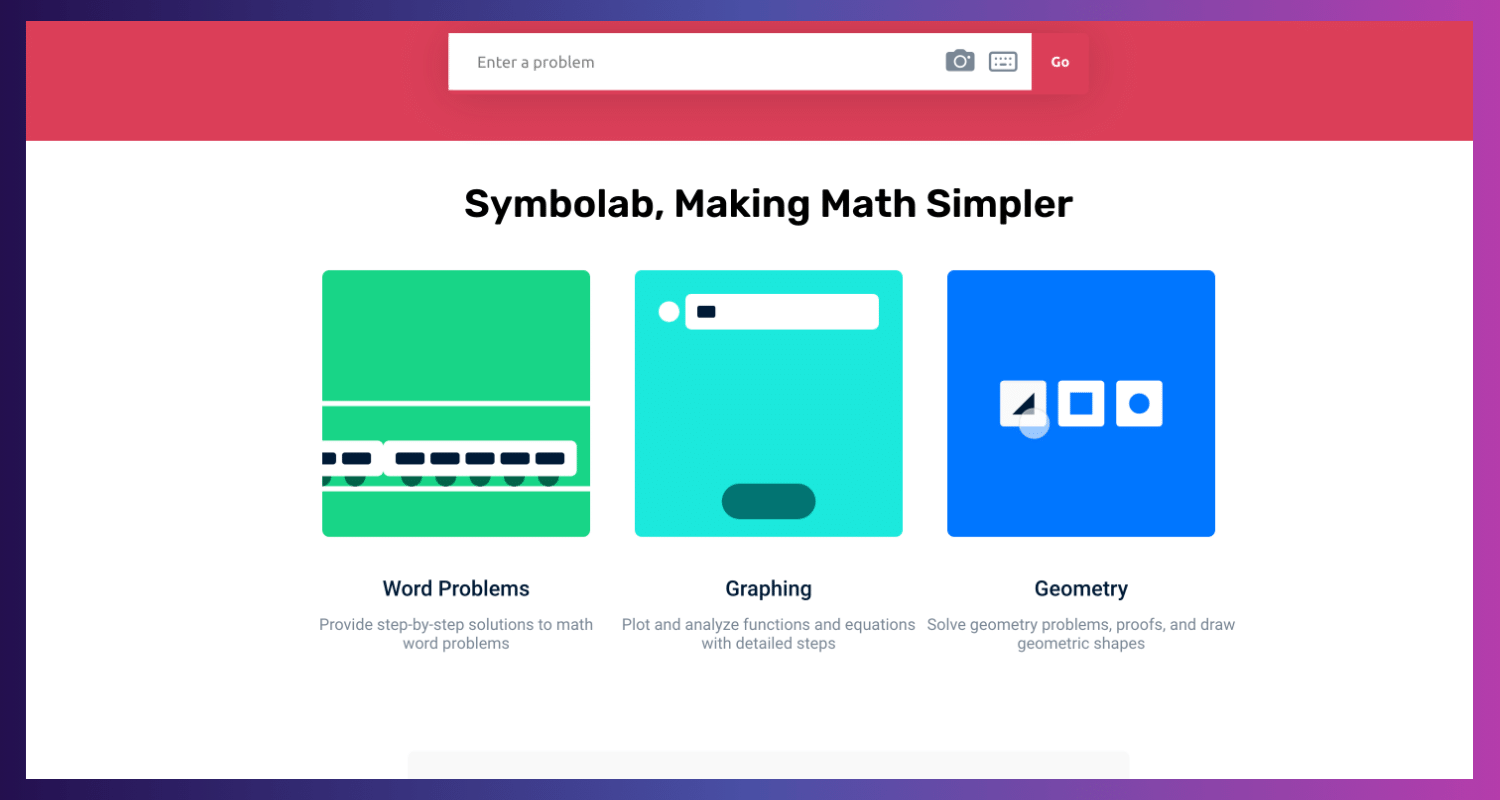
Symbolab's Key Features
- Provides thorough, step-by-step solutions to mathematical issues, which helps with comprehension of the underlying ideas.
- Provides interactive graphing tools for the visualization of mathematical equations and functions.
- Practice problems: Provides practice problems on various mathematical topics so that users can hone their abilities.
- Personalized learning: Makes recommendations for additional practice based on an individual's progress.
- Perfect for learners seeking a thorough approach to practice, featuring interactive graphs, practice questions, step-by-step answers, and tailored learning suggestions.
Symbolab's Pros and Cons
Pros
- Provides thorough justifications for every stage of the problem-solving process, encouraging greater comprehension.
- Offers interactive features in an easy-to-use interface to create captivating learning experiences.
- Accommodates students of all skill levels by covering various mathematical and complex topics.
Cons
- It might not cover specialized subjects or very complex mathematical concepts.
- While some features may be restricted in the free version, premium subscriptions offer more advantages.
Symbolab's Pricing
Pro plans start at $6.99 monthly and are free.
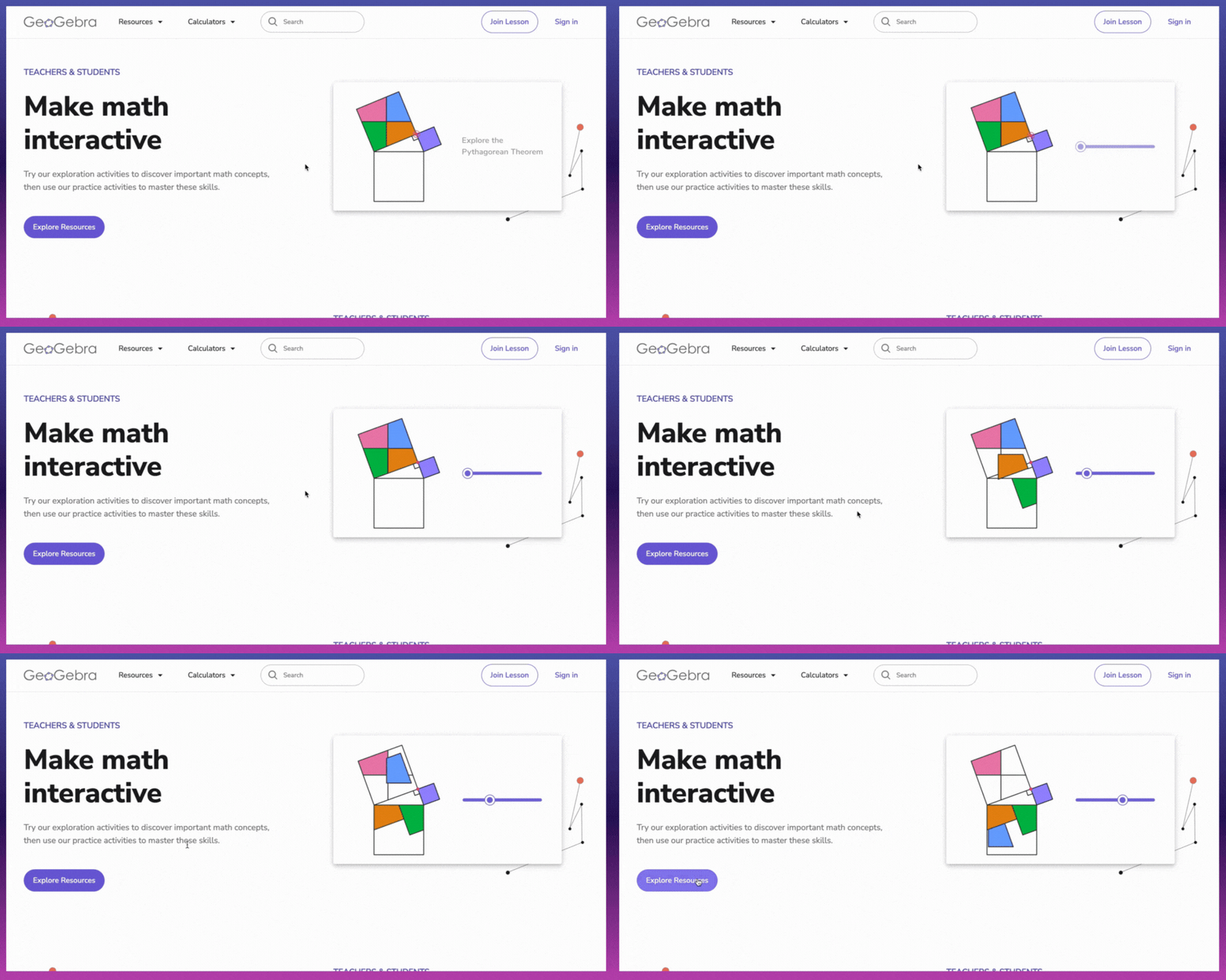
3.2. GeoGebra
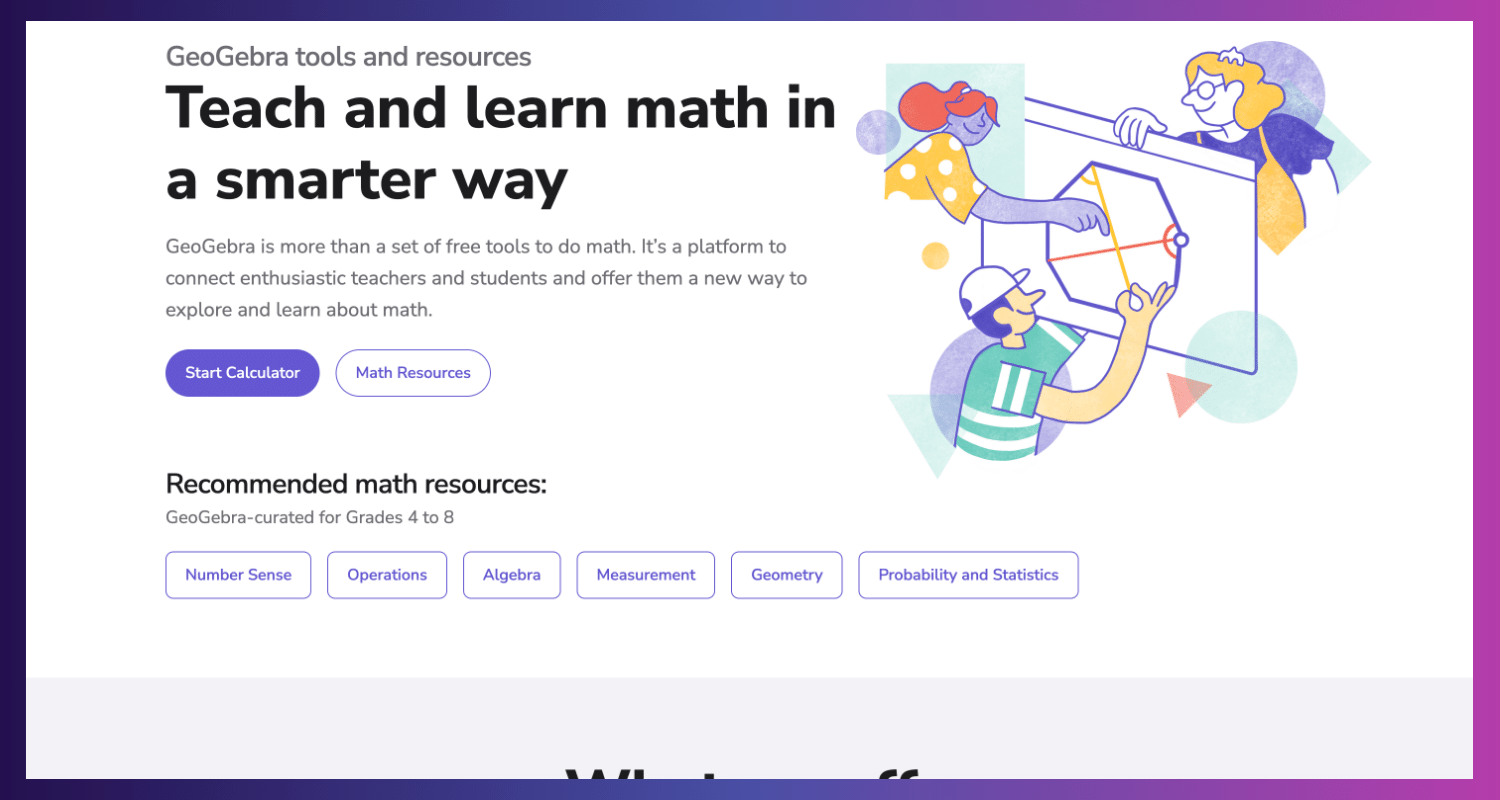
The innovative interactive geometry, algebra, calculus, and statistics program GeoGebra allows users to investigate mathematical ideas interactively. It integrates algebraic equations, geometric constructs, and graphing functions on a single platform.
GeoGeobra's Key Features
- Dynamic geometry: Promotes a visual comprehension of geometric relationships by allowing the creation and manipulation of geometric shapes with real-time updates.
- Algebraic representation: Establish a connection between geometric objects and algebraic equations to explore the relationship.
- Interactive graphing allows you to visualize equations and functions and see changes in real-time when you modify the parameters.
- Calculus tools: Use interactive graphics to learn about ideas like integrals and derivatives.
- Tools for statistics: Apply various statistical techniques to analyze and visualize data sets.
- It is perfect for people who want to manipulate items, investigate geometric relationships, and watch ideas come to life through visualizations.
GeoGeobra's Pros and Cons
Pros
- It enables the interactive manipulation of mathematical ideas, leading to a more profound comprehension.
- It bridges the gap between algebra, geometry, and other mathematical topics and connects various math areas.
- Improves learning with interactive structures and graphs.
- Adaptable features that are appropriate for investigating a range of mathematical subjects.
Cons:
- Exclusive to mobile applications.
- Requires distinct apps to perform specific tasks.
GeoGeobra's Pricing
It costs nothing to use.
3.3. MathType
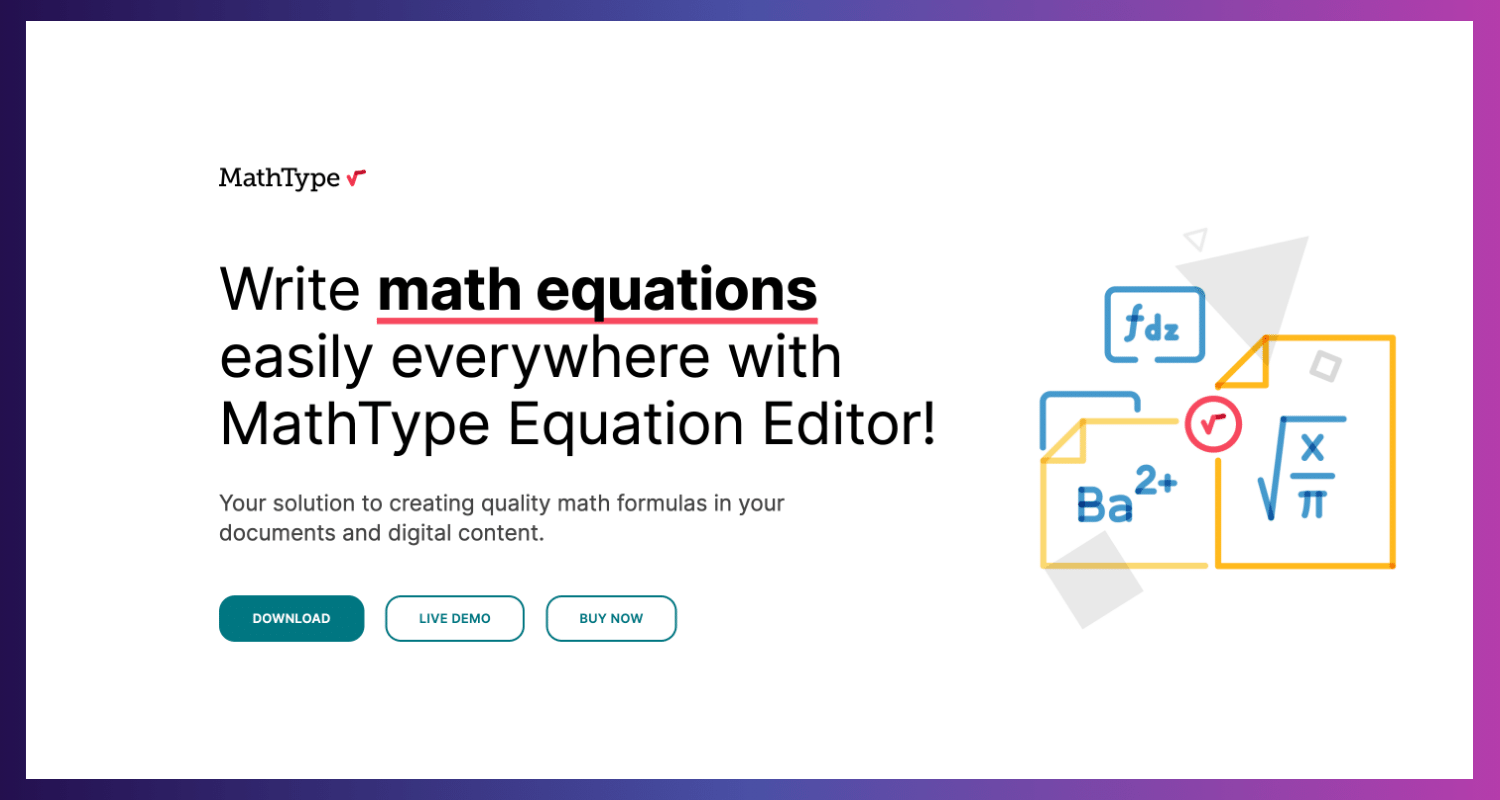
An AI-powered software tool called MathType helps create and edit mathematical formulae. It provides an interactive environment for students to learn and explore mathematical concepts without being exclusively focused on practice problems.
MathType's Key Features
- AI-powered math input: Make use of AI to enter mathematical equations and symbols in a convenient and precise manner.
- Rich equation editor: Formulate intricate mathematical formulas using a range of symbols and formatting choices.
- Connectivity across multiple platforms: Integrates easily with well-known word processing and document-creating programs.
- Perfect for students writing complex mathematical expressions for reports, research papers, or tasks that require creation and editing.
MathType's Pros and Cons
Pros
- Robust mathematical input facilitates the rapid and intuitive creation and editing of intricate mathematical equations.
- A flexible equation editor provides several features to help create complex mathematical notation.
- Streamlines workflow by integrating with other tools and performing effectively with installed software.
Cons
- Minimal practice issues that emphasize the invention of expression above the use of pre-made practice sets.
- Installs and requires downloads, in contrast to cloud-based services.
MathType's Pricing
Individual licenses start at $61.95 per user/year, while educational licenses start at $1.06 per student/year.
IV. Advanced Math and Visualization Using Math AI Tools
These arithmetic AI tools are great powerhouses for individuals stepping into higher-level mathematics:
4.1. Wolfram Alpha
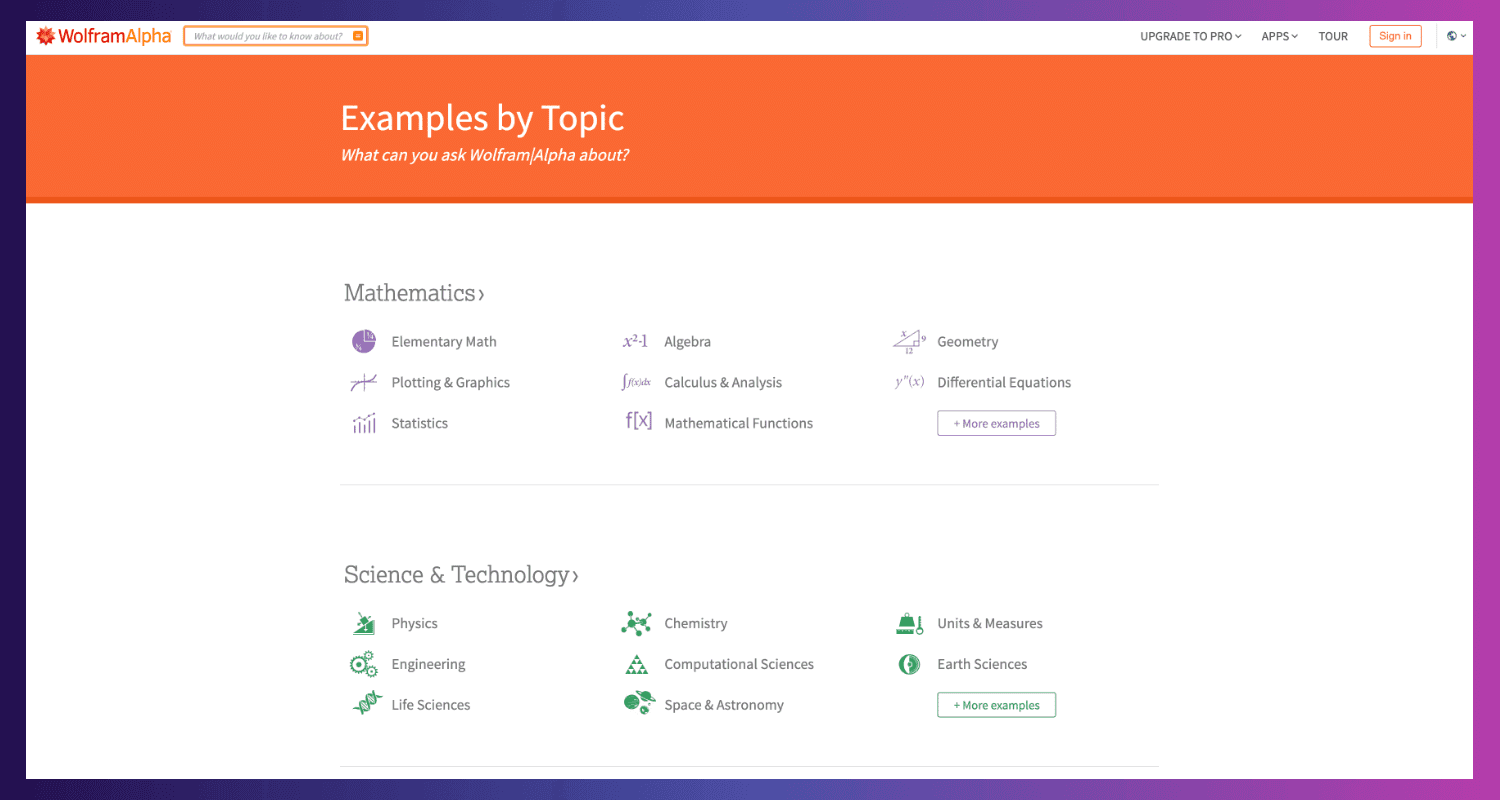
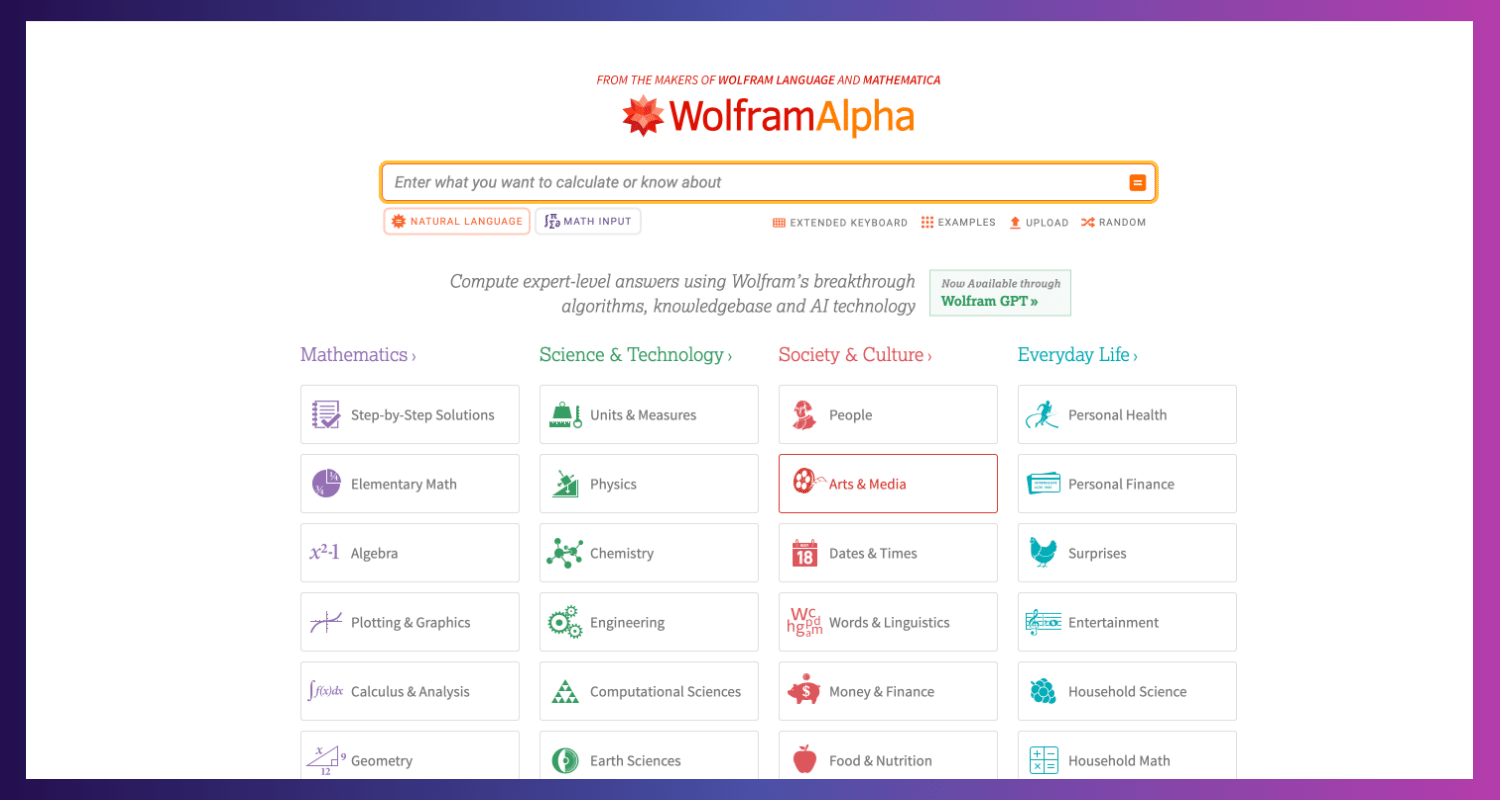
Computational knowledge engine Wolfram Alpha excels at solving challenging mathematical problems. It also delves into data analysis, extensive visualizations, and symbolic manipulation, in addition to solving basic equations.
Wolfram Alpha's Key Features
- Symbolic computation: Manages intricate mathematical formulas, carrying out operations and computations beyond basic numerical resolutions.
- Advanced equation solving: handles a variety of equations, such as integral, differential, trigonometric, and polynomial equations.
- Complex visualizations: This department produces a wide range of plots, charts, and graphs to illustrate data and mathematical ideas.
- Analyzes and interprets data sets to reveal patterns and insights.
- Suitable for professionals or advanced math students who need to solve complicated equations, do symbolic computing, or analyze complex data.
Wolfram Alpha's Pros and Cons
- Pros
- Robust symbolic computation is helpful for complex mathematical tasks.
- Produces complete, understandable visuals and educational graphical representations.
- Provides data analysis skills or features that go beyond solving math problems.
Cons
- To use the interface and features effectively, one may need a firm grasp of mathematical principles and go through a steep learning curve.
- The tool's full potential can only be accessed with a membership, as the free edition provides limited functionality.
Wolfram Alpha's Pricing
A free basic package is offered. The monthly cost of the Pro plan is $5.
4.2. MapleSoft
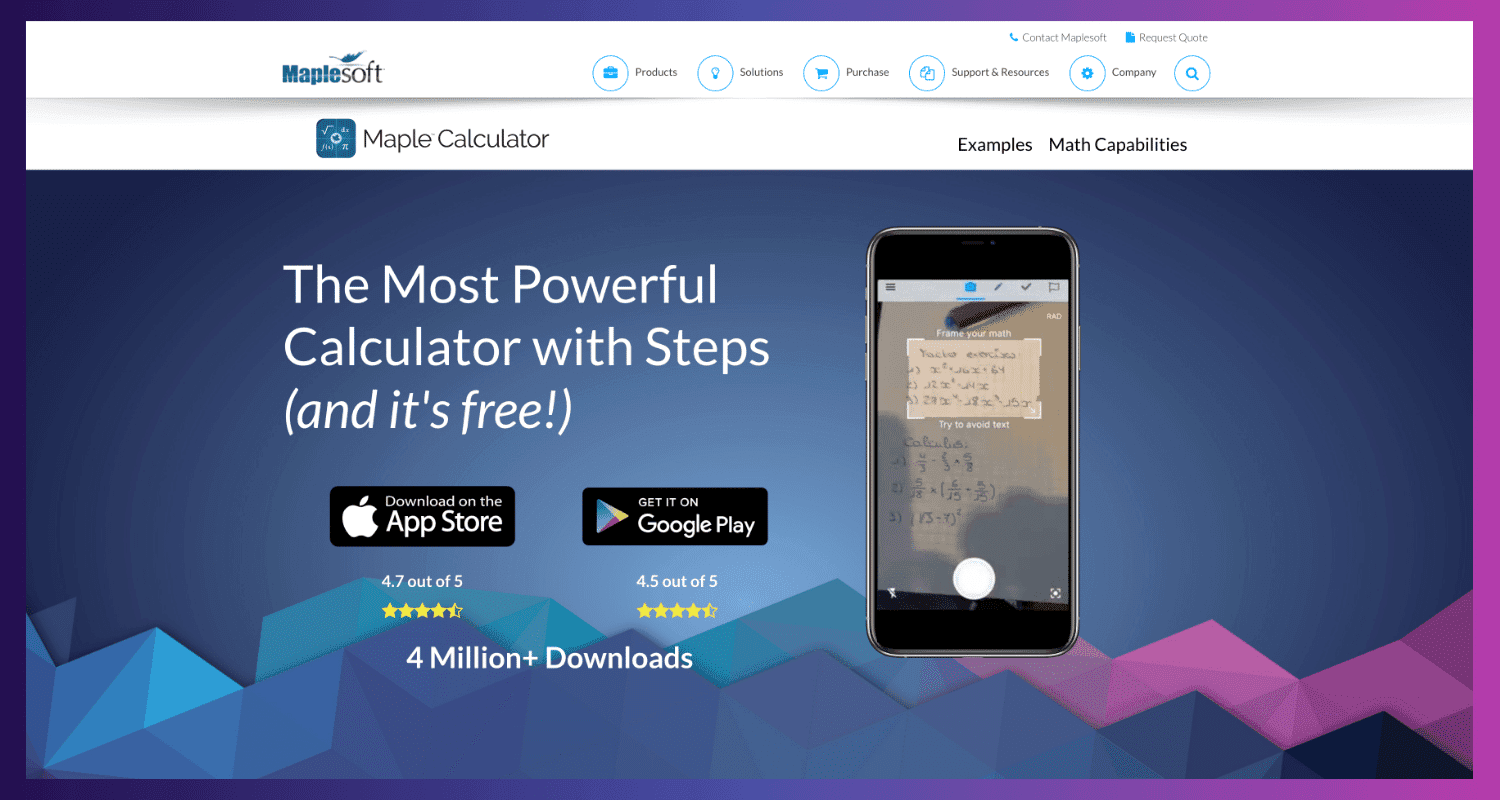
MapleSoft is a software application created especially for symbolic mathematics. It supports complex mathematical activities and provides an extensive programming, problem-solving, and visualization toolset.
MapleSoft's Key Features
- Computes and manipulates symbols in a complicated way through symbolic computation.
- Plotting, graphing, and mathematical visualizations are all produced with this visualization tool.
- Language integration: Works flawlessly with Python, C, C++, and other programming languages.
- It is perfect for researchers, engineers, or advanced math students who require a powerful tool for sophisticated mathematical visualizations, programming integration, and symbolic computing.
MapleSoft's Pros and Cons
Pros
- Using symbolic computation to solve complex mathematical problems.
- provides a range of tools for the creation of educational mathematical graphics.
- Integration of programming languages to improve workflows for coding-experienced users.
Cons
- Needs a solid background in mathematics and some programming experience.
- It has to be purchased to access all features.
MapleSoft's Pricing
Prices can vary depending on the license type; however, student licenses are $149 for a single purchase.
4.3. Microsoft Math Solver
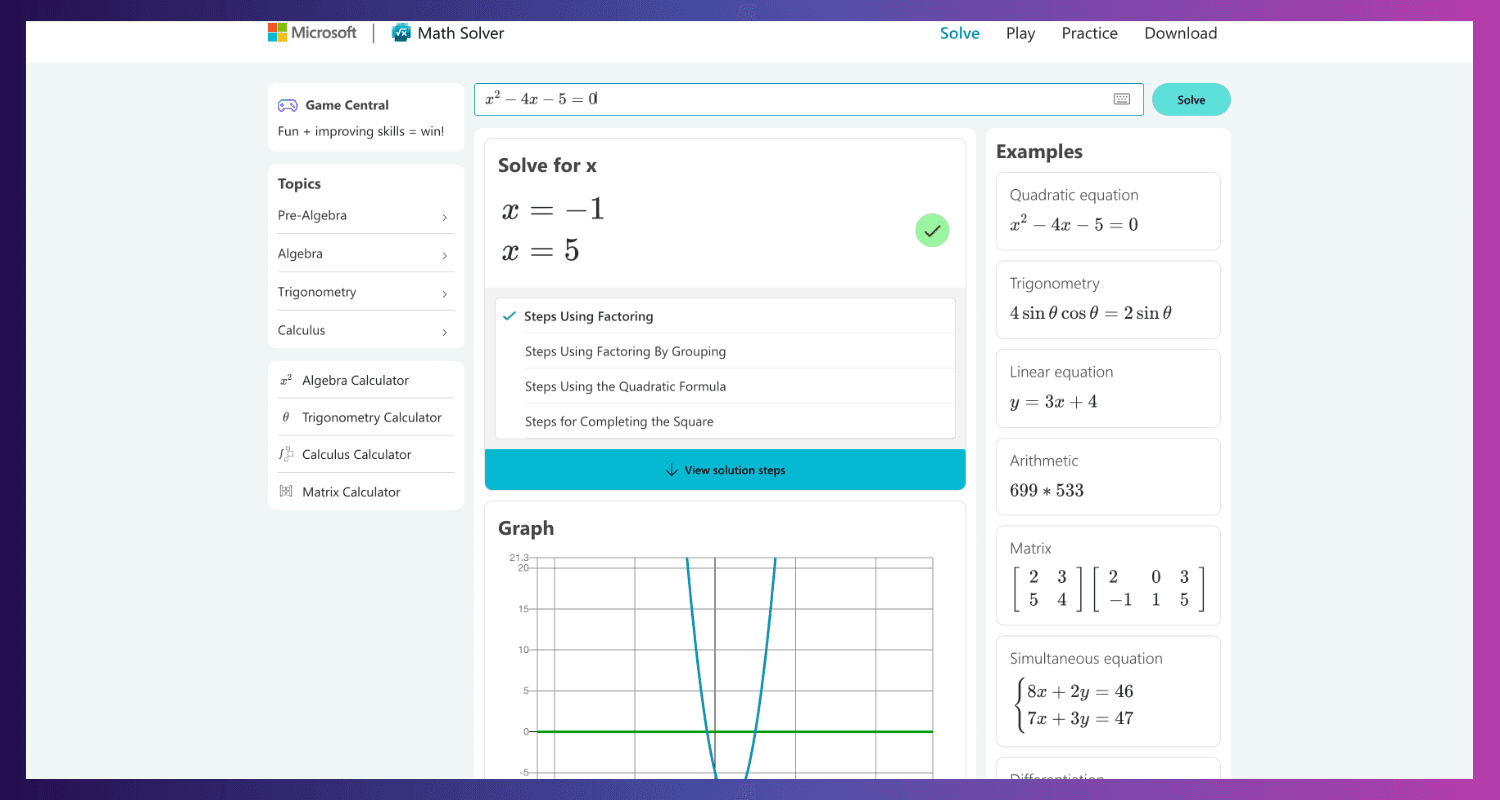
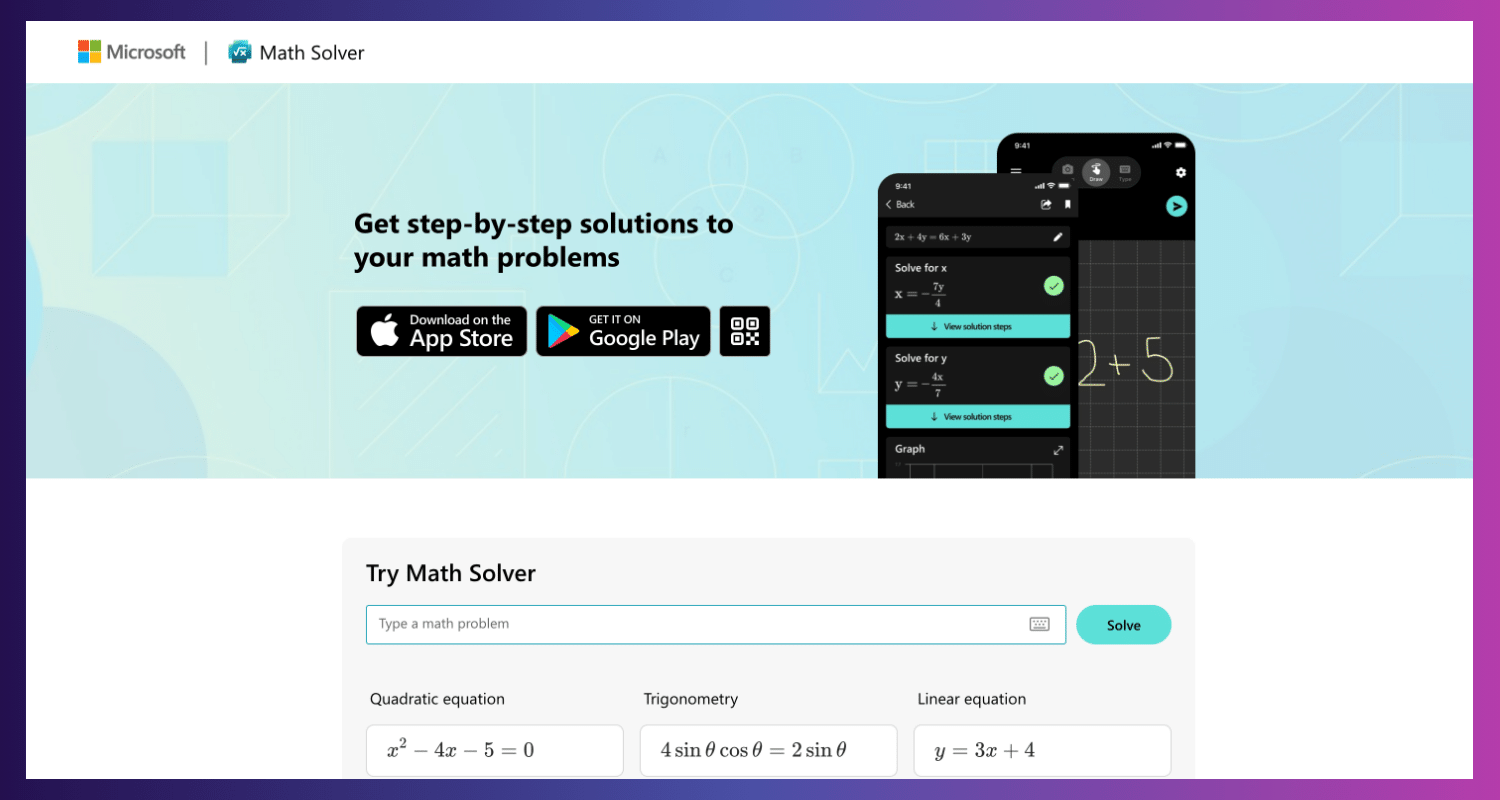
A free, approachable AI-powered program called Microsoft Math Solver was created to assist students of all ages with various mathematical issues. It provides a thorough problem-solving method, making it an invaluable addition to the resources of any math learner.
Microsoft Math Solver's Key Features
- AI-powered problem solving: This approach uses AI algorithms to identify and resolve various mathematical issues in various subject areas, such as statistics, trigonometry, algebra, and calculus.
- Detailed explanations: Each answer is explained in detail, step-by-step, and clearly and straightforwardly to help the reader grasp the reasoning behind the solution.
- Many ways of input: supports several input techniques, including a virtual keyboard for problem entry, camera scanning for written equations, and handwriting recognition.
- Interactive components (for some problems): Provides interactive charts, pictures, or puzzles comparable to improve comprehension of particular problem kinds.
It is perfect for pupils of all ages who want an easy-to-use tool with a variety of input options (text, picture capture, and handwriting recognition) to solve problems and receive detailed explanations.
Microsoft Math Solver's Pros and Cons
Pros
- Free and open to all users.
- A convenient, user-friendly interface with multiple input options.
- Provide detailed explanations that improve understanding.
- It provides more resources, such as video lectures and similar problems (subject to availability).
Cons
- It is unsuitable for really complex mathematics problems seen at advanced levels.
- The free edition may only provide limited explanations for specific complex topics.
- Exclusive to mobile applications.
Microsoft Math Solver's Pricing
It is available for free download in the App Store and Google Play Store.
4.4. Julius AI
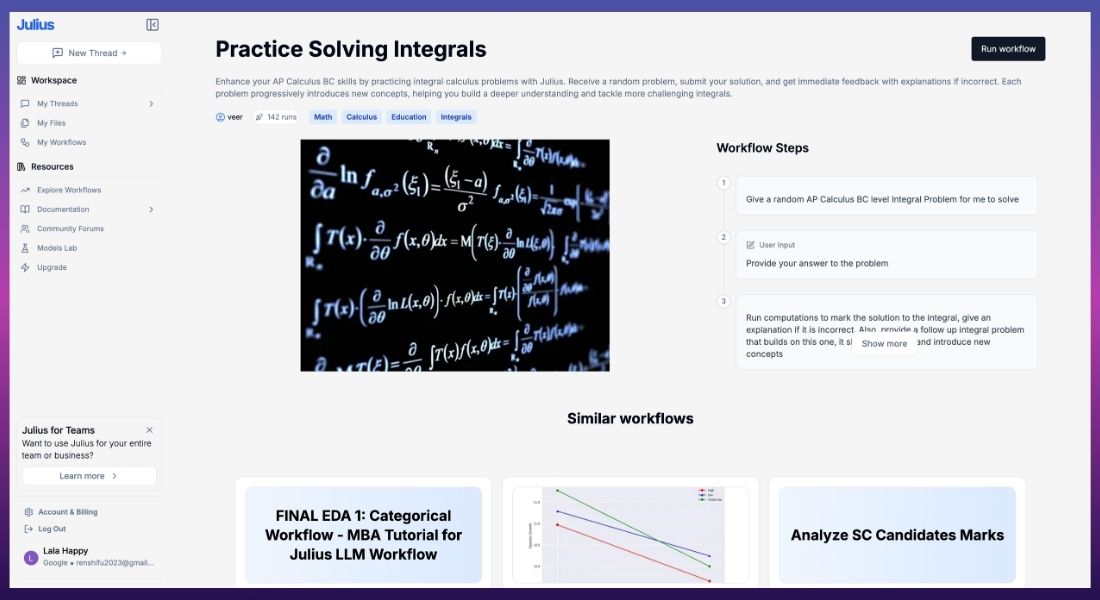
Julius AI is a next-gen, AI-powered math tutor. It offers personalized learning. Unlike traditional calculators, Julius guides users step by step. It's tailored to their needs. This helps them learn math concepts and solve complex equations. Its AI assistant creates an interactive environment. Users can ask detailed questions and get complete, real-time answers.
Key Features:
- It has real-time chats to help you understand math problems from the ground up.
- Personalized Tutoring: Adapts to your learning pace and suggests areas for improvement.
- Wide Math Coverage: Handles everything from basic arithmetic to advanced calculus and statistics.
- Multi-Device Compatibility: Access Julius AI across web and mobile platforms.
- User-Friendly Interface: The intuitive dashboard makes it accessible even for younger students.
Pros of Julius AI:
- Interactive learning experience with step-by-step solutions.
- AI-driven tutor provides personalized feedback.
- Supports a broad range of math topics including algebra, geometry, and calculus.
- Accessible via mobile and web, making it convenient for on-the-go learning.
Friendly and clean UI that makes learning less intimidating.
Cons of Julius AI:
- May require a paid plan for advanced features or longer sessions.
- Lacks detailed visualizations for graphing compared to tools like GeoGebra or Desmos.
- Limited offline features—requires an internet connection for AI tutoring.
Pricing for Julius AI:
- Free Plan: Basic functionality, limited session lengths, and fewer advanced features.
- Pro Plan: Usually $10-$15/month. It has unlimited sessions, personalized insights, and premium tutoring.
- Enterprise/Education Plan: Custom pricing for classrooms or large user bases. It has better collaboration and support features.
For more than a simple calculator, try Julius. It offers a fun, tutor-like experience. It's perfect for students, educators, and lifelong learners. This tool helps users prepare for exams and master new math topics. It offers interactive learning that builds confidence.
Here's a comprehensive comparison table for the AI math tools:
| Tool Name | Key Features | Pros | Cons | Pricing |
| Photomath | Solves math problems using the camera, step-by-step guide | Easy to use, detailed explanations | Limited without premium access | Free, in-app purchases |
| Symbolab | Online calculator for algebra, calculus, statistics | Extensive math topic coverage, step-by-step | Ads in the free version | Free, premium available |
| WolframAlpha | Computational knowledge engine for complex math | Handles complex queries, factual insights | Requires knowledge of math queries | Free, Pro plan available |
| Mathway | Covers multiple subjects (algebra, geometry, calculus) | Instant answers, supports a wide range | Detailed steps require premium | Free, premium available |
| Microsoft Math Solver | AI math solver with camera, handwriting, or keyboard input | Free, highly versatile, works offline | Limited advanced graphing options | Free |
| Cymath | Focuses on algebra and calculus, step-by-step solutions | Lightweight and quick solutions | Limited to basic math and calculus | Free, in-app purchases |
| Socratic by Google | AI educational app for homework help, including math | Engaging explanations, multiple subjects | Not specialized in advanced math | Free |
| GeoGebra | Dynamic math software for geometry, graphing, and algebra | Supports visualization, interactive UI | Can be overwhelming for beginners | Free |
| Desmos | Advanced graphing calculator | Excellent for visualizing graphs, free | Limited symbolic math features | Free |
| Maple | Symbolic and numeric computing environment | Professional-level tool, handles complex math | Expensive, requires installation | Paid, free trial available |
| MyScript Calculator | Handwriting-based math input, converts to digital text | Intuitive interface, fun to use | Limited features for advanced math | Free, in-app purchases |
| Julius AI | AI-powered tutor, personalized step-by-step guidance | Interactive, covers broad topics, cross-platform | Requires internet, paid features | Free plan, Pro plan $10–$15/month |
This table organizes the tools based on their unique strengths and helps readers make an informed decision based on their needs.
Math AI tools have completely transformed the way students approach mathematics. These clever friends can identify trouble areas, offer interactive exercises, cater to learners' unique learning styles, and give step-by-step explanations. However, it's crucial to remember that these arithmetic artificial intelligence tools work best when combined with more conventional teaching strategies like textbooks, in-class instruction, and teacher supervision. Through integrating these resources, learners can establish a robust groundwork in mathematical ideas, cultivate vital problem-solving abilities, and finally realize their complete potential in the fascinating realm of figures.
