




AI Journey Editorial Team · Updated September 2026 · 8 min read
If you run a small restaurant, a home bakery, a food truck, or a cloud kitchen, you already know the tradeoff. Delivery apps bring customers, but they also take a cut that keeps growing. A 2026 breakdown by Rezku puts DoorDash and Uber Eats delivery commissions at 15 to 30%, and once processing fees, promotions, and refunds are added in, the real cost often lands closer to 30 to 40% of the order. On a $50 order, that can leave a business with under $20 after fees and food cost.
You don't need a developer, a native app, or a big budget to fix this. A handful of AI tools now let you build your own digital menu and ordering page in an afternoon. Here's how, including where AI actually helps and where it doesn't.
What you'll need (all free to start)
- A phone with a decent camera
- An AI photo tool
- A QR menu platform
- A payment processor
- One AI writing or design tool for promotion
Setup time: 3 to 5 hours. You can start for $0, though actually collecting payment online usually means moving to a low-cost paid plan (more on that in Step 2 and Step 3).
Step 1: Clean up your menu photos with AI
Bad food photography is the main reason small menus look unconvincing online, and it's the main reason owners keep putting off launching. You don't need a photographer anymore. General AI photo tools, like the ones listed under aijourney.so's photo and design tools, can fix lighting and backgrounds from a phone photo in seconds. Some QR-menu platforms also bundle AI food photo generation straight into the menu builder, which skips this step entirely, though it's usually a paid feature (more on that below).
Practical tip: shoot 3 to 4 angles per dish in natural light before you touch any AI tool. Even a good model can't fix a badly lit source photo, only improve a decent one.
Step 2: Create a QR code menu without a developer
This used to mean hiring a web developer, submitting an app to the App Store, and waiting weeks. Not anymore.
QR menus are now the default in the industry. Adoption in restaurants and hospitality has reached roughly 75%, the highest of any sector tracked, and QR code usage overall grew 323% between 2021 and 2025, according to Wave Connect's QR code statistics report. Customers already expect to scan and order. What most small businesses are missing isn't demand, it's their own ordering page instead of one routed through a third-party app.
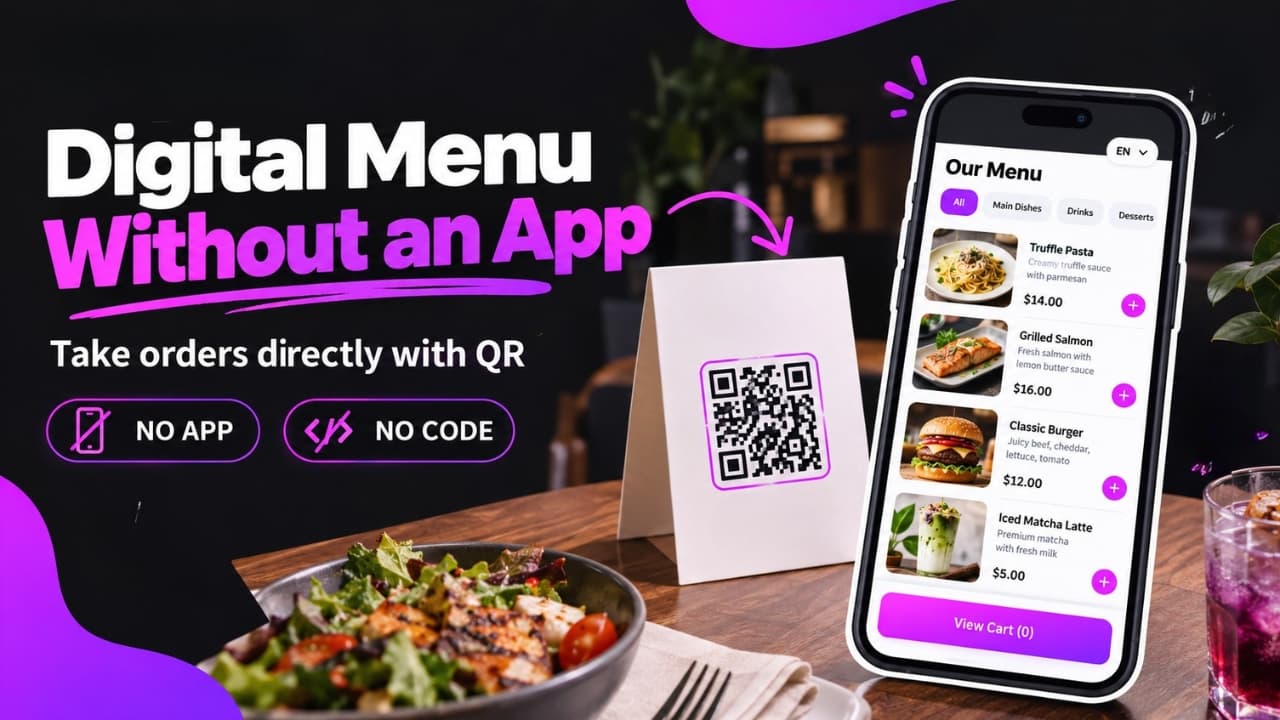
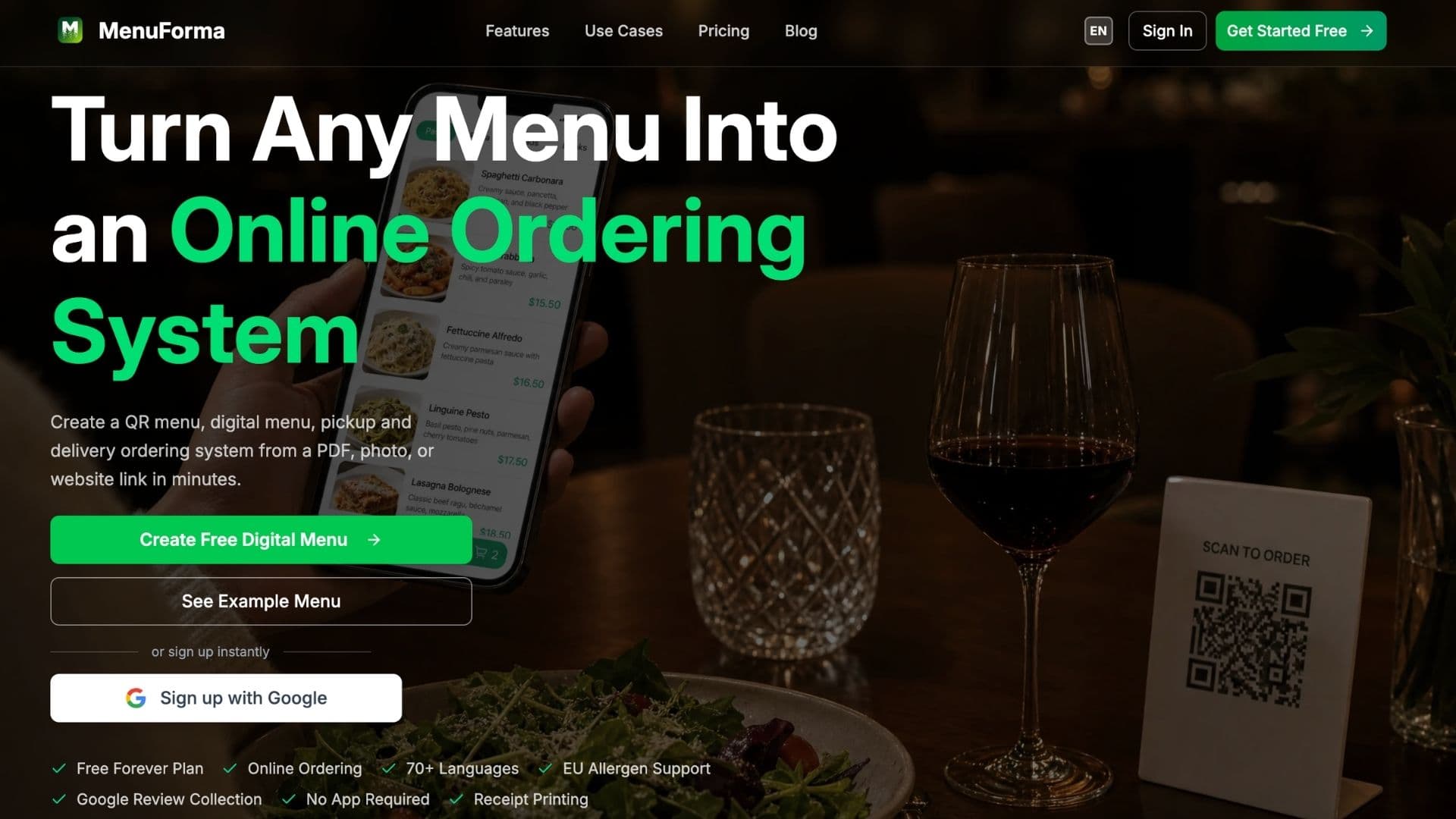
Tools built for this job, like MenuForma, let you turn a PDF, a set of photos, or a website link into a working QR menu in minutes. No code, no app. Depending on the platform, you typically get:
- Per-table or unified QR codes, plus tablet and kiosk display modes
- Built-in ordering for pickup, takeaway, or dine-in
- AI-generated food photography, if you skipped Step 1
- Automatic menu translation, useful in tourist or multilingual areas
Worth knowing before you commit: on MenuForma, the free plan covers the QR menu itself, table ordering, and one restaurant with your own uploaded photos. It does not include online payments, pickup or delivery ordering, AI-generated food photos, or analytics. Those sit behind the Regular plan, $9.90/month (about 20% less if you pay annually). That's still a fraction of what a single delivery-app commission costs on a handful of orders, but plan for it rather than assuming the free tier alone can replace a delivery app. If you manage several locations or need deeper POS integration, compare a couple of options rather than assuming the first tool you try is the right fit. aijourney.so's AI tools directory is a reasonable place to shortlist alternatives.
Step 3: Set up payments and multiple languages
Once your menu exists, you need a way to actually collect payment without routing it through a delivery app's checkout. This is usually the point where free tiers stop and a paid plan starts paying for itself: most QR-menu builders reserve online payment collection for a paid tier, connected through a processor like Stripe, which supports dozens of payment methods globally. Without it, customers can browse and place an order, but you're still collecting payment the old way, cash or card at the counter.
If your location gets tourist or expat traffic, turn on automatic translation if your platform offers it. A menu that only exists in one language quietly turns away every customer who can't read it. That used to mean hiring a translator per language. Now it's usually a toggle.
Step 4: Promote your new ordering page
A QR menu only works if people scan it. This is where a second AI tool earns its place. Don't lean on your menu platform for this part, use something built for content instead:
- For social captions and short promotional copy, a content tool like StoryLab.ai can turn "we now take direct orders" into a week of posts.
- For a simple logo or table-tent design, browse AI logo generators instead of hiring a designer for a one-page asset.
- More tools for this stage are grouped under AI Academy's content creation category.
Print the QR code on receipts, table tents, and your storefront window. The page doesn't sell itself. The first two weeks of visibility do most of the work.
Step 5: Check what's actually working
Most QR-ordering platforms include a basic analytics dashboard: which items get scanned, which convert to an order, and at what time of day. You don't need this data on day one, but check it after your first week. It's usually the fastest way to spot a menu item that's confusing people (low scans) versus one that's priced wrong (high scans, low conversion).
Frequently asked questions about digital menus and online ordering
Can I make a restaurant menu without an app?
Yes. QR-menu platforms generate a web-based menu accessible by scanning a code. Neither you nor your customers need to download anything.
How much does it cost to make a QR menu?
The QR menu itself is usually free. MenuForma's free plan covers the menu, table ordering, and one location with your own photos. Getting online payments, pickup or delivery ordering, AI-generated photos, and analytics requires its Regular plan, $9.90/month, or less if billed annually. Expect a similar split on most competing platforms: free for the basics, a low monthly fee for anything transactional.
What's the best free QR menu maker in 2026?
For a single location that just wants a QR menu and table ordering live today, MenuForma's free tier is a reasonable starting point, with the caveat that online payments and AI-generated photos require its $9.90/month Regular plan. If you run multiple locations or need POS integration, compare a couple of options before committing, since switching later means retraining staff.
How do I accept online orders without paying a delivery app commission?
Build your own ordering page (Step 2) connected to a payment processor like Stripe (Step 3). You keep the 30 to 40% that would otherwise go to commission, but you have to drive your own traffic to it, which is what Step 4 is for.
Is building your own ordering page worth it?
None of this replaces having good food. But the businesses holding up against rising delivery commissions are the ones with a direct channel to their customers, not just a listing inside someone else's app. With the AI tools available now, that channel takes an afternoon to set up, not a development budget.
Sources: Rezku, "Third-Party Delivery Fees in 2026"; Wave Connect, "QR Code Statistics 2026"; MenuForma; Stripe.
