








Introduction
GitHub Games are becoming a popular trend in 2025, making game creation easier than ever. With the support of powerful AI tools and no code platforms, anyone can build, customize, and publish games directly on GitHub. You do not need years of coding experience. AI can now handle many steps such as writing code, creating characters, adding music, and deploying projects through GitHub Pages games.
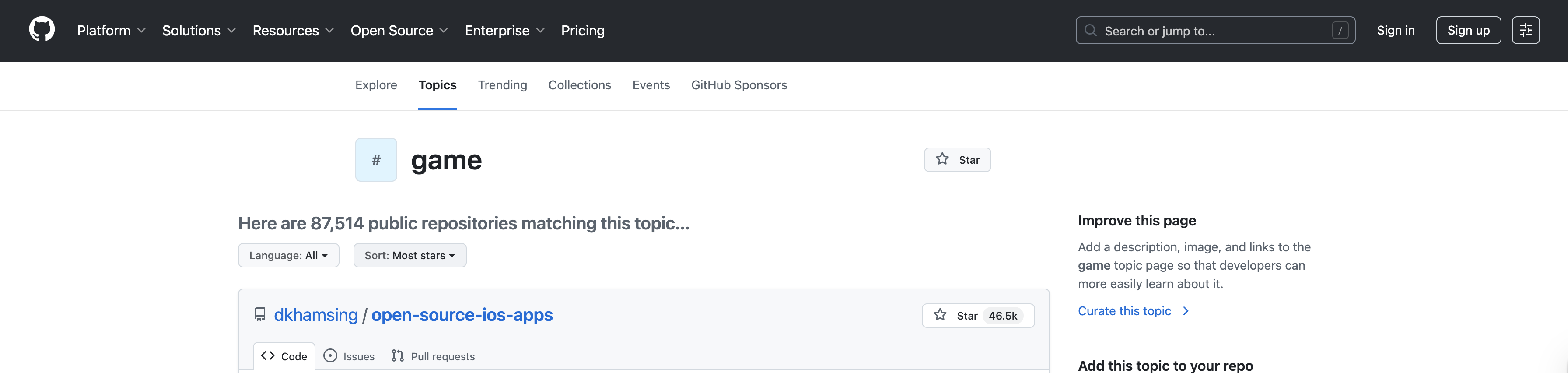
On GitHub, there are already more than 87,000 public repositories tagged with “game” (GitHub Topic: game), showing how active and creative the open source game community has become. At the same time, the global game development software market is expected to grow by more than 13 percent every year until 2030 (Grand View Research), and AI is one of the biggest drivers of this growth.
In this guide, we will explore the best AI tools for GitHub Games, explain how developers and beginners are using them, and share a simple roadmap to help you create your first project even if you have never coded before.
Why AI and GitHub Games Are a Game Changer
GitHub Games started as small open source projects, but the rise of AI tools has transformed how fast and how easily these games can be created. Instead of spending weeks learning to code, developers and even beginners can now use AI to write scripts, fix bugs, and generate new features in minutes.
AI is not only useful for coding but also for the creative side of game development. Tools powered by machine learning can generate characters, design levels, and even produce background music. Combined with the open source community on GitHub, this creates an environment where anyone can share, remix, and improve games at scale.
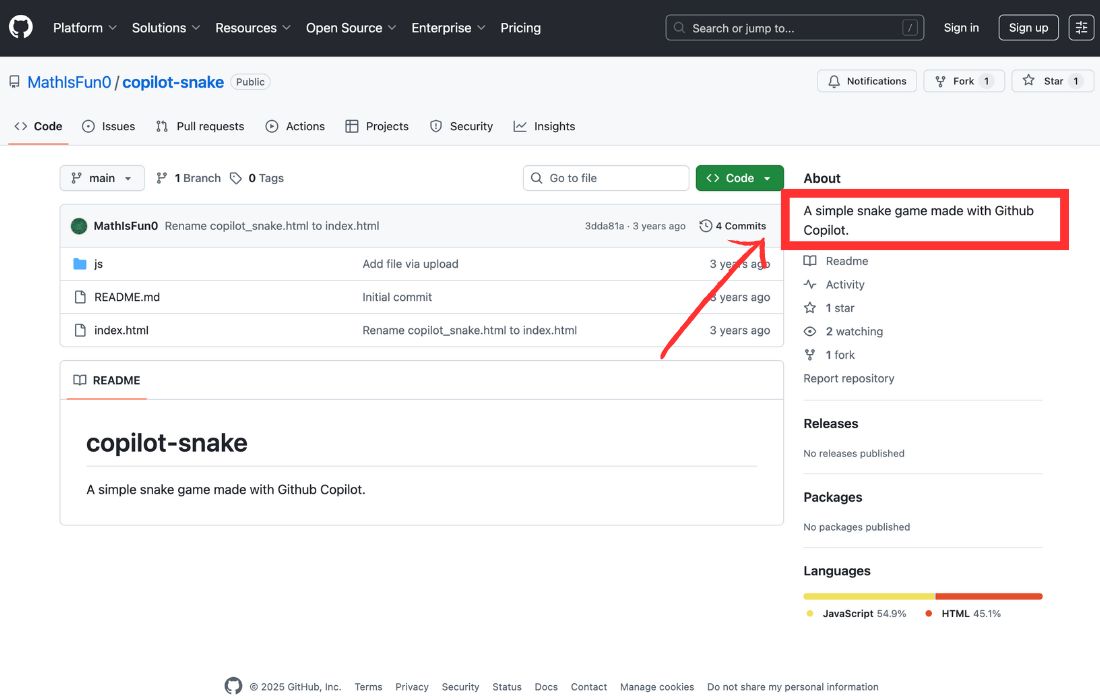
We can already see practical examples of this shift. A simple Snake game built with GitHub Copilot shows how AI can generate working game code quickly (copilot-snake on GitHub). Similarly, projects like functional-snake (Gaya/functional-snake) or AI-driven Tetris experiments such as rbehal/tetris.ai demonstrate how classic games can be recreated, automated, and deployed on GitHub Pages with AI support.
These examples highlight the real potential of combining AI with GitHub: what once required deep programming knowledge can now be achieved through prompts and community-driven collaboration.
Best AI Tools to Create and Automate GitHub Games
Creating GitHub Games has never been easier, thanks to the rise of AI-powered tools. These platforms speed up coding, automate repetitive tasks, and even handle creative work like graphics or sound design. Below, we group the best tools into categories so you can choose the right fit for your project.
AI Code Assistants
- GitHub Copilot:
- Best known for real-time code suggestions inside Visual Studio Code.
- Great for small projects like browser-based games (Snake, Flappy Bird, or Tetris).
- Example: copilot-snake shows how Copilot can generate a working Snake game in minutes.
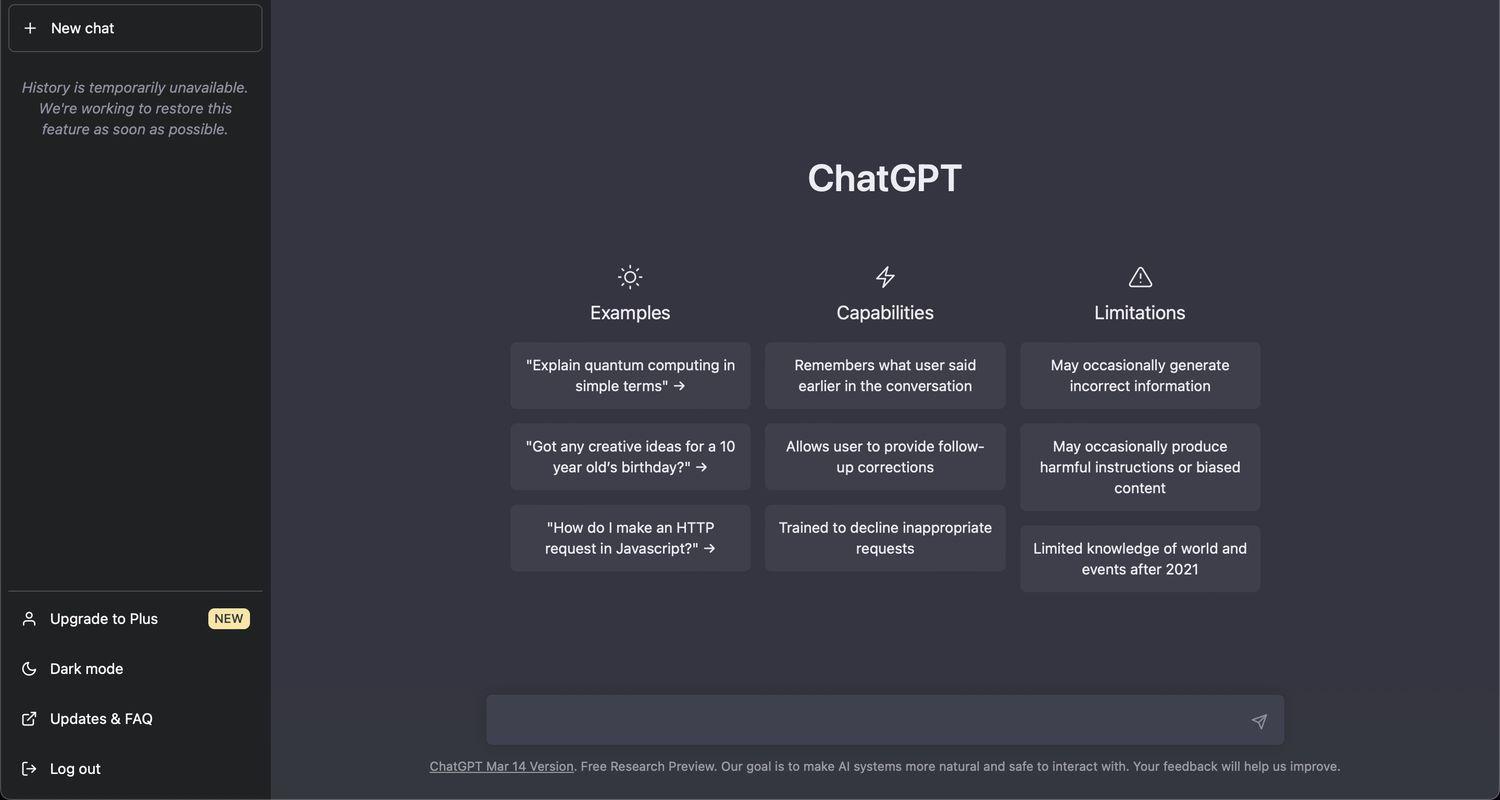
- ChatGPT:
- Can generate full project skeletons, explain tricky logic, or help debug errors.
- Ideal for beginners who need explanations alongside the code.
- Replit Ghostwriter:
- Combines AI code completion with an online IDE.
- Syncs directly with GitHub, so you can code, test, and deploy games in one place.
No Code and Low Code Game Builders
- GDevelop with AI Assistant:
- Drag-and-drop engine with AI support for scripting.
- Perfect for non-developers who want to publish games on GitHub Pages.
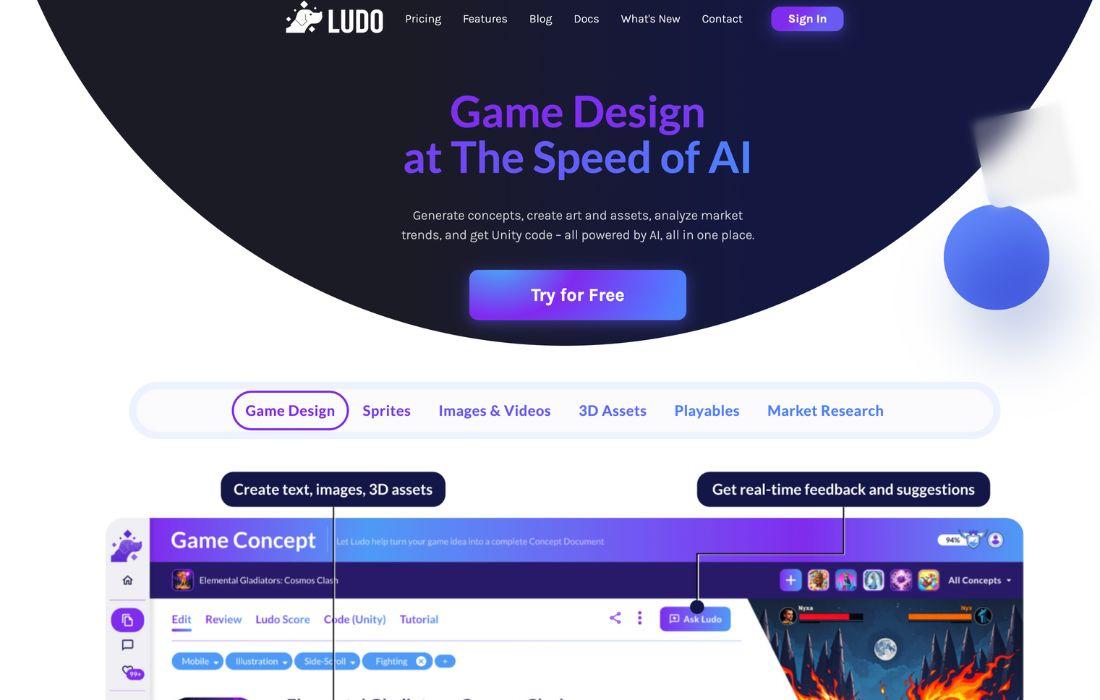
- Ludo.ai:
- Helps brainstorm game mechanics, level ideas, and prototypes.
- Works as an AI creative partner rather than a coding engine.
- Scenario:
- AI tool for generating characters, backgrounds, and items.
- Assets can be exported and added directly into your GitHub repo.
AI Asset Generators
- Stable Diffusion or Leonardo AI:
- Generate unique artwork for backgrounds, UI, or characters.
- Customizable prompts allow you to keep the game’s visual style consistent.
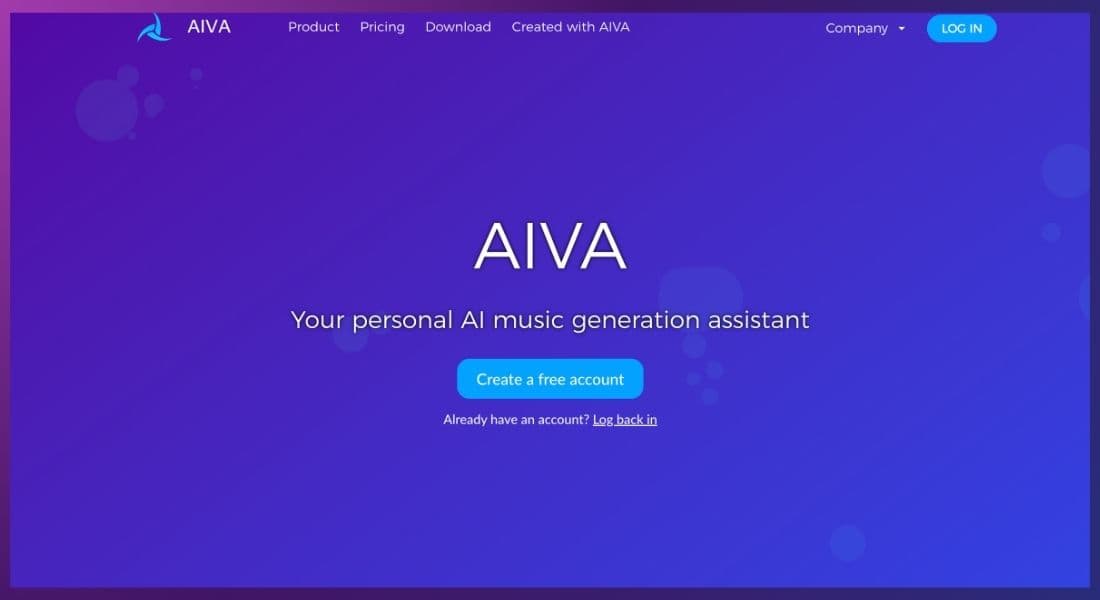
- Soundraw or AIVA
- AI music tools that create background tracks and sound effects.
- Removes the need for external audio libraries or copyright worries.
Automation and Deployment Tools
- GitHub Actions:
- Automates builds, testing, and deployment.
- For GitHub Games, this means pushing code and instantly updating your playable demo on GitHub Pages.
- Vercel with AI-powered workflows:
- Useful for projects that need server-side features or fast global deployment.
- Can integrate AI pipelines for asset generation and continuous delivery.
Step by Step Guide to Building a GitHub Game with AI
Making your first GitHub Game may sound complex, but with AI tools the process is surprisingly simple. Follow these steps to go from idea to a playable demo in just a few hours.
Step 1: Pick a Simple Game Idea
Start with something small and easy to test, such as Snake or Tetris. These classics are popular for a reason: they are simple to code and fun to play.
- Example: copilot-snake shows how a basic Snake clone can be generated with GitHub Copilot.
Step 2: Use AI to Generate the Base Code
Open your IDE (Visual Studio Code or Replit) and let an AI code assistant help you.
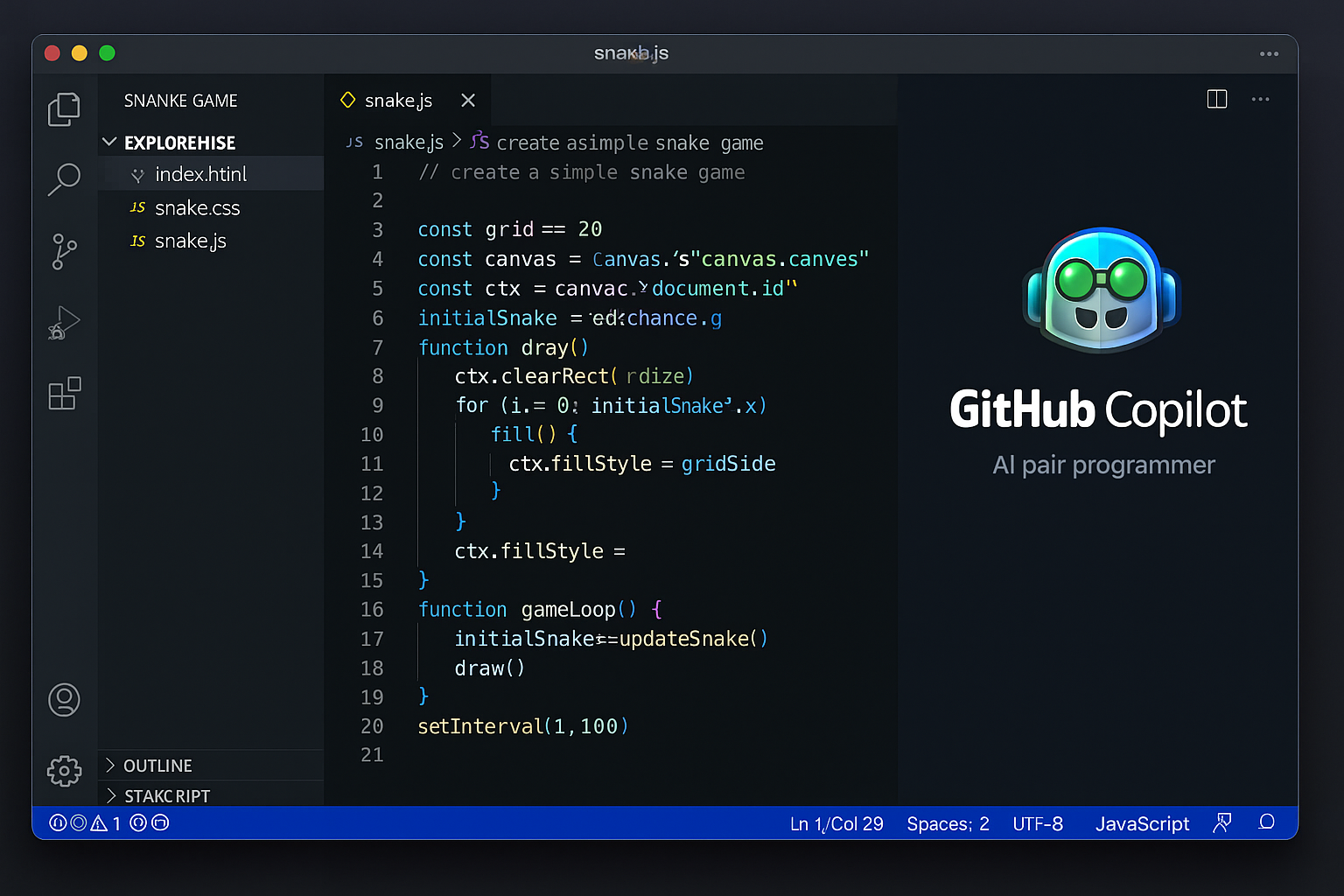
- With GitHub Copilot, write a short comment like “// create a simple snake game in JavaScript” and watch the code appear.
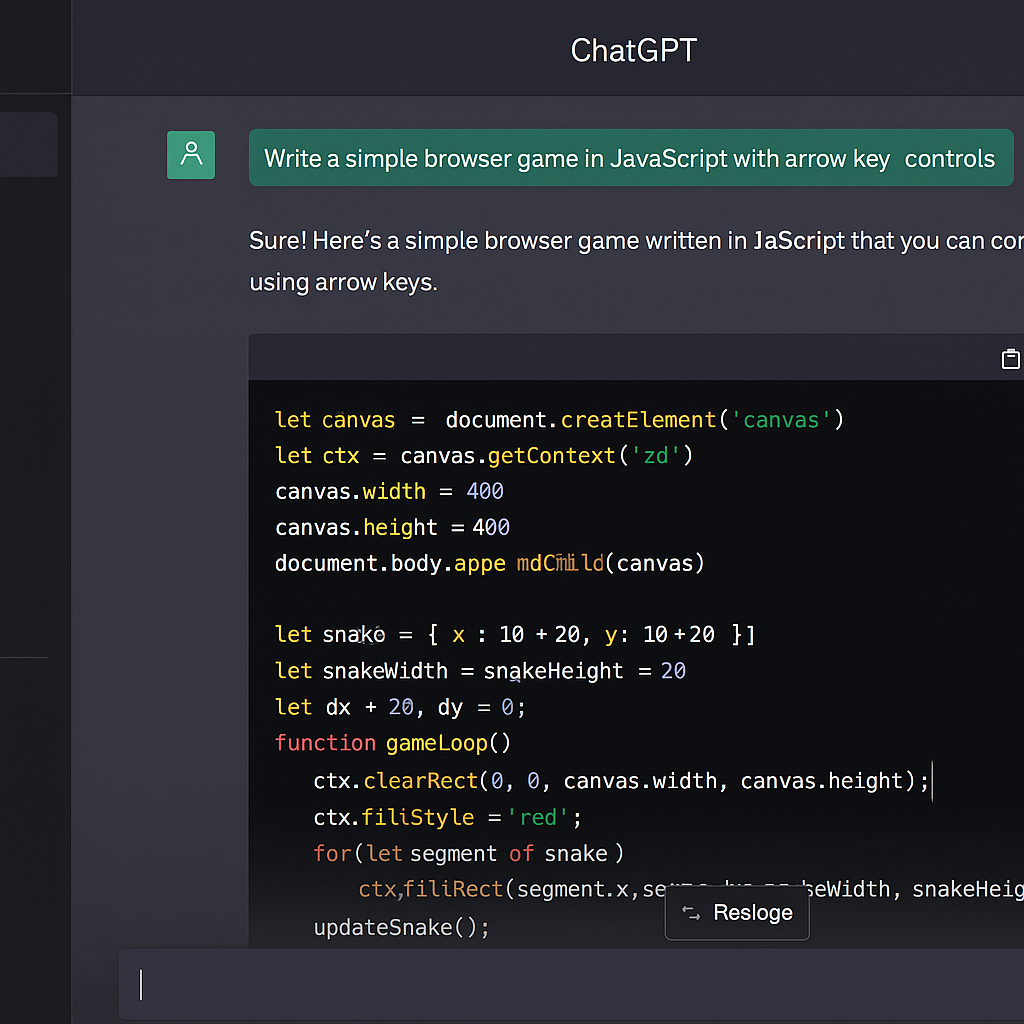
- With ChatGPT, you can prompt: “Write a playable Snake game in JavaScript with arrow key controls.”
Step 3: Add Assets with AI Generators
Use AI tools to create the visual and audio parts of your game.
- Generate pixel art or background images with Stable Diffusion or Leonardo AI.
- Create sound effects or background music with AIVA or Soundraw.
- Export the files and place them in your GitHub repository’s asset folder.
Step 4: Deploy Your Game on GitHub Pages
Once the code and assets are ready, push your project to a GitHub repository.
- Go to the repository settings → Pages → enable GitHub Pages → select your branch (usually
main). - In seconds, you’ll get a public URL where anyone can play your game.
- Example: Gaya/functional-snake is a Snake game running live on GitHub Pages.
Step 5: Improve and Automate
Add GitHub Actions to your repo to automatically rebuild and deploy the game whenever you make changes. This means you can tweak code or generate new assets with AI, push updates, and see them live instantly.
- Example: rbehal/tetris.ai shows how developers experiment with automating Tetris gameplay using AI.
👉 With these steps, anyone can create a basic GitHub Game using AI tools. The key is to start small, learn how AI fills the gaps, and then grow your project with community input.
Challenges and Limitations
While AI tools make building GitHub Games faster and more accessible, there are still some important challenges to keep in mind.
Code Quality and Bugs
AI-generated code is often functional but not perfect. You may run into inefficient logic, broken loops, or compatibility issues with browsers. For example, the copilot-snake project works, but still needs human review to ensure smooth performance.
Game Complexity
AI can handle simple projects like Snake or Tetris, but more advanced features—such as multiplayer, physics engines, or 3D graphics—still require experienced developers. Building a full-scale indie title cannot yet be done with AI alone.
Asset Ownership and Licensing
AI-generated images, music, or sound effects may raise questions about copyright. Platforms like Scenario allow you to generate custom assets, but creators should always check usage rights before publishing a game.
Learning Curve for Beginners
AI reduces the need to code line by line, but you still need to understand basic concepts like repositories, commits, and file structure. Without this foundation, beginners may feel stuck when things go wrong.
Project Maintenance
Most GitHub Games are side projects and may not be updated regularly. If the underlying libraries change or GitHub Pages updates its system, old repos can break without ongoing maintenance.
👉 These challenges do not mean AI and GitHub Games are a bad idea. Instead, they highlight why human creativity and oversight are still essential. AI can save time and lower barriers, but real developers and hobbyists must guide the process to ensure lasting quality.
The Future of AI and GitHub Games
The combination of AI tools and GitHub Games is still in its early stages, but the potential is huge. As AI becomes more advanced, we can expect even more automation in game development, from idea generation to full project deployment.
For indie developers, this means faster prototypes and more time to focus on creativity rather than debugging. For beginners, it means the chance to learn coding concepts while building fun, interactive projects. Platforms like GitHub Copilot and ChatGPT will continue to lower the barriers, while no code builders like GDevelop and AI asset creators such as Scenario or Leonardo AI will expand what is possible without writing a single line of code.
We may also see a new wave of community-driven projects, where people from different backgrounds collaborate on GitHub, remixing each other’s games and adding AI-generated improvements. Just as open source changed software, AI could reshape how games are built, shared, and played in the open source world.
FAQs about GitHub Games and AI
What are GitHub Games?
GitHub Games are open source projects hosted on GitHub that you can play in the browser or download to your device. Many are simple browser-based games, such as Snake or Tetris, which can be shared, forked, and improved by the community.
Can AI really create GitHub Games?
Yes. AI tools like GitHub Copilot and ChatGPT can generate working game code with just a prompt. For example, copilot-snake is a simple Snake clone created with AI assistance. However, AI code often requires human review and refinement.
Do I need to know coding to build a GitHub Game?
Not necessarily. With AI code assistants and no code platforms like GDevelop, you can build and deploy simple GitHub Games even without prior coding knowledge. AI can guide you through setup, asset creation, and deployment.
How do I deploy a GitHub Game?
You can use GitHub Pages to host browser games. Push your code to a GitHub repository, enable Pages in the settings, and you’ll get a live link to share your game. Many existing projects, such as functional-snake, are hosted this way.
Are AI-generated assets safe to use in GitHub Games?
It depends on the tool. Some AI platforms grant full commercial rights, while others may have restrictions. Always check the license before using AI-generated images, music, or sound effects in your GitHub Games.
What are the limitations of AI in game development?
AI excels at generating base code, assets, and ideas, but it struggles with complex game mechanics, large-scale projects, and performance optimization. Human developers are still needed to polish, optimize, and maintain games over time.
Conclusion
GitHub Games show us how open source and AI can come together to make game development faster, easier, and more creative. What used to require months of coding and design can now be prototyped in hours with the help of AI code assistants, no code platforms, and automated deployment tools. From classic projects like copilot-snake to more advanced experiments such as tetris.ai, we are already seeing how AI is reshaping the way games are built and shared on GitHub.
The future is clear: AI will not replace human creativity, but it will lower barriers and open doors for more people to create and collaborate. Whether you are a beginner looking to learn or a developer searching for faster workflows, AI tools can help you bring your ideas to life.
👉 If you are ready to explore, start small. Build a simple Snake or Tetris clone with AI support, deploy it on GitHub Pages, and share it with the community. And for more guides, tools, and insights on AI in action, visit us at AIJourney.so.
