






Introduction
Managing projects has never been easier thanks to the advent of AI-powered tools. These platforms not only streamline workflows but also enhance productivity through automation and intelligent assistance. In this blog post, we’ll review some of the best AI project management tools available today, including their features, pricing, and unique highlights.
1. Taskade
Introduction:
Taskade is an all-in-one productivity platform designed to simplify task and project management. It supports multiple views such as lists, boards, calendars, mind maps, org charts, and action views. Its robust collaboration features include unlimited sharing and integrated video chat, making it ideal for both individual users and teams.
Pros and Cons:
Pros:
- Multiple view options to suit diverse workflows.
- Integrated AI tools like a chatbot, project assistant, and workflow automation.
- Collaboration-friendly with features like video chat and unlimited sharing.
- AI assistant for brainstorming and task coordination.
Cons:
- May feel overwhelming for beginners due to its extensive feature set.
- Some advanced AI tools are available only in premium plans.
Price:
- Free plan available with basic features.
- Premium plans start at $9 per user per month.
Score:
9/10
Highlight:
Taskade stands out for its versatility and integrated AI capabilities, making it a powerful tool for managing projects and enhancing team collaboration.
2. Monday.com
Introduction:
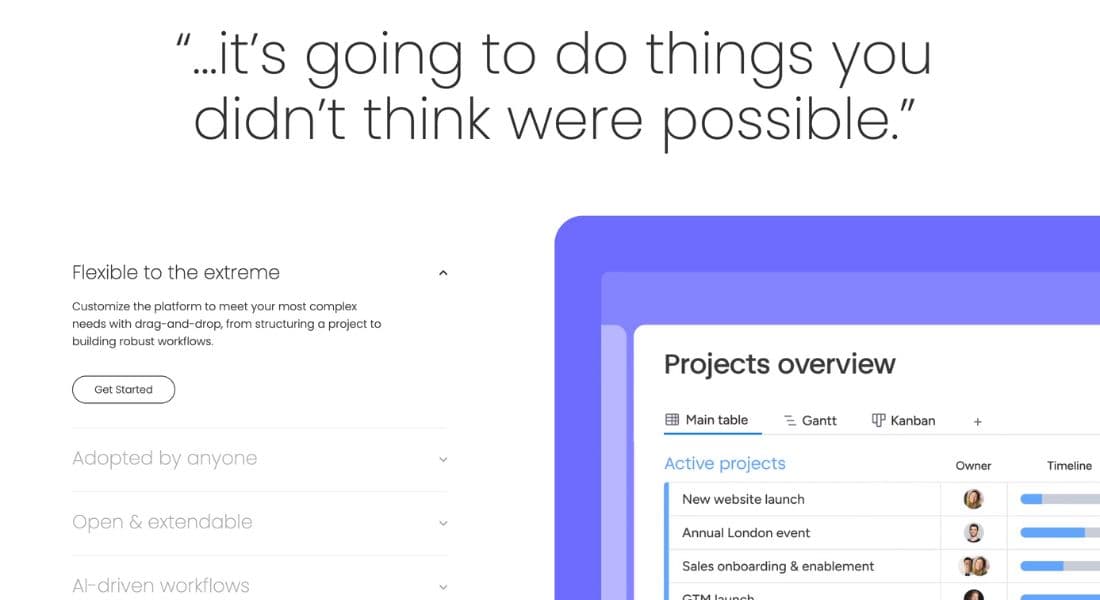
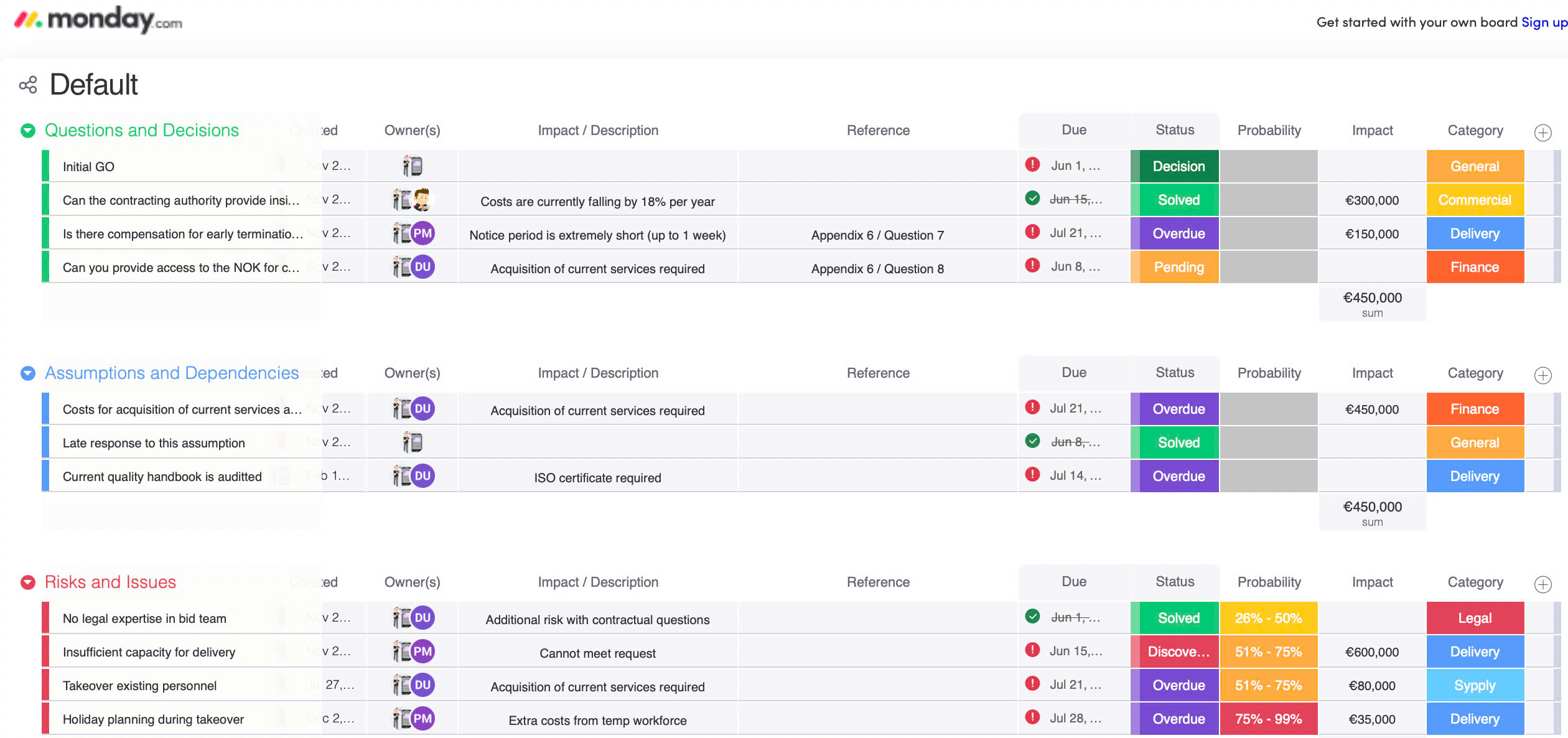
Monday.com is a dynamic work management platform that enables teams to plan, organise, and execute projects with ease. It provides robust features like task prioritisation, responsibility assignment, and milestone tracking, supported by real-time dashboards and custom reports.
Pros and Cons:
Pros:
- Comprehensive task management tools from start to finish.
- Real-time dashboards for tracking progress.
- AI assistant for generating tasks, summaries, and formula support.
- Extensible platform for building custom AI apps via Monday WorkOS.
Cons:
- Higher pricing compared to some competitors.
- Requires initial setup and training for optimal use.
Price:
- Basic plans start at $8 per user per month.
- Pro plans with advanced features start at $16 per user per month.
Score:
8.5/10
Highlight:
Monday.com’s ability to integrate third-party AI apps and support for custom AI app development make it a standout choice for innovative teams.
3. SmartSuite
Introduction:
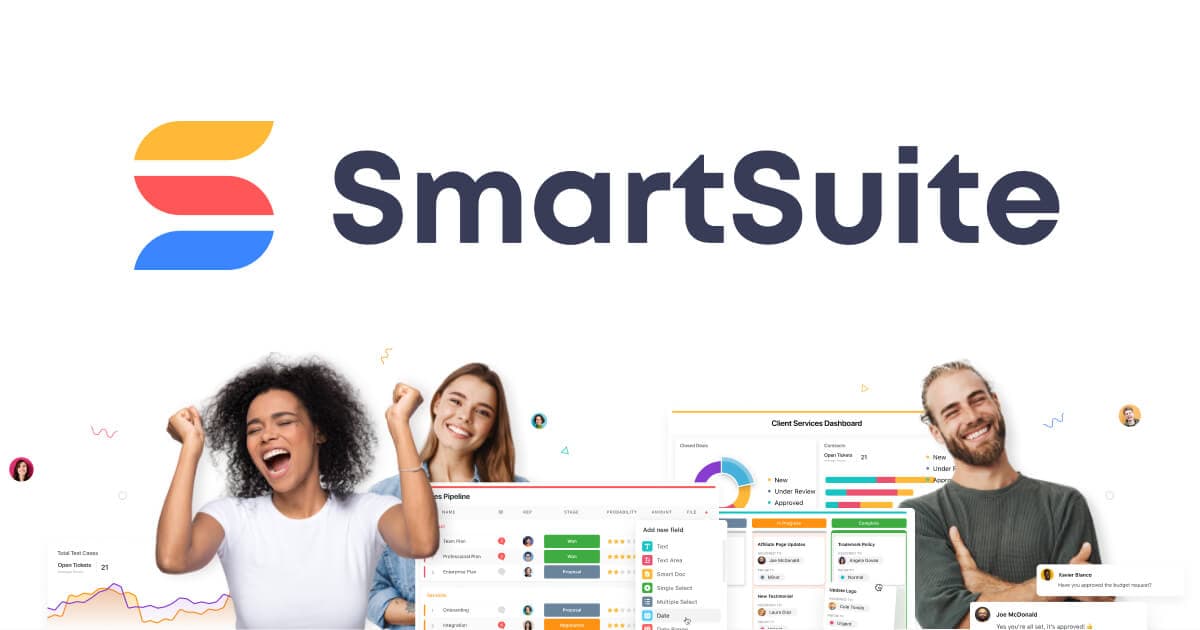
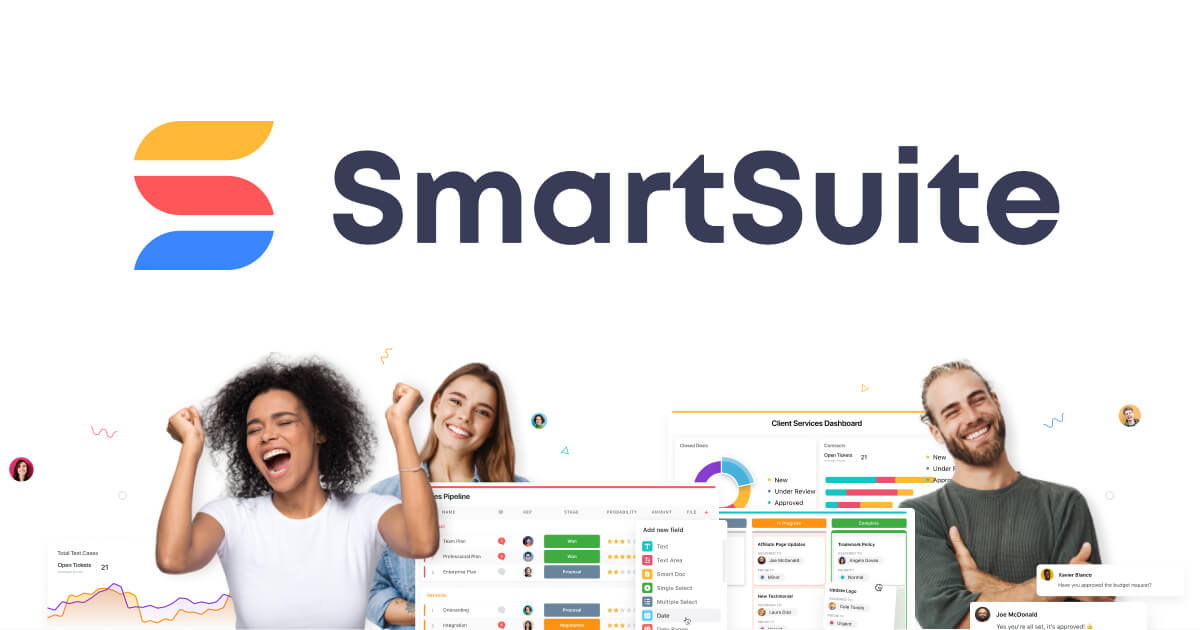
SmartSuite is a project management tool that combines traditional features with cutting-edge AI technology. It includes an AI-powered project assistant for real-time insights and predictive analytics.
Pros and Cons:
Pros:
- AI-powered project assistant with advanced recommendations.
- Real-time insights and predictive analytics.
- Effective risk prediction capabilities.
Cons:
- Limited customization options compared to competitors.
- Higher learning curve for users unfamiliar with predictive analytics.
Price:
- Plans start at $10 per user per month.
Score:
8/10
Highlight:
SmartSuite excels in predictive analytics and risk management, making it ideal for complex projects requiring foresight.
4. Motion
Introduction:
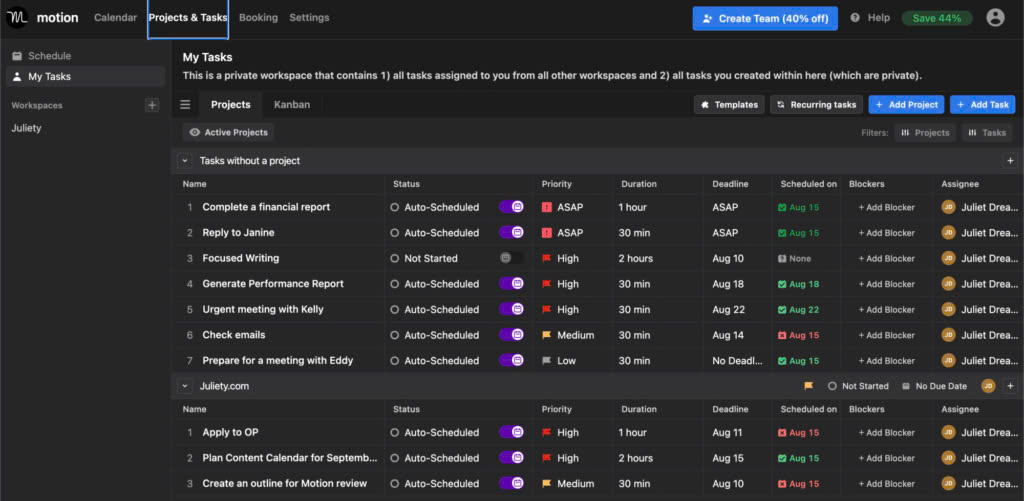
Motion is an all-in-one productivity platform that integrates meetings, projects, and tasks into team calendars. Its standout feature is automated project planning, which personalises schedules for team members.
Pros and Cons:
Pros:
- Integrates project work directly into calendars.
- Automates up to 90% of project planning.
- Efficient and time-saving for team coordination.
Cons:
- Lacks some advanced project tracking features found in competitors.
- Limited integrations with external tools.
Price:
- Plans start at $19 per user per month.
Score:
8.5/10
Highlight:
Motion’s automated planning is a game-changer for teams looking to streamline scheduling and task management.
5. ClickUp
Introduction:
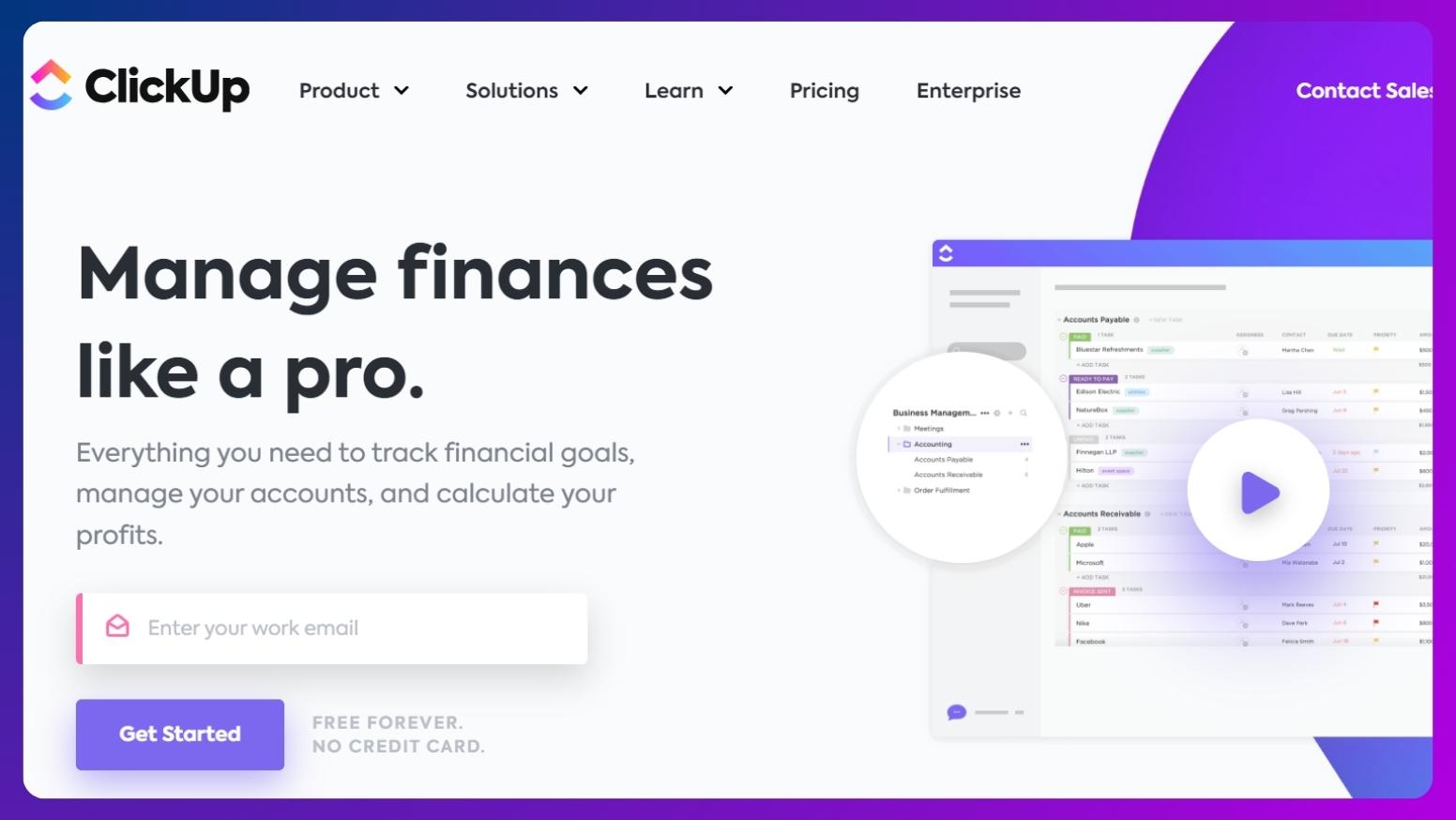
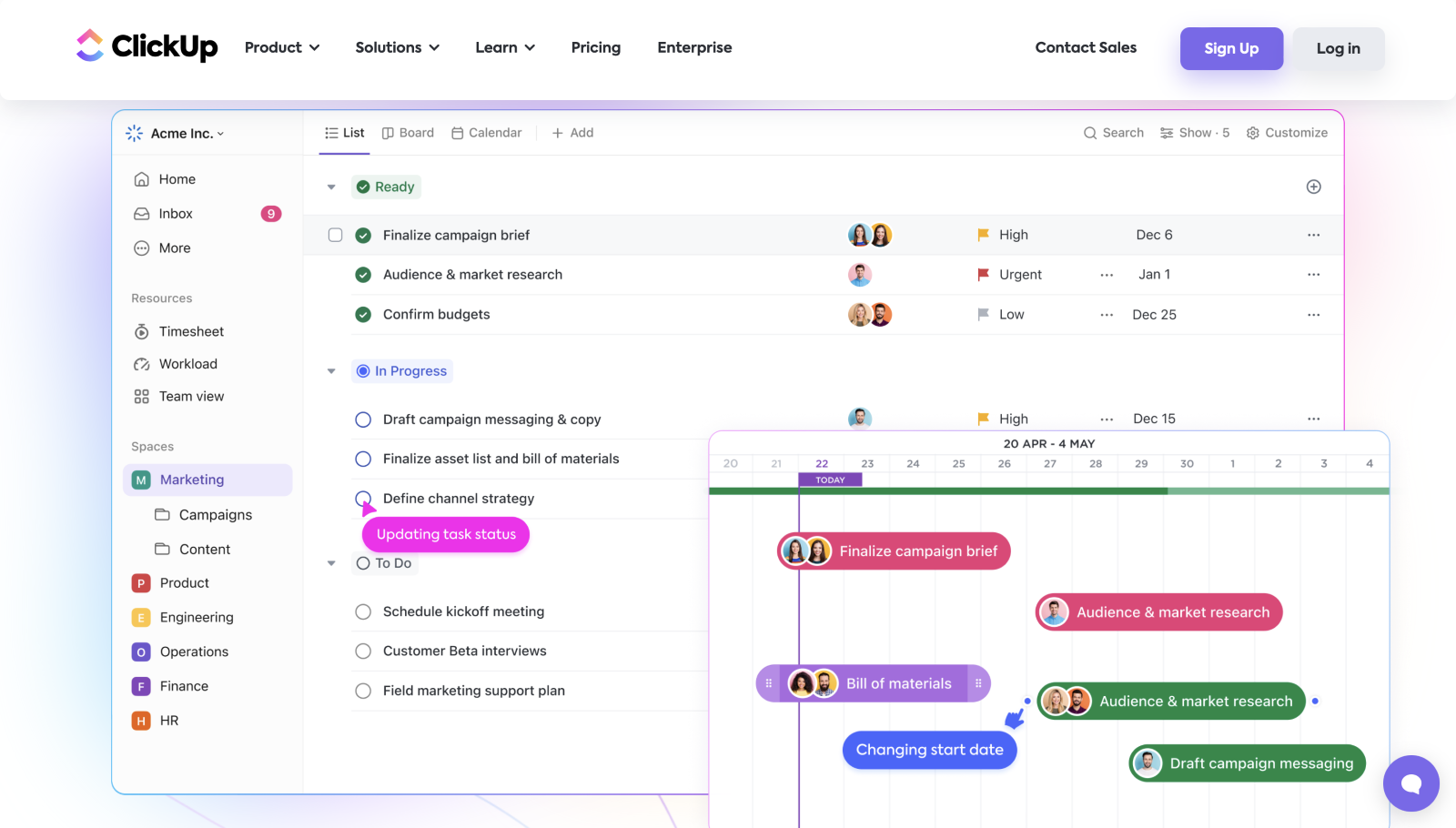
ClickUp is a centralised workspace designed to bring together work from various applications. It features ClickUp AI, which offers multilingual translations, document summaries, and over 100 role-based AI-powered prompts.
Pros and Cons:
Pros:
- AI tools for translations and document summaries.
- Customisable project views and advanced automations.
- Comprehensive workspace with whiteboards, docs, and mind maps.
Cons:
- Can feel cluttered with too many features.
- Occasional lag in larger projects.
Price:
- Free plan available with limited features.
- Premium plans start at $5 per user per month.
Score:
9/10
Highlight:
ClickUp’s combination of AI capabilities and extensive customisation options makes it an excellent choice for diverse teams.
6. Notion
Introduction:
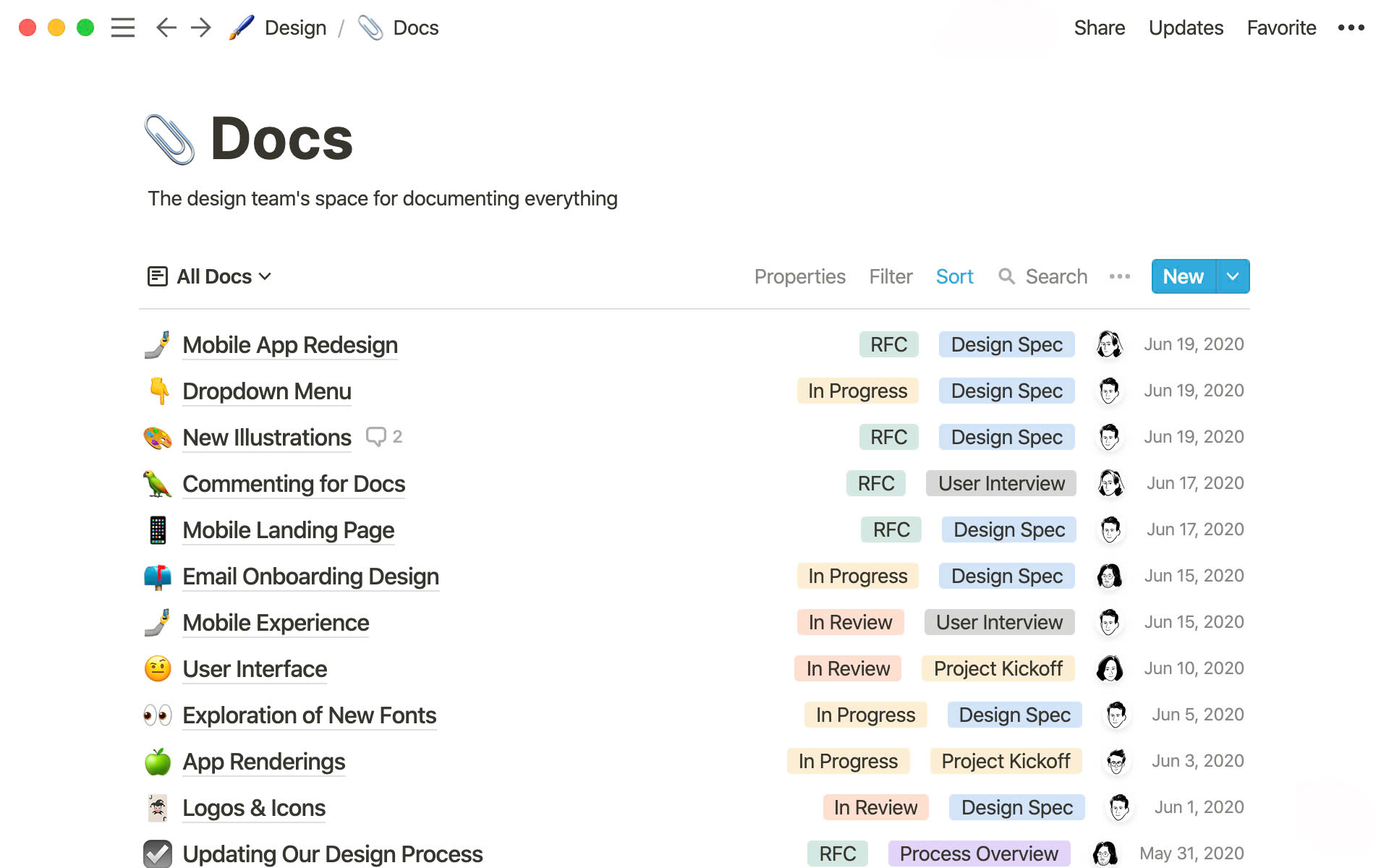
Notion is a flexible workspace for teams to collaborate and organise their work. It uses a block-based system for creating and managing content and includes an AI writing assistant for enhanced productivity.
Pros and Cons:
Pros:
- Highly customisable block-based workspace.
- AI writing assistant for grammar, style suggestions, and more.
- Ideal for creating and sharing roadmaps and project progress.
Cons:
- Limited advanced project management tools.
- Steeper learning curve for new users.
Price:
- Free plan available.
- Paid plans start at $8 per user per month.
Score:
8.5/10
Highlight:
Notion’s flexibility and AI writing assistant make it a top pick for content-heavy projects and teams.
7. Project.co
Introduction:
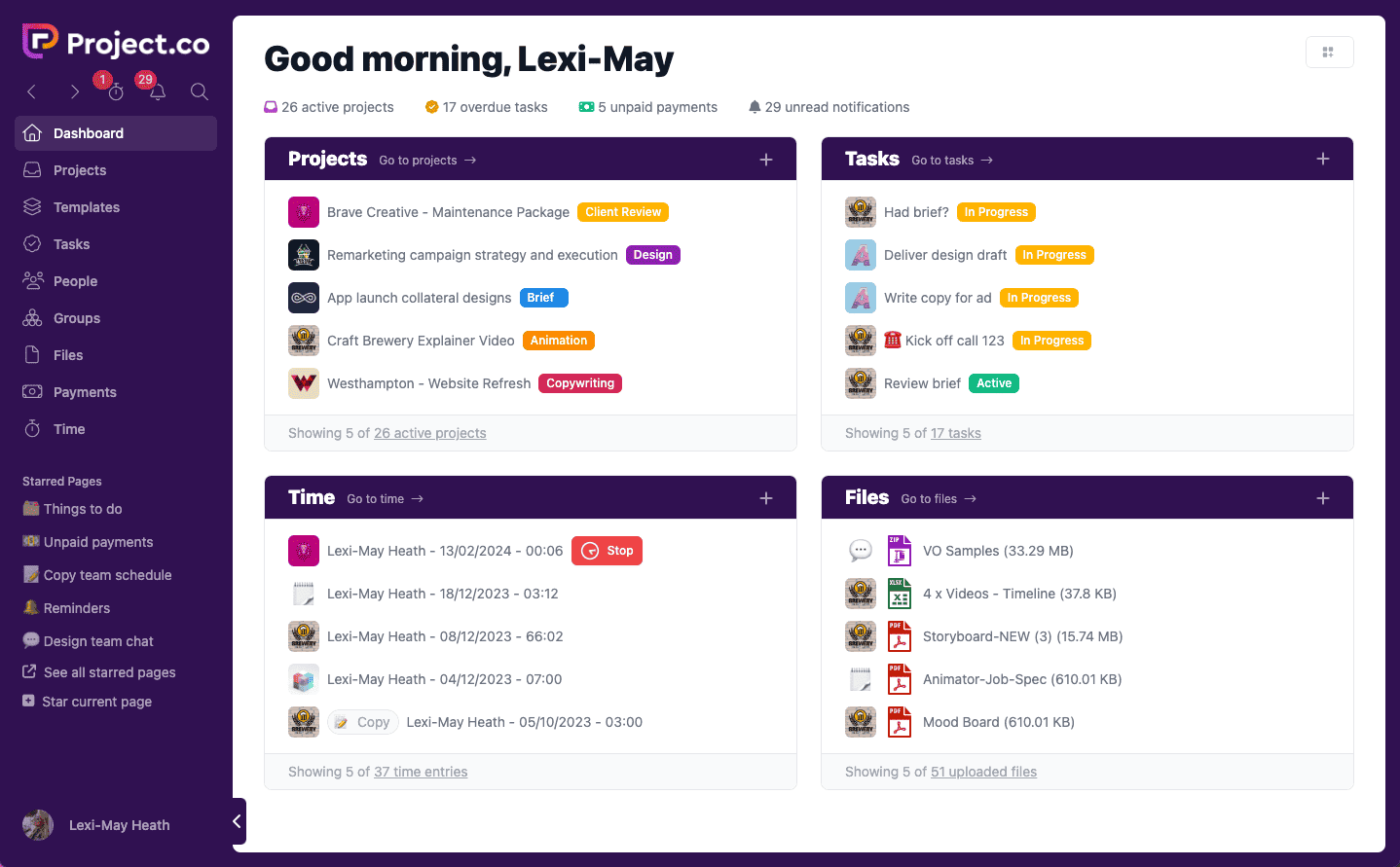
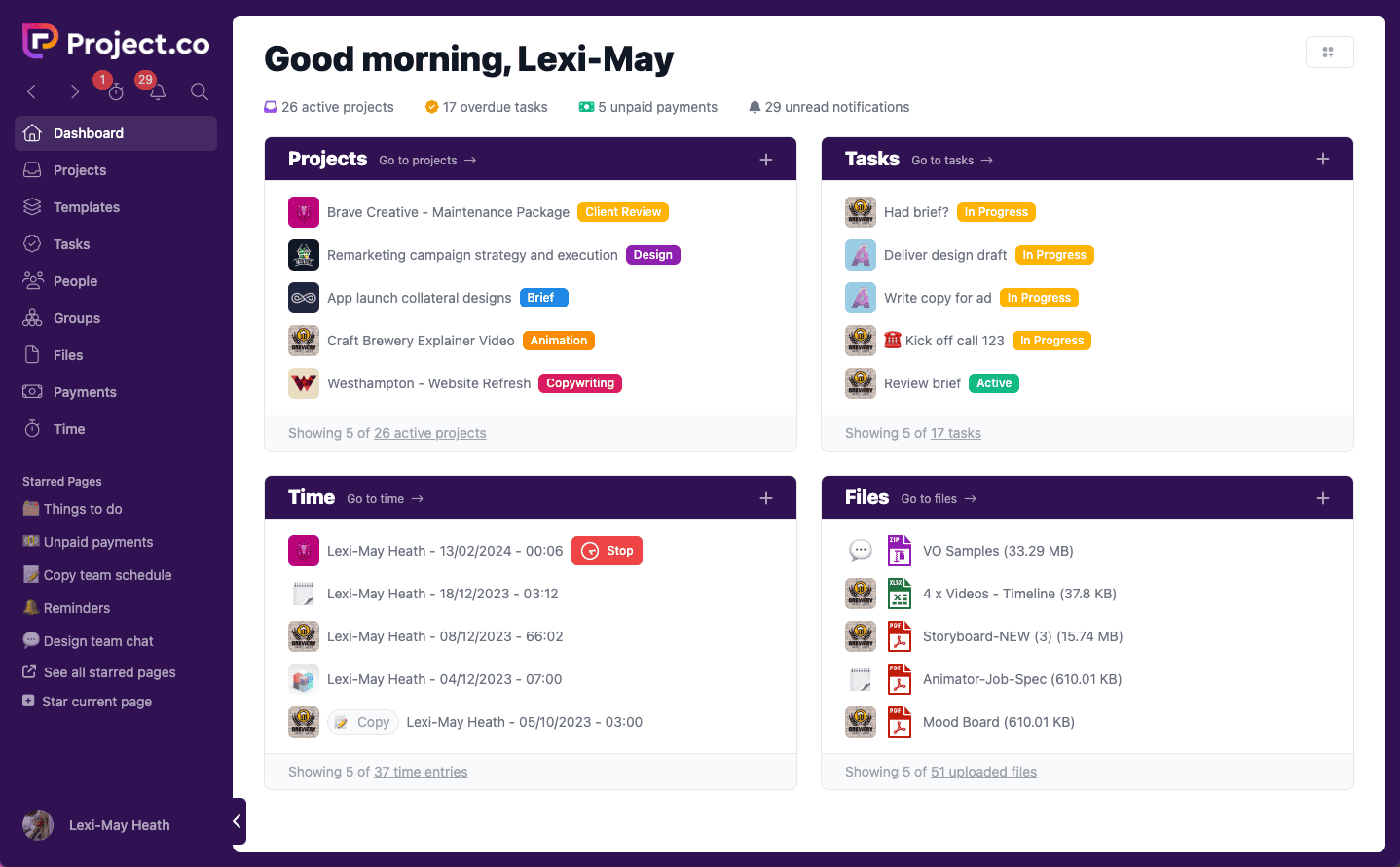
Project.co is a user-friendly project management platform known for its simplicity. It caters to clients, colleagues, and freelancers with features like task, payment, and time management.
Pros and Cons:
Pros:
- Easy-to-use interface for all users.
- AI assistant powered by GPT-3 for content writing and editing.
- Features tailored for payment and client management.
Cons:
- Lacks advanced project analytics.
- Limited integration options.
Price:
- Plans start at $10 per user per month.
Score:
8/10
Highlight:
Project.co’s simplicity and AI-driven content capabilities make it an ideal choice for freelancers and small teams.
Conclusion
Choosing the right project management tool can significantly impact your team’s productivity and project success. Each tool on this list offers unique strengths, from Taskade’s versatility to ClickUp’s advanced AI features. Evaluate your team’s needs and budget to pick the platform that aligns best with your goals. Whether you’re a freelancer, a small team, or a large organisation, there’s an AI-powered solution for you.
