





Hey there, tech-savvy entrepreneurs, marketing pros, and content creators! Are you ready to seriously level up your game with the power of AI? In 2025, AI automation is more than a buzzword. It’s the key to amazing productivity and soaring innovation. This isn't just about automating repetitive tasks; it's about transforming how you work, create, and compete.
In this post, we're diving deep into the top AI automation tools that will dominate 2025. Forget the hype; we're talking real, actionable insights and practical solutions. Let’s explore what AI automation is. I’ll explain why it's important for your business. We’ll also cover key features to consider and review the top AI Automation platforms available.
The Rise of AI Automation: Why Now and Why It Matters
So, what exactly is AI automation? It's not just your run-of-the-mill automation. It's about using artificial intelligence in automated processes. This makes them smarter, more adaptive, and more efficient.
Think of traditional automation as a set of rigid rules: "If X happens, do Y." AI automation takes it further by adding a layer of intelligence. Now, it's "If X happens, analyze the situation, learn from past experiences, and then do Y in the most effective way possible".
Here’s why it matters:
- Boosted Efficiency: AI automates boring tasks. This lets your team focus on important projects.
- Cost Reduction: By reducing development time and streamlining operations, AI automation slashes costs.
- AI helps employees focus on creative and strategic tasks. This boosts a culture of innovation.
- Better Decisions: AI algorithms look at large data sets. They give insights and predictions, which help make smarter choices.
By 2025, businesses that don't embrace AI automation will be left in the dust. Seriously.
Essential AI Automation Features for 2025
Before you jump in, you need to know what to look for in an AI automation tool. These are the must-have features that will make or break your automation strategy:
- Low-Code/No-Code Capabilities: Non-technical users can easily create and manage automation workflows.
- Pre-built AI Models: These are ready-to-use AI tools. They help with tasks like natural language processing, image recognition, and predictive analytics.
- Custom AI Agents: The power to build and deploy custom AI assistants tailored to your specific business needs.
- Integration Capabilities: Seamless connectivity with a wide range of apps and services, ensuring data flows smoothly between systems.
- Data Security: Robust security measures to protect sensitive data and ensure compliance with regulations.
- Scalability: The ability to handle increasing workloads and data volumes as your business grows.
- Collaboration Features: These tools help teams work together on automation projects. They promote teamwork and sharing of knowledge.
The Top AI Automation Platforms of 2025
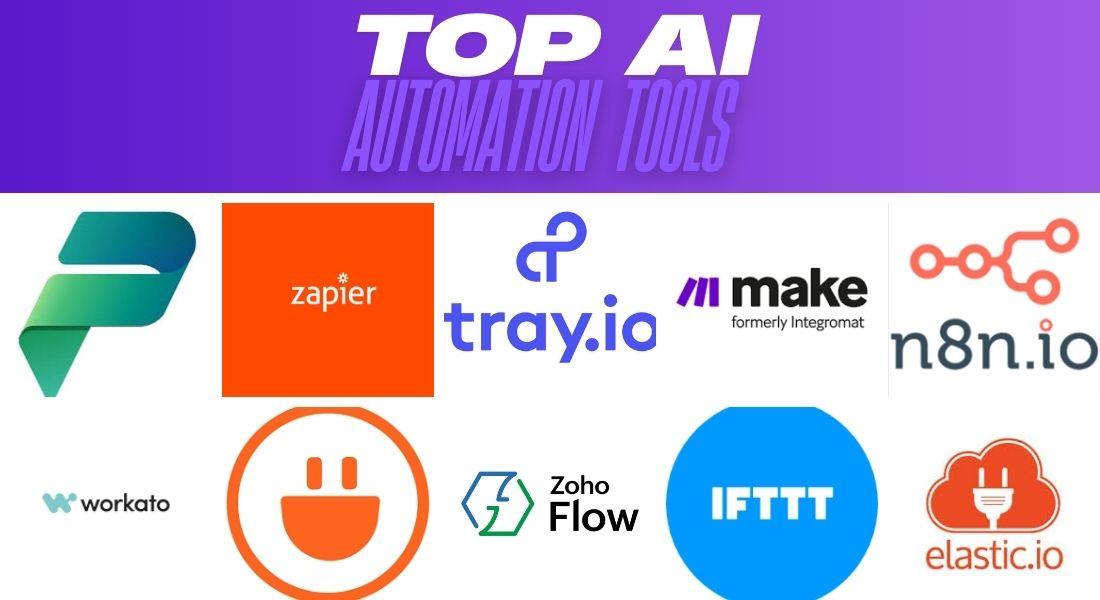
Alright, let’s get to the good stuff. Here’s a detailed look at the top AI automation platforms that will dominate 2025.
1. Microsoft Power Platform
- Overview: A full set of AI tools that are easy to use for building apps, automating tasks, and analyzing data.
- Key Features:
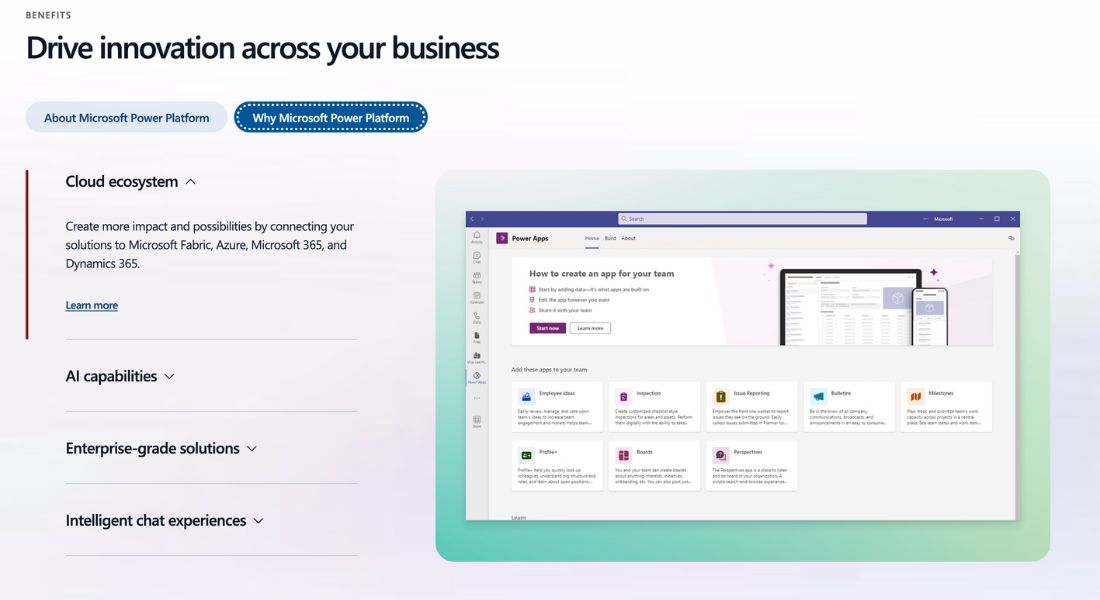
- Power Apps: Build custom apps with drag-and-drop simplicity.
- Power Automate: Automate workflows across hundreds of apps.
- Power BI: Visualize data with stunning reports and real-time insights.
- Copilot Studio: Build custom chatbots to improve customer and employee experiences.
- Use Cases: Decentralized governance, significant time savings with Copilot, and substantial cost reductions.
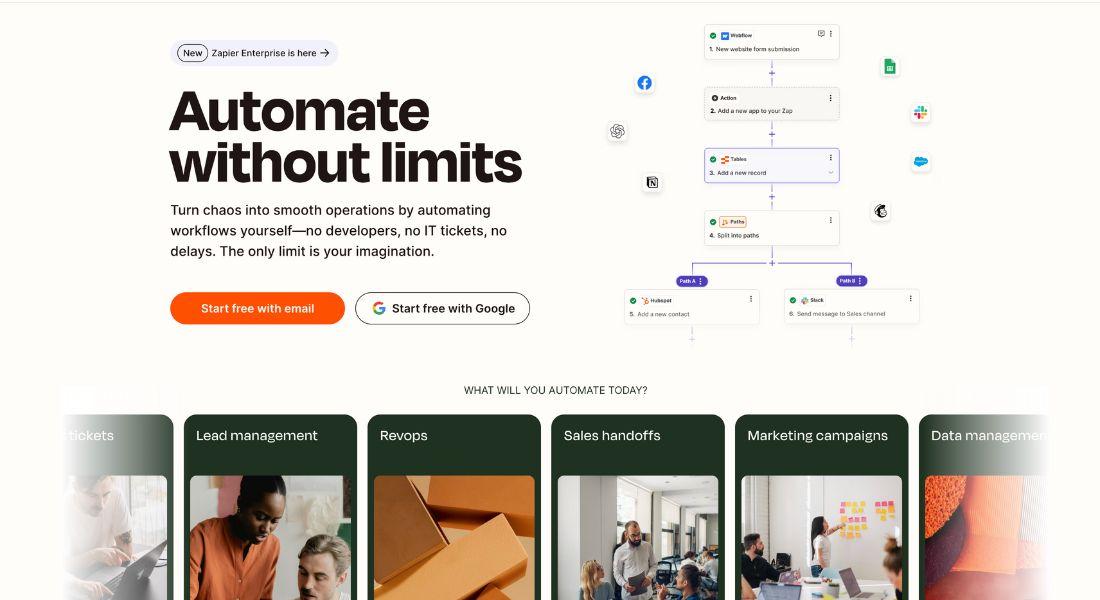
2. Zapier
- Overview: A versatile automation platform that connects over 7,000 apps with powerful AI capabilities.
- Key Features:
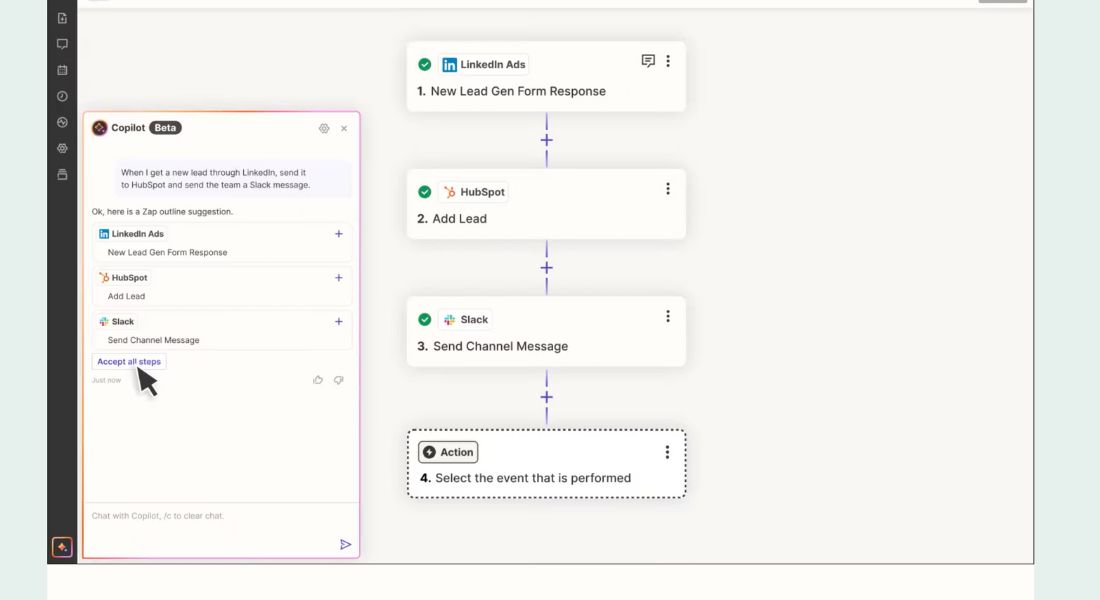
- Zaps: Automate advanced workflows by connecting trigger and action apps.
- Interfaces: Build professional apps, forms, and web pages that seamlessly connect to your Zaps and Tables.
- Tables: Store and manage data to power your automated workflows.
- AI-Powered Workflows: Enhance any workflow with AI by connecting to your favorite LLM or using AI by Zapier.
- Custom Chatbots: Create AI-powered chatbots to answer questions, resolve issues, and nurture leads.
- Use Cases: Automating marketing campaigns, streamlining data management, and enhancing customer support.
3. Tray
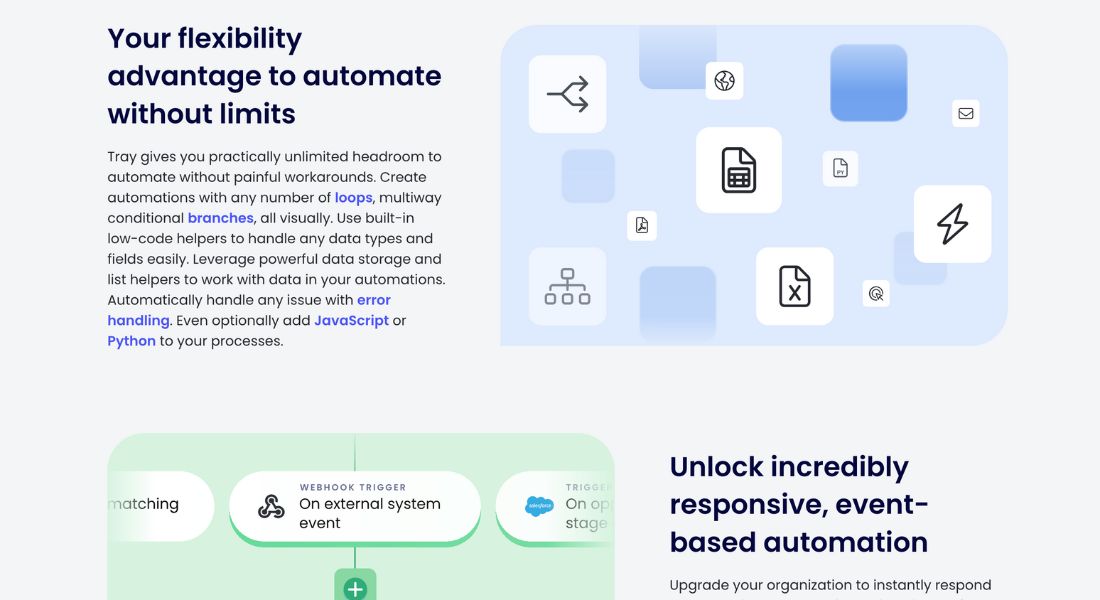
- Overview: An AI-ready iPaaS designed for building and scaling AI agents with speed, flexibility, and control.
- Key Features:
- Merlin Agent Builder: Deliver high-value AI agents without the constraints of custom coding.
- AI Palette: Prototype apps and adapt to new AI capabilities in minutes.
- Enterprise Core: Provides governance and scale for everything you build.
- Merlin Guardian: Protects sensitive data in AI processes.
- Use Cases: Smarter IT onboarding, intelligent lead management, rapid embedded integrations, and autonomous support agents.
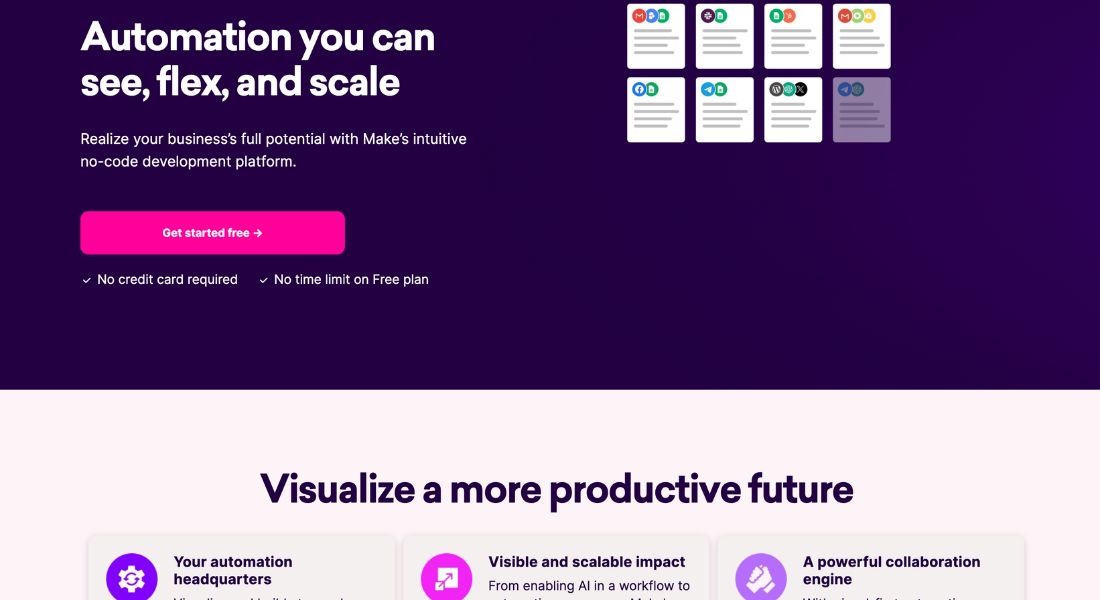
4. Make (formerly Integromat):
- Overview: A visual automation platform that allows you to connect apps and design complex workflows with ease.
- Key Features:
- Visual-First Automation: Design and build automations with an intuitive visual interface.
- Pre-Built Integrations: Access over 2,000 pre-built apps to connect your favorite tools.
- AI App Integrations: Seamlessly integrate AI apps into your workflows to enhance automation capabilities.
- Use Cases: Transforming recruitment processes, driving resource savings, and enabling AI in workflows.
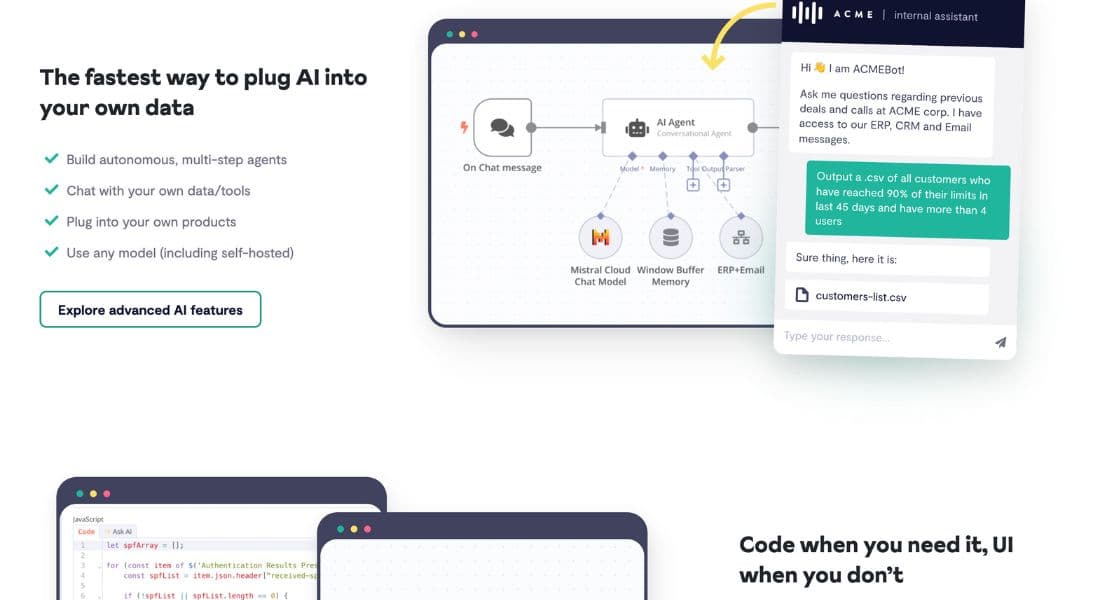
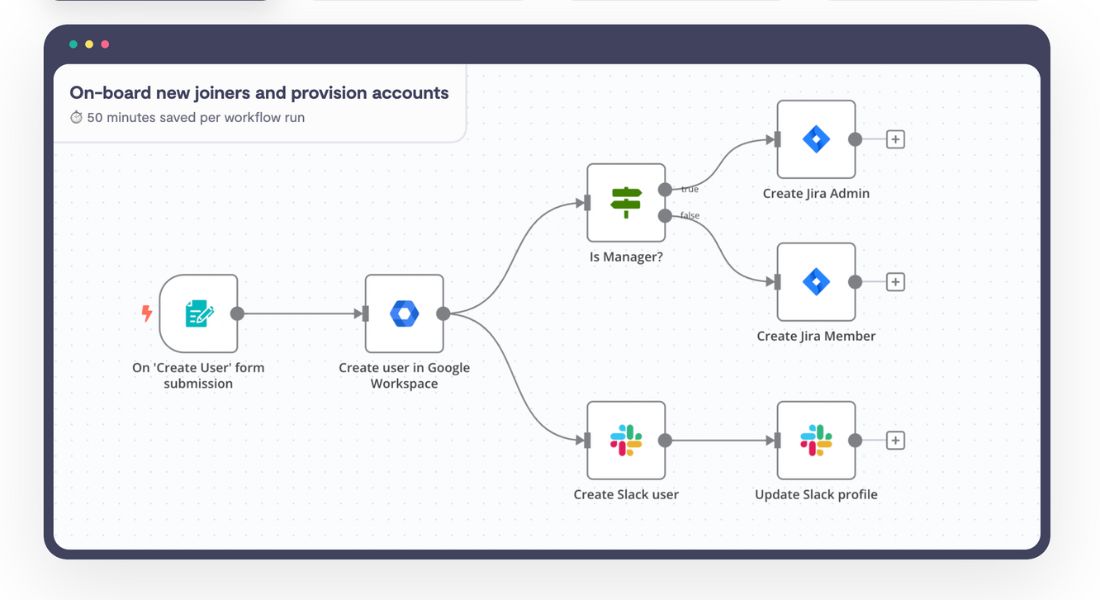
5. n8n
- Overview: A secure, AI-native workflow automation platform designed for technical teams.
- Key Features:
- Code When You Need It: Code in JavaScript or Python and use external libraries.
- Git-Synced Environments: Maintain uptime with Dev, Stage, and Prod environments.
- AI Integration: Build autonomous, multi-step agents, chat with your own data/tools, and use any model.
- Use Cases: IT operations, SecOps, DevOps, and sales automation.
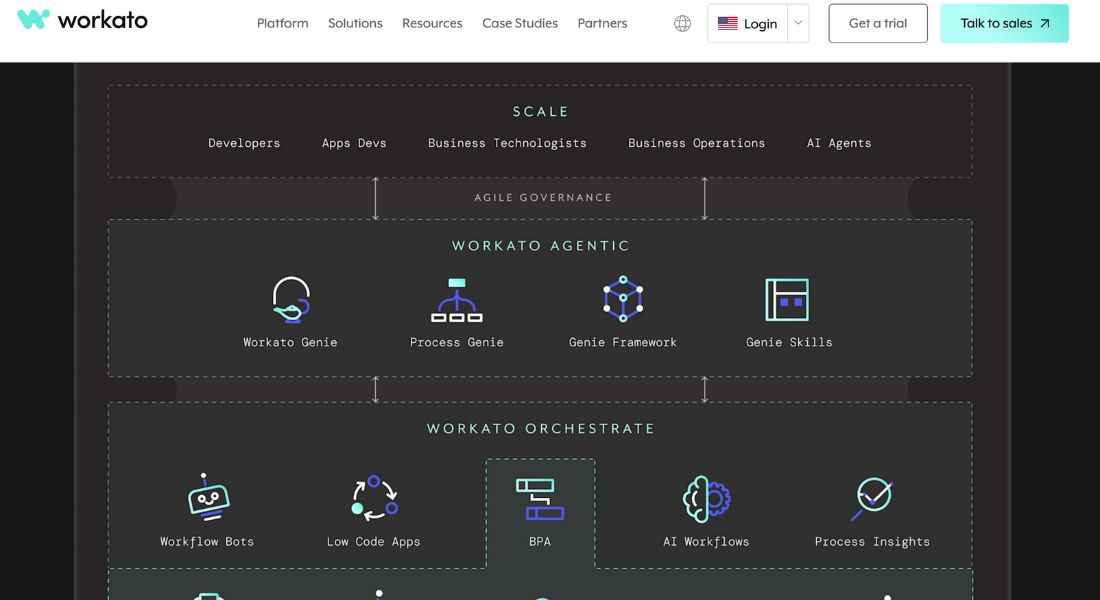
6. Workato
- Overview: The #1 iPaaS with the speed and power to orchestrate your organization’s data, apps, and processes using AI.
- Key Features:
- AI-Powered Automations: Drive business efficiency at scale with AI.
- Pre-Built Integrations: Access a vast library of pre-built integrations to connect your critical applications.
- Use Cases: Automating IT, marketing, HR, finance, sales, and support functions.
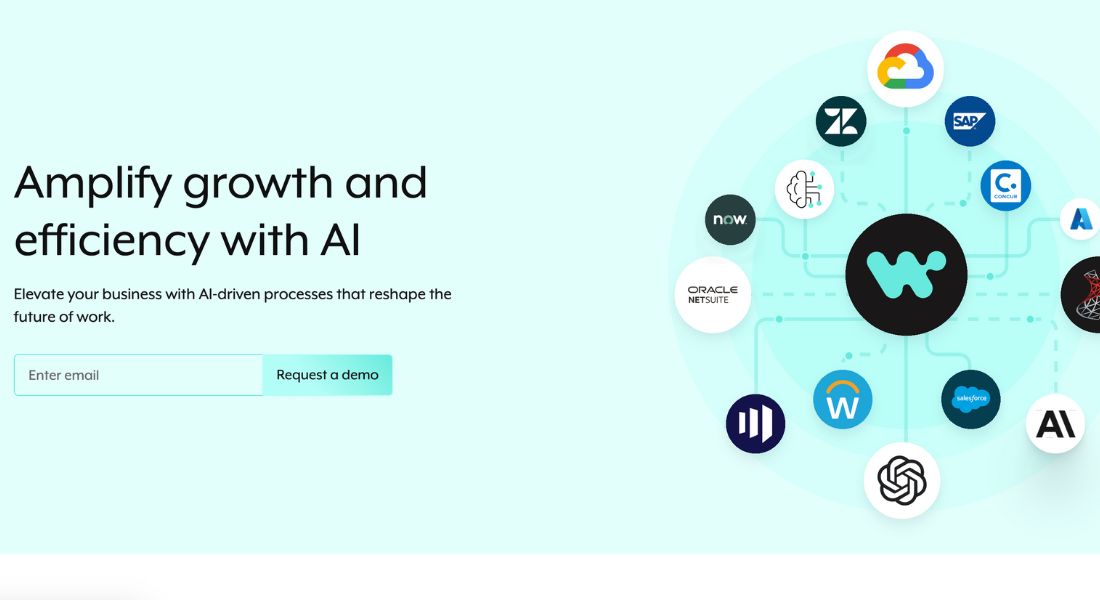
7. Integrately
- Overview: This integration platform is simple to use. It offers ready-made automations that you can activate with just one click.
- Key Features:
- Ready Automations: Access over 20 million pre-made automations for 1200+ apps.
- SmartConnect: Automatically connect your apps without manual configuration.
- Use Cases: Automating tedious tasks across various applications with minimal effort.
8. Zoho Flow
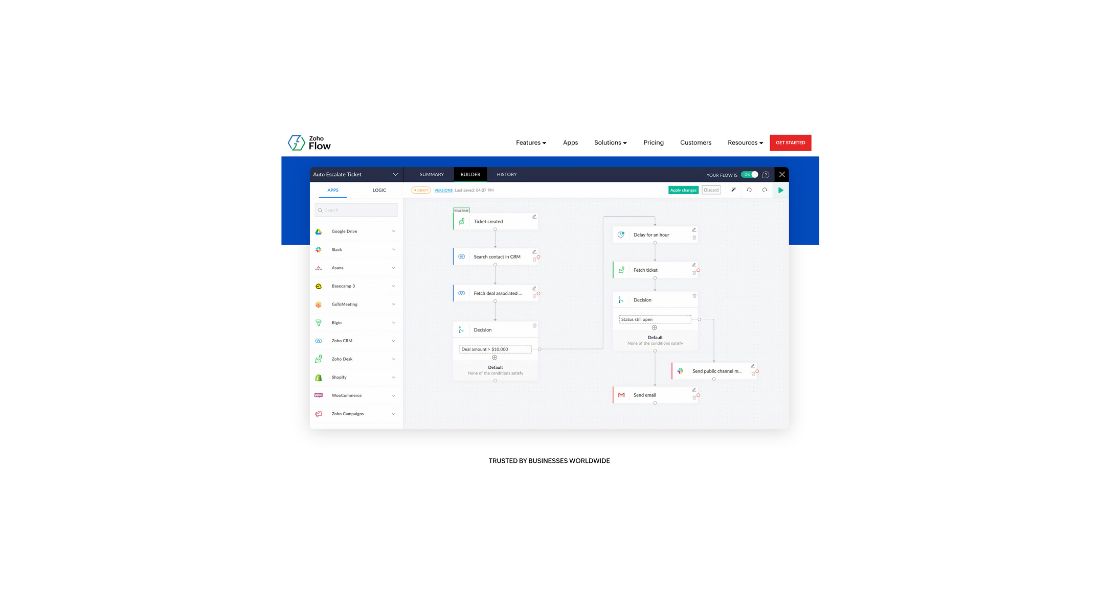
- Overview: A platform to build custom integrations and automate workflows. It uses a no-code, drag-and-drop interface.
- Key Features:
- No-Code Builder: Easily build integrations with a visual, drag-and-drop interface.
- Logic Elements: Customize workflows with necessary logic elements.
- On-Prem Agent: Securely access your on-premises systems.
- Use Cases: Automating marketing, sales, HR, and customer support processes.
9. IFTTT
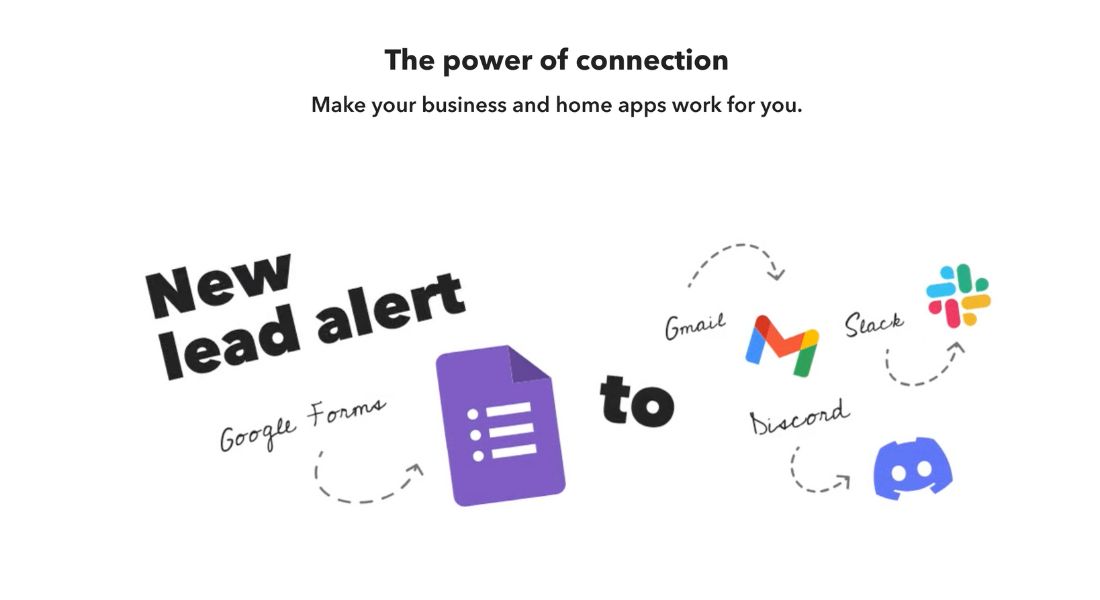
- Overview: An automation platform for business and home. It lets you connect and automate different services.
- Key Features:
- Applets: Quickly create automations with pre-defined triggers and actions.
- Filter Code: Customize and control your integrations.
- Use Cases: Converting leads, creating compelling content, and cross-posting to multiple social networks.
10. elastic.io
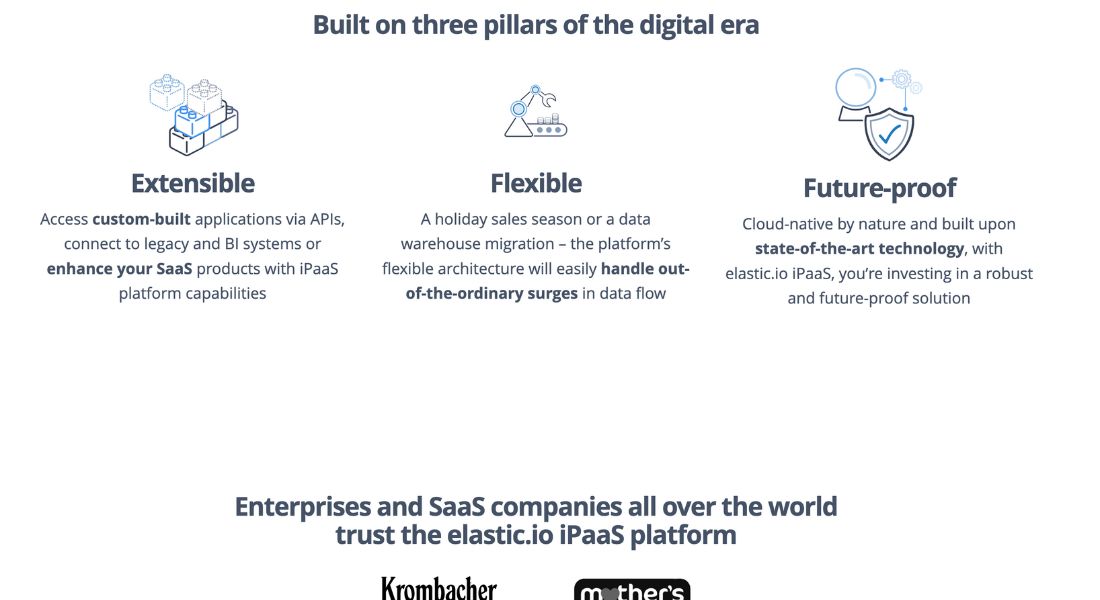
- Overview: A low-code iPaaS platform for enterprise and SaaS integration. It provides tools for visualizing integrations and mapping data.
- Key Features:
- Integration Visualization: Gain clear insights into your data flows.
- Data Mapping: Intuitively map data between different systems.
- API Integration: Easily access and poll virtually any API.
- Use Cases: Cloud integration, hybrid integration, and API-led integration.
| Tool | Highlighted Features | Use Cases | Pricing |
| Microsoft Power Platform | Low-code tools, AI-powered, comprehensive suite | Decentralized governance, time & cost savings, app development, workflow automation, data analysis | Free trial available, check vendor for detailed pricing |
| Zapier | Connects 7,000+ apps, AI-powered workflows, custom chatbots | Marketing automation, data management, customer support, lead management | Starts free, paid plans with more features |
| Tray | AI-ready iPaaS, Merlin Agent Builder, AI Palette, Enterprise Core, Merlin Guardian | IT onboarding, lead management, embedded integrations, autonomous support agents | Request a trial, check vendor for detailed pricing |
| Make (formerly Integromat) | Visual automation platform, pre-built integrations, AI app integrations | Recruitment process transformation, resource savings, enabling AI in workflows | Free plan available, paid plans with more features |
| n8n | Secure, AI-native, code when needed, Git-synced environments, AI integration | IT operations, SecOps, DevOps, sales automation | Get started for free, check vendor for enterprise pricing |
| Workato | #1 iPaaS, AI-powered automation, pre-built integrations | Automating IT, marketing, HR, finance, sales, and support functions | Get a trial, check vendor for detailed pricing |
| Integrately | Ready automations, SmartConnect for automatic app connections | Automating tasks across applications with minimal effort | Start free, check vendor for detailed pricing |
| Zoho Flow | No-code builder, logic elements, on-prem agent for hybrid integration | Automating marketing, sales, HR, customer support processes | Try Zoho Flow for free, check vendor for detailed pricing |
| IFTTT | Applets for quick automation, filter code for customization | Lead conversion, content creation, cross-posting to social networks | Build on IFTTT is free, paid plans with more features |
| elastic.io | Low-code iPaaS, integration visualization, data mapping, API integration | Cloud integration, hybrid integration, API-led integration | Book a demo, check vendor for detailed pricing |
Selecting the Perfect AI Automation Solution: A Step-by-Step Guide
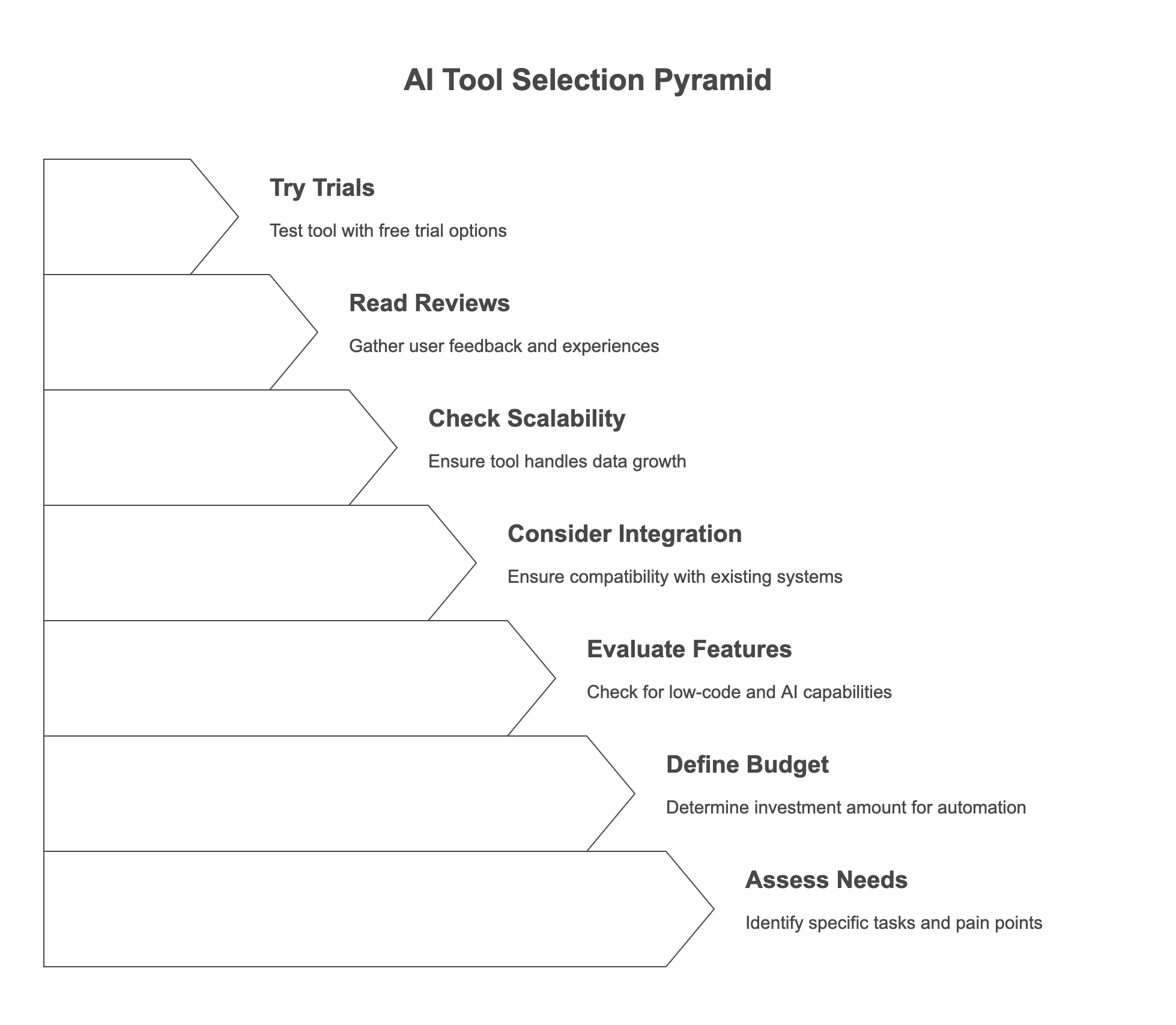
Choosing the right AI automation tool can feel overwhelming, but it doesn't have to be. Here’s a step-by-step guide to help you make the best decision for your business:
- Assess Your Needs: What specific tasks do you want to automate? What are your biggest pain points?
- Define Your Budget: How much are you willing to invest in an automation tool?
- Evaluate Key Features: Do you need low-code capabilities? Pre-built AI models? Custom AI agents?
- Consider Integration: Does the tool integrate seamlessly with your existing systems and apps?
- Check for Scalability: Can the tool handle your growing data volumes and workloads?
- Read Reviews and Testimonials: What are other users saying about the tool?
- Try Free Trials: Take advantage of free trials to test the tool and see if it’s a good fit for your business.
The Future of Automation: What to Expect Beyond 2025
The world of AI automation is evolving at breakneck speed. Here’s a sneak peek at what you can expect beyond 2025:
- Hyperautomation: The automation of multiple, complex processes to achieve end-to-end digital transformation.
- AI-Augmented Development: AI helps build automation workflows. This makes it easier for non-technical users to create strong automations.
- Composable AI: It combines various AI skills to build custom solutions that fit specific business needs.
- Edge AI: Processing data closer to the source for faster automation and real-time decision-making.
- Democratization of AI: Making AI tools and technologies accessible to a wider range of users, regardless of their technical expertise.
Embrace AI Automation for a Competitive Edge
In 2025, AI automation is no longer a luxury—it’s a necessity. By embracing AI, you can boost productivity, reduce costs, and unlock new levels of innovation.
Take a closer look at the AI automation tools discussed, and start a free trial or request a demo to experience the magic for yourself.
The future of your business depends on it.
. Explore the top AI automation tools now: AI Automation Tools Guide.
FAQS
1. What are AI automation tools, and how do they work?
AI automation tools use artificial intelligence to streamline repetitive tasks, optimize workflows, and enhance decision-making. They integrate with various applications to automate business processes efficiently.
2. What are the best AI workflow automation tools for businesses in 2025?
Some of the best AI workflow automation tools include Zapier, Microsoft Power Automate, Workato, Tray.io, and n8n. These platforms help businesses automate workflows without extensive coding knowledge.
3. How do AI tools for automation improve productivity?
AI-powered automation tools reduce manual work, minimize errors, and speed up processes. They allow businesses to focus on high-value tasks by handling data entry, customer interactions, marketing, and IT operations.
4. IFTTT vs. Zapier: Which is better for automation?
IFTTT is best for simple, consumer-focused automation, whereas Zapier is more powerful for business workflows, offering advanced triggers, multi-step automation, and extensive app integrations.
5. How do I set up a seamless AI login for my automation tools?
Many AI automation tools offer seamless login via single sign-on (SSO) and OAuth authentication, ensuring secure and convenient access across multiple platforms.
6. What is website integration in AI automation, and why is it important?
Website integration allows AI automation tools to connect with your website for automated tasks like lead capture, customer support chatbots, and real-time data synchronization.
7. What is an automated link, and how does it help with workflow automation?
An automated link connects different apps and services to trigger actions automatically, such as sending emails, updating spreadsheets, or notifying teams when specific conditions are met.
8. What does "dashboard anywhere" mean in AI automation tools?
"Dashboard anywhere" refers to cloud-based AI automation platforms that allow users to access their workflow dashboards from any device, providing real-time monitoring and control.
9. What is an IT automation service, and how can it benefit businesses?
IT automation services streamline IT operations by handling routine tasks such as system monitoring, software updates, security management, and network optimization, reducing downtime and improving efficiency.
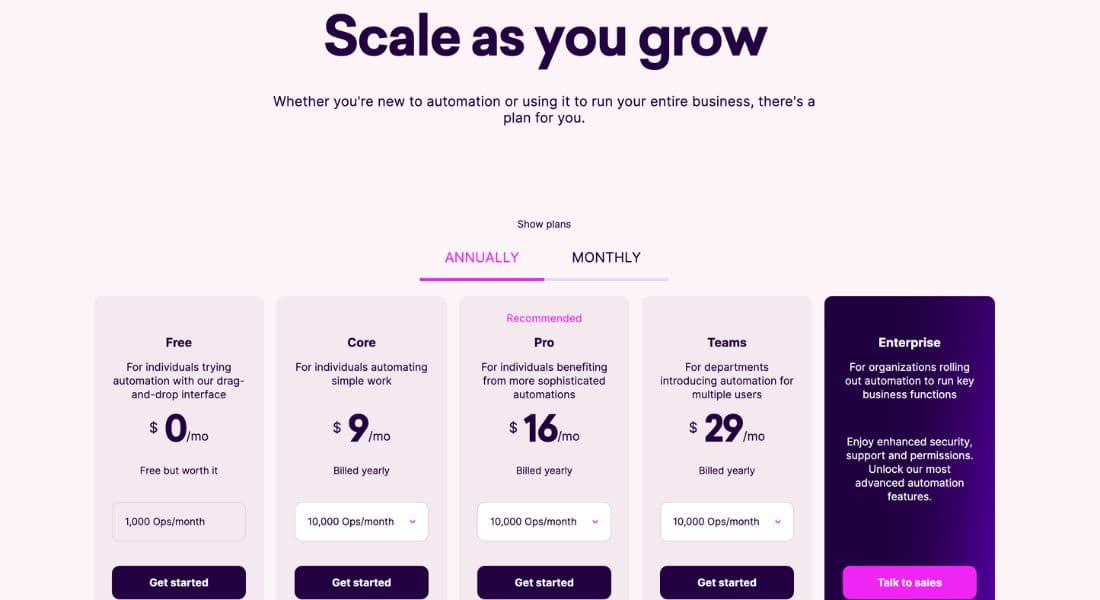
10. How does Zapier pricing compare to alternatives like Workato and Tray.io?
Zapier offers a free plan with limited automation, while its paid plans start at $19.99/month. Workato and Tray.io are more enterprise-focused with higher pricing but offer more customization and scalability.
