




AI-powered animation tools are revolutionizing the creative world, making it easier for beginners and professionals to produce high-quality animations. Whether you're working on text-to-video, image-to-video, or creating realistic character animations, AI tools can simplify the process and deliver stunning results. Below is a breakdown of the top AI animation tools you should explore in 2025, including their pros, cons, pricing, and highlights.
1. Genmo AI
Introduction
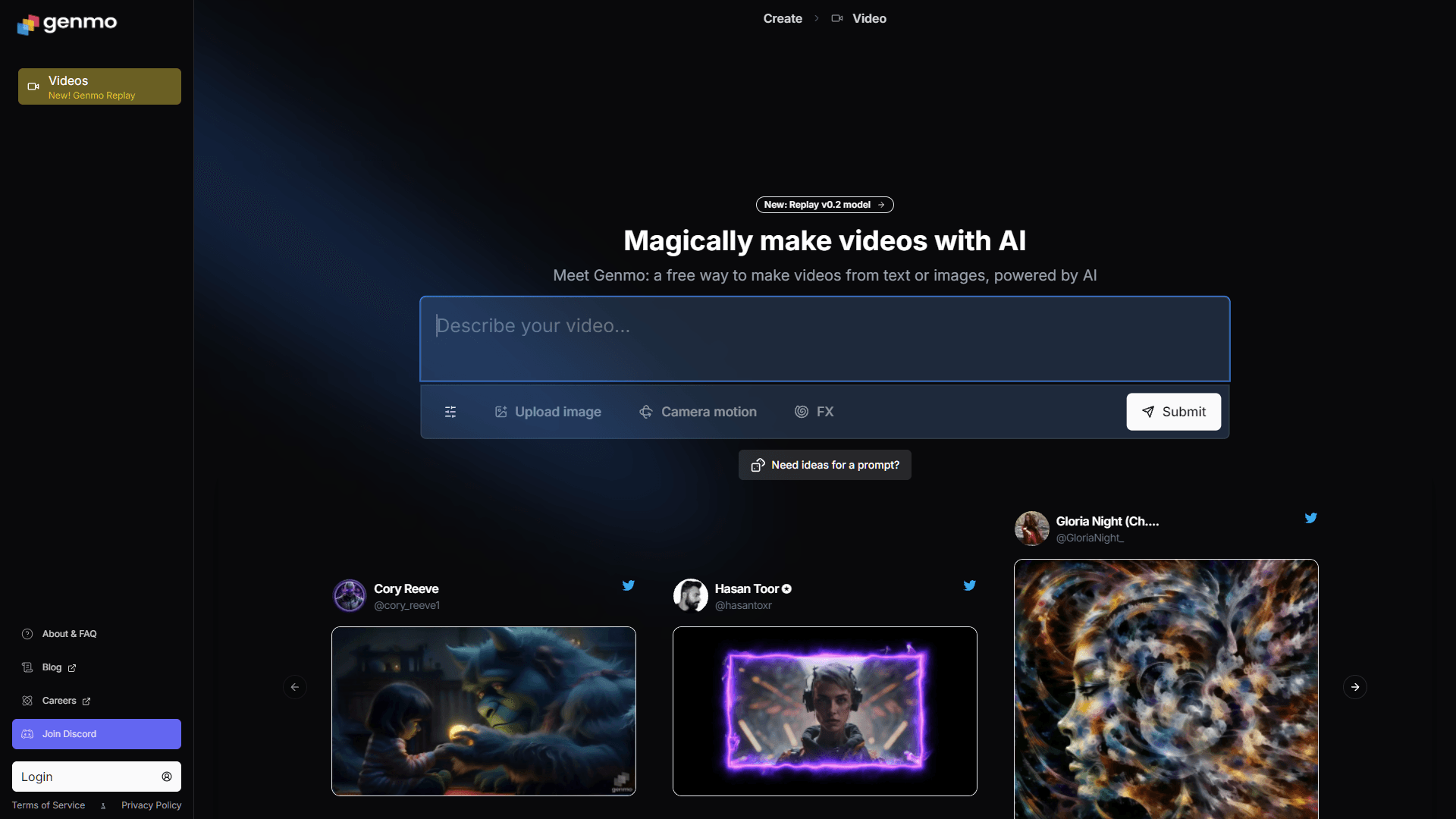
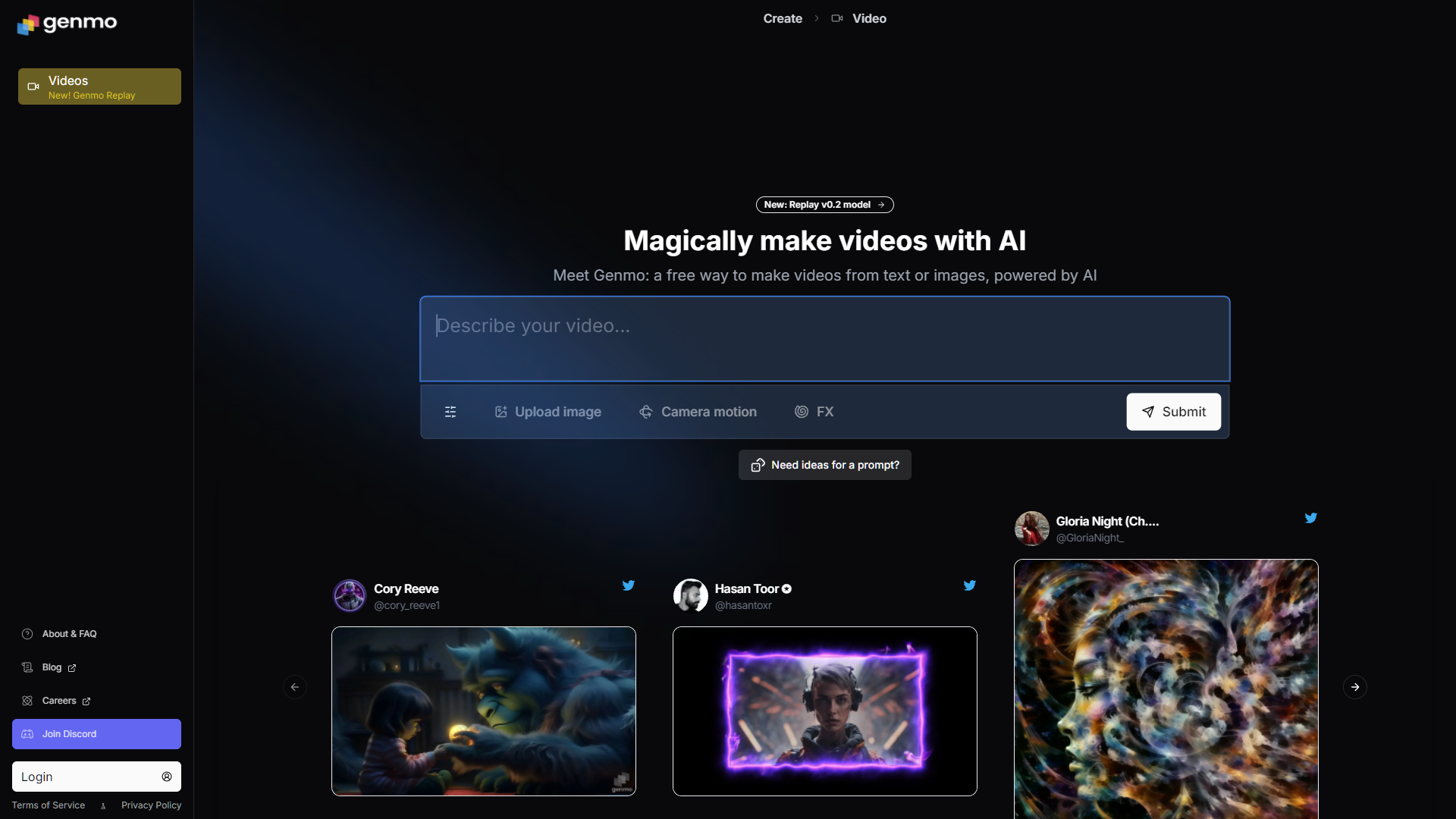
Genmo AI enables users to transform text into animated videos and images into motion-based animated clips. With options to control the aspect ratio, duration, motion, and effects, it’s a versatile choice for creators looking to experiment with dynamic animations.
Pros and Cons
Pros:
- User-friendly interface for beginners.
- Allows customization of duration and motion effects.
- Supports both text-to-video and image-to-video features.
Cons:
- Limited advanced editing features.
- Can require multiple iterations for perfect results.
Price
- Free version available with limited features.
- Paid plans offer extended capabilities (pricing varies based on usage).
Score: 8/10
Highlight
Genmo AI stands out for its ability to seamlessly combine text and image animations, making it perfect for quick content creation.
2. ToonCrafter
Introduction
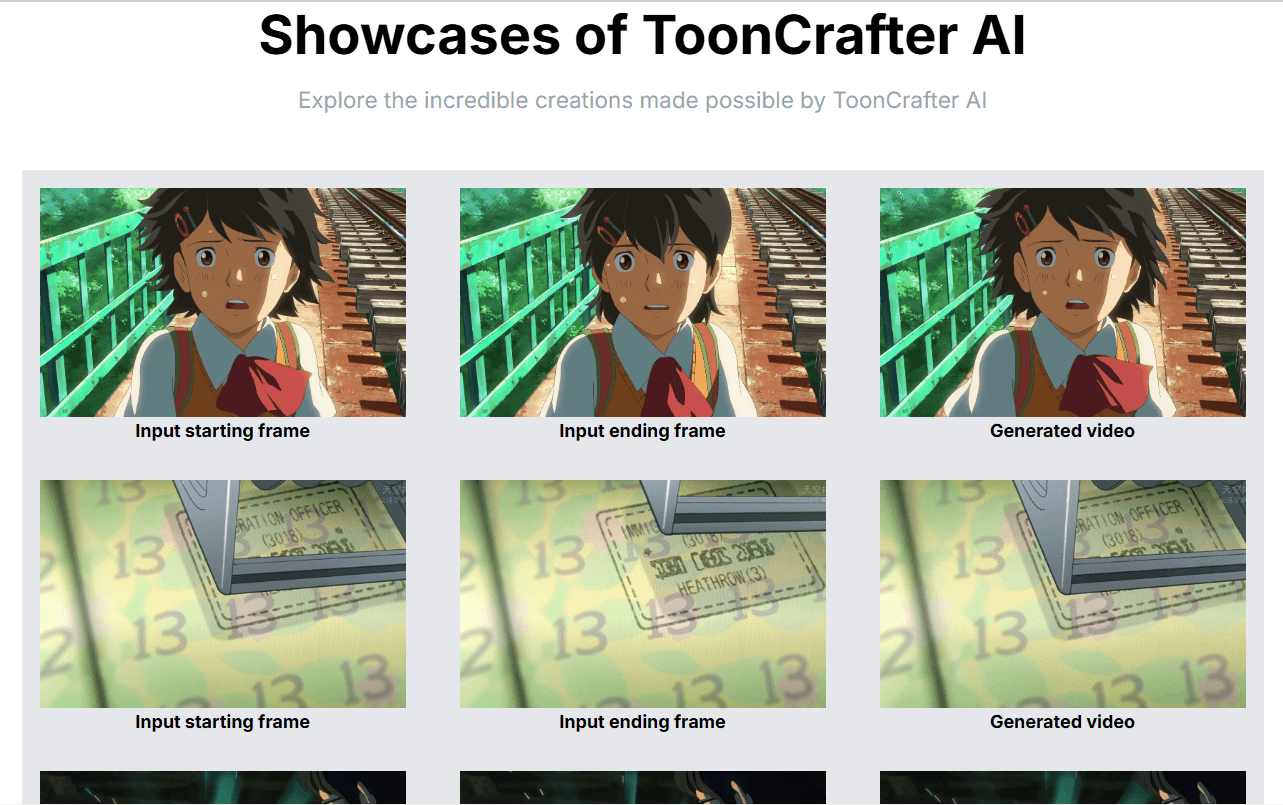
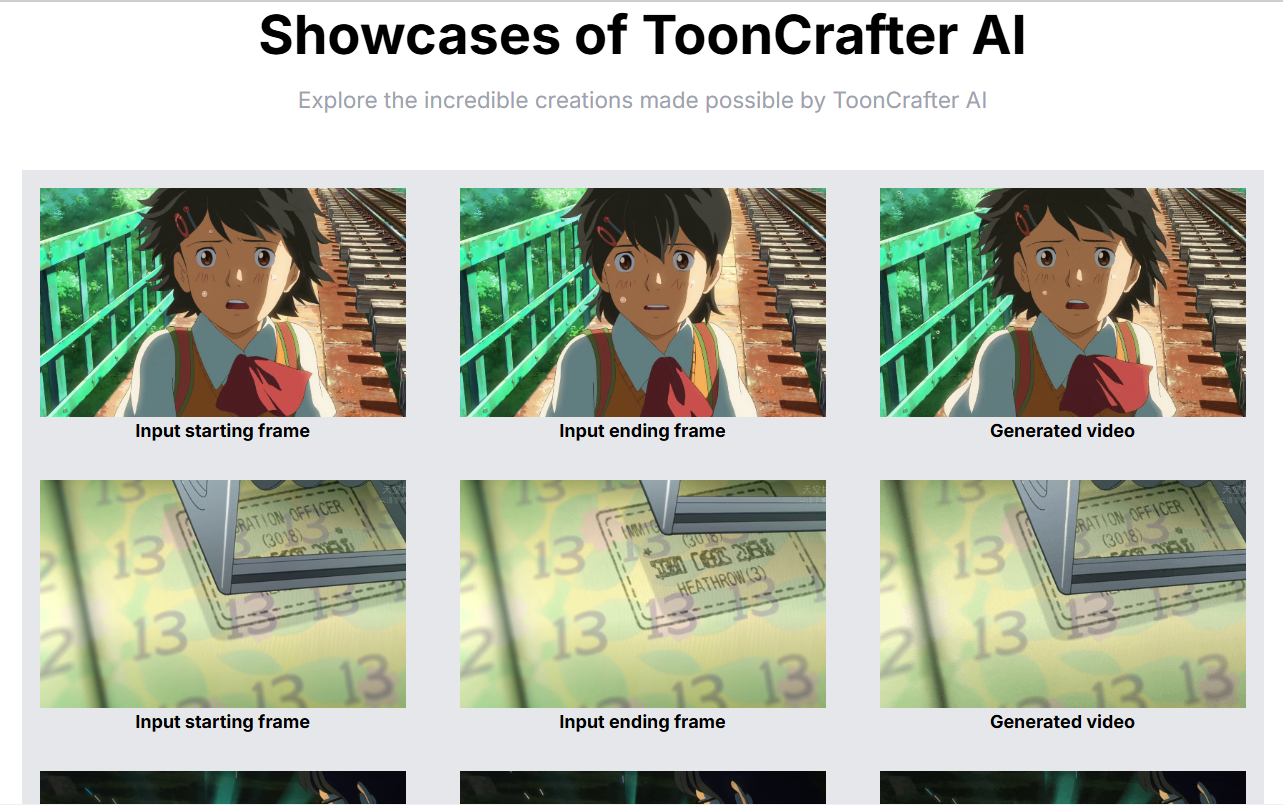
ToonCrafter is an AI animation tool that brings images to life using two slightly different frames of the same picture combined with a text prompt. It’s great for creating short, impactful animations with minimal effort.
Pros and Cons
Pros:
- Unique two-frame animation approach.
- Simple text-based control for animations.
- Fast rendering speed.
Cons:
- Limited to short animations.
- May require high-quality images for best results.
Price
- Offers a free trial.
- Premium pricing plans based on features and duration limits.
Score: 7.5/10
Highlight
ToonCrafter’s innovative use of slight image variations makes it a niche tool ideal for artists and marketers needing quick visual animations.
3. Adobe Express
Introduction
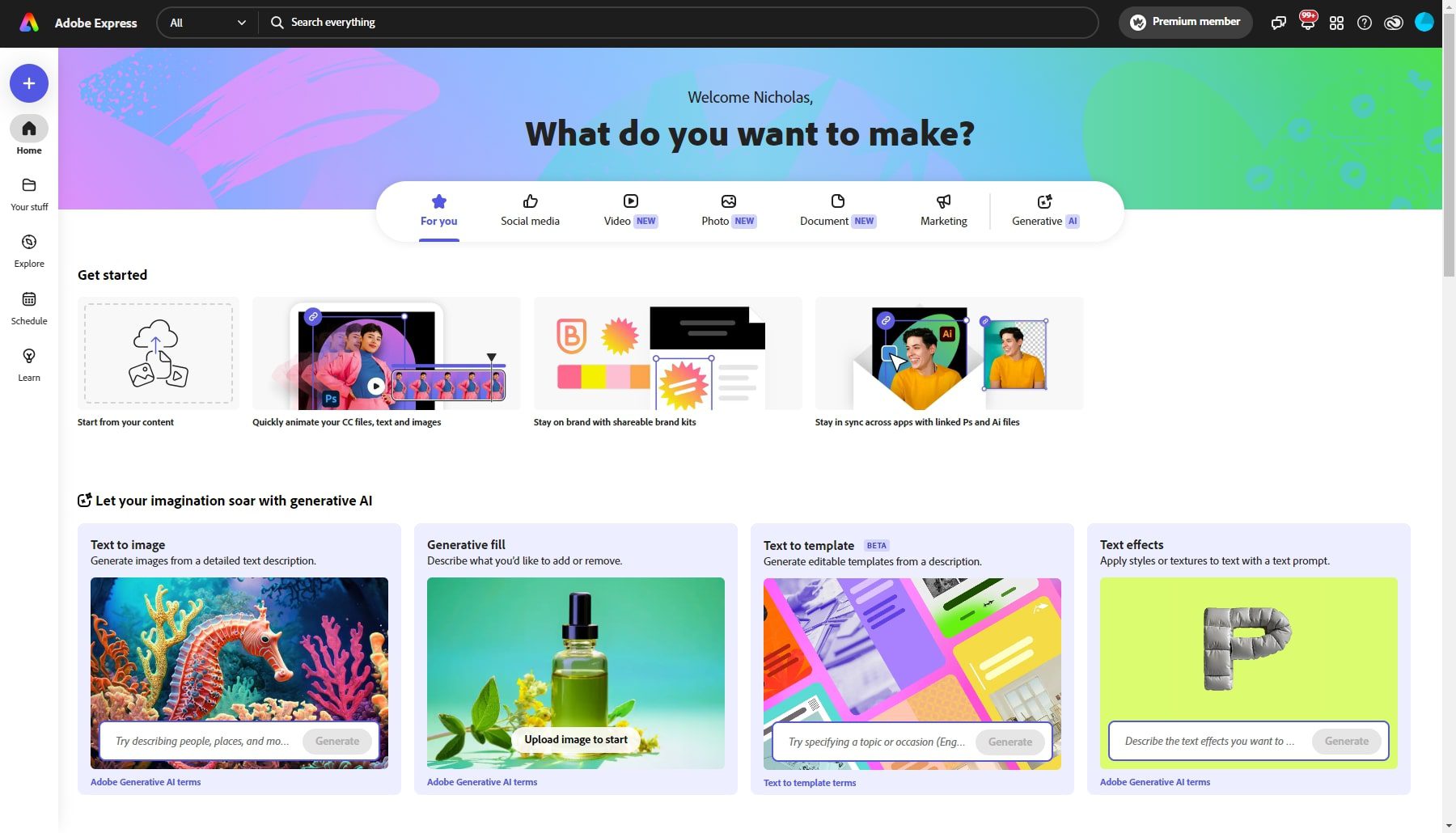
Adobe Express allows users to animate characters using voice inputs, producing videos that are simple yet effective, like stick-figure animations. It offers flexibility in adjusting character designs, backgrounds, and overall video dimensions.
Pros and Cons
Pros:
- Easy integration of voice input for animations.
- Highly customizable backgrounds and characters.
- Smooth workflow for basic animation needs.
Cons:
- Limited to basic animations (not ideal for advanced projects).
- Voice input accuracy can sometimes vary.
Price
- Free version available.
- Premium plans start at $9.99/month for additional features.
Score: 8.5/10
Highlight
Adobe Express’s voice-powered animation tool simplifies character-based videos, perfect for educational and explainer content.
4. Pixverse AI
Introduction
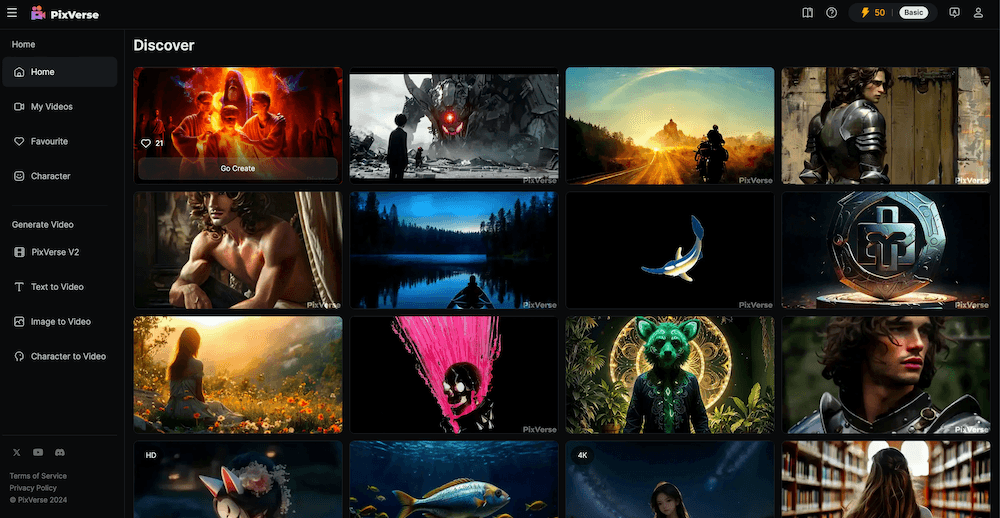
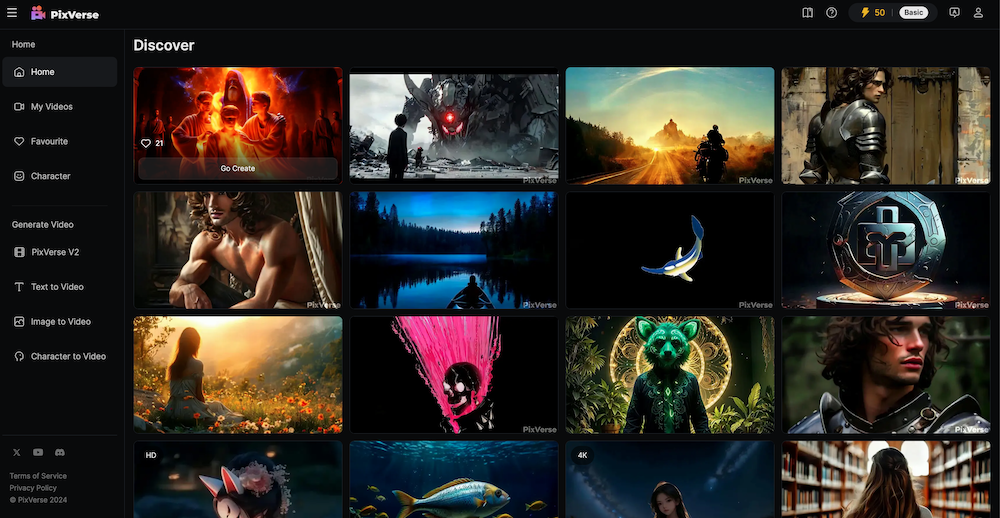
Pixverse AI is a versatile tool offering text-to-video, image-to-video, and advanced character animations. Users receive 200 free credits upon signing up, and additional credits can be earned by creating new accounts.
Pros and Cons
Pros:
- Multiple animation modes (text, image, and character animation).
- Generous free credit system.
- High-quality output with impressive motion effects.
Cons:
- Requires frequent account creation for free credits.
- Limited customization options in the free version.
Price
- Free credits (200) for new users.
- Paid plans for professional features (pricing varies).
Score: 8/10
Highlight
Pixverse AI’s all-in-one animation features make it a solid choice for both beginners and pros looking for diverse content creation options.
5. Pika Art
Introduction
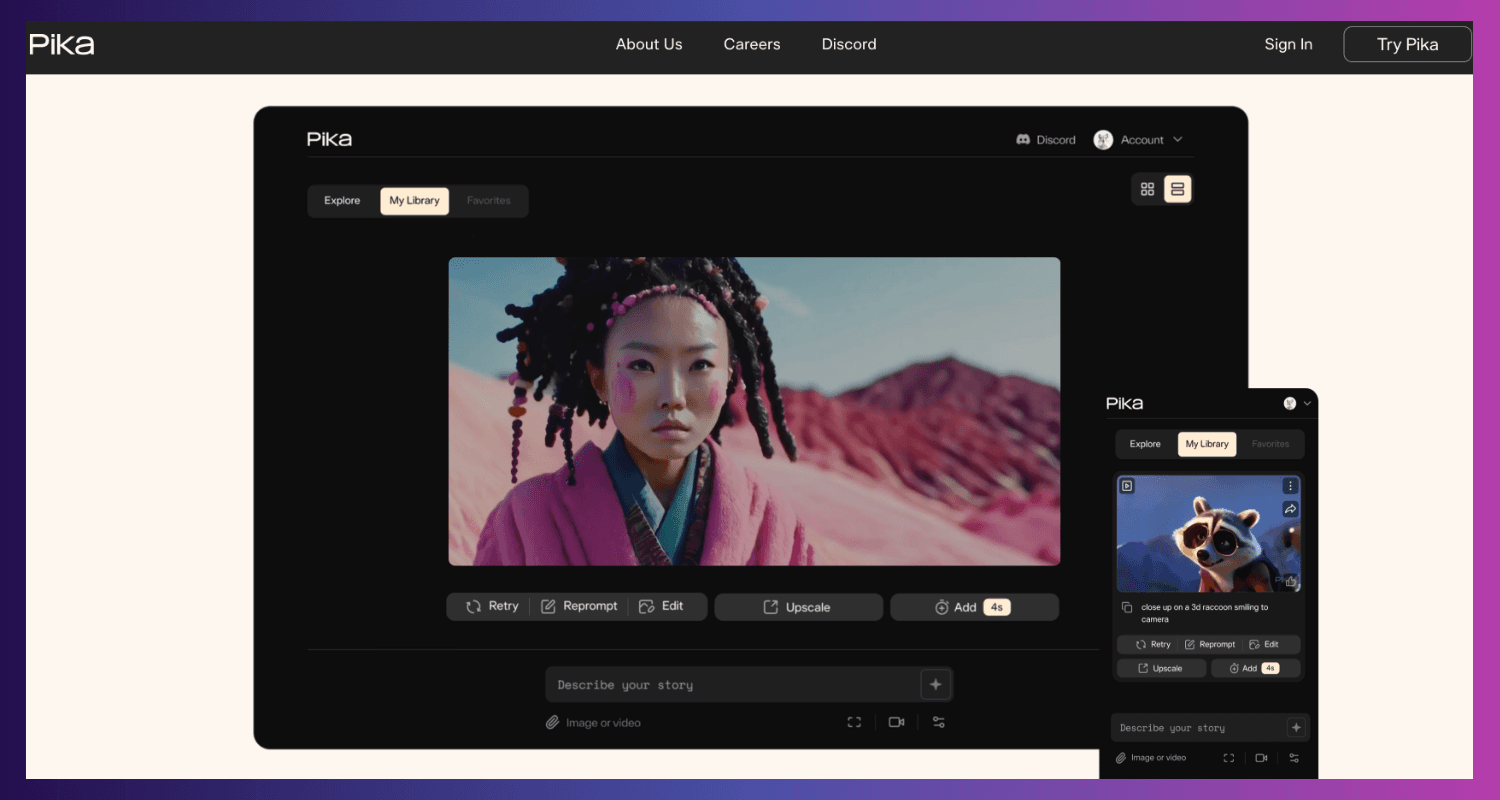
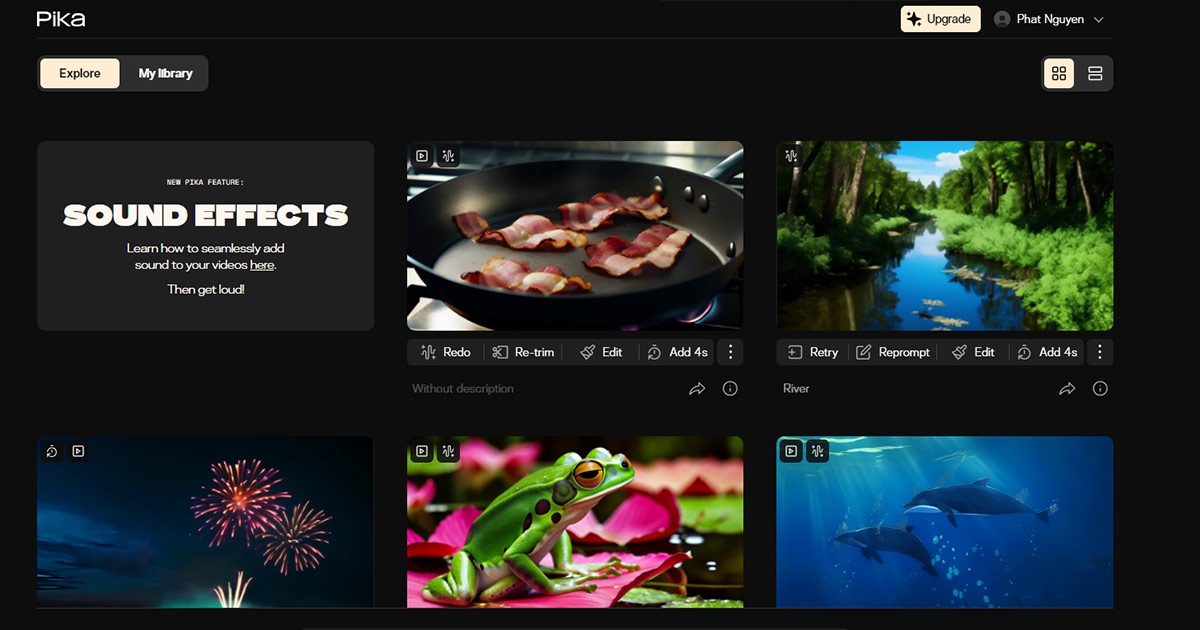
Pika Art is a cutting-edge AI art and animation tool capable of generating realistic images and animations. It offers various artistic styles, sound effect generation, and camera setting adjustments for a more polished output.
Pros and Cons
Pros:
- Advanced AI for highly realistic animations.
- Variety of artistic styles available.
- Built-in sound effects and camera controls.
Cons:
- Steeper learning curve for beginners.
- Can be resource-intensive for high-quality renders.
Price
- Free trial available.
- Premium plans for advanced features (pricing based on usage).
Score: 9/10
Highlight
Pika Art’s advanced animation capabilities and customizable styles make it ideal for professional-grade visuals.
6. Moonvalley
Introduction
Moonvalley operates on Discord, allowing users to create animations using simple text prompts. Users can select styles, set durations, and generate dynamic visuals, although access is limited based on demand.
Pros and Cons
Pros:
- Easy-to-use text input for animations.
- Offers a wide variety of visual styles.
- Community-driven platform on Discord.
Cons:
- Access can be restricted during high demand.
- Requires Discord setup for use.
Price
- Free access (limited availability).
- Premium access may be offered based on demand.
Score: 7/10
Highlight
Moonvalley’s Discord-based interface provides a collaborative space for AI animation enthusiasts to create and share animations effortlessly.
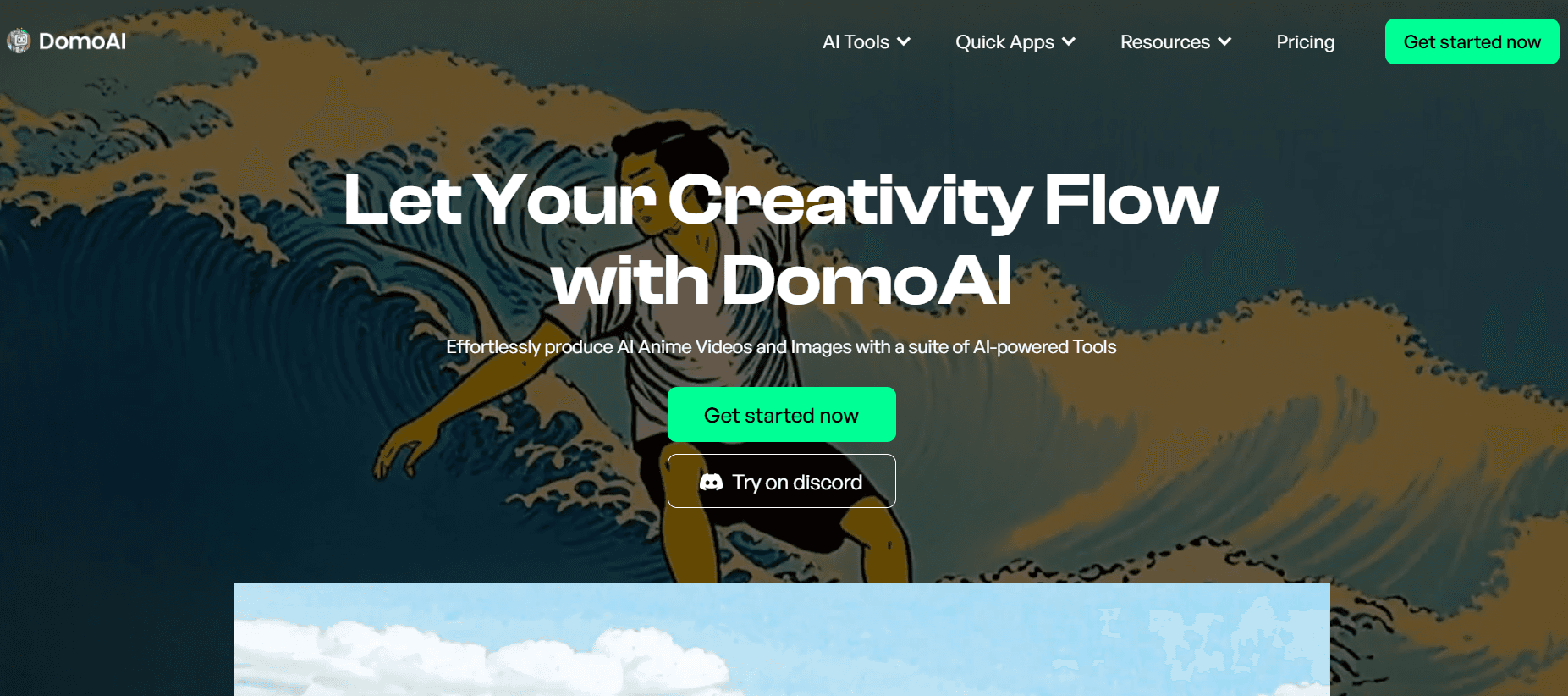
7. Domo AI
Introduction
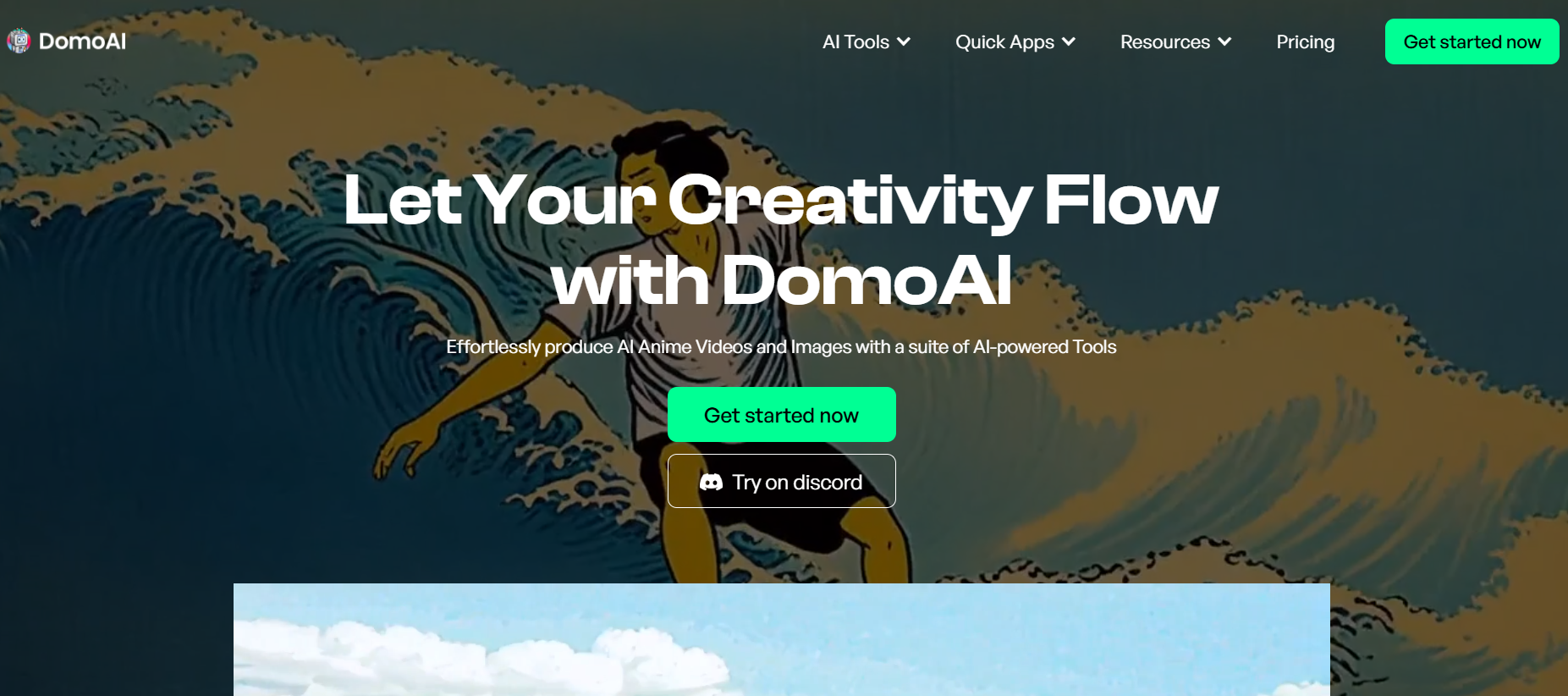
Domo AI, also based on Discord, allows users to convert images and videos into a variety of styles, such as anime and artistic renditions. With an extensive library of styles to choose from, it’s a creative playground for animators.
Pros and Cons
Pros:
- Large variety of animation styles (e.g., anime, art).
- Accessible via Discord for collaborative use.
- Easy conversion of images and videos.
Cons:
- Limited access during peak demand.
- Dependency on Discord setup.
Price
- Free with limited features.
- Premium access pricing is based on demand and usage.
Score: 7.5/10
Highlight
Domo AI’s focus on stylistic variety makes it a go-to tool for artists and anime fans looking to create personalized animations.
Conclusion
These AI animation tools provide a variety of features tailored for creators, marketers, and enthusiasts. Whether you’re looking for advanced animations with Pika Art or quick, text-based solutions like ToonCrafter, there’s an option for every need. Experiment with these tools to bring your creative ideas to life and take your animation projects to the next level!
