






The field of UI/UX design is evolving rapidly, and AI-powered tools are at the forefront of this transformation. These tools simplify complex processes, enhance creativity, and help designers focus on delivering exceptional user experiences. Whether you're crafting personas, optimizing layouts, or enhancing visuals, these AI tools can save time and improve your outcomes. In this post, we’ll explore some of the best AI tools tailored for UI/UX designers and their unique features.
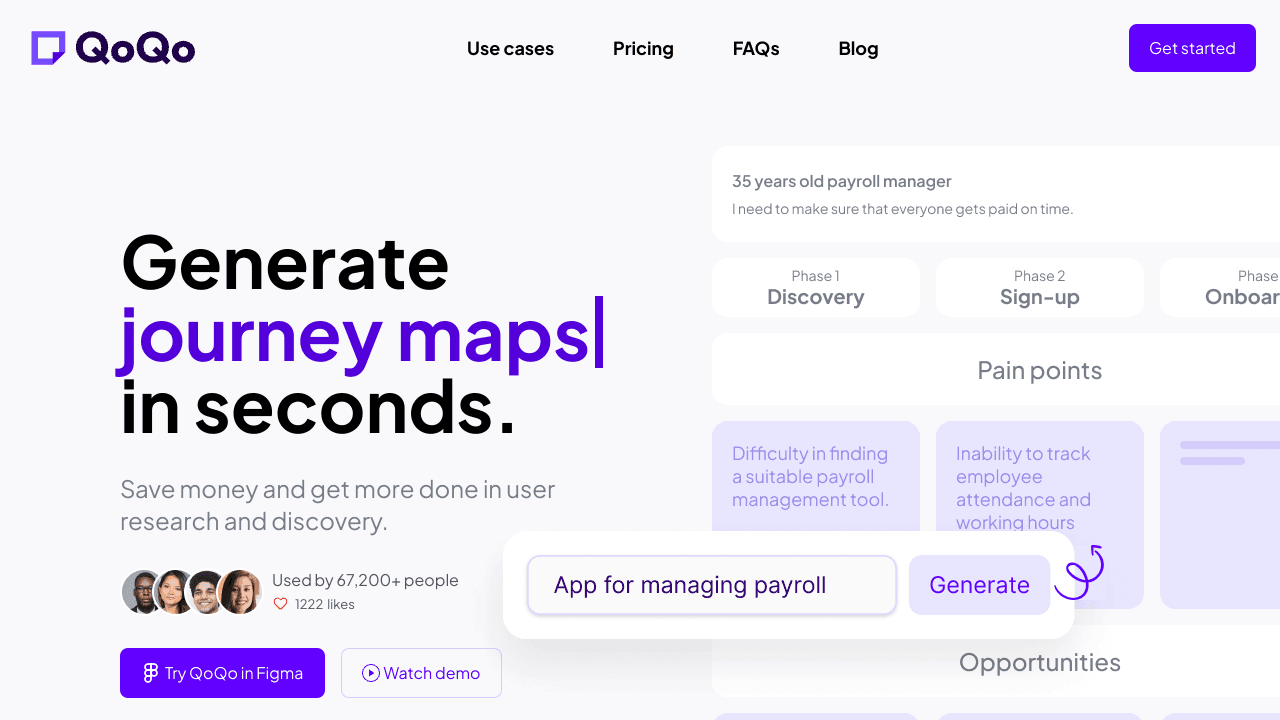
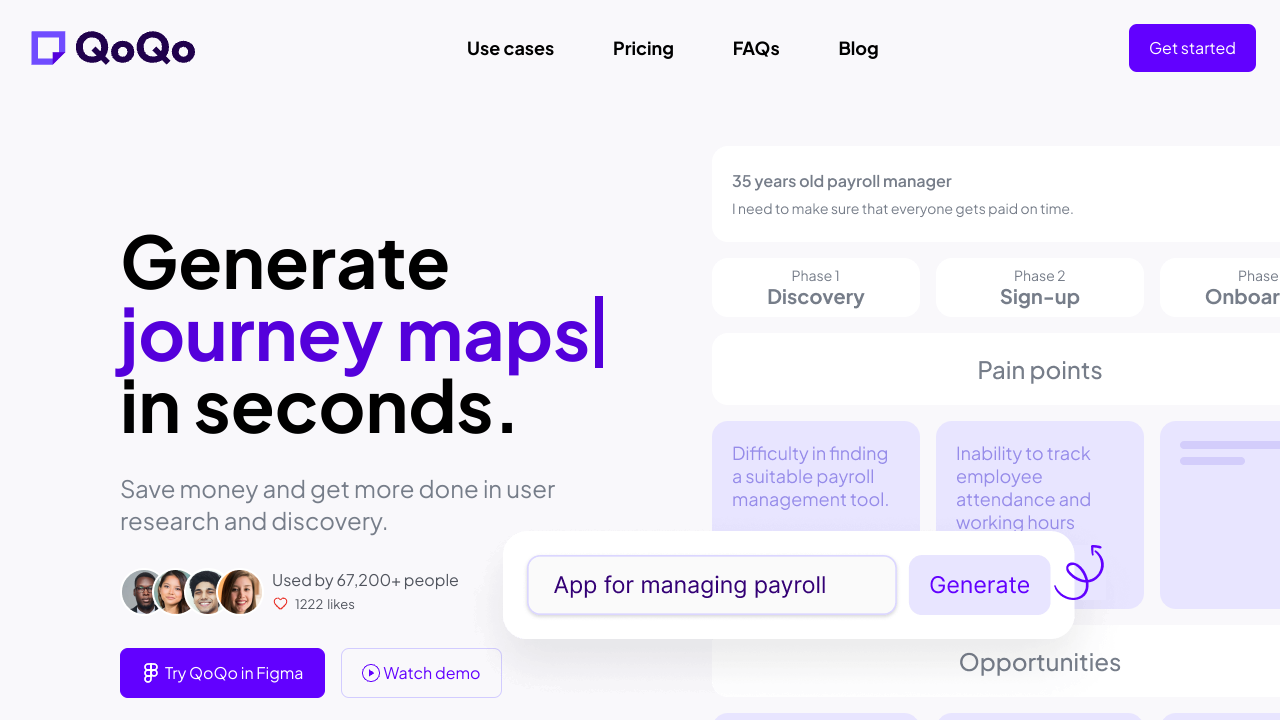
1. QoQo
QoQo is an AI-powered Figma plugin designed to elevate your design workflow by helping you create user personas, generate interview questions, and craft user journey maps.
Pros:
- Simplifies the creation of detailed user personas.
- Provides ready-to-use interview questions.
- Efficiently generates comprehensive user journey maps.
Cons:
- Limited functionality outside the Figma ecosystem.
- Requires a learning curve for beginners.
Price: Free with limited features; premium plans start at $10/month.
Score: 8/10
Highlight: Best for designers focusing on user experience and usability testing.
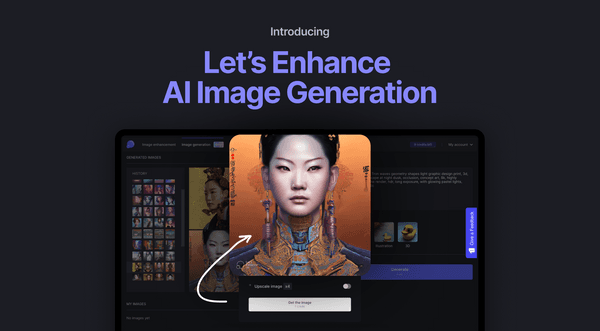
2. Let’s Enhance
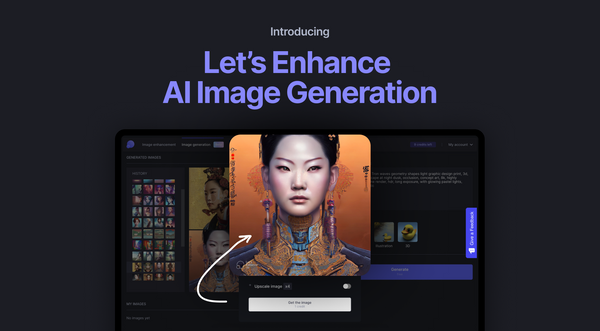
Let’s Enhance uses advanced AI algorithms to upscale low-quality images and enhance them for professional use.
Pros:
- Exceptional upscaling with minimal loss in quality.
- Offers image enhancement for color and texture.
Cons:
- Free version has limited capabilities.
- Requires high-quality input for the best results.
Price: Free for basic usage; Pro plans start at $9/month.
Score: 9/10
Highlight: Ideal for photographers and graphic designers looking to polish their visuals.
3. Claid
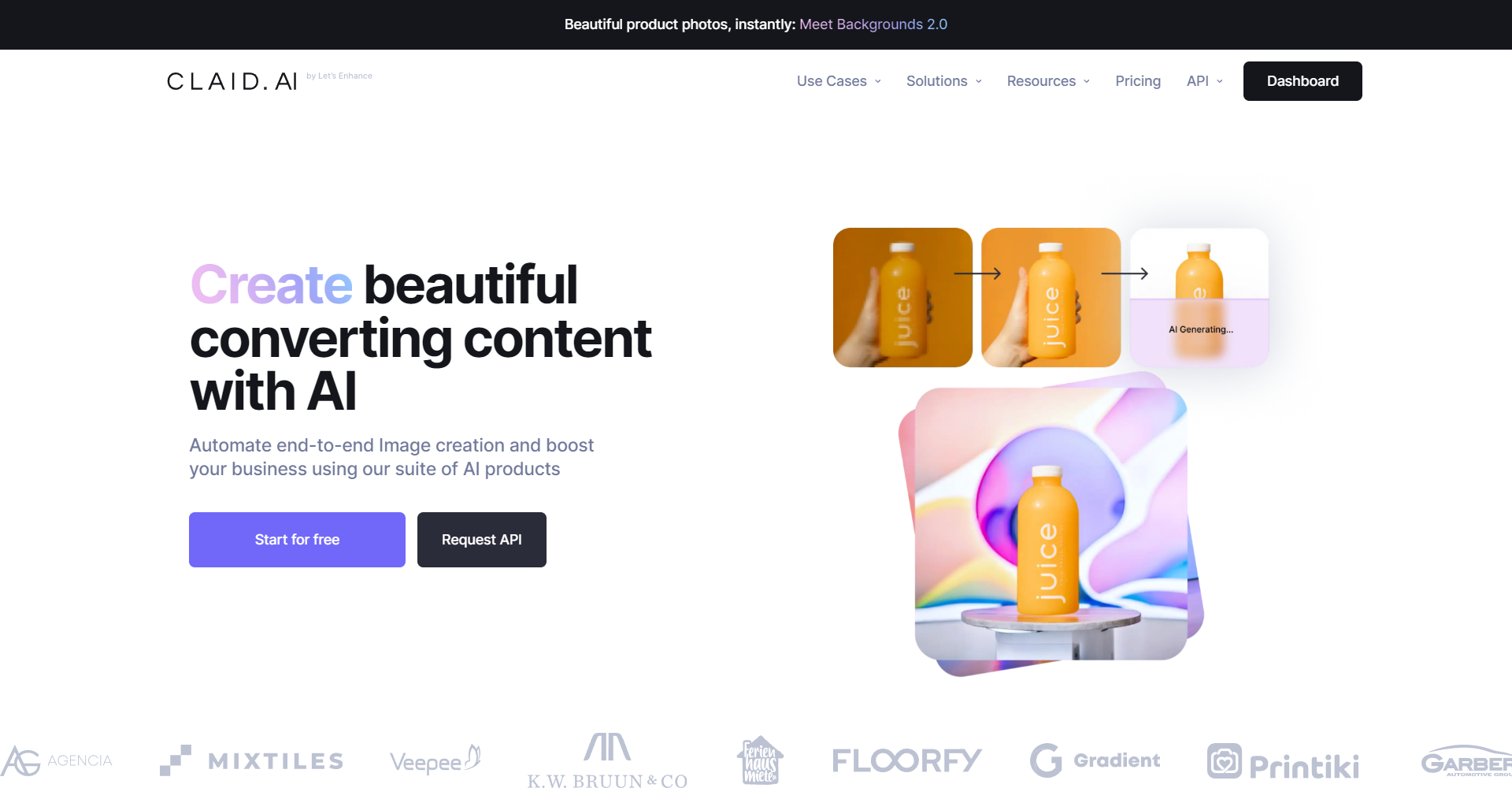
Claid helps businesses create high-quality product images by allowing users to remove backgrounds and replace them with custom scenes.
Pros:
- Simple and effective background removal.
- Scene selection enhances product presentation.
Cons:
- Limited scene library in the free version.
- Best suited for product images only.
Price: Free for basic features; Pro plans start at $12/month.
Score: 8.5/10
Highlight: Perfect for eCommerce sellers aiming to showcase products professionally.
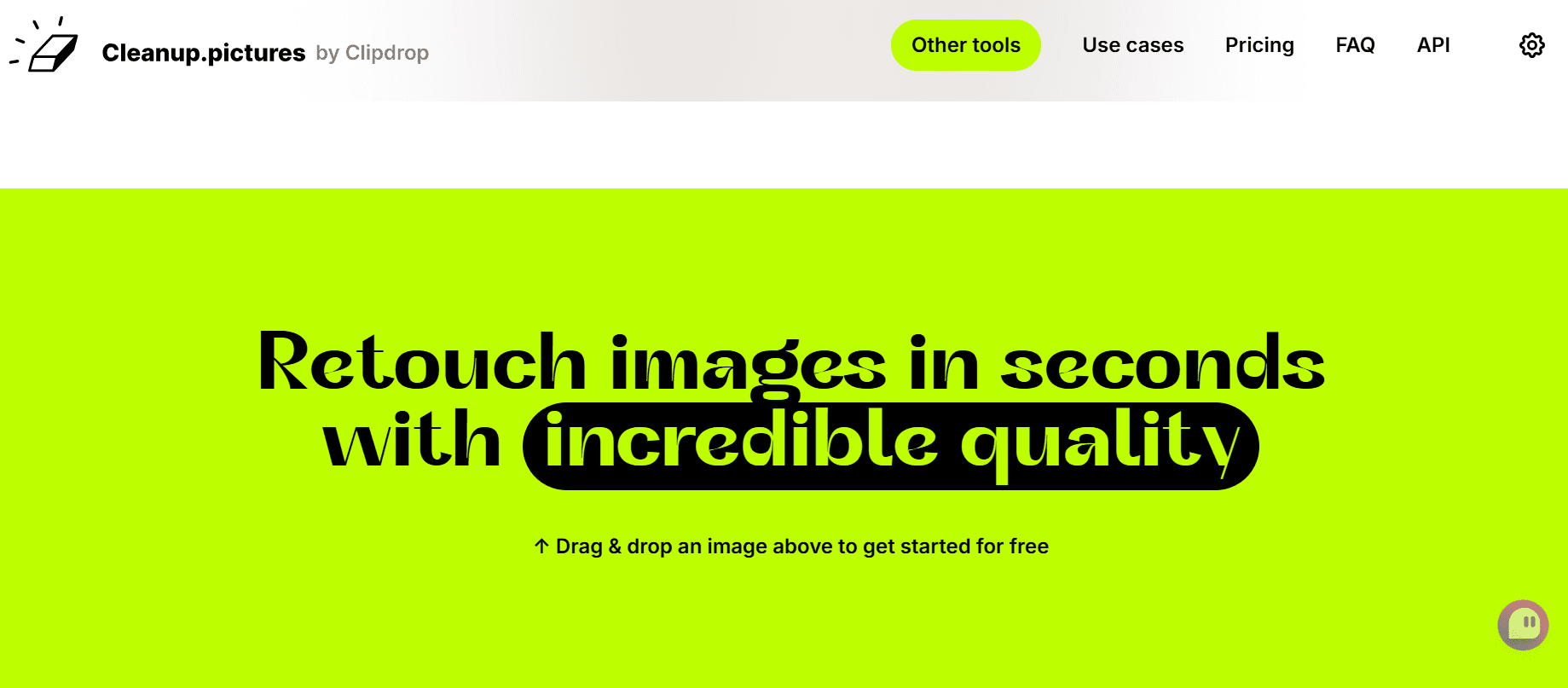
4. Cleanup.pictures
Cleanup.pictures allows you to remove unwanted elements such as objects, defects, or text from images effortlessly.
Pros:
- Easy-to-use interface.
- Works well for removing minor and major distractions.
Cons:
- Limited functionality for complex edits.
- High-resolution downloads require a paid plan.
Price: Free with watermarked downloads; premium plans start at $5/month.
Score: 8/10
Highlight: Best for quick photo touch-ups and cleanup tasks.
5. Attention Insight
Attention Insight uses AI to predict where users' eyes will focus on a website or app design, helping you optimize layouts.
Pros:
- Accurate heatmaps for design analysis.
- Provides actionable insights to improve user experience.
Cons:
- May require multiple iterations for optimal results.
- Advanced features locked behind premium plans.
Price: Free for limited projects; Pro plans start at $19/month.
Score: 9/10
Highlight: Ideal for UX designers looking to optimize designs for user engagement.
6. Icons8 Background Remover
Icons 8 Background Remover lets you remove image backgrounds without leaving the Figma environment, and it’s completely free.
Pros:
- Seamless integration with Figma.
- High-quality background removal.
Cons:
- Limited to Figma users.
- Requires stable internet connection.
Price: Free
Score: 8.5/10
Highlight: A must-have for Figma users who frequently work with images.
7. Adobe Firefly
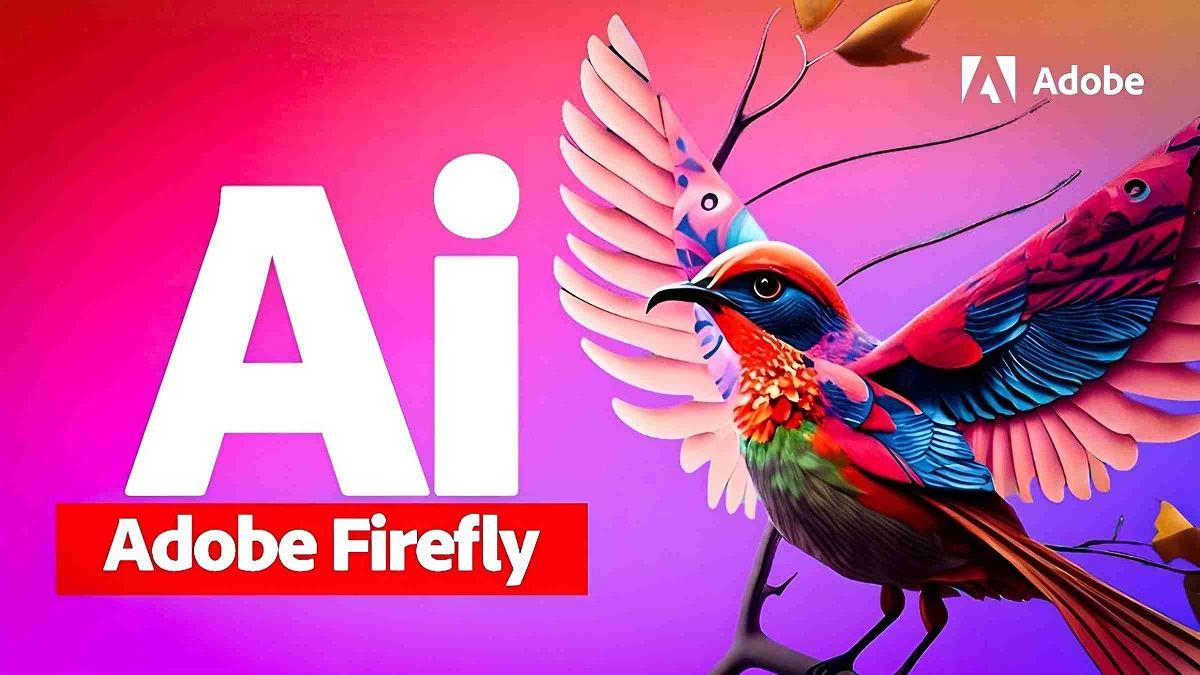
Adobe Firefly, an upcoming tool, offers advanced AI features to turn sketches into vectors and modify video attributes using simple text prompts.
Pros:
- Promises versatile features for creative workflows.
- Intuitive text-based controls.
Cons:
- Not yet publicly available.
- Unknown pricing structure.
Price: TBD
Score: 9/10 (based on potential)
Highlight: The future of intuitive design powered by AI.
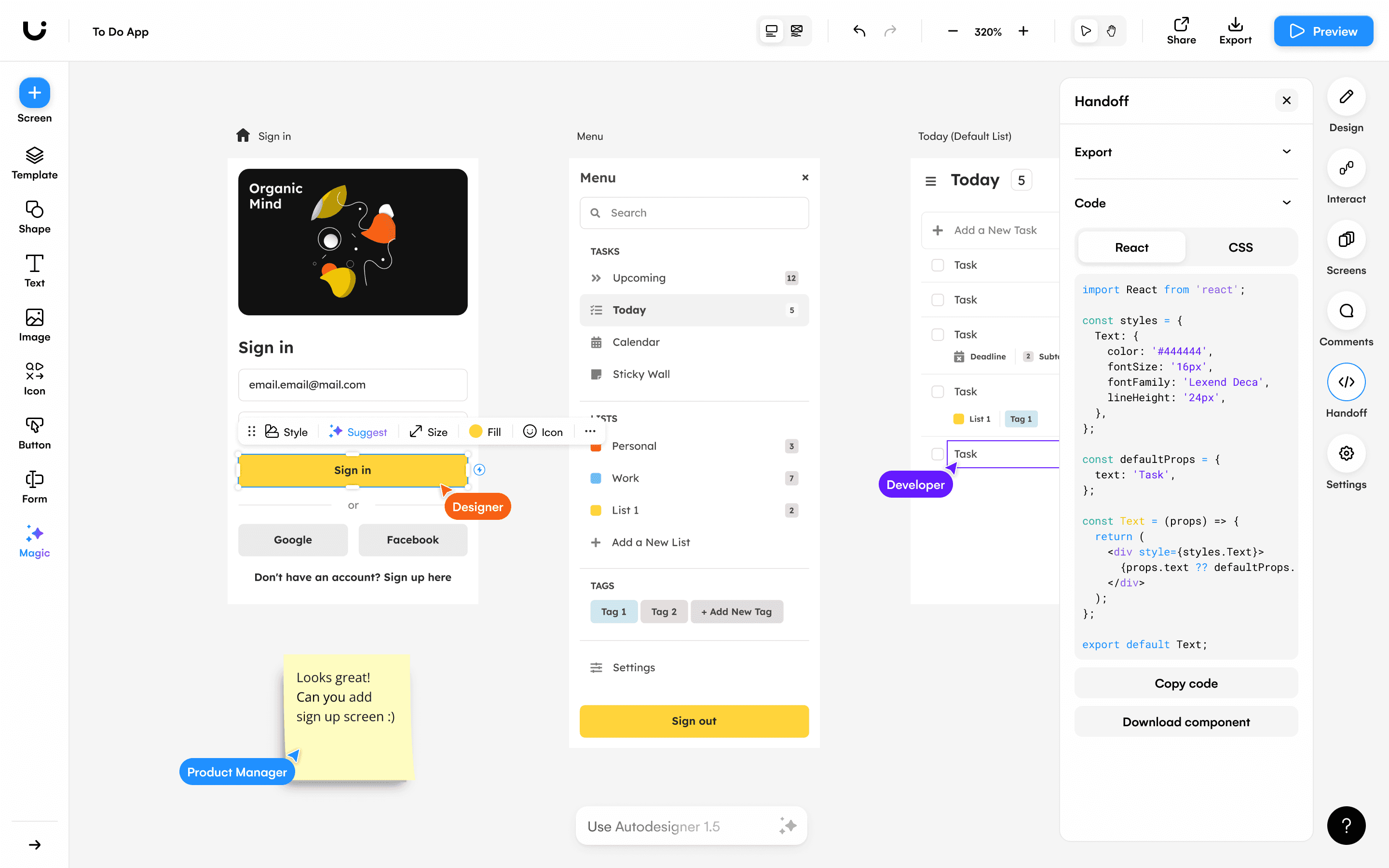
8. Uizard
Uizard is an AI-powered tool for turning wireframe sketches into designs and analyzing layouts for better UX.
Pros:
- Multiple design features in one platform.
- Attention heatmaps and AI text assistant.
Cons:
- Some features restricted to paid users.
- Slightly expensive for freelancers.
Price: Free for basic use; premium plans start at $15/month.
Score: 8.5/10
Highlight: Best for designers who need end-to-end prototyping tools.
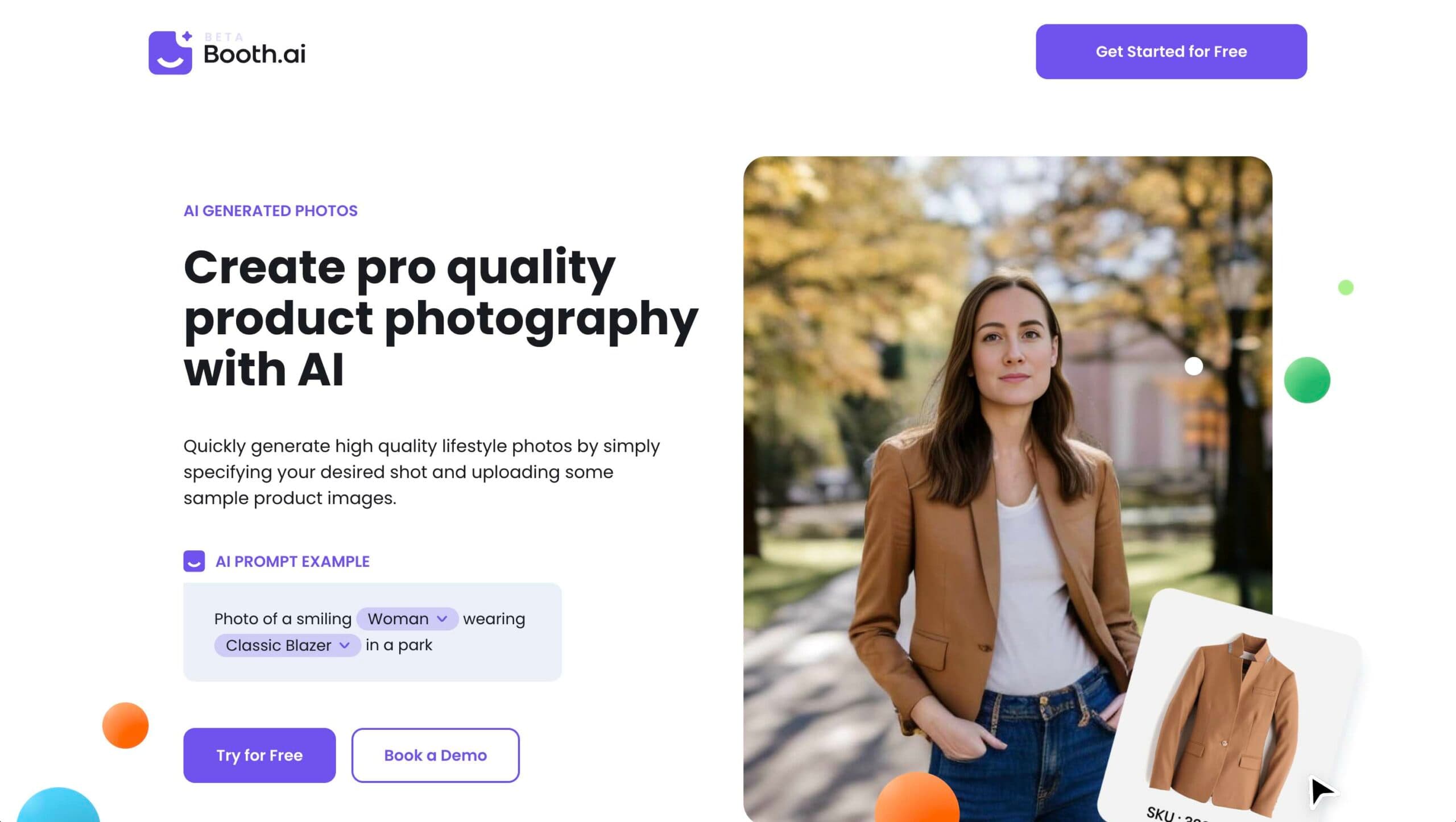
9. Booth AI
Booth AI is similar to Clade, allowing users to upload product images and generate lifestyle photos with ease.
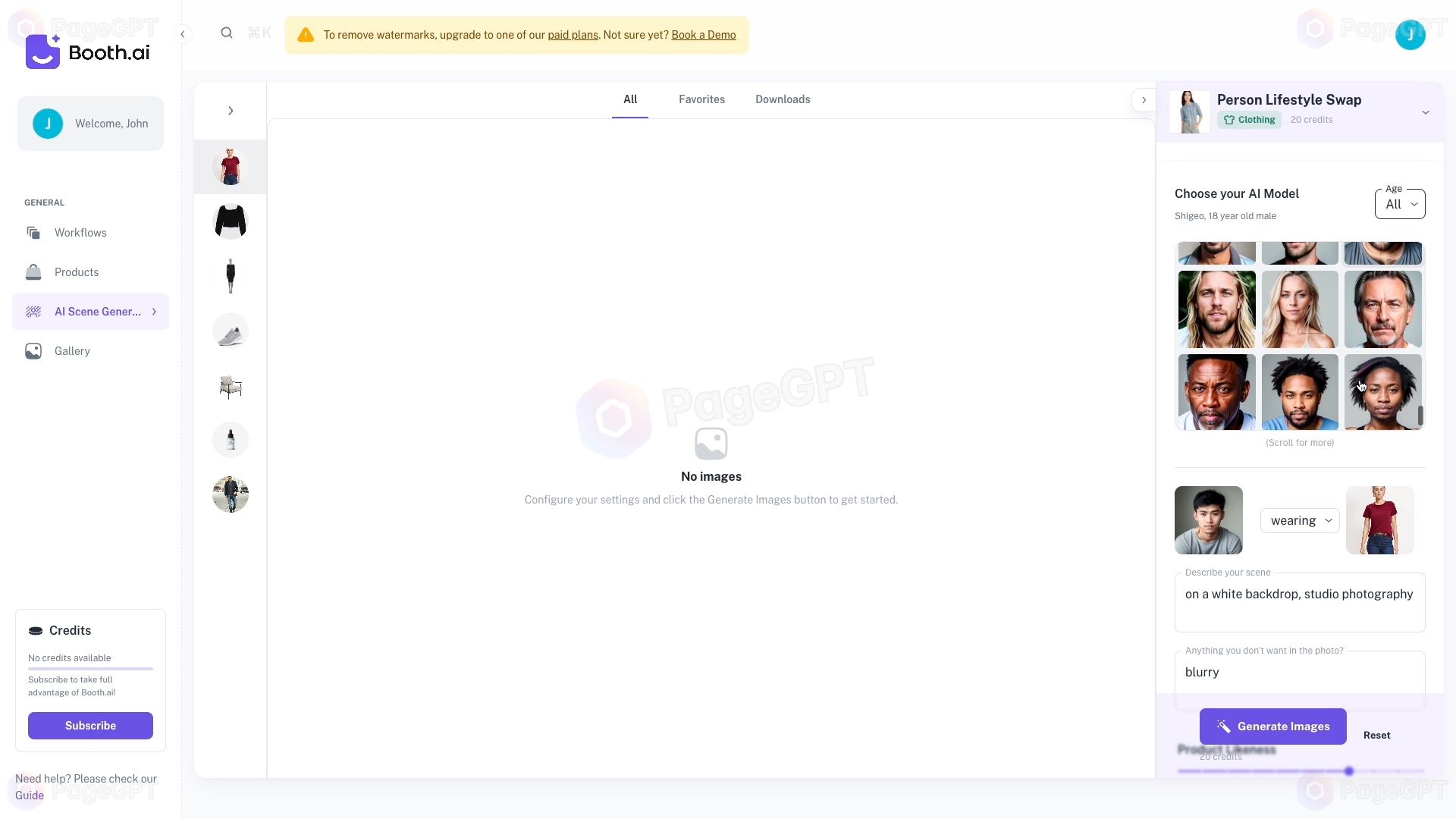
Pros:
- Excellent scene customization.
- Generates high-quality images for marketing.
Cons:
- Limited free features.
- Requires high-quality input images.
Price: Free for basic features; premium plans start at $14/month.
Score: 8.5/10
Highlight: Great for marketers looking to create compelling product visuals.
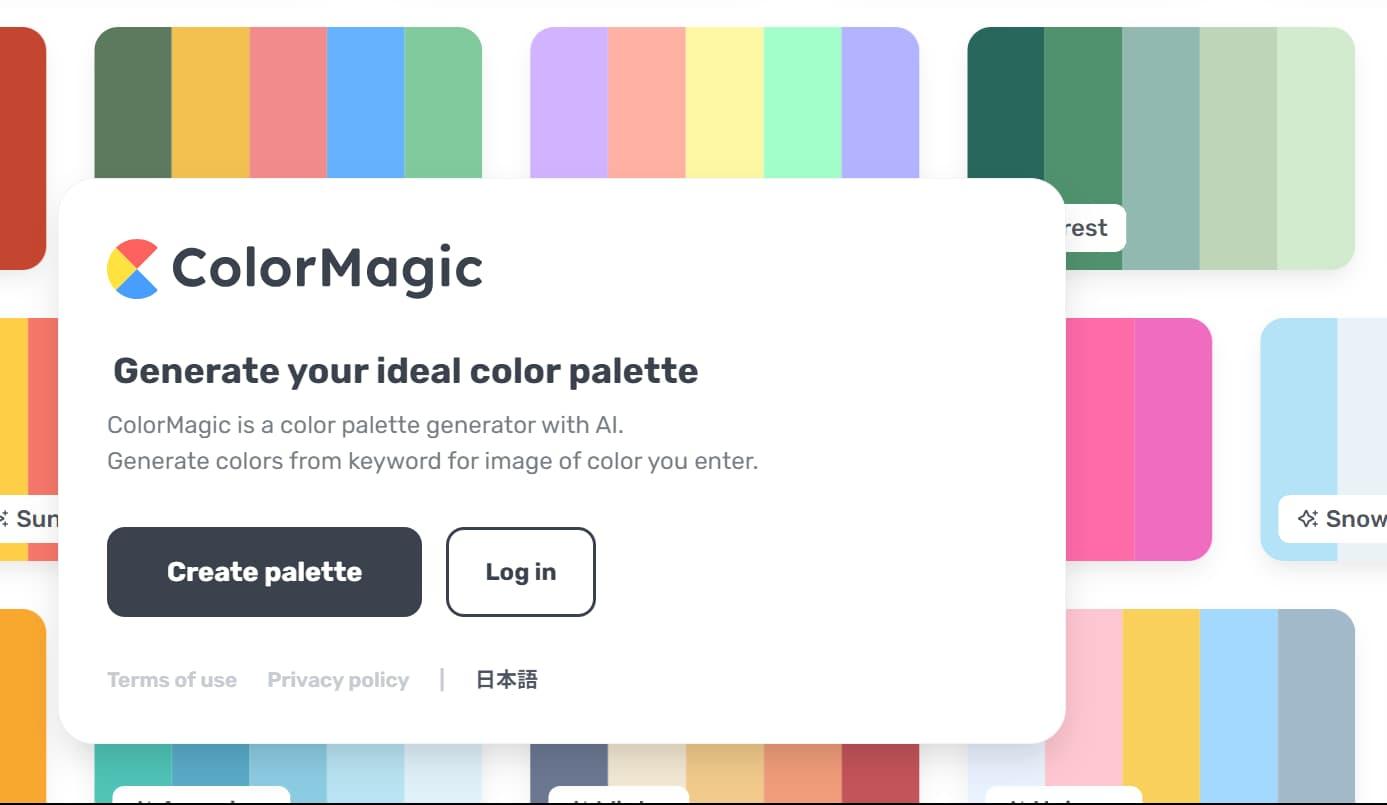
10. Color Magic
Color Magic allows you to generate color palettes based on keywords or moods.
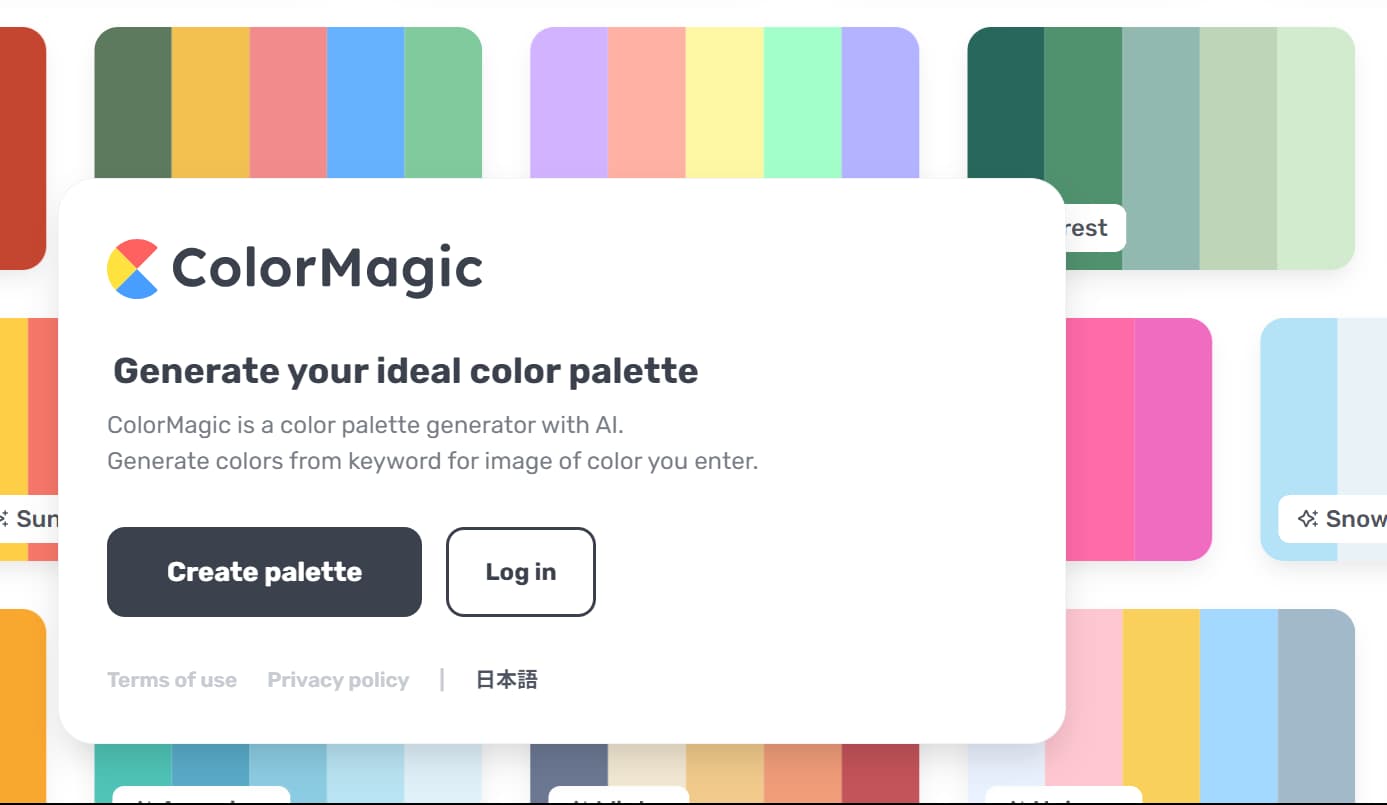
Pros:
- Intuitive and creative palette generation.
- Great for branding and design projects.
Cons:
- May require tweaking for specific needs.
- Limited advanced customization options.
Price: Free for basic use; Pro plans start at $8/month.
Score: 9/10
Highlight: Best for creating mood-based color palettes effortlessly.
Conclusion
AI tools are reshaping how UI/UX designers approach their craft, enabling greater efficiency, precision, and creativity. From creating user personas to optimizing visuals and predicting user behavior, these tools provide invaluable support at every stage of the design process. By incorporating these AI-powered solutions into your workflow, you can not only save time but also deliver exceptional designs that meet user needs. Choose the tools that align with your goals and watch your UI/UX projects reach new heights!
