






Stop Wasting Time—Let AI Handle the Repetitive Work
Are you drowning in repetitive tasks that eat up your day? Instead of focusing on business growth, you’re stuck responding to emails, uploading invoices, and scheduling social media posts. Imagine reclaiming that lost time—time you can reinvest in strategy, innovation, and revenue-generating work.
In 2025, AI-powered workflow automation isn’t optional—it’s essential. Businesses that embrace automation now will have a massive competitive edge. Those that don’t? They’ll be left playing catch-up.
Let’s break down the best AI workflow automation tools and strategies so you can boost efficiency, cut costs, and stay ahead of the game.
I. Why AI and Workflow Automation Matter
Manual work slows you down. Whether it’s data entry, responding to customers, or scheduling content, these tasks don’t just drain time—they kill creativity and momentum.
✅ 83% of IT leaders say AI-powered automation is critical for digital transformation
✅ 90% of knowledge workers report improved productivity through automation
✅ 68% of employees feel overwhelmed by daily tasks—AI can help.
AI acts as your ultimate assistant, automating routine tasks so you can focus on high-value work.
Think back to the early 2000s—businesses that didn’t adopt websites got left behind. AI is the next big shift. Adopt it now, or risk falling behind.

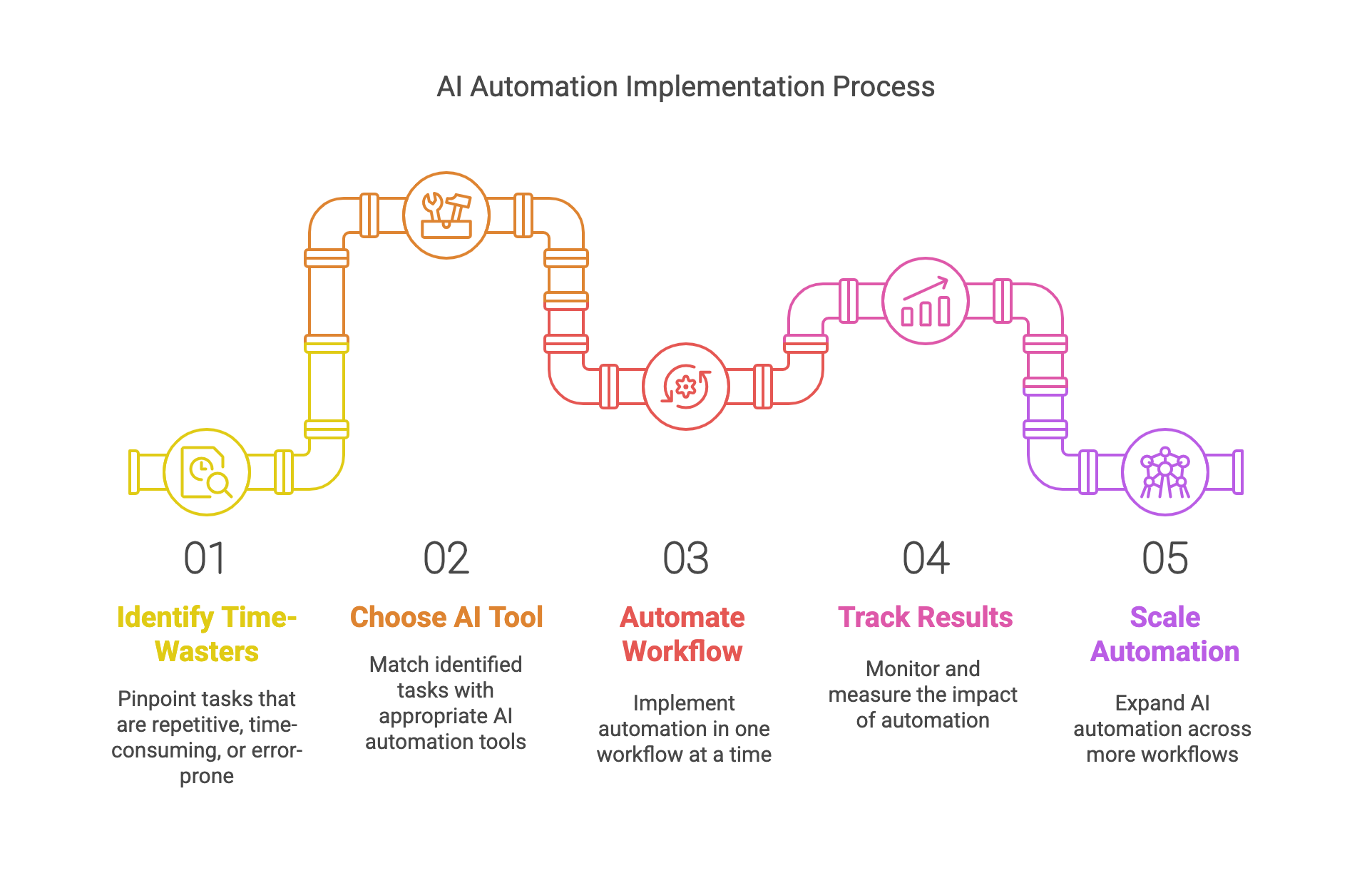
II. How to Automate Like a Pro: 5 Key Principles
Not all automation is created equal. Follow this step-by-step plan to ensure success:
✅ Step 1: Identify Your Biggest Time-Wasters
Start by pinpointing tasks that are:
🔹 Repetitive (emails, social media posting, scheduling)
🔹 Time-consuming (manual invoicing, customer service)
🔹 Prone to human error (data entry, lead management)
📌 Example: Struggling to keep up with customer inquiries? AI-powered chatbots can handle FAQs, book appointments, and improve response times.
✅ Step 2: Choose the Right AI Automation Tool
Once you know what’s slowing you down, match it with the right tool.
| Pain Point | Best AI Tool |
| Slow content creation | ChatGPT, Claude (AI-generated blogs, emails) |
| Manual social media posting | Zapier, Buffer (Auto-scheduling posts) |
| Overloaded customer inbox | Text.com, My AI Front Desk (AI-powered responses) |
| Time-consuming video edits | CapCut, Syllaby (AI video creation) |
| Repetitive workflows | Zapier, Make (Automate data & task management) |
💡 Pro Tip: Start with one AI automation tool, track the time saved, and expand from there.
✅ Step 3: Automate One Workflow at a Time
One of the biggest mistakes businesses make is trying to automate everything at once.
🚀 Start with one simple process, such as:
✔ Automating lead collection from Facebook Ads → Google Sheets with Zapier.
✔ Using Claude to edit and refine AI-generated blog posts.
✔ Auto-generating FAQ responses with Text.com.
📌 Example: If responding to customer emails takes 10+ hours a week, let AI handle routine responses while you focus on strategy.
✅ Step 4: Track Results & Optimize
To make AI worth the investment, track its impact.
📊 Key Performance Indicators (KPIs):
🔹 ⏳ Time saved per task (e.g., how many hours AI eliminated).
🔹 📈 Faster response times (e.g., chatbot reduced wait times by 50%).
🔹 💰 Cost reductions (e.g., fewer manual labor hours).
📌 Example: AI automating 50% of customer emails = saving 5+ hours/week = more time for high-value work.
✅ Step 5: Scale & Expand AI Automation
Once you see results, scale automation across more workflows:
🔹 AI-powered scheduling (e.g., ChatGPT auto-scheduling meetings).
🔹 Automated sales CRM updates (e.g., Zapier adding new leads automatically).
🔹 AI-generated video marketing content (e.g., Syllaby creating explainer videos).
III. Top AI Tools for Workflow Automation in 2025
Finding the right AI automation tools can be overwhelming, so here’s a curated list of the best AI tools for business automation—categorized by use case.
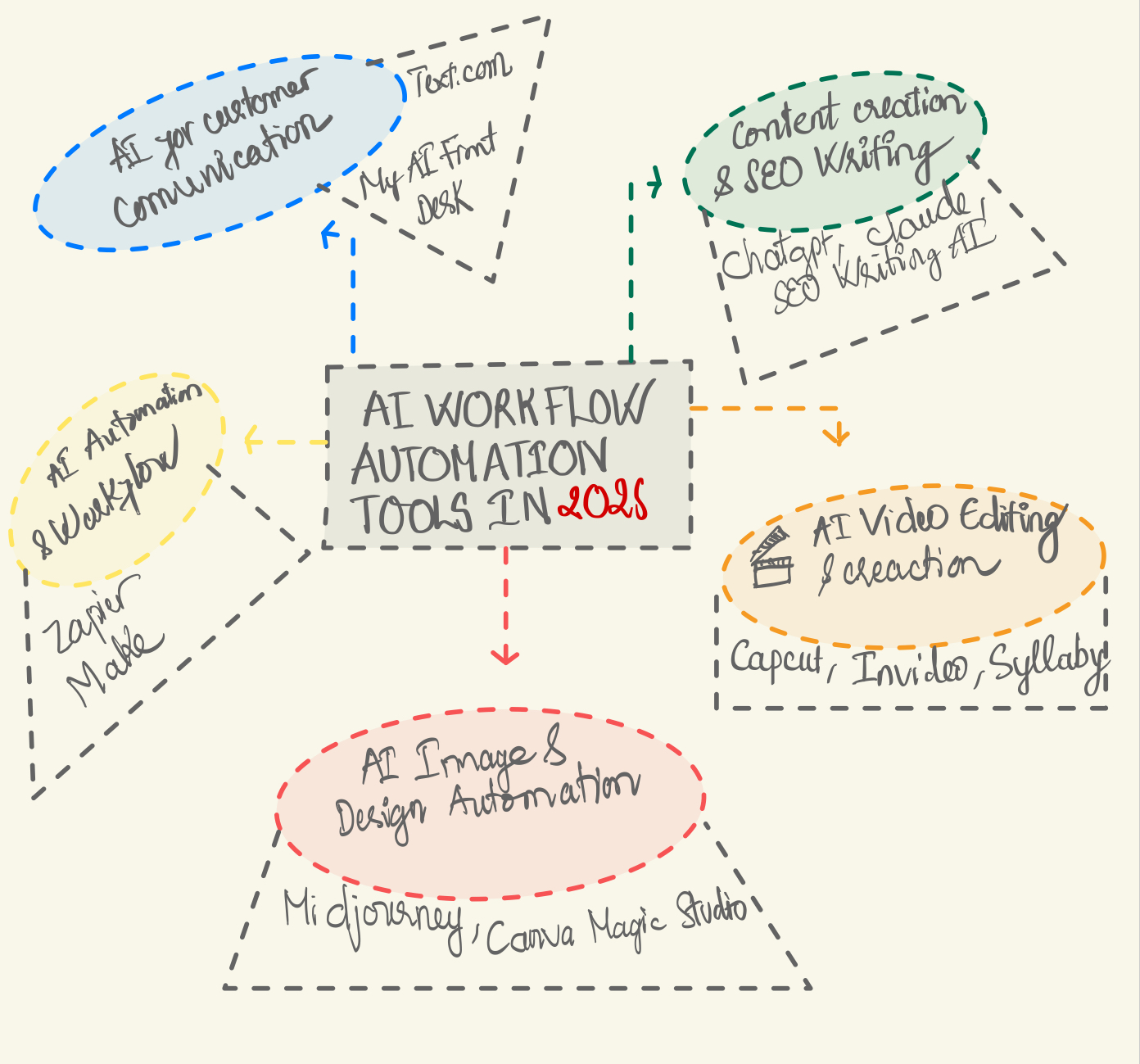
📝 Content Creation & SEO Writing
Create high-quality blog posts, marketing copy, and SEO-optimized content in minutes.
| Tool | Best For | Key Features |
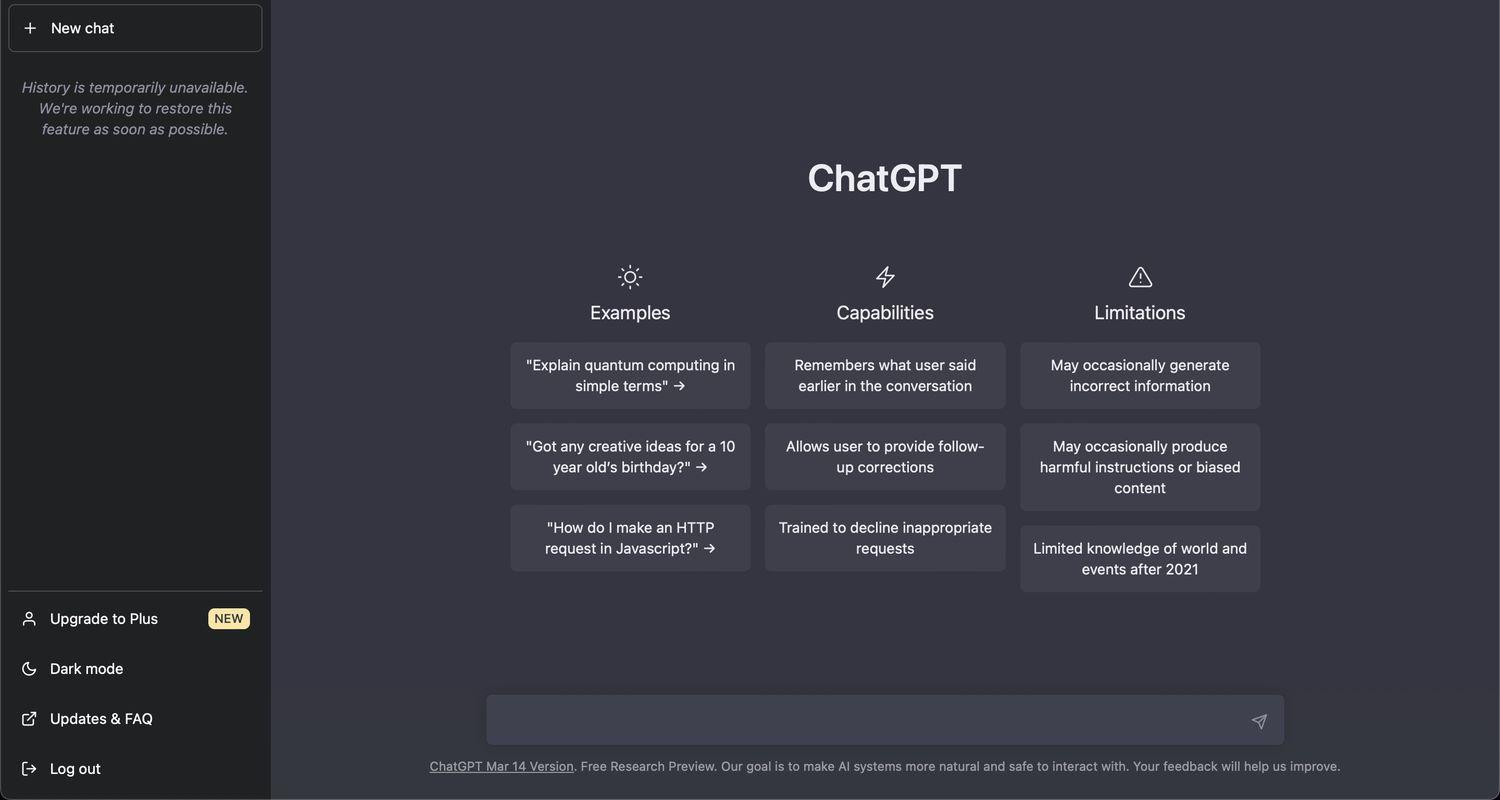
| ChatGPT | Blog writing, emails, FAQs | Fast content creation, idea generation, tone adjustment |
| Claude | Editing, storytelling | Natural, human-like writing with fact-checking |
| SEO Writing AI | SEO-optimized content | Writes articles with citations, embeds media |
📌 Example Use Case: Need to generate weekly blog posts? ChatGPT helps draft them, while Claude fine-tunes and fact-checks the content.
🎬 AI Video Editing & Creation
Automate video production for social media, marketing, and training.
| Tool | Best For | Key Features |
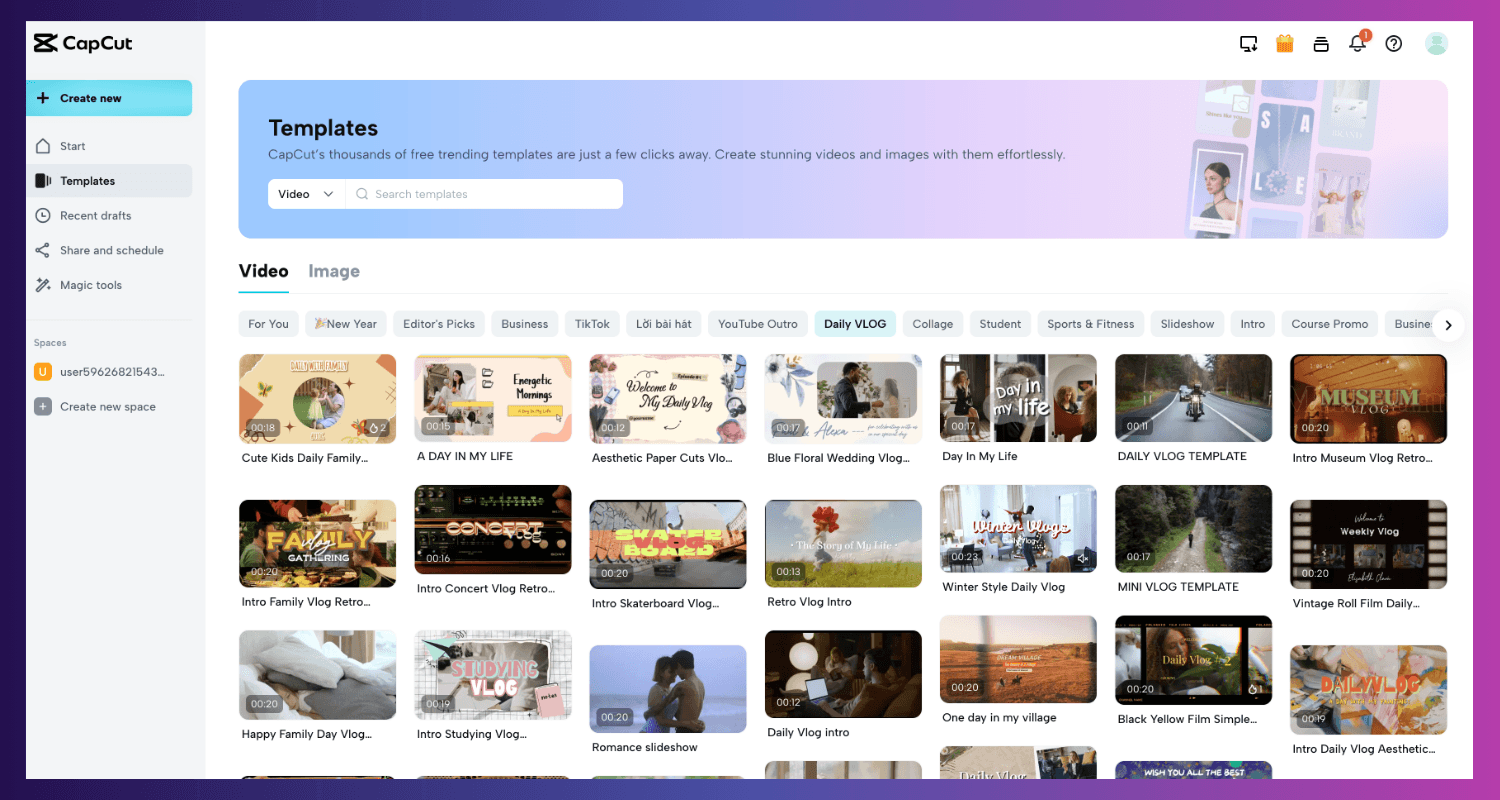
| CapCut | Social media videos | Mobile-friendly, easy effects & transitions |
| InVideo | Business & explainer videos | Templates, voiceovers, automated script-to-video |
| Syllaby | "Faceless" video content | Auto-generates engaging videos without showing your face |
📌 Example Use Case: Running a TikTok or Instagram business account? Use CapCut for quick, polished edits or Syllaby to create videos without being on camera.
🎨 AI Image & Design Automation
Instantly create, edit, and enhance images without advanced design skills.
| Tool | Best For | Key Features |
| MidJourney | AI-generated artwork | Creates images from text prompts |
| Canva Magic Studio | Social media & branding | AI-powered image editing, Magic Eraser, text-to-image |
📌 Example Use Case: Need professional-looking images without hiring a designer? MidJourney generates stunning AI visuals, while Canva Magic Studio fine-tunes them.
⚡ AI-Powered Automation & Workflows
Connect your apps, streamline tasks, and reduce manual work.
| Tool | Best For | Key Features |
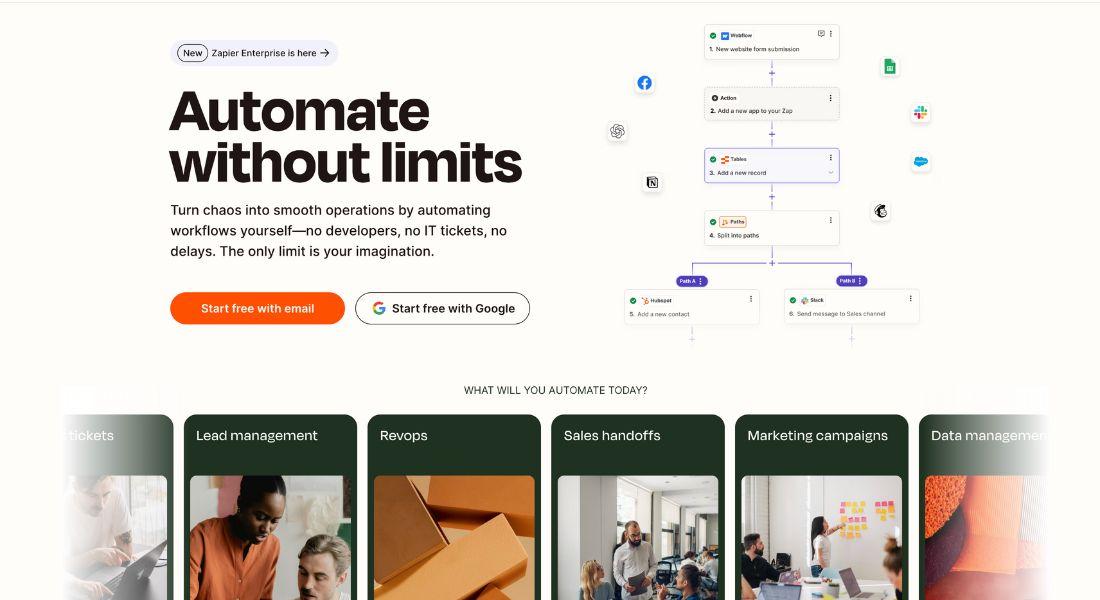
| Zapier | Automating everyday tasks | No-code integrations, connects 5,000+ apps |
| Make (Integromat) | Advanced workflow automation | Visual workflow builder, deep customizations |
📌 Example Use Case: Want to automate lead collection? Use Zapier to send new leads from a Facebook ad directly to your CRM or email marketing software.
📢 AI for Customer Communication & Support
Improve response times, manage messages, and enhance customer experience.
| Tool | Best For | Key Features |
| Text.com | Managing multi-platform messages | Unified inbox, AI translation, quick replies |
| My AI Front Desk | AI-powered customer support | Handles calls, emails, and voicemails with a human-like touch |
📌 Example Use Case: Get instant customer responses by using Text.com to manage messages across WhatsApp, Messenger, and email in one inbox.
IV. How to Get Started with AI Automation (Step-by-Step Guide)
Automation isn’t complicated if you follow a structured approach. Here’s how to start today:
✅ Step 1: Identify Your Biggest Time-Wasters
Look at your daily tasks. Ask yourself:
- What’s repetitive and manual?
- What takes up the most time?
- What’s slowing down business growth?
📌 Example: If responding to emails is a bottleneck, consider AI-powered email automation.
✅ Step 2: Choose the Right AI Tool
Match your pain point to the right tool:
- Need faster customer responses? → Text.com
- Spending hours on content creation? → ChatGPT
- Manually posting on social media? → Zapier + Buffer
✅ Step 3: Start Small, Then Scale
Don’t automate everything at once. Start with one task, measure the impact, and scale from there.
✔ First 30 Days: Automate a simple process (e.g., auto-reply emails).
✔ Next 30 Days: Add another layer (e.g., AI-generated FAQs).
✔ Beyond 60 Days: Expand automation to multiple workflows.
✅ Step 4: Track Success & Adjust
Use KPIs to evaluate AI’s effectiveness:
- ⏳ Time saved per task
- 💰 Money saved in labor costs
- ⚡ Customer response speed improvement
If an automation isn’t working, tweak and optimize.
🚀 Wrapping It Up: AI is Your Competitive Advantage
AI isn’t a fad—it’s the future. The question isn’t "Should I automate?"—it’s "How soon can I start?"
📌 Your AI Action Plan:
1️⃣ Pick one repetitive task to automate.
2️⃣ Choose an AI tool from the list above.
3️⃣ Test it for 30 days and track the time saved.
4️⃣ Expand automation as you see results.
🚀 Get Ahead Now: Check out AI Academy’s 2025 AI Trends for Businesses for expert insights and actionable advice to stay ahead of the curve.
💬 Need help? Drop a comment or DM us—we love helping businesses unlock AI’s full potential.
