





Mind mapping is an essential technique for brainstorming, organizing ideas, and planning projects. With the help of AI-powered tools, mind mapping has become more efficient and accessible than ever. From simple brainstorming sessions to complex project planning, AI tools for mind mapping empower users with intuitive interfaces, real-time collaboration, and seamless integrations. In this post, we’ll review five top AI tools for mind mapping, highlighting their features, pricing, pros and cons, and why they stand out.
Miro
1. Introduction
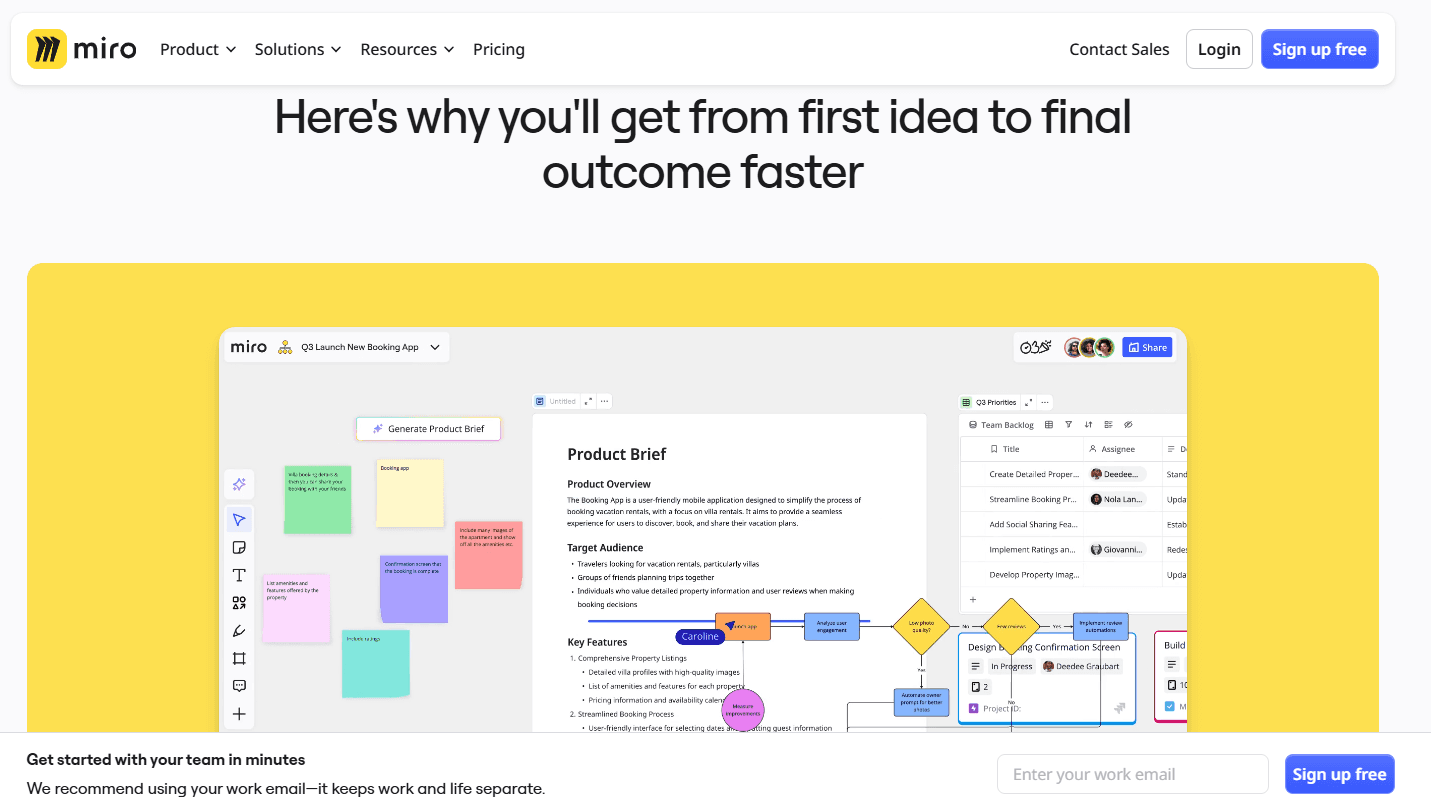
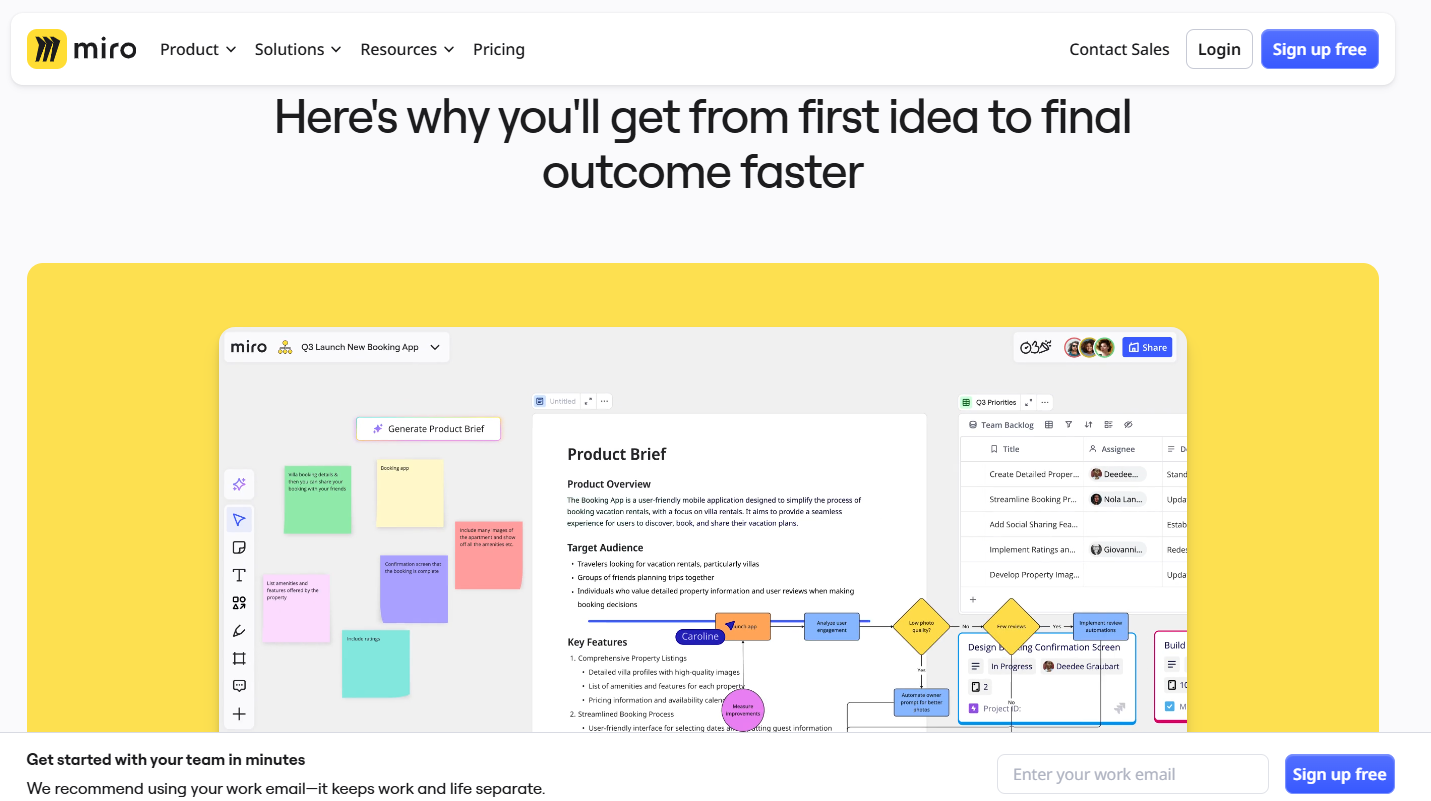
Miro is an intuitive online whiteboard tailored for hybrid working environments. With over 1,000 templates, it simplifies collaboration through integrated communication features. Teams can seamlessly brainstorm, plan, and visualize their ideas in real time, making it a versatile tool for creative and project-focused teams.
2. Pros and Cons
Pros:
- Over 1,000 ready-to-use templates for various use cases.
- Integrated communication features for seamless team collaboration.
- Free forever plan that supports unlimited team members.
- Hybrid working-friendly design with real-time updates.
Cons:
- Limited functionality in the free version (only three editable boards).
- Advanced features require a paid subscription.
3. Pricing
- Free Forever Plan: Three editable boards with unlimited team members.
- Paid Plans: Start at $8 per user per month for advanced features.
4. Score: 9/10
Miro is a powerhouse for creative collaboration, but its limited free plan may be a constraint for larger teams.
5. Highlight
Miro's intuitive interface and hybrid working design make it ideal for teams looking to collaborate effectively in real time.
ClickUp
1. Introduction
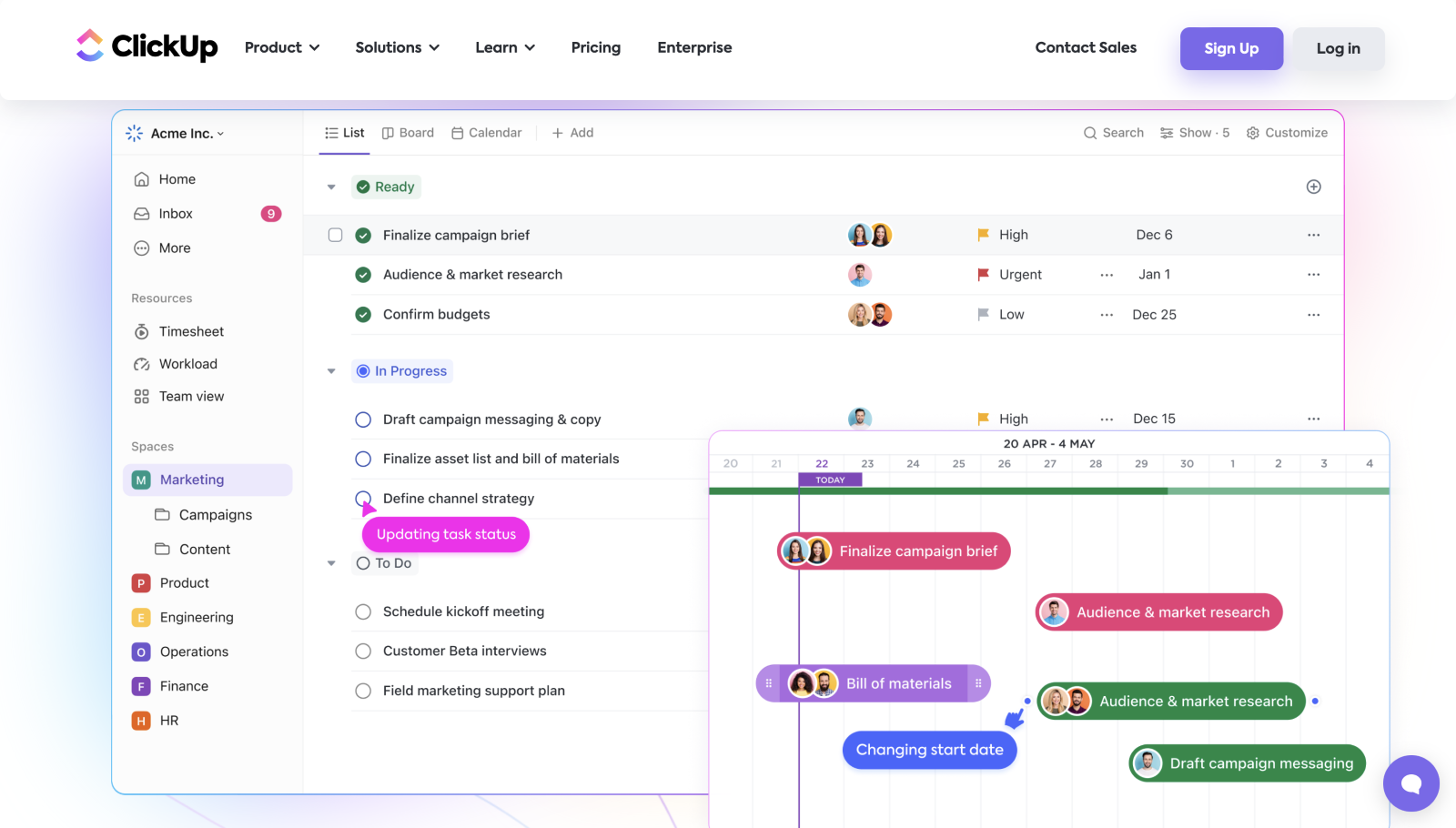
ClickUp is a comprehensive tool designed to manage work, plan projects, and create mind maps. With its ability to visualize workflows, manage tasks, and enable real-time collaboration, ClickUp is perfect for teams looking to stay organized.
2. Pros and Cons
Pros:
- Flexible features for task management, project planning, and mind mapping.
- Real-time collaboration capabilities.
- Integration with popular tools like Slack, G Suite, and Dropbox.
- Highly customizable workflows.
Cons:
- Steeper learning curve for beginners.
- Advanced features locked behind a paywall.
3. Pricing
- Free Plan: Basic functionality.
- Unlimited Plan: Starts at $5 per user per month for more features.
4. Score: 8.5/10
ClickUp offers immense versatility but requires time to master for optimal use.
5. Highlight
The ability to integrate ClickUp with other tools makes it a central hub for managing complex workflows.
MindGenius
1. Introduction
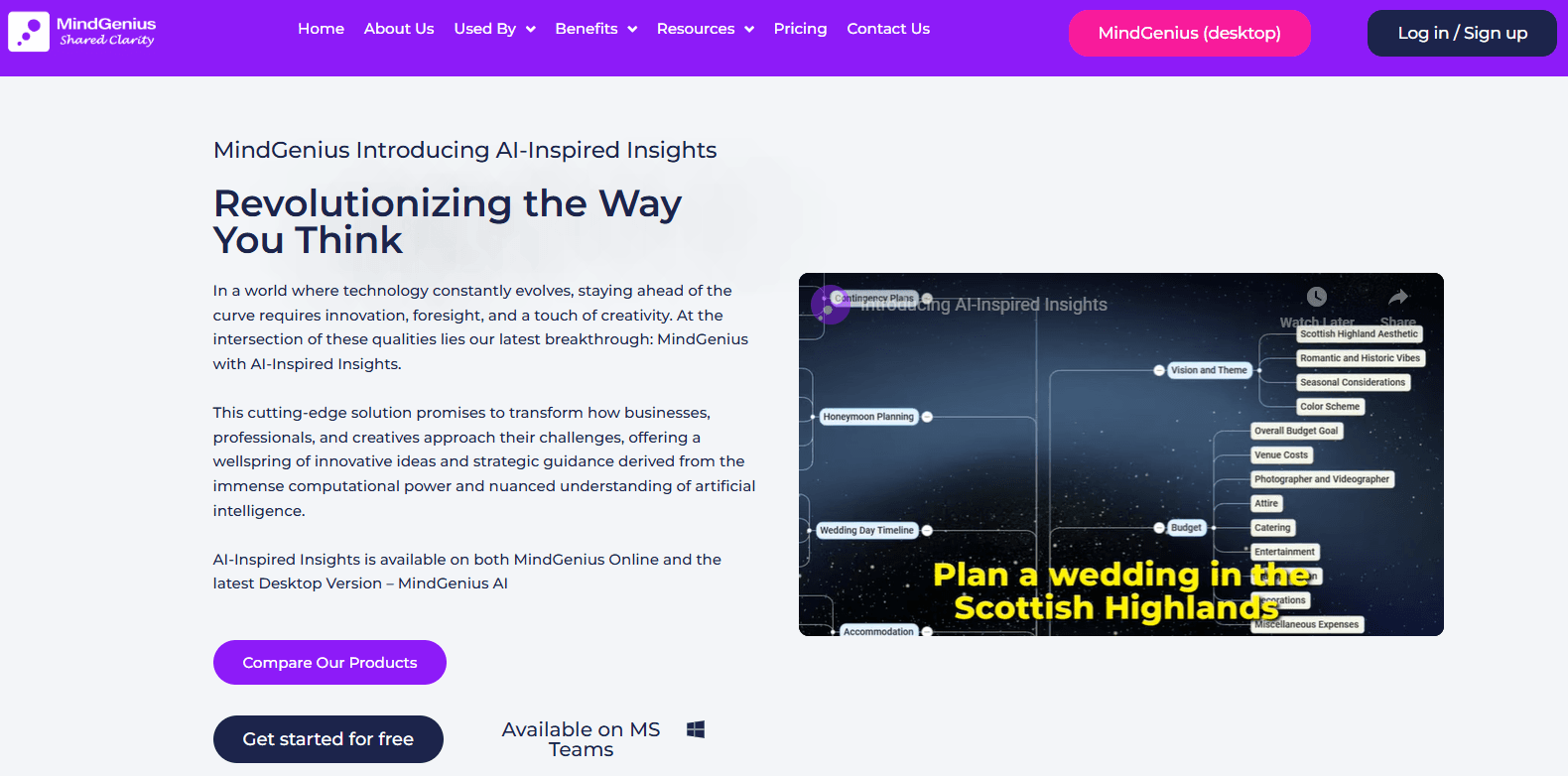
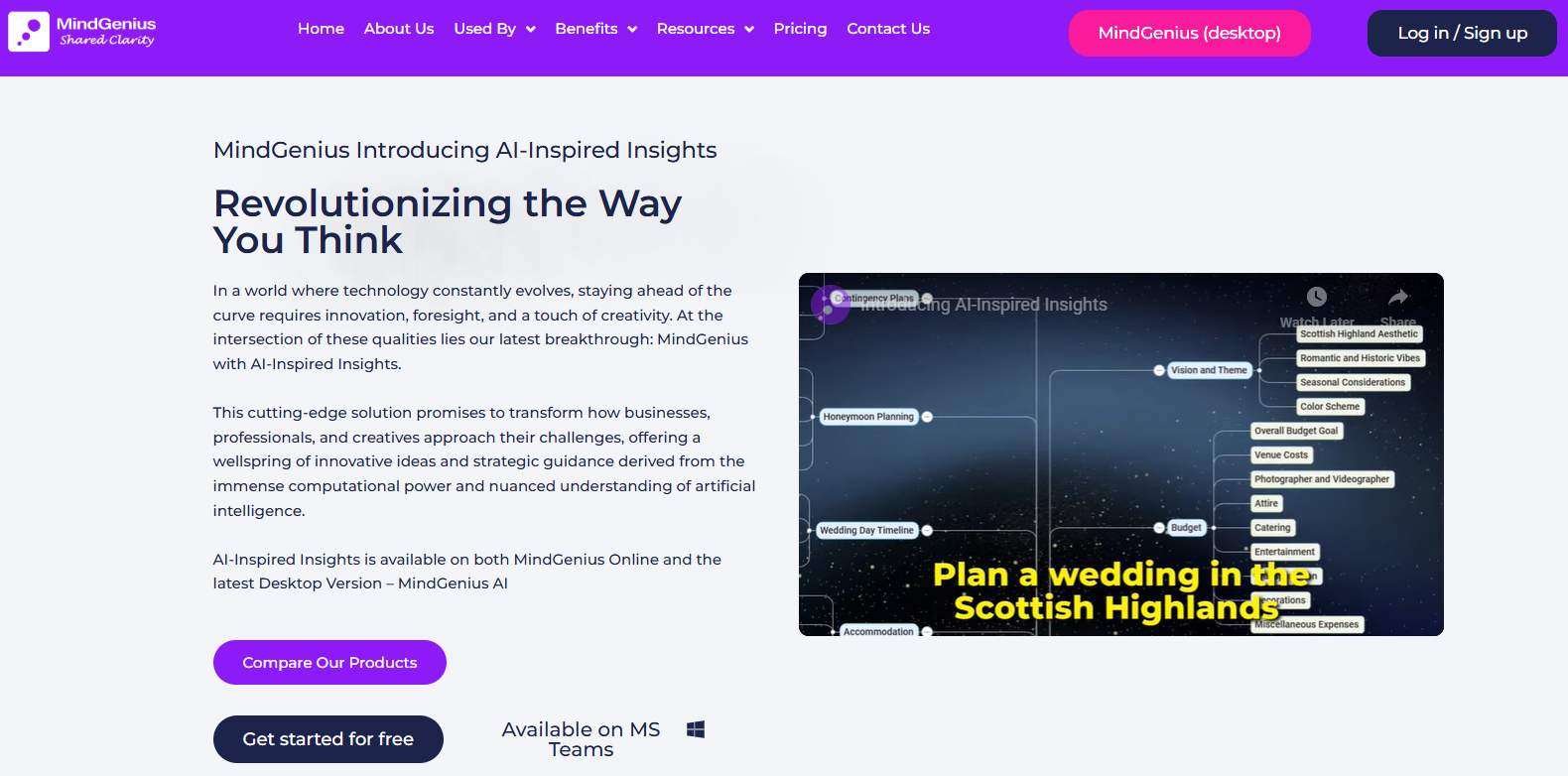
MindGenius is a brainstorming and project planning tool designed to convert ideas into structured mind maps. With its drag-and-drop functionality, Gantt charts, and project reporting tools, it streamlines project management for teams and individuals.
2. Pros and Cons
Pros:
- Comprehensive project planning features like Gantt charts and Kanban boards.
- Easy-to-use drag-and-drop interface.
- Integration with Microsoft Office, Google, and popular social platforms.
- Affordable annual subscription plan with discounts for renewal.
Cons:
- Outdated UI compared to modern tools.
- Limited collaborative features compared to competitors.
3. Pricing
- Perpetual License: $268.80.
- Annual Subscription: $168 for the first year, then $58.80 annually.
4. Score: 7.5/10
MindGenius is reliable for solo project planners but lacks the polish of newer tools for team collaboration.
5. Highlight
Its strong focus on brainstorming and project management makes it ideal for users who value structure and organization.
Lucidchart
1. Introduction
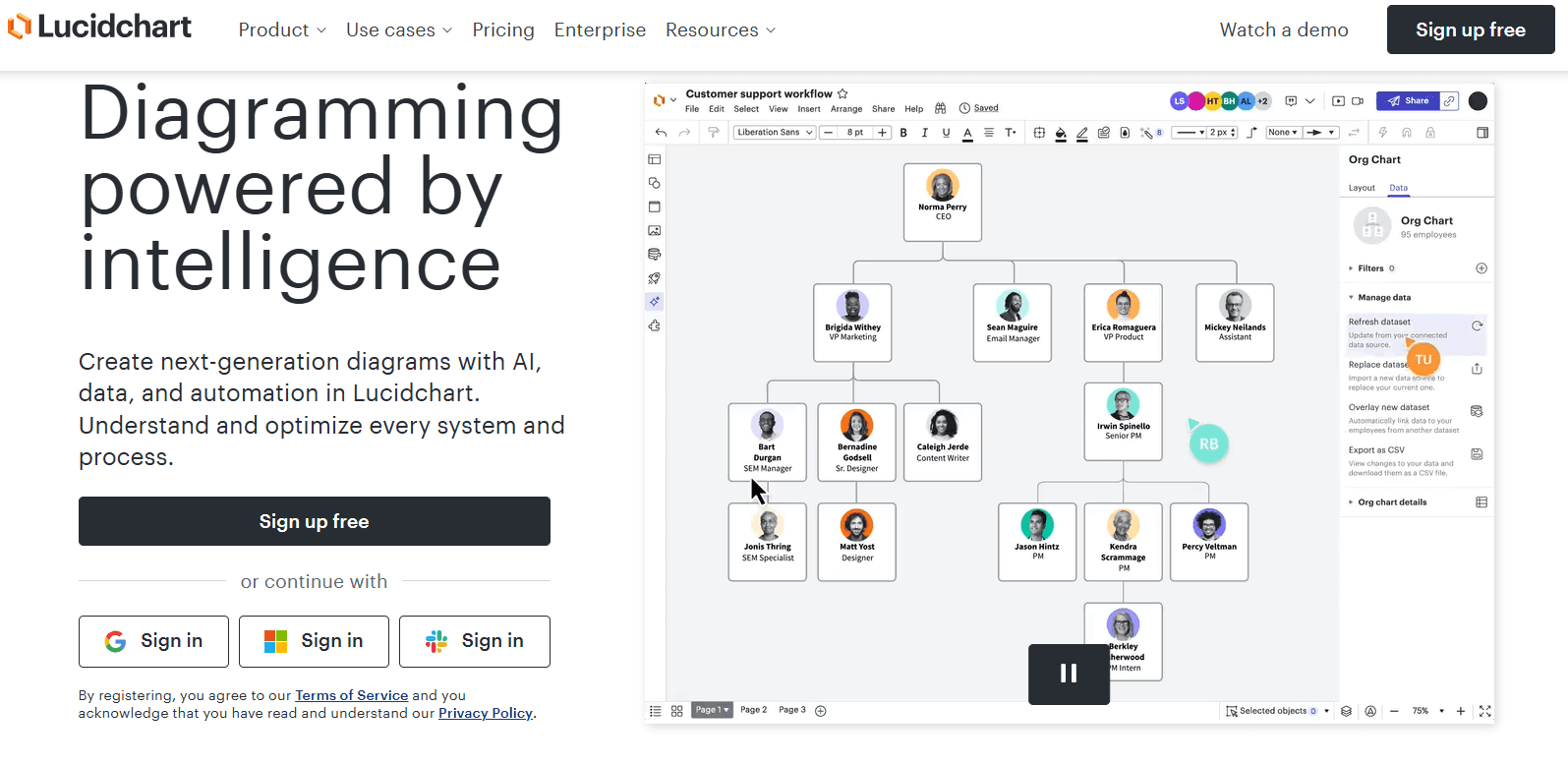
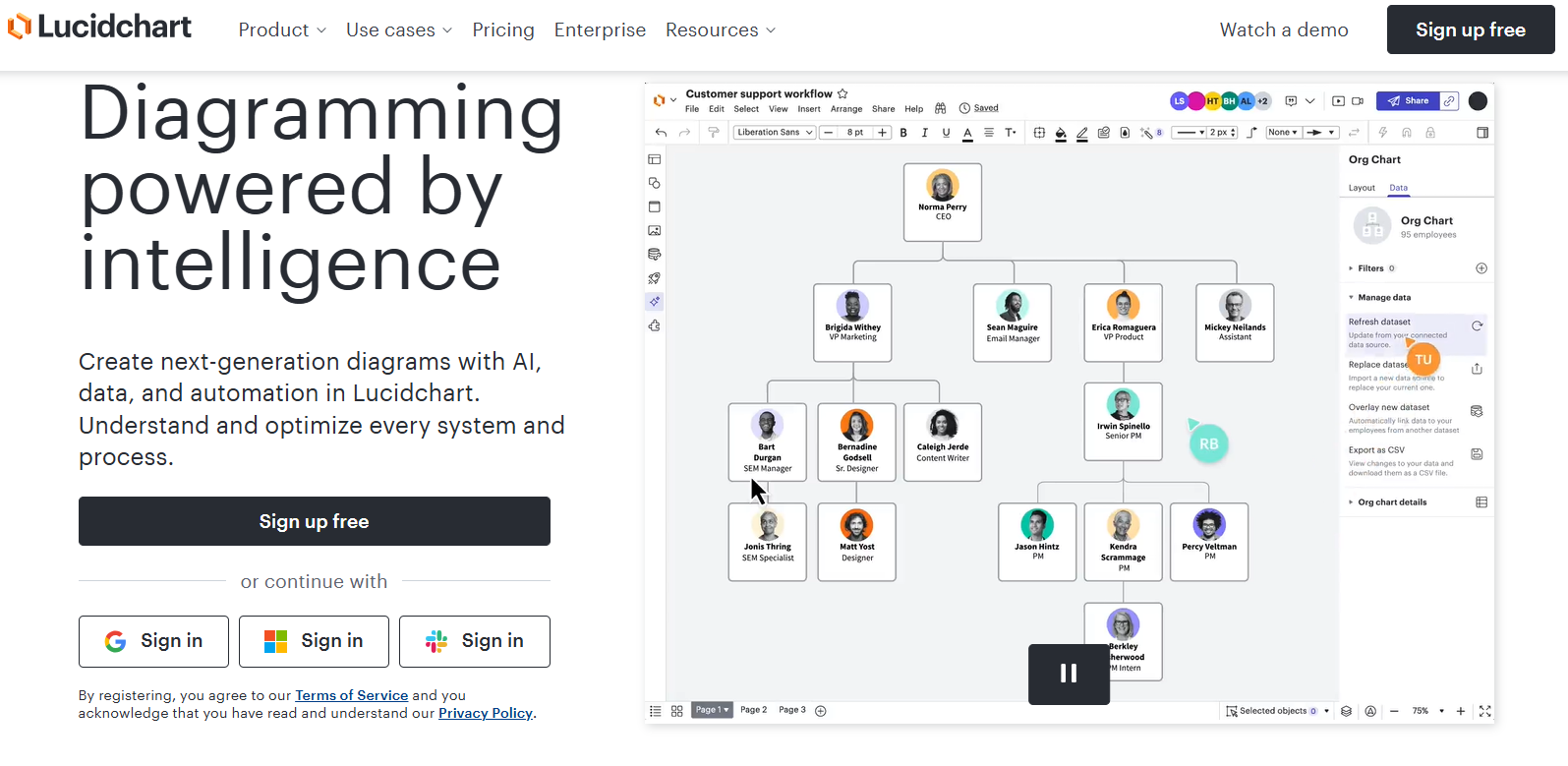
Lucidchart is a versatile diagramming tool that supports mind mapping, flowchart creation, and more. Its collaborative features, extensive template library, and integration capabilities make it an excellent choice for teams working on complex projects.
2. Pros and Cons
Pros:
- Hundreds of templates for diverse diagramming needs.
- Real-time collaboration tools for team projects.
- Embeddable diagrams for wikis, websites, and blogs.
- Integration with popular tools like Google Apps and Jira.
Cons:
- Free plan offers limited functionality.
- Monthly costs can add up for larger teams.
3. Pricing
- Free Forever Plan: Basic features.
- Paid Plans: Start at $8 per user per month.
4. Score: 8.5/10
Lucidchart is a solid choice for teams, but its free version is restrictive for advanced projects.
5. Highlight
The ability to embed diagrams into websites and blogs sets Lucidchart apart as a versatile tool for both professional and educational use.
Microsoft Visio
1. Introduction
Microsoft Visio is a robust software designed for creating mind maps, flowcharts, and other graphical representations. Integrated into the Microsoft ecosystem, it leverages data from Office applications to provide real-time visualizations.
2. Pros and Cons
Pros:
- Extensive template library for varied diagramming needs.
- Seamless integration with Microsoft 365 and tools like Teams and Power BI.
- AutoCAD support for advanced diagramming.
- Collaboration features like comments and annotations.
Cons:
- High upfront cost for perpetual licenses.
- Basic subscription plans lack advanced features.
3. Pricing
- One-Time License: $399.99.
- Subscription Plan: Starts at $5 per user per month.
- Free Trial: One month.
4. Score: 8/10
Microsoft Visio's extensive features come at a premium, making it best suited for advanced users.
5. Highlight
Its integration with Microsoft 365 and support for AutoCAD make it a standout for professionals needing detailed diagramming.
Conclusion
Choosing the right mind-mapping tool depends on your specific needs, such as collaboration, ease of use, or integration capabilities. Miro is perfect for creative teams, while ClickUp shines for task management. Microsoft Visio is ideal for advanced diagramming, and MindGenius excels in project planning. If versatility is your priority, Lucidchart is a strong contender. With these AI-powered tools, you can streamline your workflows, enhance collaboration, and unlock your creative potential.
