





Artificial intelligence is no longer limited to science fiction films in the modern era. AI co-creation has entered a new era, and these technologies are rapidly becoming indispensable to our daily existence. AI tools will be useful in many sectors; web design is just one of them.
This post will explain artificial intelligence in relation to web design and assist you in locating the ideal AI website builder for your requirements.
Are you prepared to launch your first artificial intelligence website? Create a free Wix account.
How does an artificial intelligence website builder operate?
Only those with strong technological skills could create a new website in the early days of the internet. We no longer needed to know how to code thanks to the advent of website builders, but design acumen was still necessary.
With AI website builders, you can now create customized website designs based on your unique requirements using machine learning and language processing. Anyone can now create a website from scratch, often in a couple of minutes, thanks to AI website builders.
It's crucial to remember that different platforms may offer distinct AI website builders with varied features and functionalities. More sophisticated AI features, like intelligent chatbot integration or image recognition for automated content labeling, might be included in some builders. Others might concentrate on providing basic AI-driven design support to streamline the website construction process.
Depending on the particular tool you're using, there can be differences in how you interact with AI website builders. While some website builders only require a text prompt to construct a website, others offer more sophisticated AI-powered services like content production and automated layout.
Pros and cons of using AI website builders
Even with all of artificial intelligence's benefits for web designers, there is still a learning curve. It's important to be aware of the limitations of even the greatest AI website builder before utilizing it. To help you decide if employing AI to create a website is necessary for your project, let's go over the benefits and drawbacks of doing so.
Pros
- User-friendliness: AI website builders are usually made to be as simple to use as possible, making it possible for anyone to create a website with little to no coding knowledge. Numerous applications let users create whole webpages and then tweak the design using drag-and-drop interfaces.
- Affordability: Using AI website builders dispenses with the requirement to pay for expert web designers or developers. Furthermore, paying for an AI website builder's membership is frequently less expensive than engaging a team of dedicated web experts to support and update the website.
- Efficiency: A lot of artificial intelligence website builders automatically adjust websites to various screen sizes and resolutions. Because of this, websites created by AI are frequently responsive right out of the box, offering a consistent user experience on PCs, tablets, and smartphones.
Cons
- Lack of flexibility: Although a lot of AI website builders provide customization choices, the chances they present are not as great as those presented by manually written websites. Users could run against functional or design limitations.
- Generic designs: The outputs of some AI website builders may appear standardized or generic since they rely on a library of user-tailored website templates.
- Platform dependence: The availability and support of the platform is essential when using an AI website builder. Your website will be impacted if the service provider modifies or stops supplying their services. Additionally, because the builder is proprietary, moving your website to an other platform could be difficult.
The top 9 AI-powered website builders
Consequently, which AI website builder should you use to test it out? We've put together this list of well-known AI website builders so you may select the one that best suits your requirements, even with so many possibilities available.
1. Wix: best overall
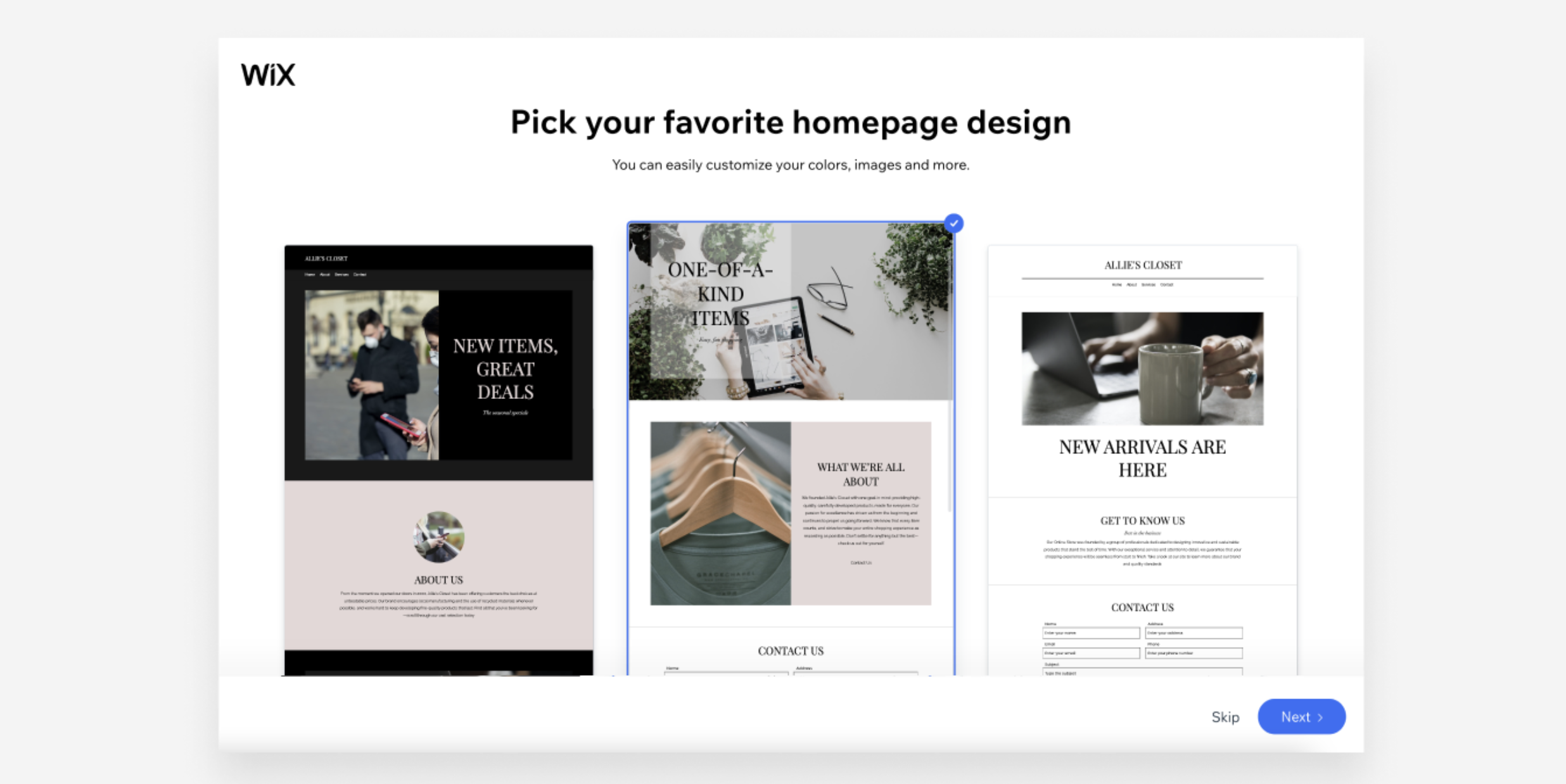
Wix's maturity and strong foundation in AI development since 2016 make it a dependable and trustworthy choice. Yarden Geffen, product marketing manager at Wix, states, "Our models are based on decades of deep knowledge and experimentation, which makes them a lot more reliable and smarter."
The artificial design intelligence (ADI) tool from Wix helps customers by suggesting changes that it thinks would improve their website. Users can alter these suggestions as they see fit, selecting or excluding website components according to their own requirements and tastes. After it creates your website, you may alter the design, add features, and alter the color scheme to better suit your demands and brand.
Beyond the standard creation tools, AI offers an extensive range of functions. For instance, the Wix Analytics benchmarking report provides a thorough evaluation of your website by contrasting it with comparable websites and offering insightful recommendations for enhancements. You may improve the performance of your website and make well-informed decisions with this data-driven method.
Wix is far more than just an AI website builder, all things considered. Wix's full AI offering can help your business, thanks to its advanced commercial solutions, comprehensive site administration features, and highly developed infrastructure.
Perfect for: anyone beginning a business, small enterprises
AI text creator, layout changer, image enhancer, backdrop removal, chatbot, app recommender, and trailer generator are some of the notable features.
Cost: $0–$159 per month
2. 10Web: best for WordPress
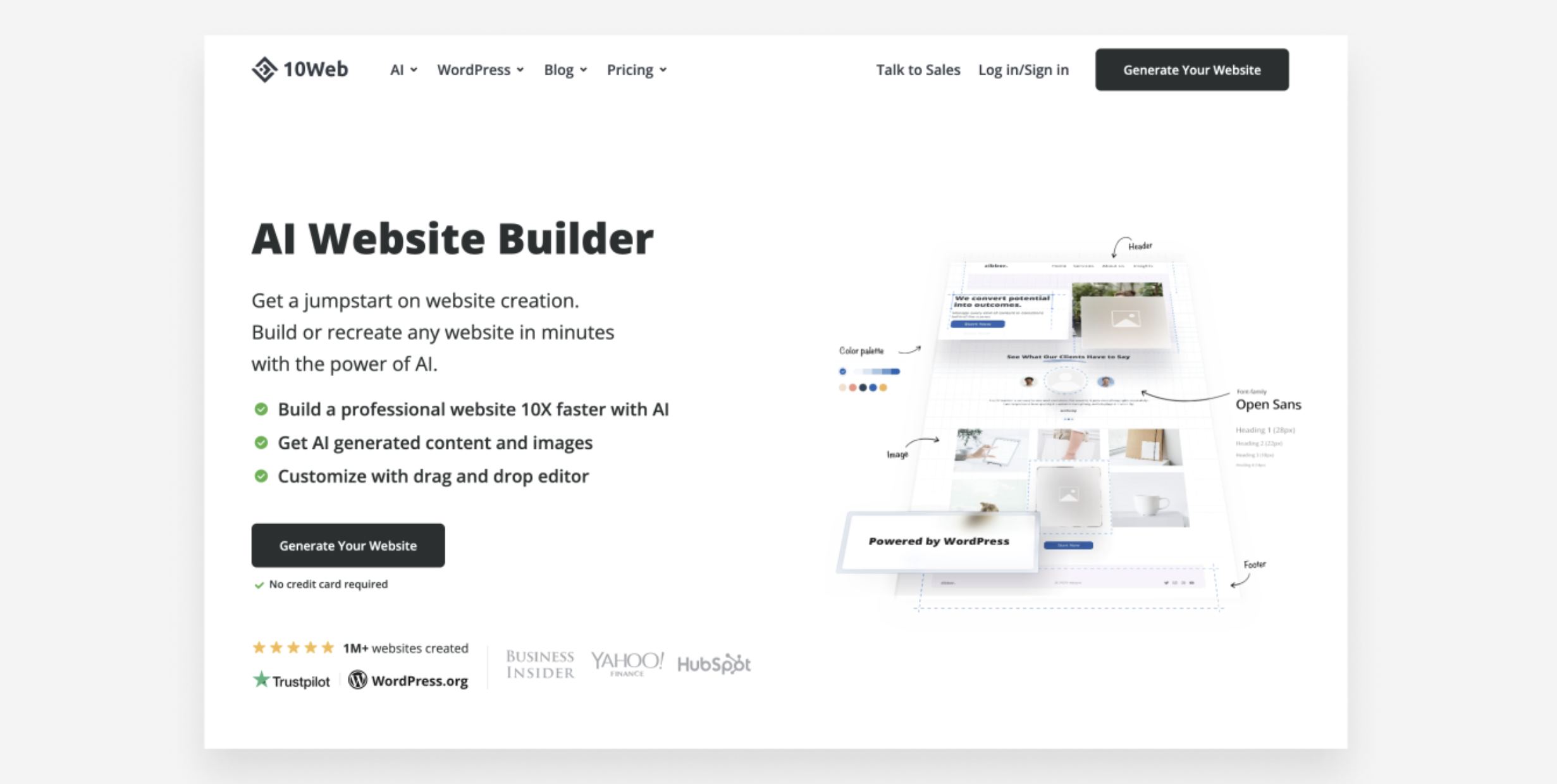
For the creation, hosting, and management of WordPress websites, 10Web provides an extensive range of tools and services. To get started, simply select "Create a new website with AI" and respond to a few brief inquiries about your company. Your responses will be used by AI to create a web layout with photos and content that you can edit in WordPress.
Moving an existing website to WordPress is difficult, at least without 10Web. With just the URL, this AI website builder can replicate your current WordPress website. From there, you may make changes to the website using the 10Web editor, which offers a wide variety of AI tools for tasks like SEO and content creation.
Moreover, 10Web is helpful for setting up, maintaining, and hosting fresh WordPress websites. After asking you a few questions about your company, its AI web designer will present you with three template possibilities. Based on the data you gave, it will then add text and photos to the layout.
10 Websites created on the web are complex. It is noteworthy, nevertheless, that the AI website builder offers comparatively little customization choices. Although you can drag and drop objects into the page and change their orientation, you are not allowed to freely reposition elements. All in all, it's a rather extensive tool that may be a little difficult for beginners to use, but it's excellent for those with some experience in design.
Perfect for: web designers who wish to utilize WordPress on their webpages
AI content writer, drag-and-drop editor, SSL certificates, picture optimization, templates, AI business name generator, AI marketing strategy generator, AI web design tool, AI SEO tool, AI content writer
Cost: $10–$60 per month
3. Jimdo: best for eCommerce
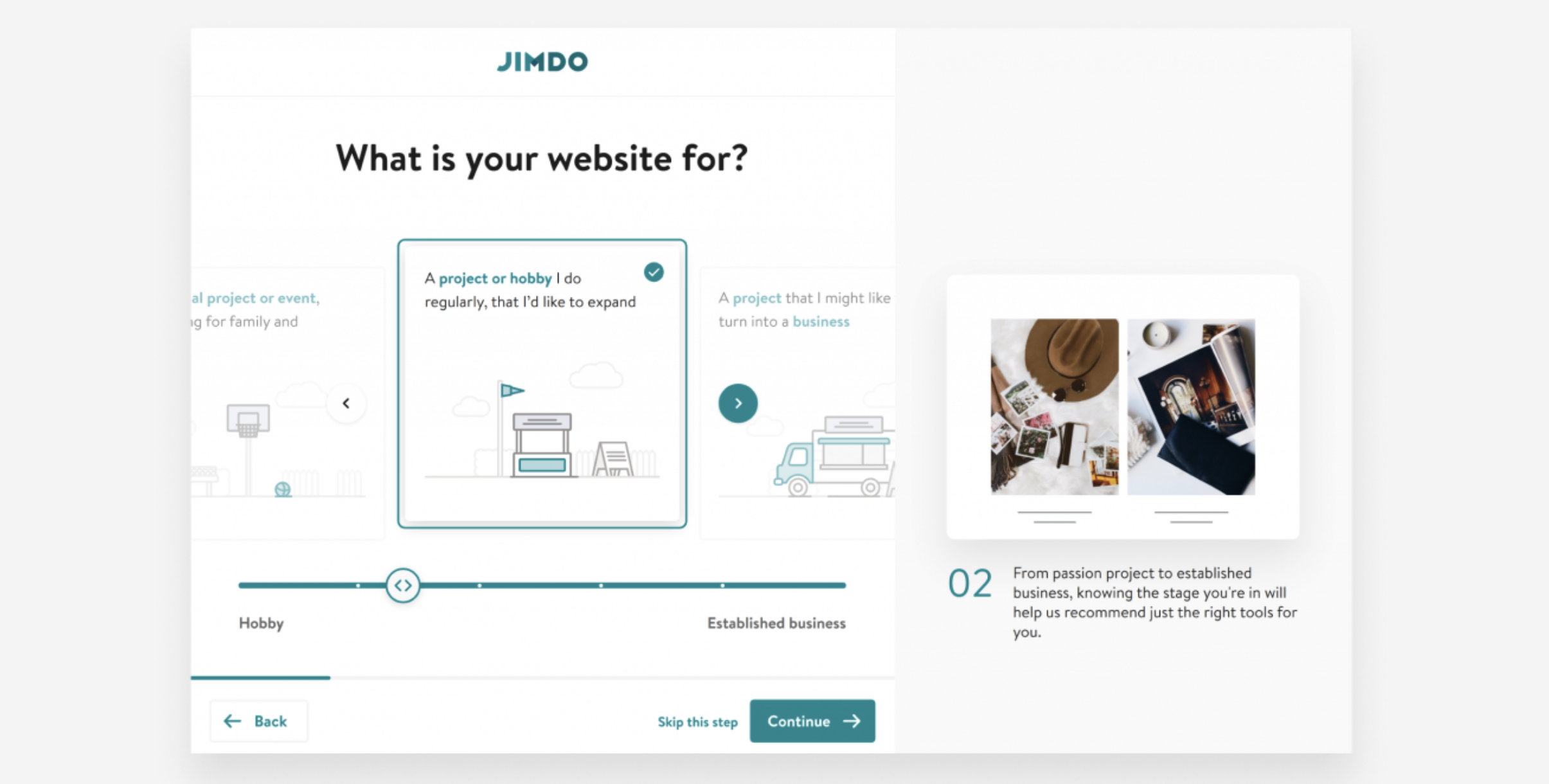
You may quickly develop a multi-page website with Jimdo. All you have to do is respond to a few inquiries regarding your objective and preferred style. Jimdo optimizes your website from the outset for various devices. This AI website builder's ability to use publicly accessible data about your company to inform its content development is one of its special features.
Jimdo offers recommendations and lets you select which pages to incorporate, just like Wix. Customizing the color scheme, typeface selection, button designs, and animations is entirely up to you. Additionally, you can add or delete parts from the block design and choose other layouts for particular blocks. But when compared to other solutions, Jimdo's design flexibility is a little bit more constrained.
Positively, Jimdo provides a number of practical tools. In addition to managing business listings, integrating Google Analytics, and setting up stores, you can even design logos. You can improve your web appearance with the additional capabilities these services offer.
Perfect for: proprietors of small businesses
Highlights include a logo generator, photo editing, a free image library, and a website builder.
Cost: $9–$39 per month
4. Appypie: best for apps
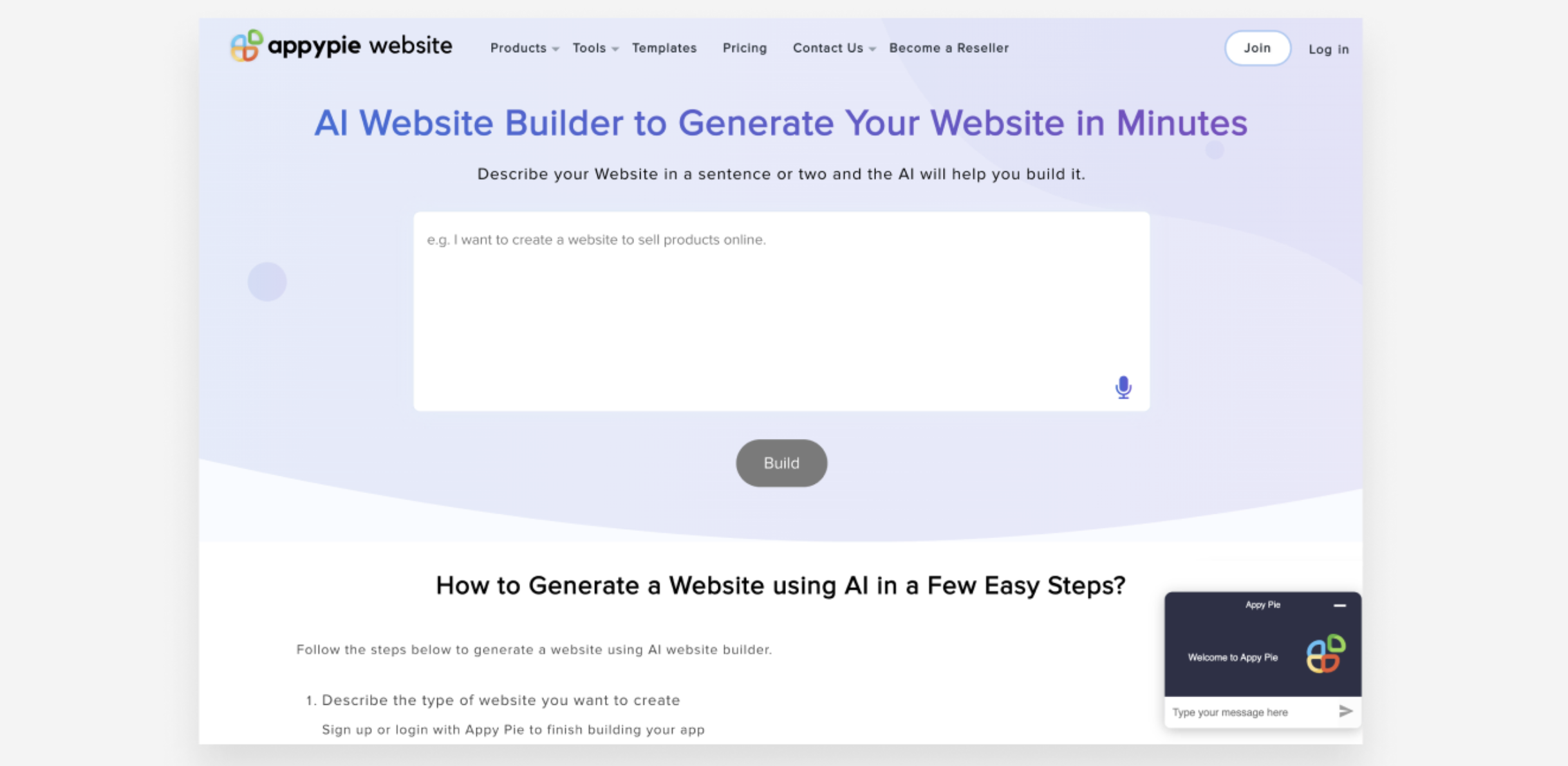
With Appypie, artificial intelligence is integrated right into the foundation of building websites and apps. On its webpage, Appypie asks you to write or talk to the computer to describe what you want to construct. AI then creates the actual design. Technical knowledge or coding expertise is not necessary.
One thing that sets Appypie apart is that it lets you put your intentions into plain language. It is not necessary to follow a series of steps when answering the questions the system poses. Alternatively, you can write a few phrases outlining your project's goals; the system will then review your input and allow you to make any necessary adjustments. If you already have a clear idea for your website and only need a tool to make it a reality, this method can save you a ton of time.
Perfect for: individual projects and small enterprises
Notable features include an image generator, an app builder for iPhone and Android, a website builder, and tools for collaboration.
Cost: $18 per month
5. Durable: best for solopreneurs
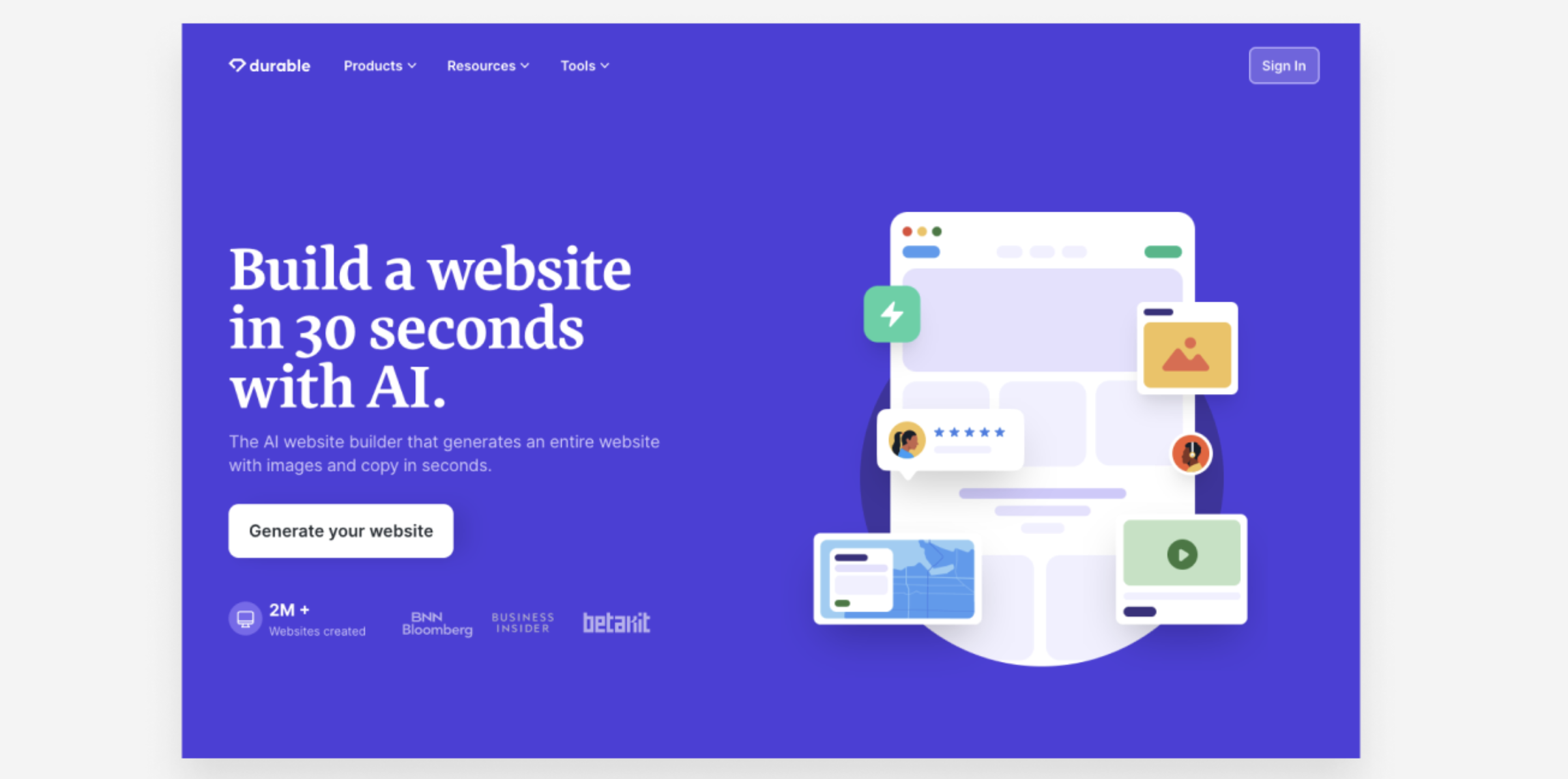
With a focus on those seeking work outside of the traditional nine-to-five schedule, Durable provides a variety of features and capabilities tailored to the needs of the sector. Product catalogs, inventory control, supply chain integration, personalized quote forms, equipment tracking, maintenance scheduling, and data analytics for production optimization are just a few of the services it offers. Therefore, Durable offers specialized solutions to improve your internet presence, whether you want to start a landscaping company or a dog-walking service.
Durable poses a few straightforward queries, such as "What kind of business are you building?" and "What is your company's name?" After that, it will create a website's style and populate it with content, including team bios, customer reviews, and contact details. Your location and business type will now be considered by the AI website builder.
It's simple for you to alter the design with durable. Certain portions can be generated again with just a single click. To make changes, simply move your mouse pointer over the desired spot and select "Regenerate." In a few seconds, the editor will produce an updated version of the section.
Perfect for: new and small companies
Features that stand out include supply chain integration, equipment tracking, customized bid forms, and inventory management.
Cost: $12–$20 each month
6. TeleportHQ: best for professional designers
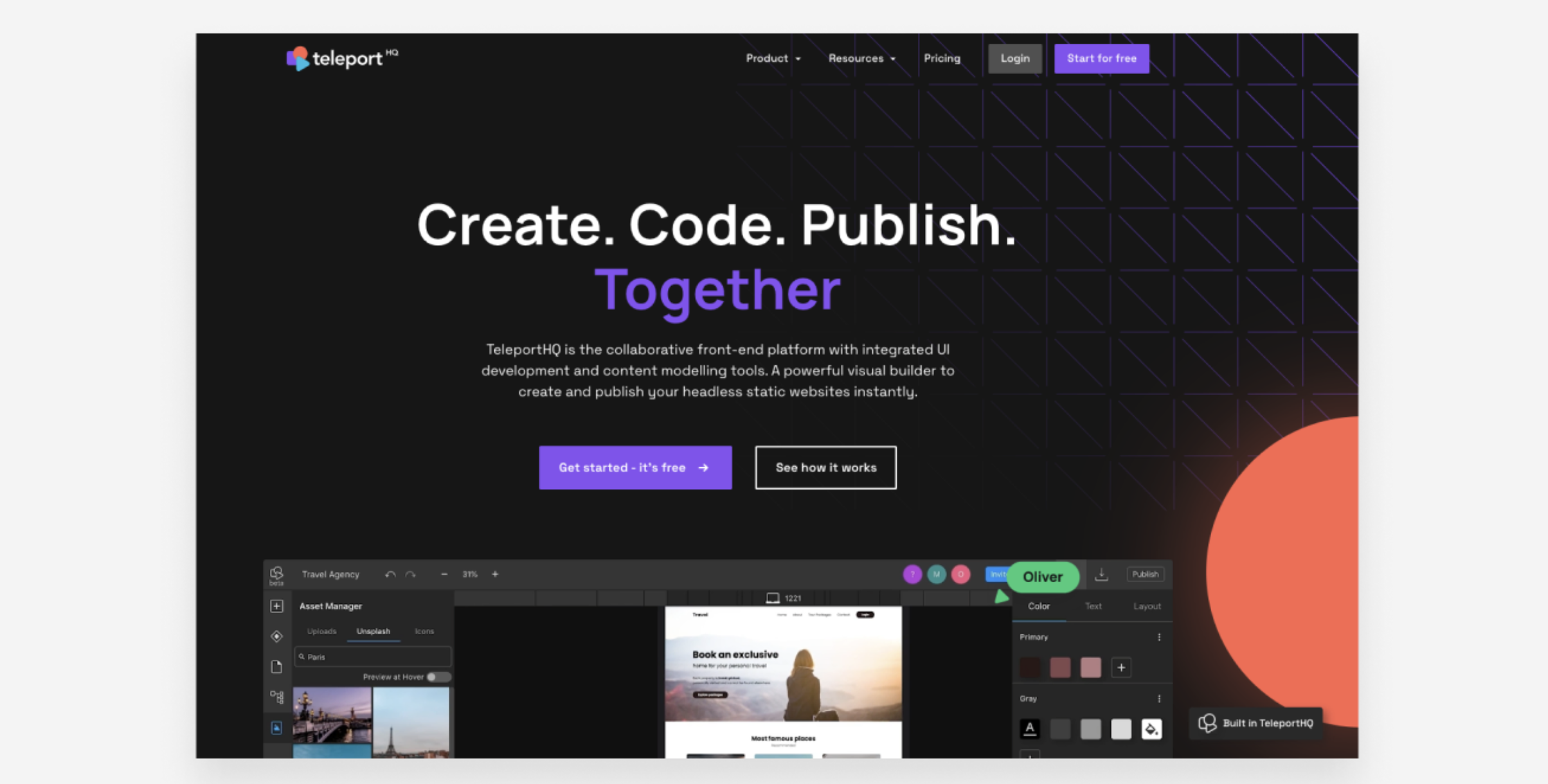
For expert designers looking for an AI website builder with a high degree of customisation, TeleportHQ is a great option. Designers may upload their wireframe designs or mockups straight into TeleportHQ, thanks to its unique wireframe AI capabilities. TeleportHQ's AI reads the submitted mocks and automatically turns them into interactive templates, without posing questions. By removing the need for manual entry and expediting the process of turning design thoughts into working websites, this feature helps designers save a significant amount of time.
Furthermore, TeleportHQ provides the ability to incorporate custom HTML and CSS code, which makes it a great option for designers who want more precise control over the look and feel of the website. With its robust customization choices and wireframe AI capabilities, TeleportHQ helps designers, regardless of experience level, to realize their creative visions.
Perfect for: web developers who require source code access
Integrated ChatGPT, a mockup analyzer, collaboration, and versioning are noteworthy features.
Cost: $0–$18 per month
7. Hocoos: best for branding
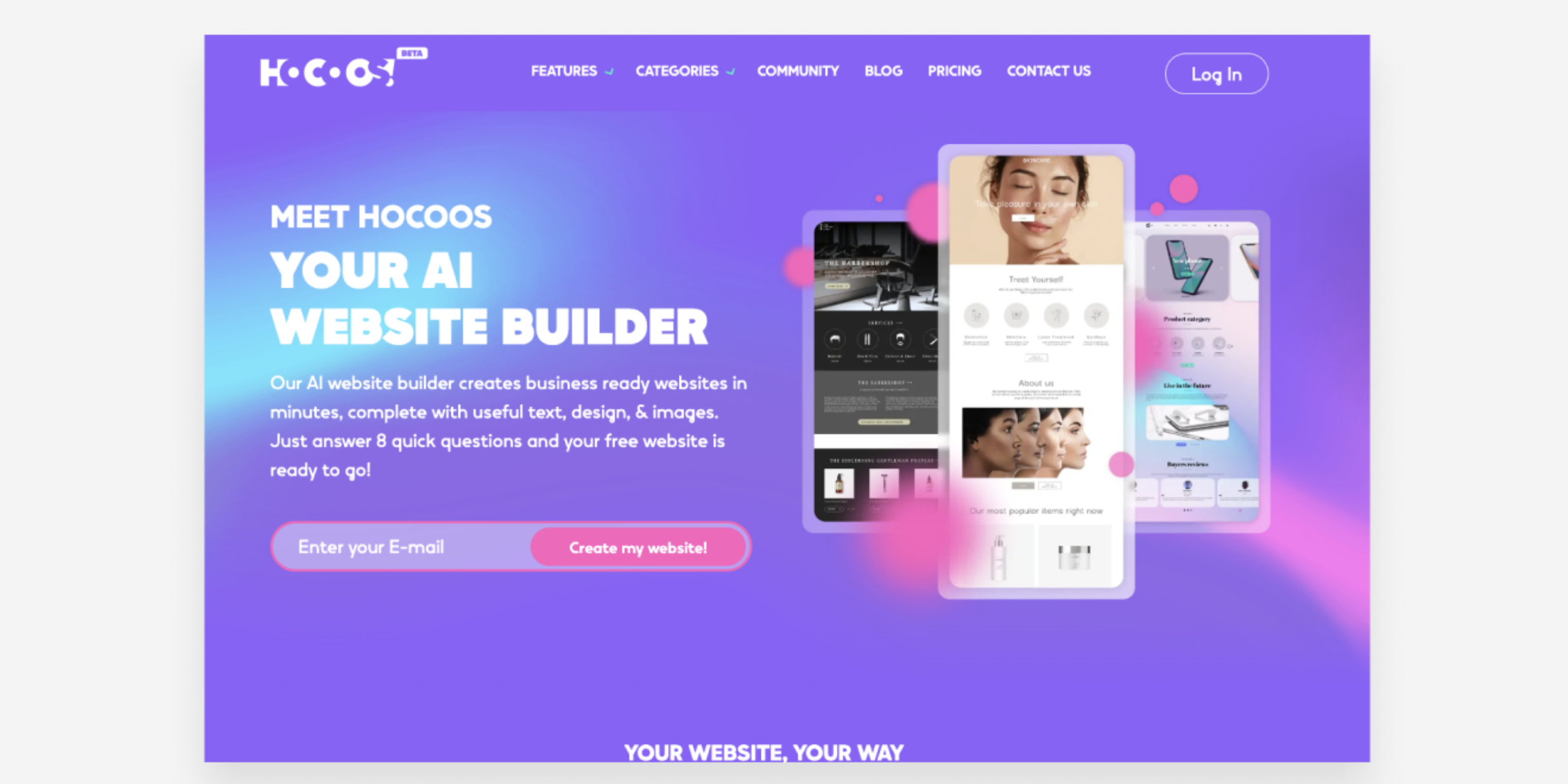
After you respond to eight brief questions—such as "What category best describes your website's purpose"—Hocoos guarantees to build a website that meets your expectations. From idea to site design, no more than ten minutes should elapse.
Using Hocoos to communicate your brand through website design is simple. After responding to all eight questions, you may select the graphic elements (such font pairs and colors) for your website. It provides text and image generation, and it's a great way to discover a style that complements your branding.
There are two Hocoos plans available: Premium and Free. The Premium plan will cost you $15 a month if you wish to link your own domain and use useful services like money collection.
Perfect for: new and small companies
Highlights include hosting, SEO, and a styles editor.
Cost: 0 to $15 per month
8. Kleap: best for mobile
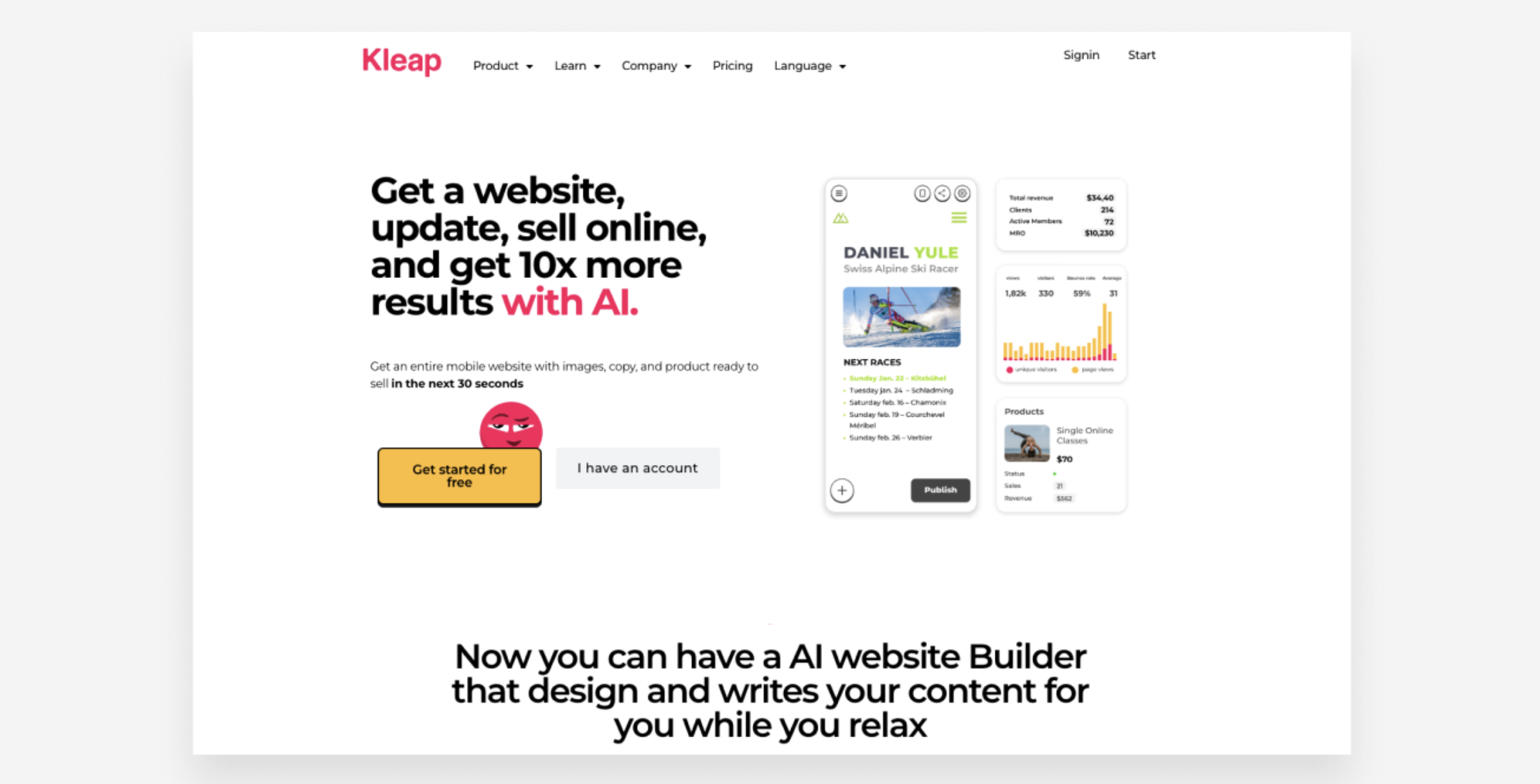
With Kleap, the mobile layout informs the desktop and tablet layouts instead of the other way around. This is known as mobile-first design. This guarantees that your website will display well on tablets and smartphones alike. You can adjust Kleap's design in a visual editor after the program creates a website based on your input. This offers you complete control over your website's appearance and feel.
Kleap's primary area of concentration is eCommerce. It produces lead-generating landing pages fast. It provides helpful resources like an integrated payment processor, which is really helpful if you wish to run an online store. Based on the package you choose, Kleap does charge 1-9% for transactions. Additionally, the application can be integrated with CRMs and email marketing managers, among other corporate tools.
Perfect for: little companies
Notable features include a payment processor, an AI page builder, and detailed analytics.
Cost: $15–$99 per month
9. Gamma: best for personal projects
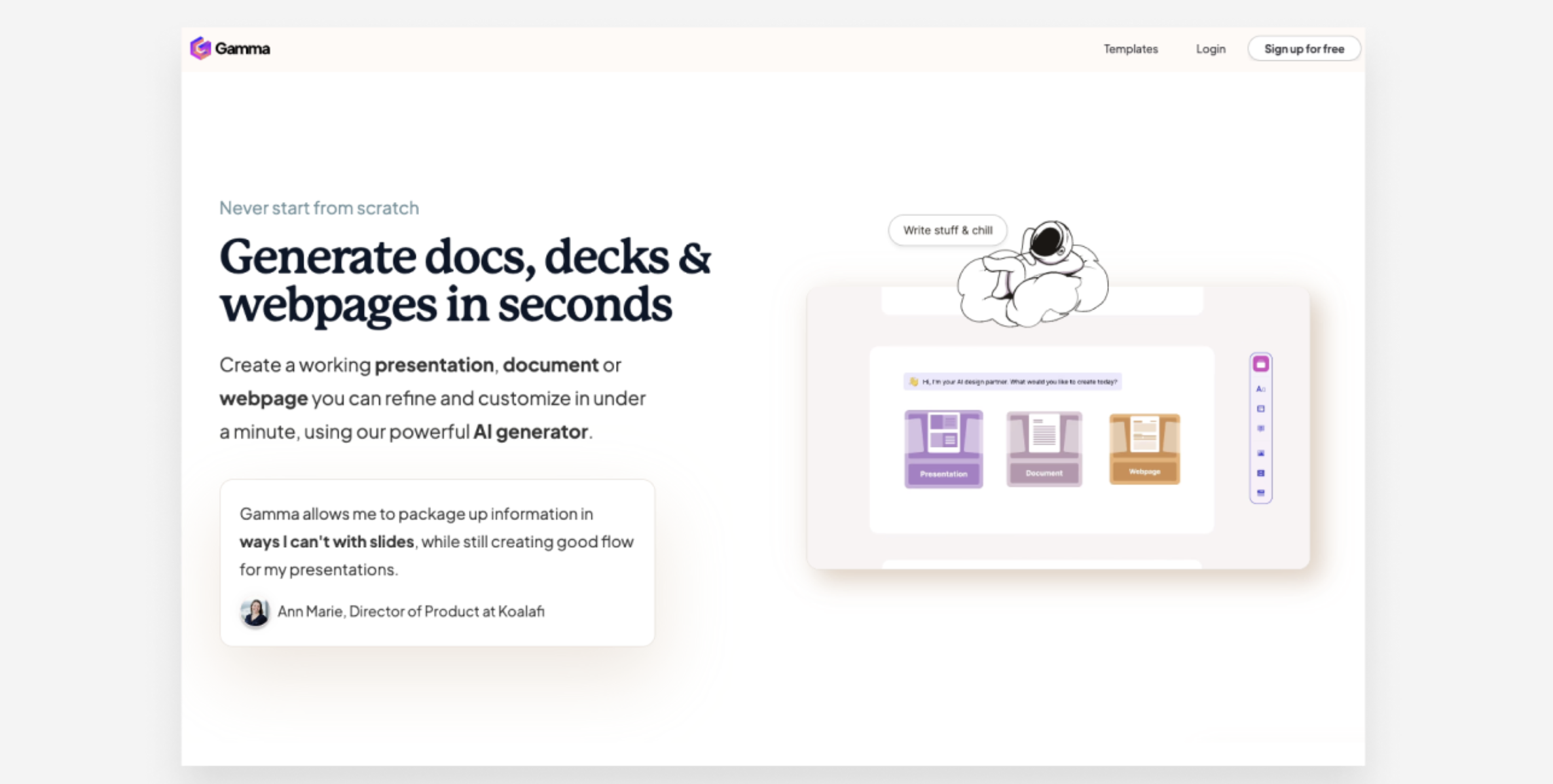
With Gamma, an AI website builder, you can quickly produce a functional document, webpage, or presentation. Start by typing your goals in a chat window and engaging with Gamma in a casual conversation. The process of designing a website becomes more user-friendly using this method. Gamma can receive your ideas in the same way as a human designer would. You can easily ask Gamma to produce a few different versions of the design if you don't like the one it comes up with.
Gamma has a drawback in that it provides very little design flexibility. The system presents you with a few possibilities from which to select. Granular modifications, like altering an element's color or typography, are not currently available.
Perfect for: artists or small companies
Notable attributes include mobile-friendly webpages, natural language interaction, and a seven-day modification history.
Cost: $0 to $45 per month
AI in web design: what is it?
The use of AI technology and methodologies to improve and expedite different parts of the web design process is known as AI in web design. Although this topic is still in its infancy, its popularity has surged recently due to the advancements in AI web design tools and builders, which have made them more user-friendly and sophisticated. They not only save consumers and site designers time and money, but they also make excellent web design accessible to non-experts.
The following are some examples of how AI and web design interact:
- Layout generation: Artificial intelligence algorithms possess the ability to examine text and produce visually appealing and intuitive layouts on their own.
- Color schemes: AI is capable of producing or suggesting color schemes depending on user preferences, industry standards, and content.
- Automated content creation: AI systems are capable of producing textual content according to preset criteria, such as blog entries or product descriptions.
- Search engine optimization (SEO): AI can power website builders' SEO assistants, who can then automatically write meta descriptions and other on-page optimizations.
- Customer service: Chatbots with AI capabilities can instantly respond to user inquiries, enhancing customer service and engagement.
- User interaction: Virtual assistants can help users finish activities or navigate websites.
Best AI website builders FAQ
Which AI website builder is the best?
There are numerous AI-powered website builders out there, each with unique features and benefits. The "best" AI website builder for you will rely on your unique requirements, tastes, and the kind of website you want to make. Wix ADI (Artificial Design Intelligence) creates websites automatically based on your content and preferences using AI algorithms. It has an easy-to-use interface, drag-and-drop capabilities, and a large selection of editable templates.
Is there a free AI website builder available?
Indeed, you may make a website for free using one of the several free AI website builders accessible. Here are several possibilities: Wix provides access to its AI website builder, Wix ADI, as part of its free plan. Even with its limitations, the free plan lets you use AI to develop and publish a website.
How can an existing website be made better with AI?
AI can be applied in several ways to enhance an already-existing website, such as:
- Personalization: You can utilize artificial intelligence (AI) to tailor your website's user experience. AI can be used, for instance, to suggest goods or services to users based on their previous purchases or browsing activity.
- Content generation: You may use artificial intelligence (AI) to create blog posts, product descriptions, and social media postings for your website. You can produce more interesting material and save time by doing this.
- AI has the potential to enhance search engine optimization (SEO) for your website. AI can be used, for instance, to spot and resolve keyword cannibalization—the situation in which two or more of your website's pages compete with one another for the same phrase.
- Accessibility: Using AI, you can improve your website's usability for those with disabilities. AI can be used, for instance, to provide transcripts for movies and alt text for photos.
- Security: You can utilize AI to make your website more secure. AI can be used, for instance, to identify and stop cyberattacks.
How can my website incorporate AI?
You may include AI into your website in a variety of ways. Either create your own AI solution or use one offered by a third party. You may have greater control over the AI solution and how it is applied to your website by going through this procedure, even if it can be difficult and time-consuming.
Is it possible for AI to create websites from scratch?
Yes, AI is capable of creating entire websites. You don't need to know how to code to develop a website with the aid of these builders. It's crucial to remember that webpages created by AI aren't always flawless. It might be necessary to manually edit and polish them.
How does AI web design look in the future?
The way websites are made, maintained, and used is probably going to undergo major changes as AI and web design continue to progress. AI algorithms will probably become increasingly more prevalent in the automation of design chores, such as color picking and layout creation, enabling designers to produce visually appealing websites more quickly and effectively. AI's ability to deliver individualized user experiences will only advance. Websites will dynamically modify their layout, content, and interactions according on the choices, activities, and demographics of each individual user.
