







Have you ever left a long meeting early, gone to get some soda water in the kitchen, and discovered that you still need to remember what to do next? Then, it would help if you always had an AI meeting tool on hand.
The most excellent AI-powered meeting solutions offer many features, like real-time speech transcription, task generation as it happens, sophisticated analytics, and much more. This technology enhances the effectiveness and actionability of every meeting, much like having your administrator in your pocket.
1. Spinach
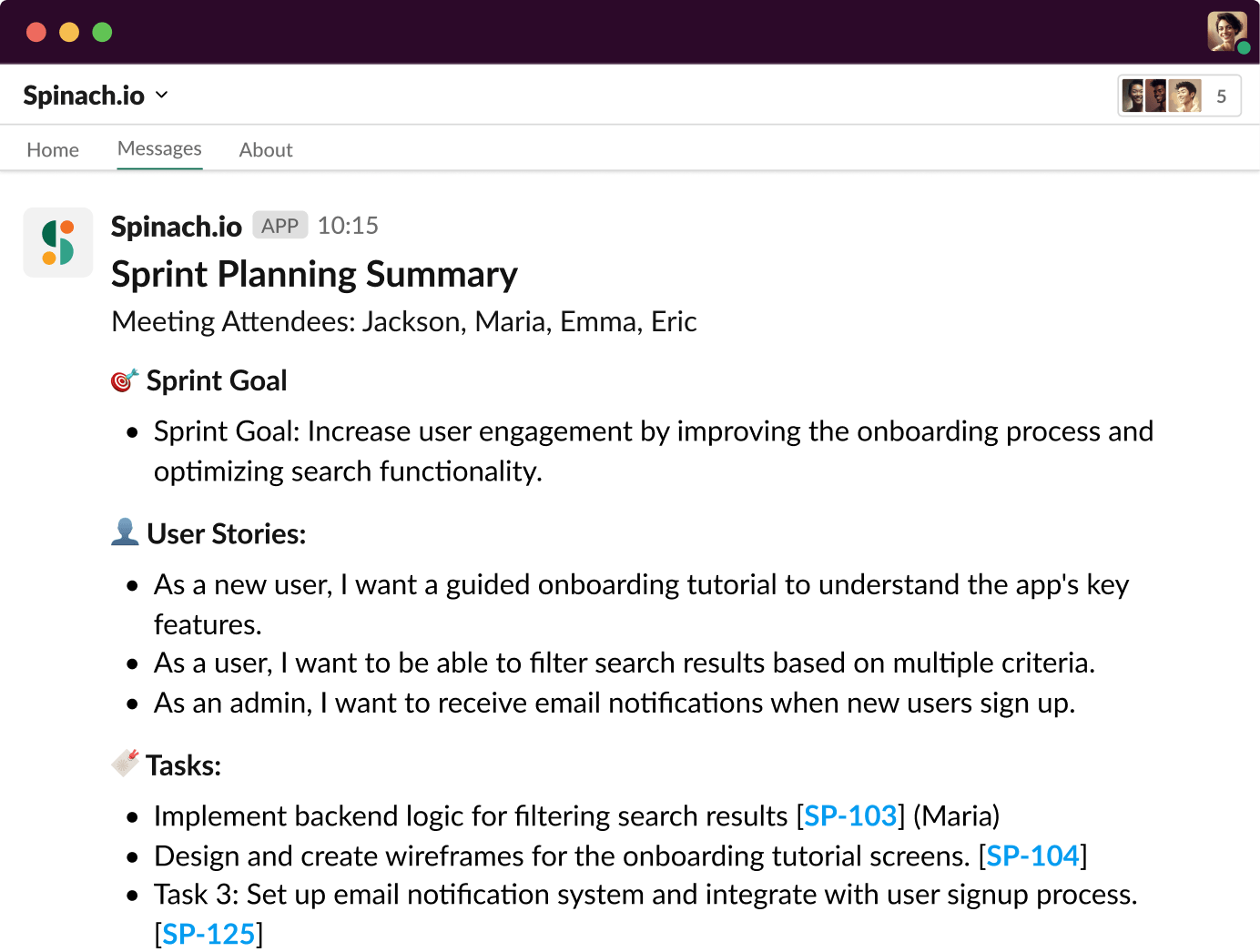
With development teams in mind, Spinach was created with a level of capability to make other leafy greens shudder!
With a single mouse click, Spinach can manage your daily standups, generate meeting summaries, and suggest tickets—just like your AI Scrum Master. Utilizing GPT-4 technology, this agile meeting tool interfaces with numerous other work products to streamline procedures. Spinach creates structured summaries in place of meeting transcripts or recordings to help your team identify obstacles and take action.
The best features of Spinach
- Several integrations to help with your backlog grooming meetings, sprint retrospectives, daily standups, and sprint planning.
- Oversees the completion of all written updates and highlights from meetings, including minutes, notes, action items, and important decisions.
- Immediately submits feature or bug requests into Slack.
- Gives attendees background information from appropriate meetings and creates your agenda on your behalf.
Limitations of Spinach
- Lacking several classic AI meeting features that other tools have to document discussions in additional ways.
Spinach cost
- Free
- Pro: $99 a month
2. Sembly
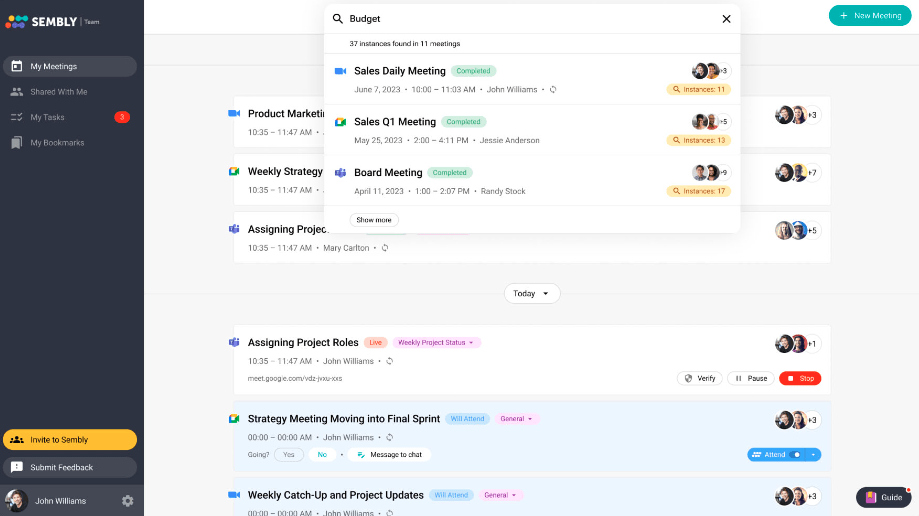
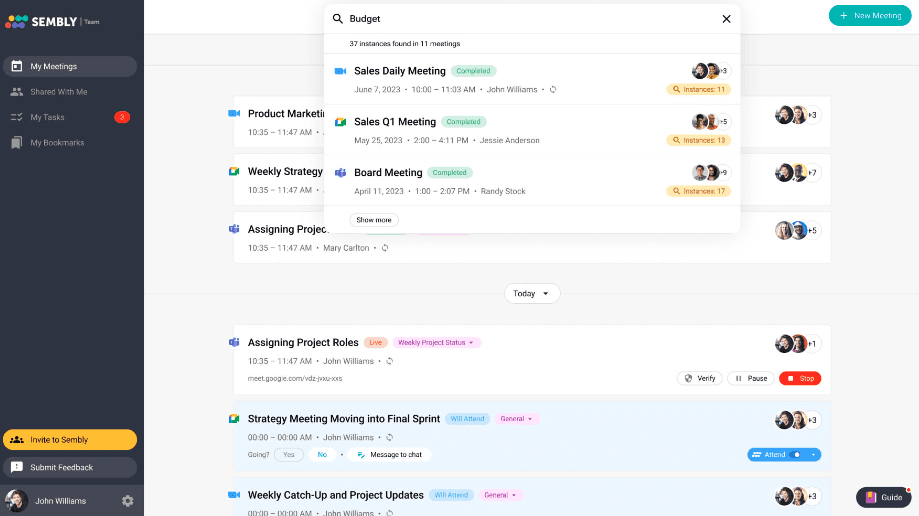
Sembly produces actionable insights in addition to standard meeting notes. This AI application has all the components of a typical machine-learning meeting software. Still, Sembly’s task, project, and activity capabilities set it apart from the competition and help you match your takeaways with your to-do list.
The best features of Sembly
- Follow-ups that are automated and can transmit meeting information to other task management applications.
- If you are double booked, Sembly can “attend” a meeting on your behalf and deliver the notes from the conversation.
- Utilize its integrated chatbot to produce emails, summaries, or transcriptions based on the subjects discussed in any meeting.
- Notable data, such as KPIs and income mentioned in your meetings, can be tracked by it.
Limitations of Sembly
- Though Sembly offers some task and project management features, its functionality does not lend itself well to complex processes or workflows.
Sembly pricing
- Personal: Free.
- Professional: $10 a month.
- Team: $20 a user, per month.
- Enterprise: For over 40 users, contact Sembly for pricing.
3. Fireflies
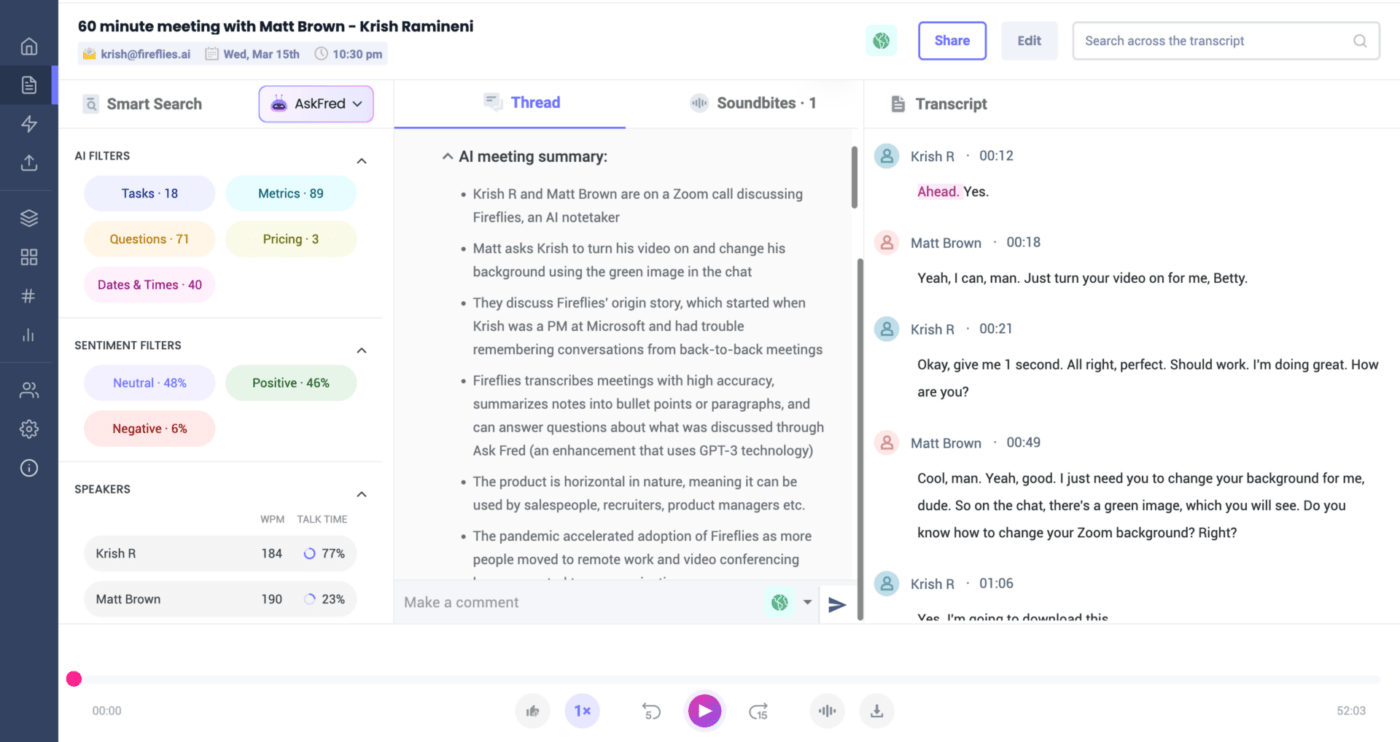
For PR, reach out to Sembly if you are among the more than forty users. Fireflies is a real-time audio transcription and note-taking AI meeting helper. Fireflies can quickly record your interactions in writing, whether you’re uploading files from a customer interview or in the middle of a brainstorming session.
This conference assistant can pick up even the most minor variations in speech for accurate transcriptions on the first attempt, regardless of accent, dialect, industry, or language.
The best features of Fireflies
- Fireflies may be integrated with other meeting systems, including Microsoft Teams, Skype, Zoom, and Google Meet.
- Rich text editing tools for transcript formatting, annotation, editing, and correction as needed.
- Use the summary to quickly capture the main ideas, recommendations, queries, and highlights of the conversation from your meeting.
- Use search and organization capabilities to identify specific words, phrases, and subjects in your transcripts.
- Voice transcriptions to manage taking notes and producing minutes from meetings.
- Easy sharing options: send via link, email, or QR code.
Limitations of Fireflies
- Sometimes, the AI has trouble accurately transcribing obscure, difficult-to-understand, or technical words and phrases.
- It does not always pick up nonverbal communication cues like tone, pitch, and loudness.
- Possible privacy issues with its security protocols.
Fireflies pricing
- Free plan: Provides access to infinite talks and up to 800 minutes of storage per seat.
- Pro plan: $10 a month for each user, payable annually.
- Business plan:$19 a month for each user if paid yearly.
- Enterprise plan: Get in touch for a personalized estimate.
4. Krisp
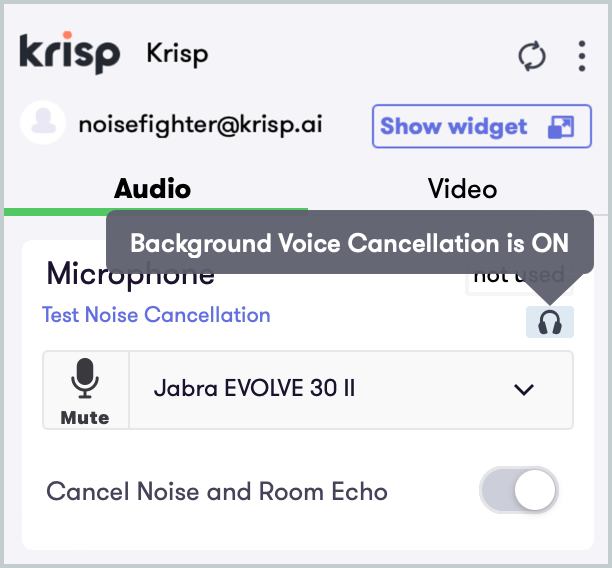
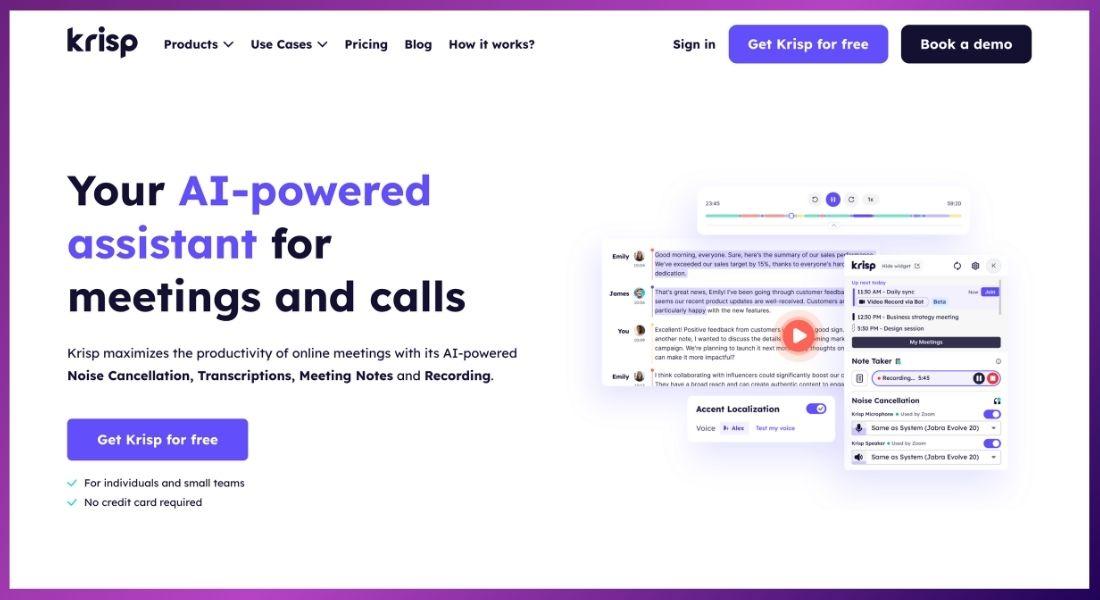
Is there anyone else whose dog only seems to bark during a presentation? If you can relate to this situation all too well, Krisp has the answer. Best recognized for its bi-directional muting feature, which allows you to eliminate background noise from your online conference call instantly, Krisp is a bot-free AI meeting assistant.
Krisp can recognize changes in language, inflection, and speaker mid-conversation for more accurate meeting transcriptions and summaries, just like other AI meeting tools.
The best features of Krisp
- Echo, voice, and background noise cancellation can be used to produce output that sounds sharper and more professional.
- Call insights to gauge the inclusion, balance, and engagement of your meetings.
- Meeting transcriptions without the need for plugins that are compatible with nearly all voice applications.
- Pre-made meeting templates that may be used to create action items, talking points, and more.
Limitations of Krisp
- You may become less conscious of your surroundings when you block out noise. There may be a safety risk even if it could make your meetings sound better.
Krisp cost
- Free
- Pro: $8 a month for each user.
- Enterprise: Get custom pricing by contacting Krisp.
5. tl;dv
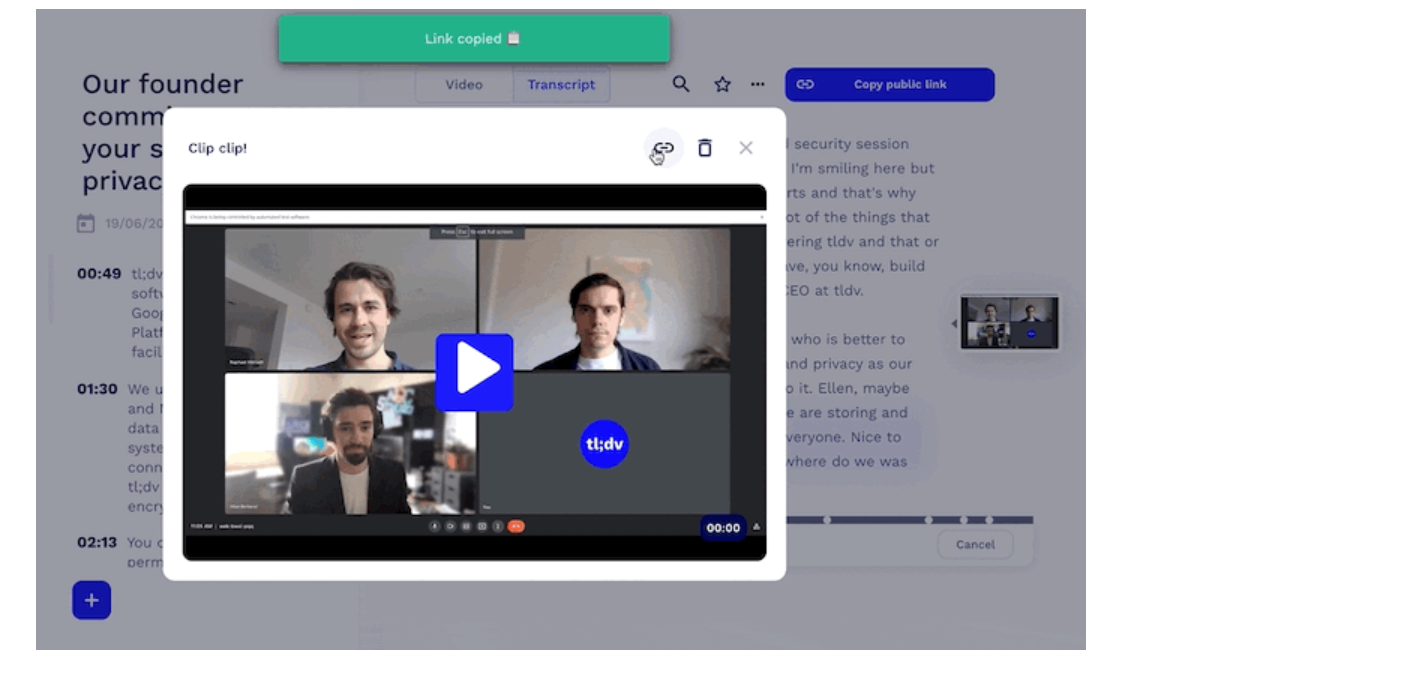
tl;dv, short for “too long, didn’t view,” is a GPT-powered tool that lets you quickly catch up on missed meetings. Recruiting, sales, and customer success teams can save significant time by utilizing tl;dv with well-known meeting apps like Zoom or Google Meet, which include tools for call transcription and summarization.
The best features of tl;dv
- Transcribing your meetings automatically in more than 30 languages—English, French, Spanish, German, Japanese, and more.
- Simple editing tools to extract short film segments from clients or investors to showcase the highlights of your meeting.
- If you were or overslept, look up issues covered at meetings held throughout your organization.
- To match meetings with workflows, tl;dv interacts with widely used CRMs and collaborative tools.
Limitations of tl;dv
- The only platforms currently supporting tl;dv’s recording and transcription features are Zoom and Google Meet. Thus, this one isn’t for you if you use Microsoft Teams.
- Each meeting has a three-hour recording minute. To continue recording, you would have to end the meeting and start over if you exceeded that limit.
- Before investing heavily, ensure your tech stack is entirely compatible with tl;dv as some of its integrations are more valuable than others.
tl;dv cost
- No cost
- Pro: $20 a month for each user
- Enterprise: Get in touch for personalized pricing
6. Otter.ai
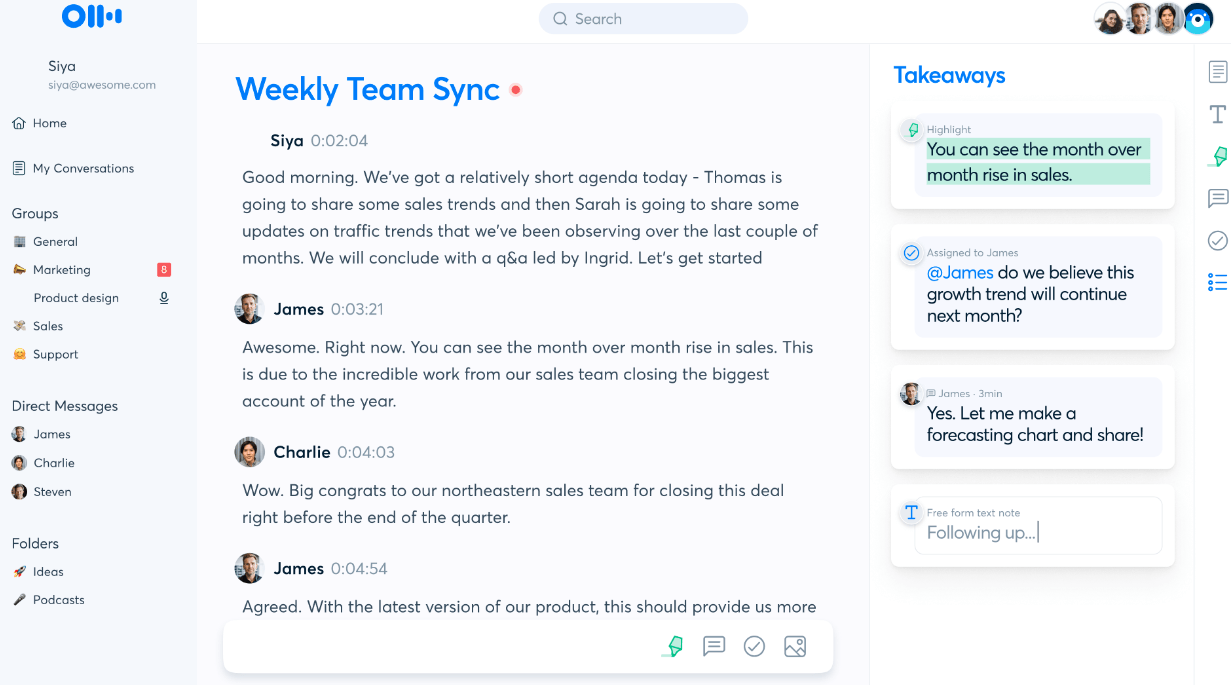
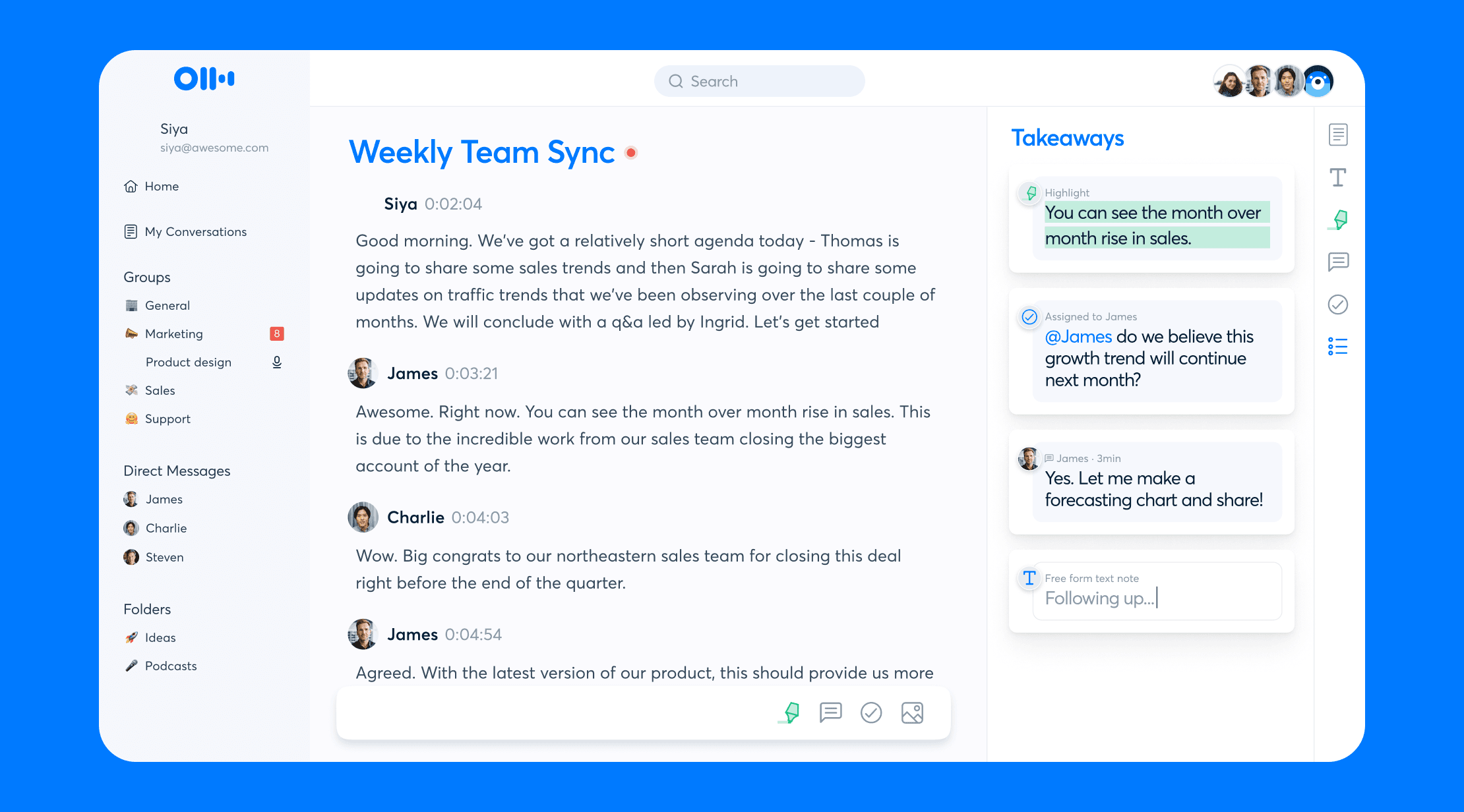
With Otter, you can run meetings more smoothly and participate actively in the conversation at all times. As the conversation continues, this AI transcription tool records and transcribes your significant talking points in real-time. When the call is over, it even sends you an email with the key takeaways. You can use Otter to turn audio or video files into plain text after the meeting so you always have a copy on hand.
The best features of Otter.ai
- Otter transcriptions are highlighted when played again at the speaker’s speed and syncs with your recordings.
- The transcription includes labels and timestamps for each speaker.
- The playback speed can be adjusted, and needless pauses can even be skipped.
- Google Meet meetings are automatically joined and recorded, and transcriptions are done for you by OtterPilot.
- Your transcripts can be annotated and commented upon to facilitate team collaboration or to identify action items.
- Many export formats are available, such as.mp3,.txt,.pdf, docx, and.srt.
Limitations of Otter.ai
- Otter only supports English in the United States and the United Kingdom.
- You can only upload three audio files for transcription on the free plan.
- Only some words or shifts in the speaker are always picked up by its audio detection.
- To ensure complete accuracy, you must revise and correct your transcription.
Otter.ai cost
- Free
- Pro: $16.99 a month for personal use.
- Business: Teams pay $30 per user each month.
- Enterprise: Get in touch for a quote.
7. Fathom
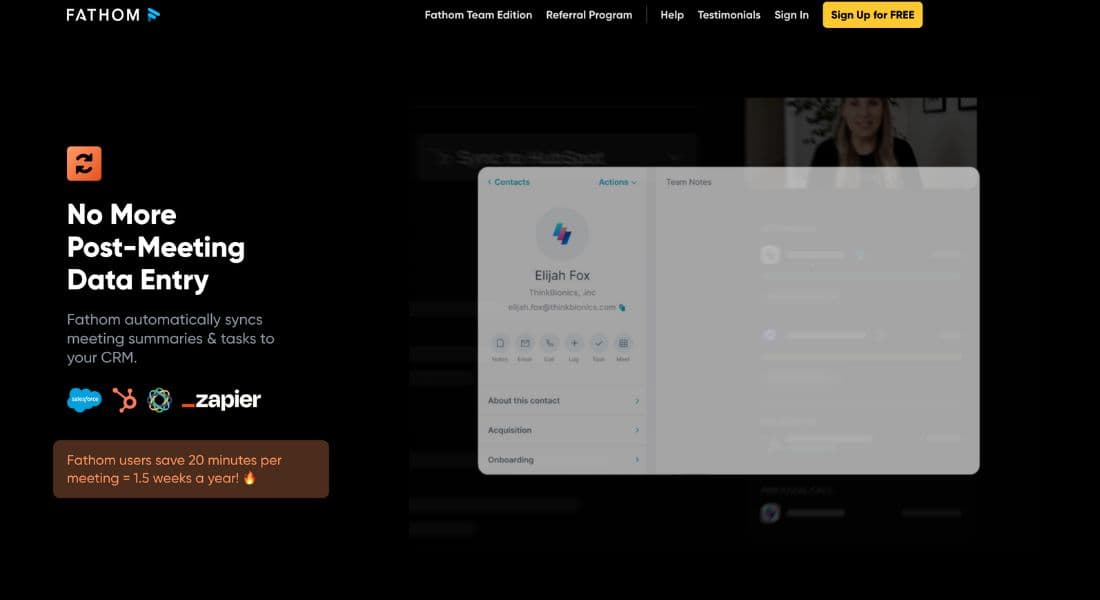
Teams and individuals can use the artificial intelligence tool Fathom to automate the laborious tasks associated with virtual conference calls. Utilizing Zoom, Microsoft Teams, or Google Meet, Fathom can quickly annotate, summarize, format, and highlight your key points.
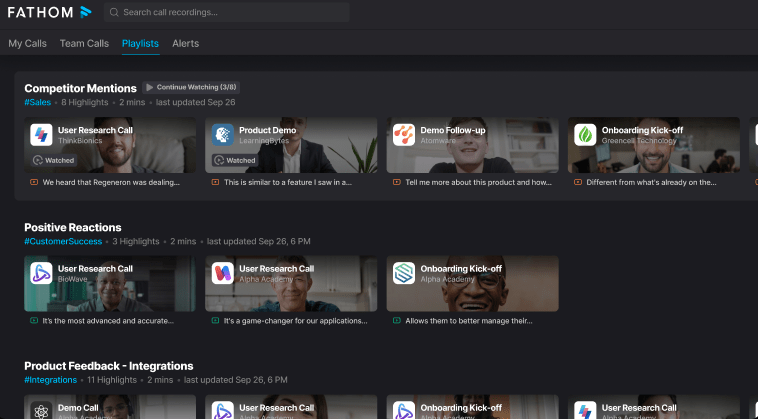
It also provides other features customized for your team! Fathom can be used as a searchable call log to separate certain subjects and compile meeting highlights into “playlists” to expedite training procedures.
The best features of Fathom
- Elements that foster teamwork for a more simplified and practical sales experience for all parties.
- Create a “playlist” of your meeting highlights to share the most compelling clips.
- Generous free plan for individuals testing the waters with everyday AI meeting assistant features for the first time.
- Team-oriented features for a more efficient and streamlined sales experience for everyone involved.
Limitations of Fathom
- Restricted language compatibility when compared to other programs of a similar nature.
- At first, some users need help finding the UI.
Fathom cost
- Free: For personal use only.
- For further information about prices, get in touch with Fathom.
Conclusion
In conclusion, with the fantastic range of AI technologies available to improve productivity and collaboration, navigating the ever-changing world of virtual meetings has never been easier. The top 7 AI meeting tools discussed in this blog post offer solutions that improve the meeting experience overall, automate activities, and streamline communication. They represent the bleeding edge of technology innovation.
More AI Tools: AI Tools posts
