




In today's fast-paced world, presentations have become an essential part of communication and business. However, creating a visually appealing and impactful presentation can be a daunting task, especially for those who are not design-savvy. This is where AI presentation tools come in, offering advanced features and capabilities to help users create stunning presentations effortlessly. In this article, we will explore the top 5 best AI presentation tools that are revolutionizing the way we present.
1. Canva
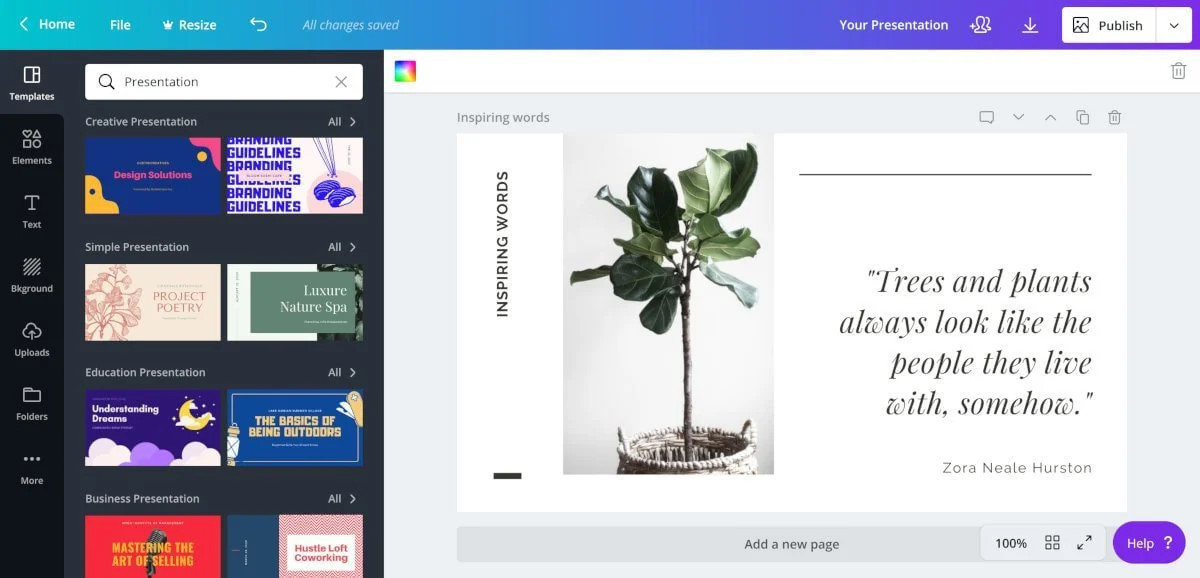
Canva is an online graphic design platform that offers various AI features to help users create stunning visual content. With its user-friendly interface and drag-and-drop functionality, Canva makes it easy for anyone to create professional-looking presentations. Its AI-powered image cropping, background removal, and object removal tools save time and effort, while its intelligent text formatting and suggested templates ensure consistency and coherence in design.
Features:
- AI-powered image cropping, background removal, and object removal tools
- Intelligent text formatting and suggested templates
- User-friendly interface and drag-and-drop functionality
Pros:
- Easy to use for beginners
- Wide range of design options
- AI features save time and effort
Cons:
- Limited customization options
- Some features require a paid subscription
- Can be slow at times
My Opinion: Canva is a great tool for those who are new to design or need to create presentations quickly. Its AI features make it easy to create visually appealing presentations without any prior design knowledge.
Beautiful.ai
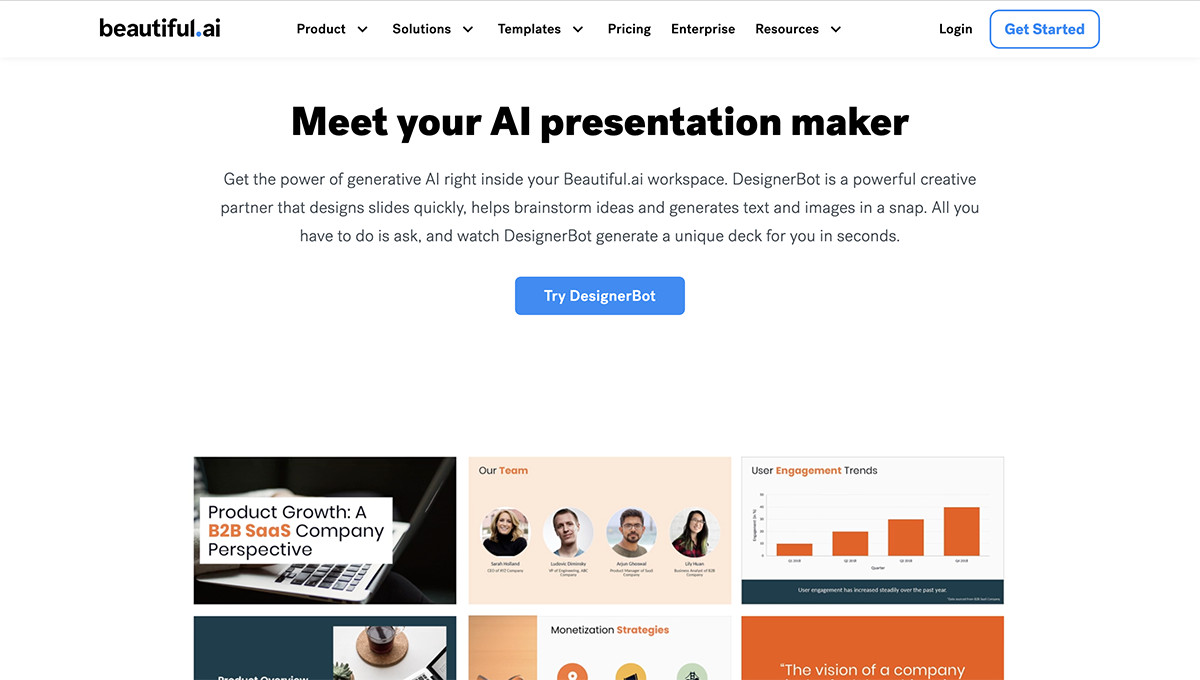
Beautiful.ai is an AI-driven presentation software that focuses on modern and impactful visual design. Its SmartSlides™ automatically generate layouts and design elements based on user preferences, ensuring a polished and professional look. With its intuitive interface and real-time collaboration feature, Beautiful.ai makes it easy for teams to work together on presentations seamlessly.
Features:
- SmartSlides™ for automatic layout and design generation
- Intuitive interface and real-time collaboration
- Customizable templates and design elements
Pros:
- Saves time with automatic design generation
- Easy to collaborate with team members
- Modern and impactful design options
Cons:
- Limited customization options
- Some features require a paid subscription
- Can be slow at times
My Opinion: Beautiful.ai is a great tool for teams who want to create visually stunning presentations quickly. Its AI-powered features make it easy to create professional-looking designs without spending hours on manual formatting.
Prezi
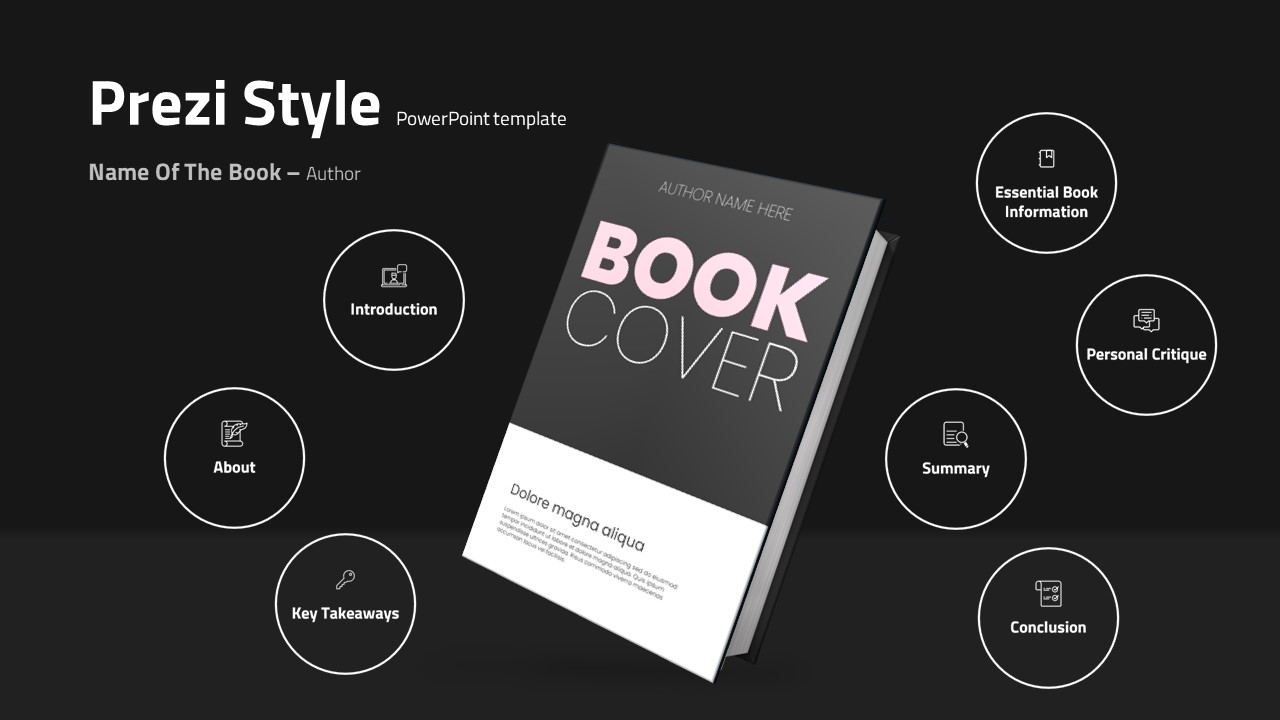
Prezi is an online presentation platform that uses AI to analyze user's content and provide tailored design recommendations. It suggests colors, fonts, and layouts that are optimized for maximum impact, making it easier to create visually engaging presentations. With its zooming and panning capabilities, Prezi offers a unique and dynamic way of presenting information.
Features:
- AI-powered design recommendations
- Zooming and panning capabilities
- User-friendly interface
Pros:
- Unique and dynamic presentation style
- AI recommendations for impactful design
- Easy to use for beginners
Cons:
- Limited customization options
- Some features require a paid subscription
- Can be overwhelming for some users
My Opinion: Prezi is a great tool for those who want to break away from traditional slide-based presentations. Its AI recommendations and dynamic presentation style make it stand out from other tools.
Slidebean
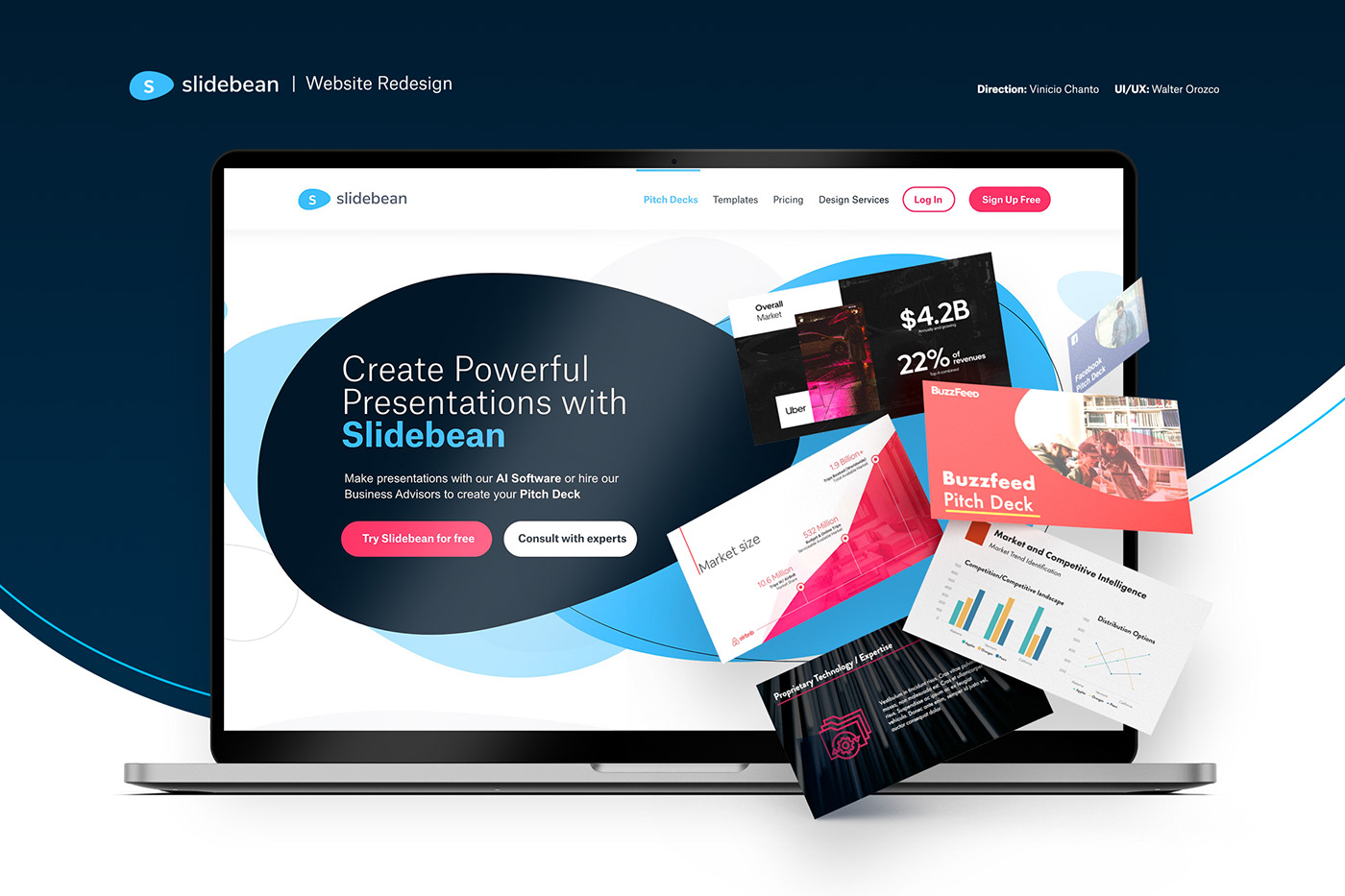
Slidebean is an AI-powered presentation toolkit that helps users create impressive business presentations. It offers AI-generated insights, such as suggested charts and graphs, to enhance the clarity and persuasiveness of the data presented. With its user-friendly interface and customizable templates, Slidebean makes it easy for anyone to create professional-looking presentations.
Features:
- AI-generated insights for data visualization
- User-friendly interface and customizable templates
- Real-time collaboration feature
Pros:
- Saves time with AI-generated insights
- Easy to collaborate with team members
- Professional-looking templates
Cons:
- Limited customization options
- Some features require a paid subscription
- Can be slow at times
My Opinion: Slidebean is a great tool for businesses that need to create data-heavy presentations. Its AI-generated insights make it easier to present complex data in a visually appealing way.
Visme
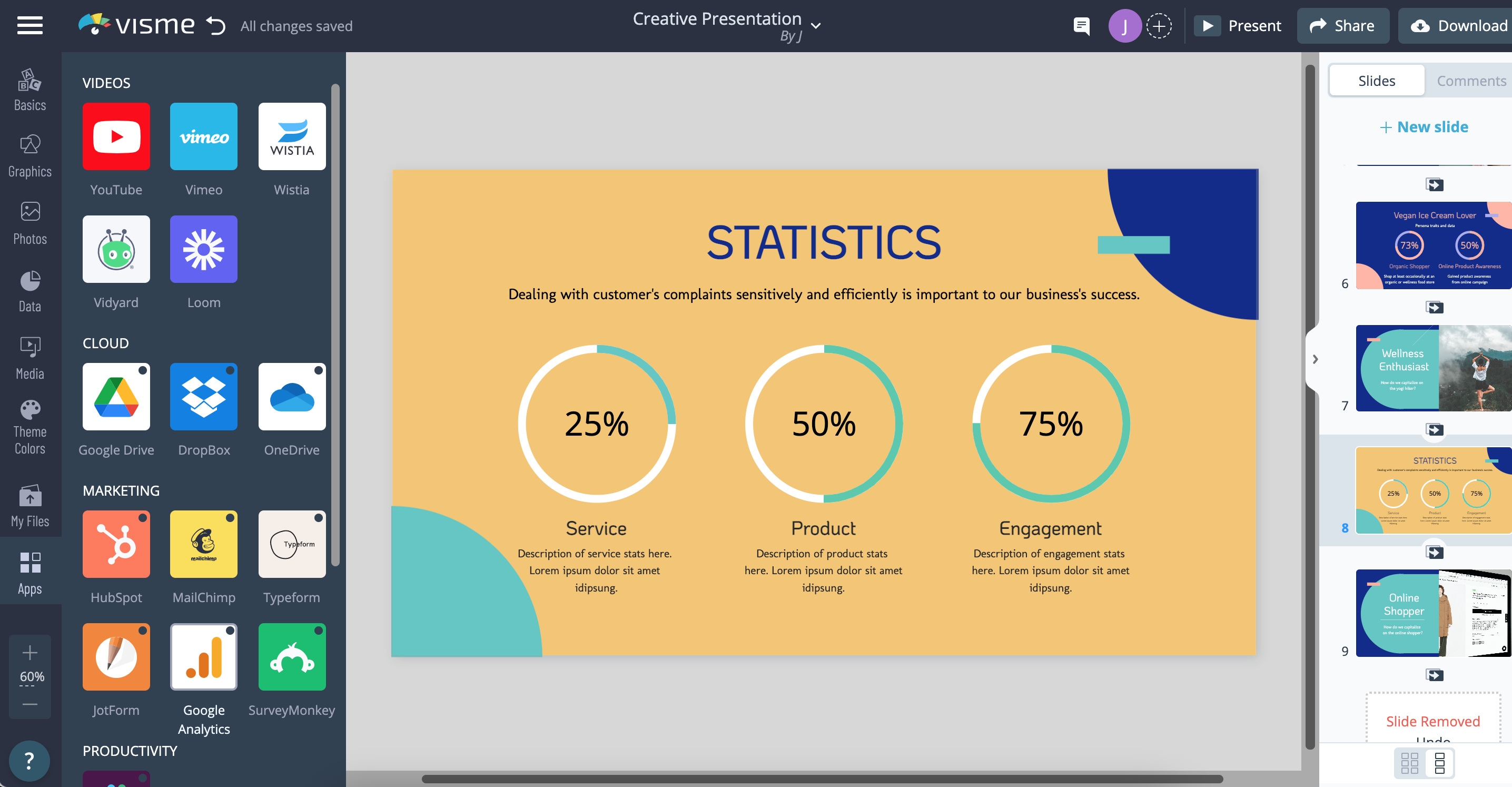
Visme is an all-in-one content creation platform that provides AI capabilities for presentations. Its AI Presentation Assistant suggests content ideas, optimizes the layout, and identifies inconsistencies to ensure coherence and professionalism. With its drag-and-drop functionality and customizable templates, Visme makes it easy for anyone to create engaging presentations.
Features:
- AI Presentation Assistant for content suggestions and layout optimization
- Drag-and-drop functionality and customizable templates
- Real-time collaboration feature
Pros:
- Saves time with AI-generated content suggestions
- Easy to collaborate with team members
- Wide range of design options
Cons:
- Limited customization options
- Some features require a paid subscription
- Can be overwhelming for some users
My Opinion: Visme is a great all-in-one tool for those who want to create various types of visual content, including presentations. Its AI capabilities make it easier to create professional-looking presentations without any prior design knowledge.
FAQs
1. Are these AI presentation tools suitable for beginners?
Yes, all of these tools have user-friendly interfaces and offer drag-and-drop functionality, making them easy to use for beginners.
2. Do I need a paid subscription to access all features?
Some features may require a paid subscription, but most tools offer a free version with limited features.
3. Can I collaborate with team members on presentations?
Yes, all of these tools offer a real-time collaboration feature, making it easy to work together on presentations.
4. Can I customize the design of my presentations?
While these tools offer customizable templates and design elements, some may have limited customization options.
5. Are these tools suitable for all types of presentations?
Yes, these AI presentation tools can be used for various types of presentations, including business presentations, educational presentations, and more.
Conclusion
AI presentation tools are changing the game when it comes to creating visually appealing and impactful presentations. With their advanced features and user-friendly interfaces, anyone can now create professional-looking presentations without any prior design knowledge. Whether you're a beginner or an experienced presenter, these top 5 best AI presentation tools are sure to revolutionize the way you present.
