





Having a website that is both aesthetically pleasing and effective is a must for businesses in a world where products and services can be found with a simple Google search.
To stand out, engage with customers, develop your brand, and increase sales, you need a distinctive online presence. And to construct it, you need the appropriate resources and platform.
WordPress is the obvious choice for many. Even non-techies may easily create blogs, websites, and stores with its content management system.
Even while WordPress is excellent, not all types of organizations should use it. Your requirements and goals could be better served by other content management systems.
It is therefore worthwhile to look at the top 10 WordPress alternatives if you're creating a website from scratch or thinking about switching from WordPress.
However, you must first determine where to begin.
What Should You Look for in WordPress Alternatives
Take into consideration your needs and business goals when selecting from a selection of WordPress alternatives. Select the platform that best suits your needs in terms of features and cost.
The following are the crucial things to think about:
- Easy to use: Select a customizable, user-friendly platform. A no-code platform with a drag-and-drop website builder and streamlined navigation will make upkeep easy if you're not a developer.
- Adaptable: As you expand, make sure the platform can handle more material and more visitors to your website.
- Features of SEO: There is more stuff online now than there has ever been. Not only should you produce high-quality content, but you should also use a website builder that incorporates third-party SEO tools or offers SEO plug-ins in order to increase your chances of ranking.
- Models: Seek for alternatives to WordPress that offer editable themes and layouts. This will enable you to design websites that are dynamic and interesting for users while saving time.
- Connectivity to external platforms: Verify compatibility with services and solutions from third parties that suit your needs as a business. For instance, if you plan to sell goods straight from your website, be sure the website builder you choose has integrations with email marketing, payment gateways, and analytics software.
- Website performance: Choose a website builder that offers improved functionality and a flawless user experience. This involves, among other things, responsive design, dependable uptime, and quicker website loads.
The 10 Best WordPress Alternatives to Use in 2023
Here is a list of the top 10 WordPress alternatives, which you may choose from based on your use case.
1. Drupal
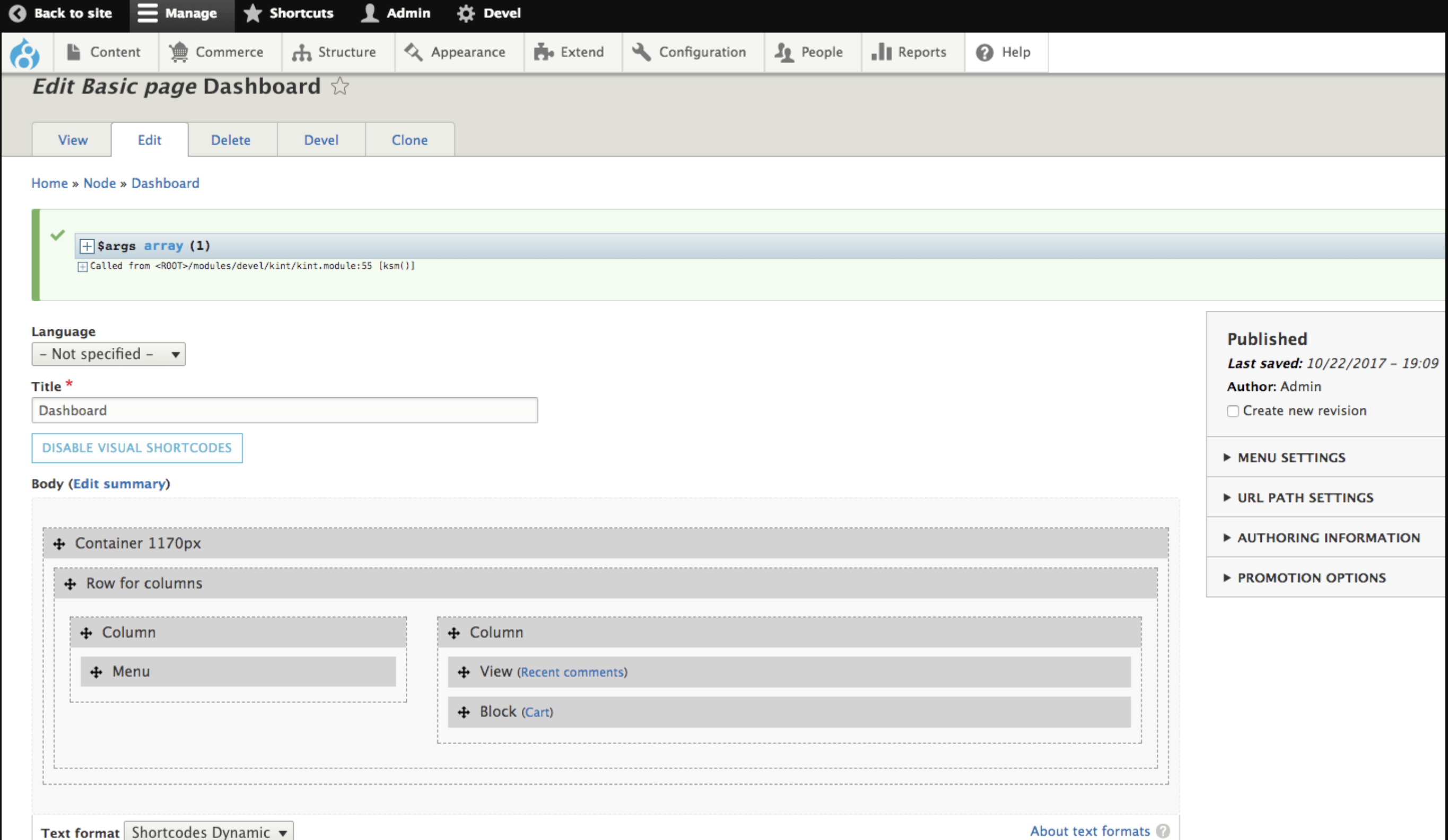
The open-source content management system (CMS) Drupal powers websites for international governments, media outlets, and academic institutions.
Large volumes of information, data, and traffic are handled by its robust and adaptable content management system for a variety of websites, including well-known businesses and personal blogs.
The finest aspect? Simple tools like the drag-and-drop builder and pre-made web-design templates make Drupal websites easy to operate for small businesses with little technical resources. This puts it among the well-liked WordPress substitutes.
Nevertheless, it also provides developers with an architectural style that enables them to create, construct, and improve website functionality using Drupal's library of models and modules.
Best features of Drupal
- User access restriction and database encryption can improve security.
- Adapt user interfaces, content kinds, and other website elements to the user's preferred language.
- Obtain robust API assistance and third-party app connectivity, including social media content calendars and marketing automation tools for campaign creation.
- For smooth cooperation, use content revision and version control.
Drupal limitations
- Calls for an increase to the server's entire infrastructure and a large amount of RAM.
- Regular updates are required
Drupal cost
- Free
Drupal reviews and ratings
- G2: 3.8 out of 500+ reviews
- 4.3/5 on Capterra (440+ reviews)
2. Adobe Commerce (Magento)
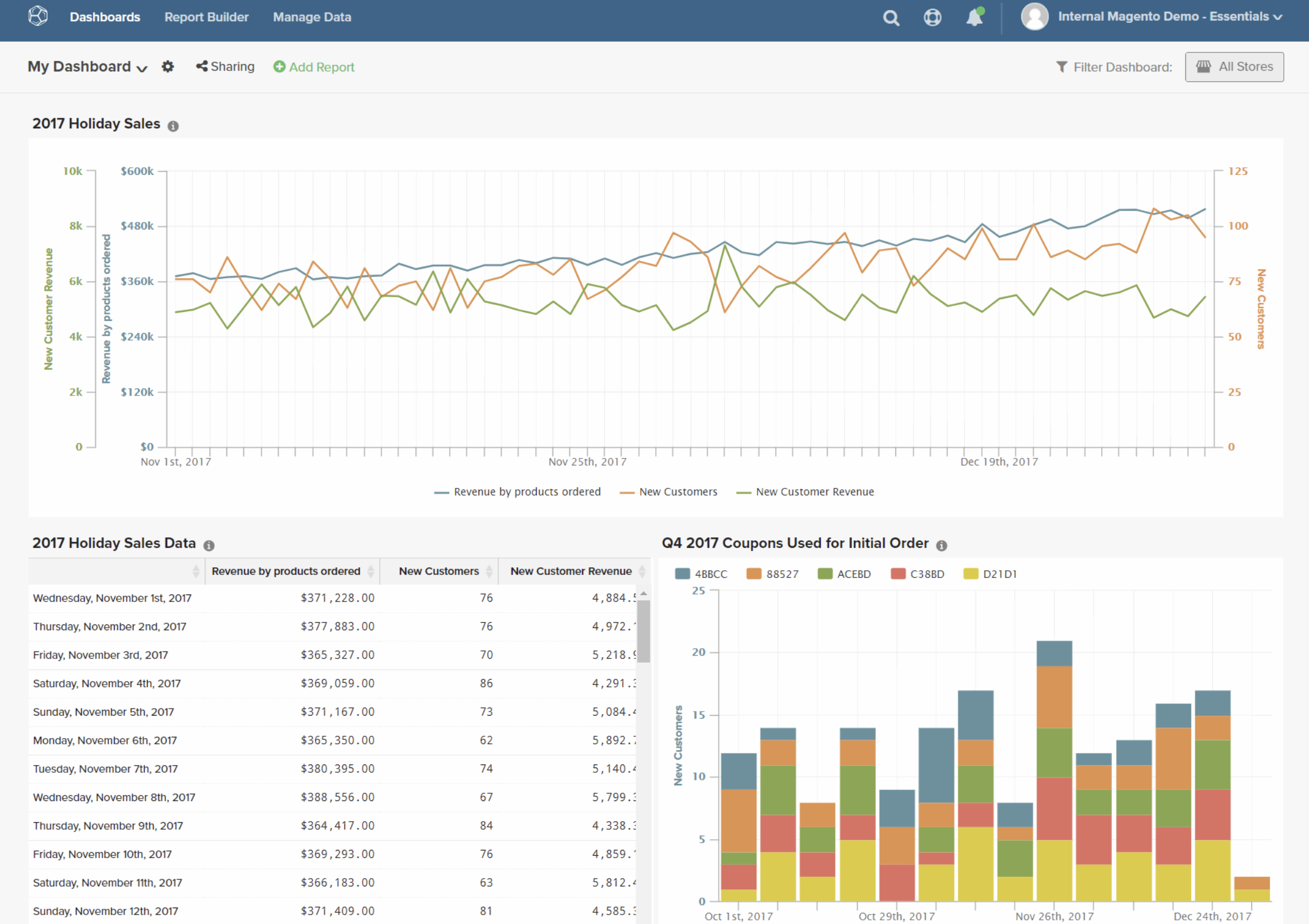
Popular e-commerce content management system Adobe Commerce provides reliable, expandable, and customized web shops.
It is compatible with headless commerce, a design that allows for greater speed and scalability by severing the front end of your online store from the operational backend of data processing, security, and business logic.
The platform is well-known for its sophisticated features for product management, an extensive theme customization library, and a modular design that facilitates website development expansions. It is a powerful substitute for WordPress since it offers extensive client behavior analytics together with an easy-to-use design.
Additionally, there is a strong developer community at Adobe Commerce where users may interact, network, and share ideas. It guarantees that its CMS framework is updated and improved continuously.
However, compared to WordPress, Adobe Commerce is typically more expensive due to its specialty setup and development. It works better for large and medium-sized e-commerce sites than for smaller ones.
Try their other product, Magento Open Source, if you wish to construct an online store for your company at a little cost.
Best features of Adobe Commerce
- Integrated CRM features include order and inventory tracking as well as dynamic content and product recommendations
- Product suggestion features driven by AI for a more fulfilling and customized consumer experience that may increase conversion rates
- Support for several languages and currencies for global markets
- Enhanced mobile experience for users of tablets and smartphones
Limitations with Adobe Commerce
- Comparatively more costly as a result of a high server resource usage
- Steep learning curve in terms of personalization
Pricing for Adobe Commerce
- Adobe Commerce Pro: Tailored pricing
- Managed Services: Individualized cost
Reviews and ratings for Adobe Commerce
- G2: 4.5 out of 450 reviews
- Capterra: 4.3 out of 600+ ratings
3. Joomla
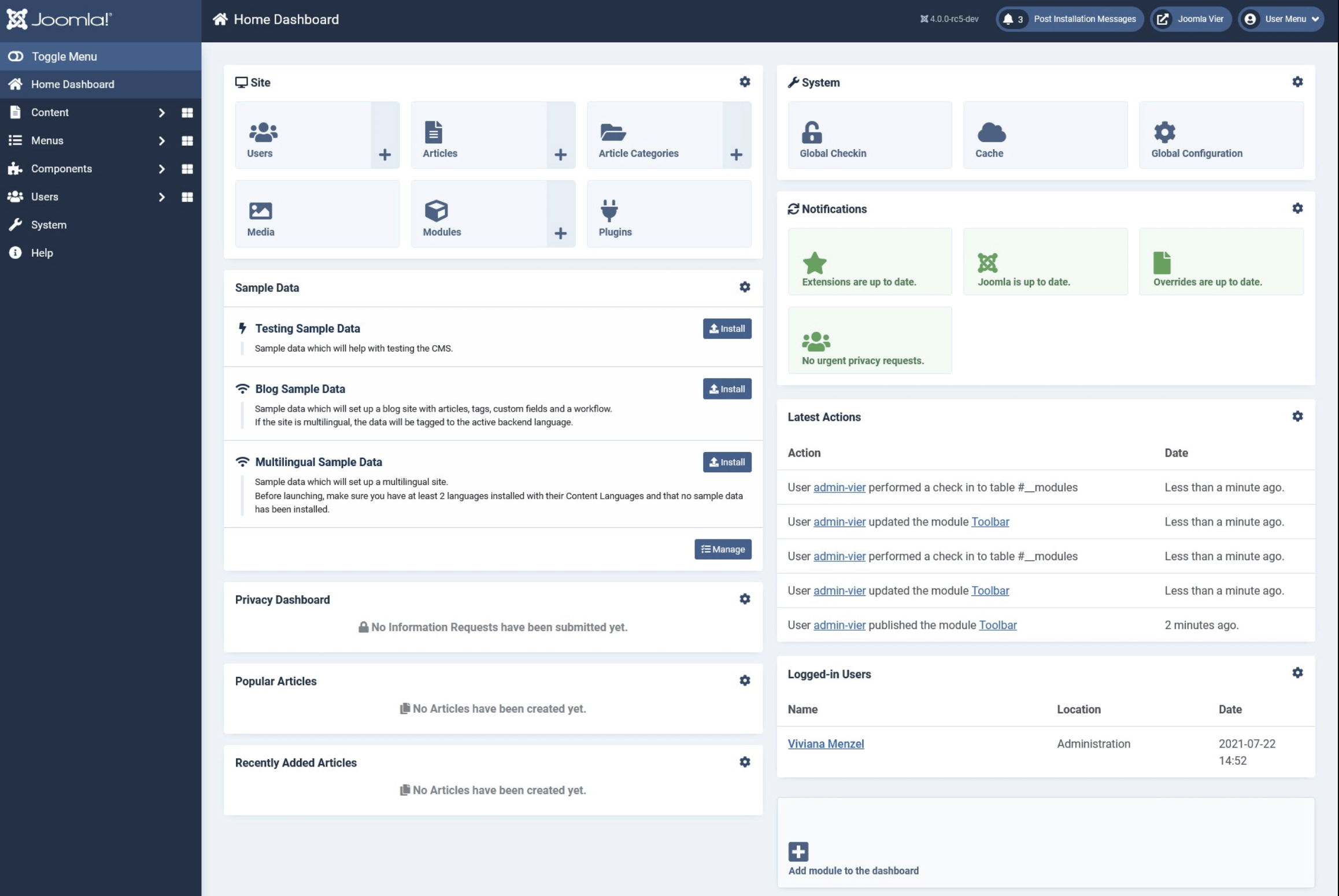
Since 2005, Joomla, an open-source content management system, has been a well-liked substitute for WordPress. With it, you may create websites, extensions, and other types of online applications.
Like a WordPress site you would develop, it emphasizes user empowerment and doesn't require advanced understanding of HTML and CSS. Instead, users can create a distinctive online presence for their company by utilizing Joomla's numerous themes and addons.
A lot of Joomla extensions are available to help you extend the functionality of your website. Did you know that? Being able to contact a vast community of website builders who are willing to assist you with prompt comments and simple fixes for your problems is one of the biggest advantages of using Joomla.
Best features of Joomla
- With a WYSIWYG editor and a three-tier article structure, managing material is simple.
- More than 70 language translation packs and support for global positioning in content organization
- For further security, regular releases, patches, and extensions
- Increase the rating of your website using a variety of SEO-friendly features, like meta tags, completely adjustable URL structures, and search engine friendly URLs.
- Boost website management with intelligent access restrictions
Limitations of Joomla
- Website design is restricted by a small number of extra modules.
- Plugins that cost money often cause your website to function worse.
Joomla costing
- Free
Joomla reviews and ratings
- G2: 3.5 out of 370 reviews
- Capterra: 4.1 out of 600+ ratings
4. Squarespace
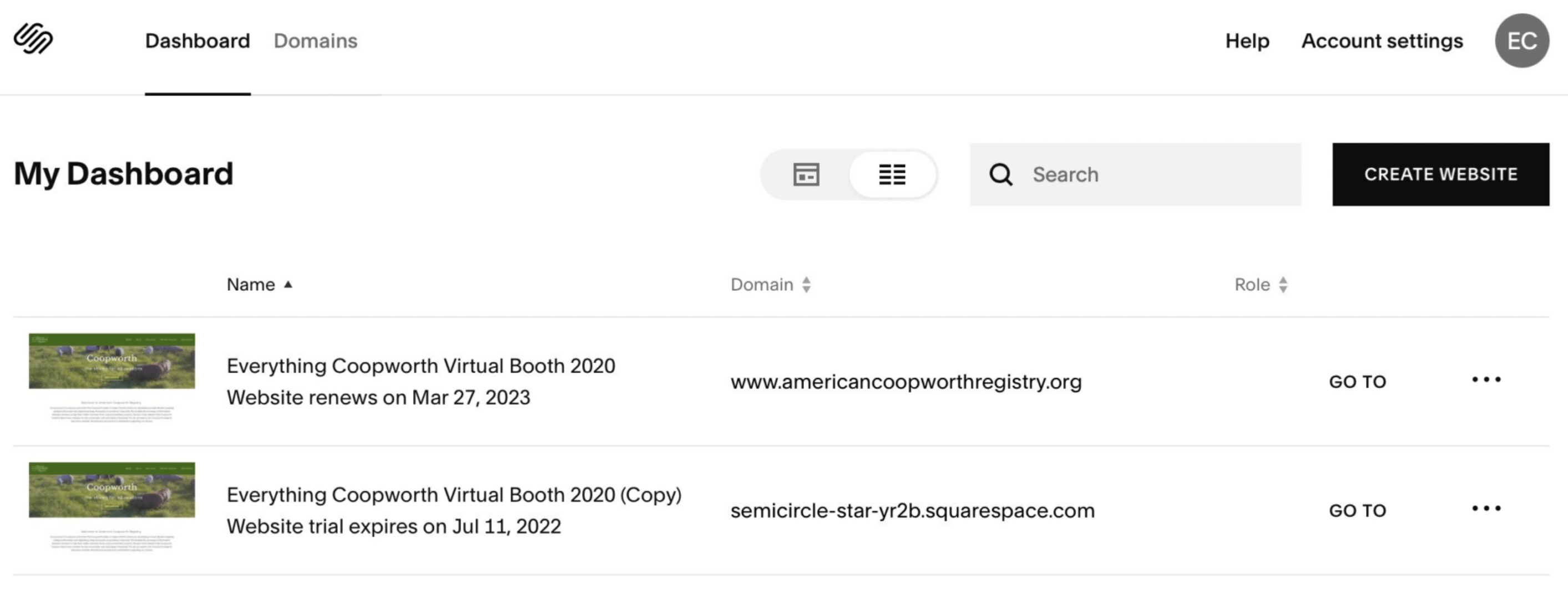
Squarespace is a popular choice for SMBs, even though more experienced WordPress users might not consider it to be the greatest WordPress substitute. And for good cause, too!
Users don't need any technical expertise to create stunning, responsive websites thanks to its user-friendly drag-and-drop editor and beautifully designed themes. This facilitates the speedy launch of websites, which is advantageous for small enterprises, creative professions, and bloggers.
Squarespace is an all-in-one platform for online building and hosting that comes with free domain registration, website maintenance, and more. Large-scale businesses will find it suitable as it offers e-commerce features, blogging sites, and analytics.
Squarespace's integration of social media platforms and applications with user accounts makes it even more appealing because it makes it possible for you to create a fully integrated online presence.
Best characteristics of Squarespace
- Select from more than 100 expertly created templates, including ready-made video templates.
- Use a mobile app to manage your website while on the go.
- Make sure your website is compatible with responsive design so that it works flawlessly on all types of devices.
- Make use of payment gateways, order management, and inventory management.
- Link your platform with third-party resources like SEO tools, marketing automation tools, and campaign templates.
- Learn about the popularity of your content, consumer behavior, and website traffic.
Squarespace restrictions
- Certain plug-ins are pricey.
- There isn't much room for creativity because there are so many templates and themes available.
- Possible delays in performance during significant traffic surges
Squarespace costs
- Individual: $16 per month
- Business: $23 per month
- Basic Commerce: $27 per month
- Advanced Commerce: $49 per month
Squarespace reviews and ratings
- G2: 4.4 out of 5000+ reviews
- Capterra: 2800+ reviews, 4.5 out of 5.
5. PrestaShop
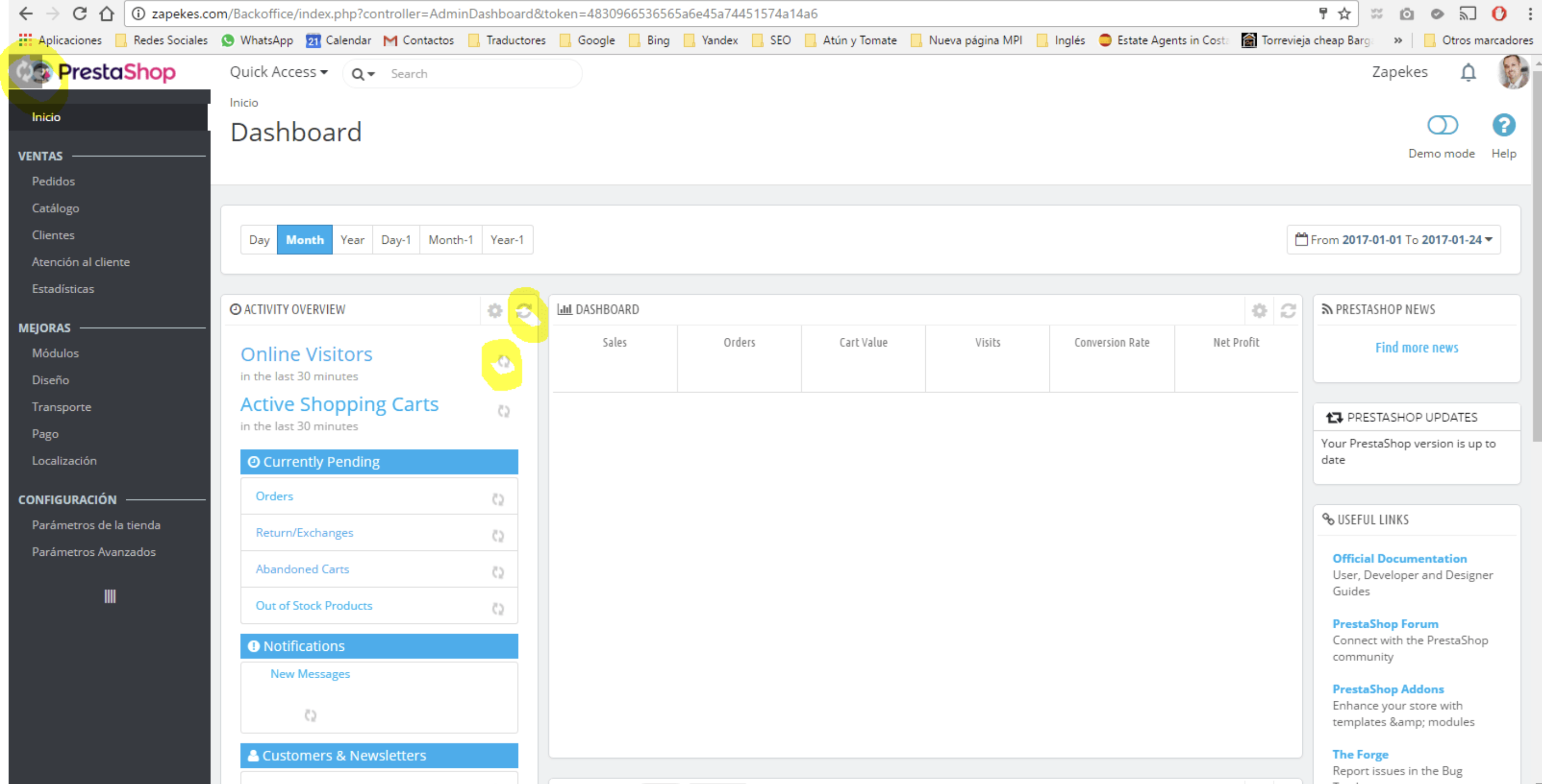
For use in e-commerce scenarios, PrestaShop is a great substitute for WordPress. It is an open-source substitute that offers a versatile and scalable platform ideal for retailers wishing to establish online storefronts.
Its unique selling point is that it offers sophisticated capabilities with specific functionality for handling checkout, payments, shipping, and catalog management—areas where WordPress would need multiple plugins.
PrestaShop offers additional features such as a content management system (CMS) for handling blog posts, store content, and design modification. To swiftly expand the functionality of your website and grow your online presence, you may select from over 5000 modules and themes.
Best features of PrestaShop
- Utilize sophisticated e-commerce features such as tax computations depending on user location and product cataloging. Use translation packs to handle content in more than 75 languages.
- Utilize third-party marketing and SEO solutions to manage campaigns and raise website ranks.
- Reduce the number of cart abandonment incidents by making the process of creating client accounts easier with a single window.
- Track online sales and customer activity with built-in analytics and reporting plug-ins to improve customer service and experience.
Limitations of PrestaShop
- Costly and not very customizable
- Users have complained about a lack of trustworthy community assistance.
- Increased hosting needs that cause problems with speed
PrestaShop prices
- Classic: Free
- Hosted: Starts at $26/month
- Custom: Custom pricing
Reviews and ratings for PrestaShop
- G2: 4.3/(more than 140 reviews)
- Capterra: 4.3 out of 300+ ratings
6. Webflow
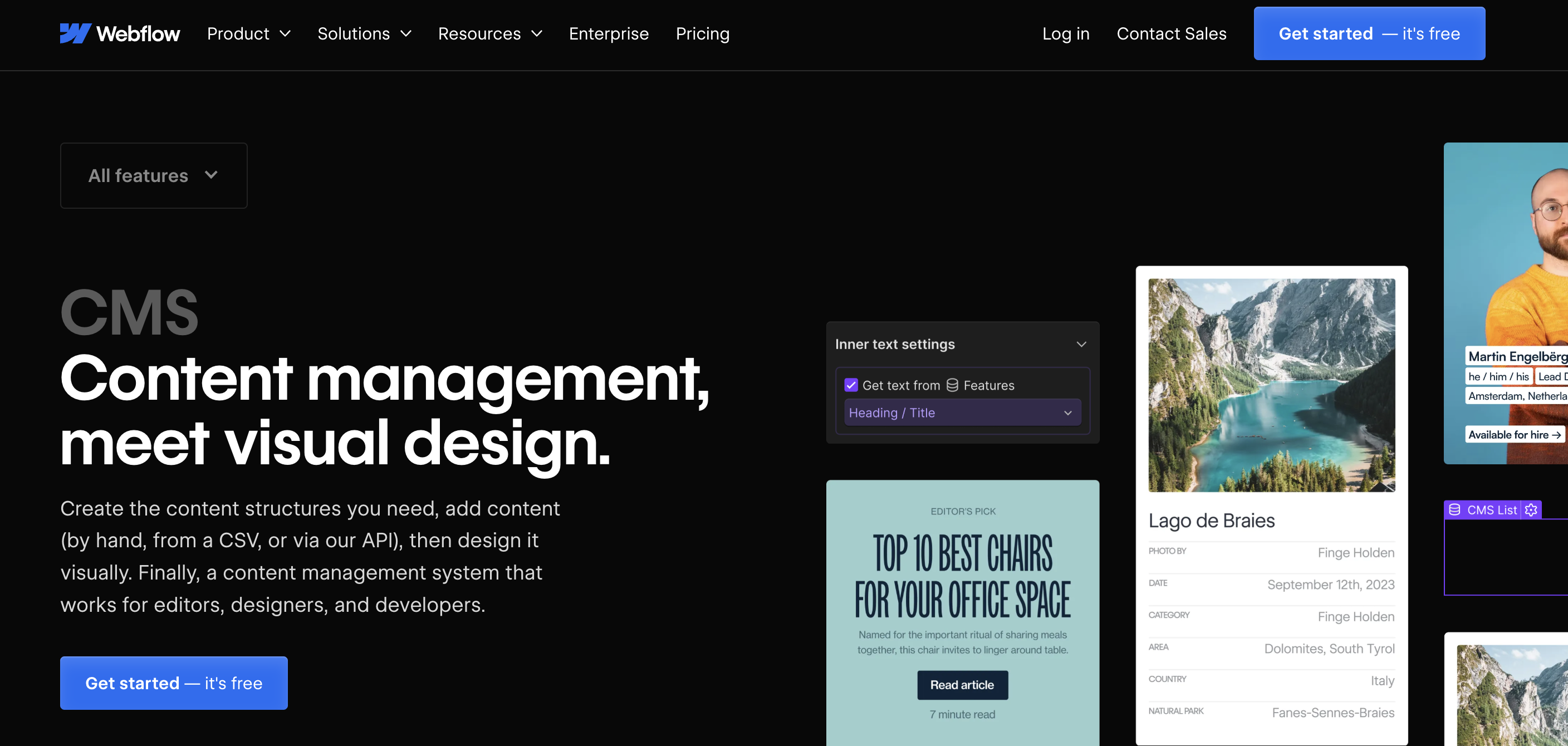
Without knowing any code, consumers can create and design user-friendly, responsive websites with Webflow.
Its WYSIWYG editor, animation engine, drag-and-drop interface, and web design elements make it simple to create great websites, but it also gives you the option to write code for more customization.
Webflow provides hosting infrastructure to ensure the speed and dependability of websites created on the platform, catering to both small and large businesses.
Webflow is a well-liked blogging platform for creators because of its robust content management system for creating dynamic material and support for e-commerce websites.
Webflow best features
- Use the vast library of how-to tutorials available at Webflow University to create, modify, and maintain websites in the best possible way.
- Utilize forms (such as drop-down menus, check boxes, text boxes, etc.) to collect behavioral data on website visitors using analytics and reporting tools.
- To alter website designs, add code.
- Integrate project management software for marketing, social media, and SEO.
- Limit user access to the collaborative platform.
Webflow limitations
- Absence of 24/7 client service
- restricted features, such lack of capability for several languages
Webflow pricing
General
- Starter: Free
- Basic: $14/month
- CMS: $23/month
- Business: $39/month
- Enterprise: Custom pricing
E-commerce
- Standard: $29/month
- Plus: $74/month
- Advanced: $212/month
Reviews and ratings for Webflow
- G2: 4.4 out of 500 (+ reviews)
- Capterra: 200+ reviews, 4.6/5
Wix
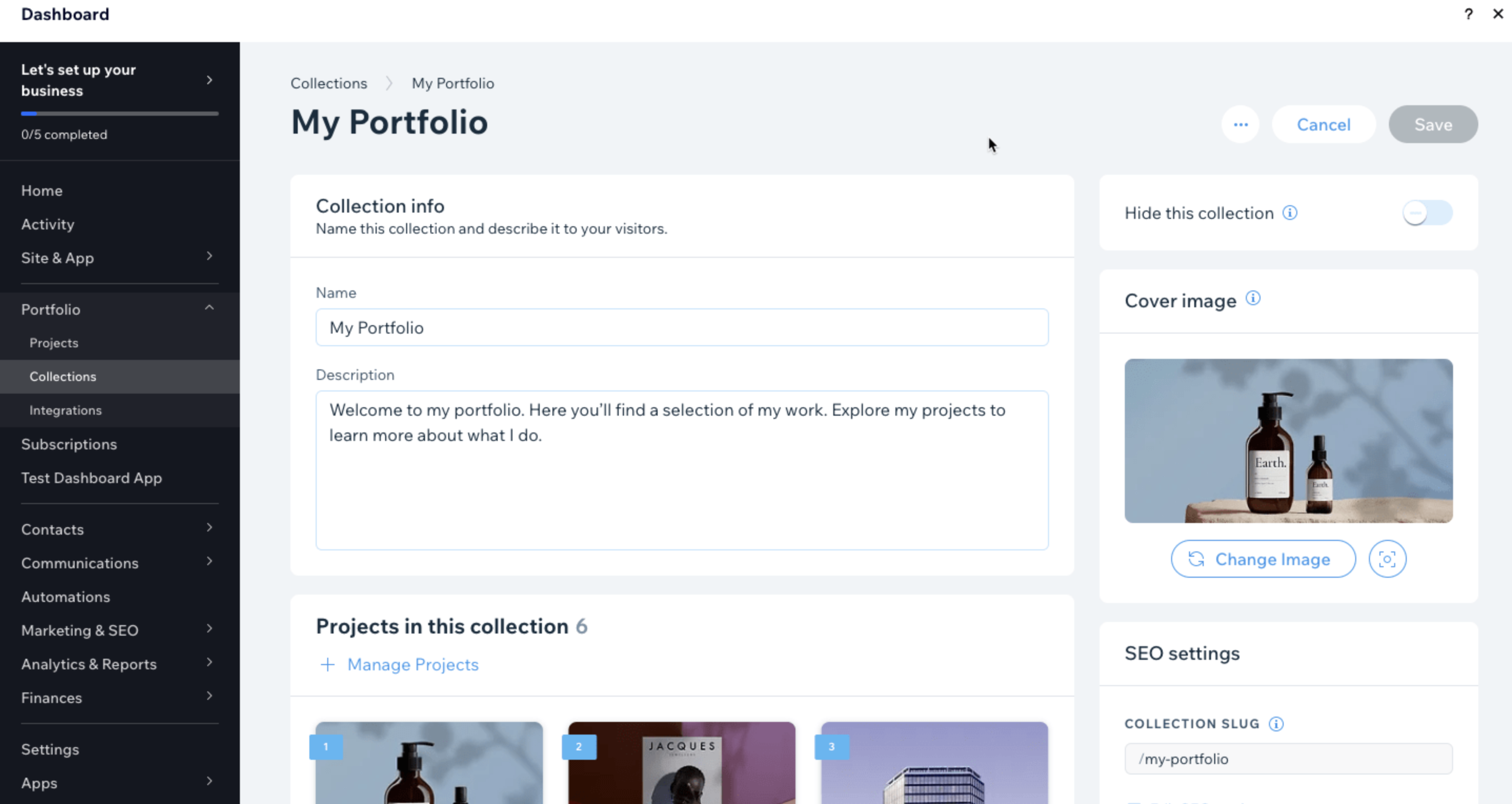
For inexperienced web builders who prefer usability and accessibility over a large feature set and bespoke extensibility, Wix is a good substitute for WordPress.
It is an all-in-one cloud-based platform for creating and blogging websites, complete with online hosting and design services. Wix is renowned for its expertly designed website templates that necessitate minimal technical expertise.
Wix is adaptable due to its wide range of industry-specific design templates and highly adjustable capabilities. It is perfect for small and medium-sized businesses with low technological resources because it also supports e-commerce operations.
The Wix App Market, which has over 500 applications, is another way to add features.
Wix best features
- AI-driven website developer
- Unique e-commerce functions like inventory control, online payment, and cart abandonment reversal
- Use Wix to host media, such as PDF brochures and movies, that you can embed into your website to improve user engagement.
Wix limitations
- Comparatively costly
- Advertising that are forced on the free plan
- Once the website is launched, templates cannot be changed.
Wix pricing
- Light: $16 a month
- Core: $27 per month
- Business: $32 per month
- Elite Business: $159 per month
- Enterprise: Individualized costing
Wix ratings and reviews
- G2: 1600+ reviews; 4.2/5
- Capterra: 9.300+ reviews, 4.4/5
8. Weebly
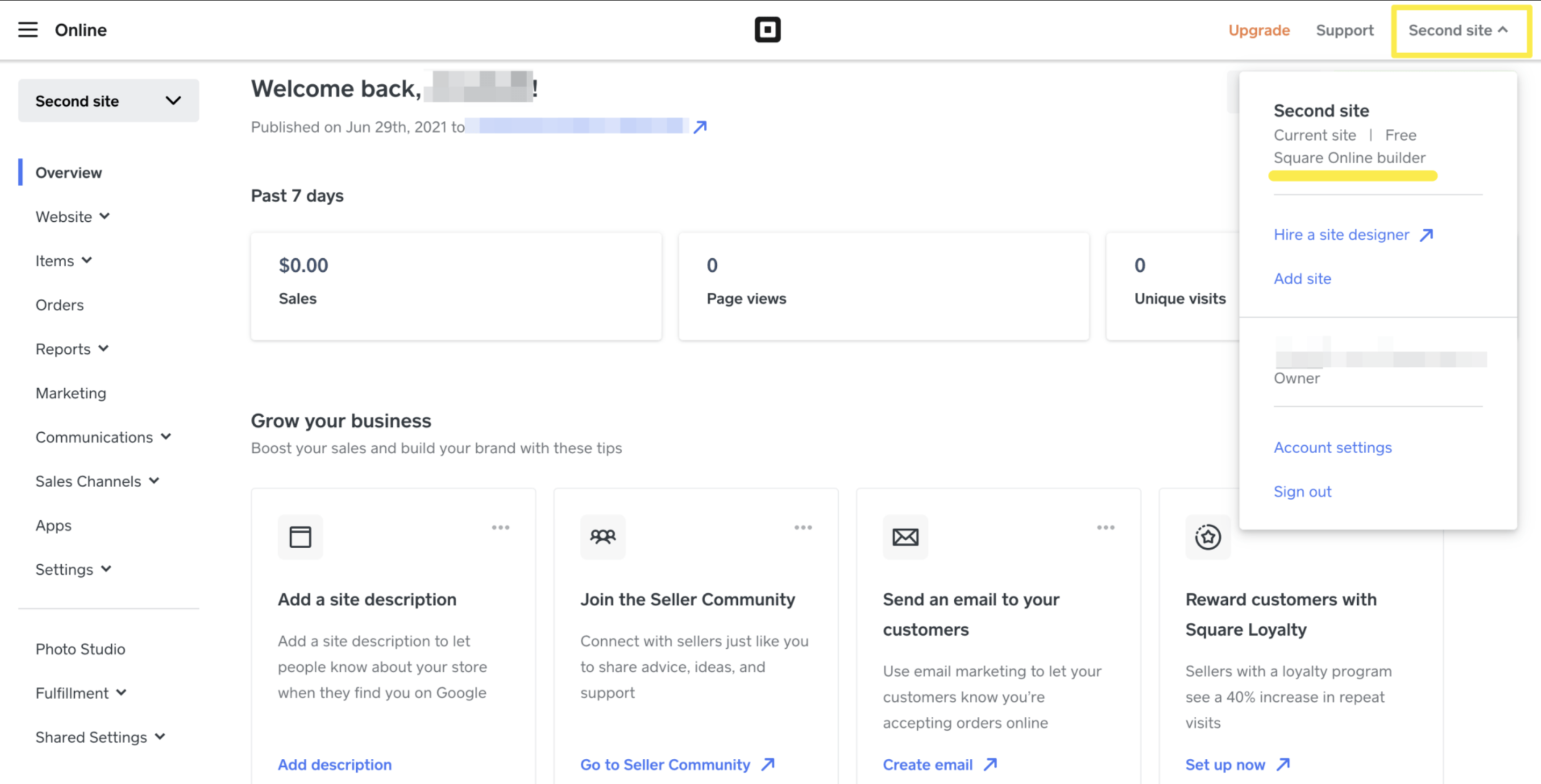
Drag-and-drop tools on Weebly's user-friendly platform make website creation and upkeep effortless, especially for individuals and companies with no experience with web development.
Weebly is one of the most well-liked free WordPress substitutes because of its hosted website builder and assortment of pre-made designs.
Professionally created, Weebly templates are renowned for their compatibility with tablets and smartphones. To alter the appearance and feel of their websites, users can easily upload pictures and videos, incorporate different widgets, and link to other websites.
Among the various services the platform provides are analytics, blog support tools, and SEO tools that help with website performance, ranking, and dynamic content production.
The Weebly app area provides both commercial and free apps to improve your website's functionality.
Weebly best features
- Websites that are lightweight and use optimized code to load rapidly while consuming less resources
- E-commerce features that improve the in-store client experience, such several payment methods
- Build a feature-rich content library and blog with Facebook integration, tags, and categories.
- Integrating email marketing with your website and store
- Integrated tax management system to assist in tracking and calculating sales tax across items
- Storage capacity is unlimited for all premium plans.
Weebly limitations
- There are advertisements in the free version.
- There isn't much customization available, and any changes need code editing.
- Users have noted a lack of social network and podcast integrations.
Weebly pricing
- Free
- Personal: $10/month
- Expert: $12 a month
- Performance: $26 per month
Reviews and ratings on Weebly
- G2: 4.1 out of 500+ reviews
- Capterra: 4.3 out of 1701 reviews
9. Shopify
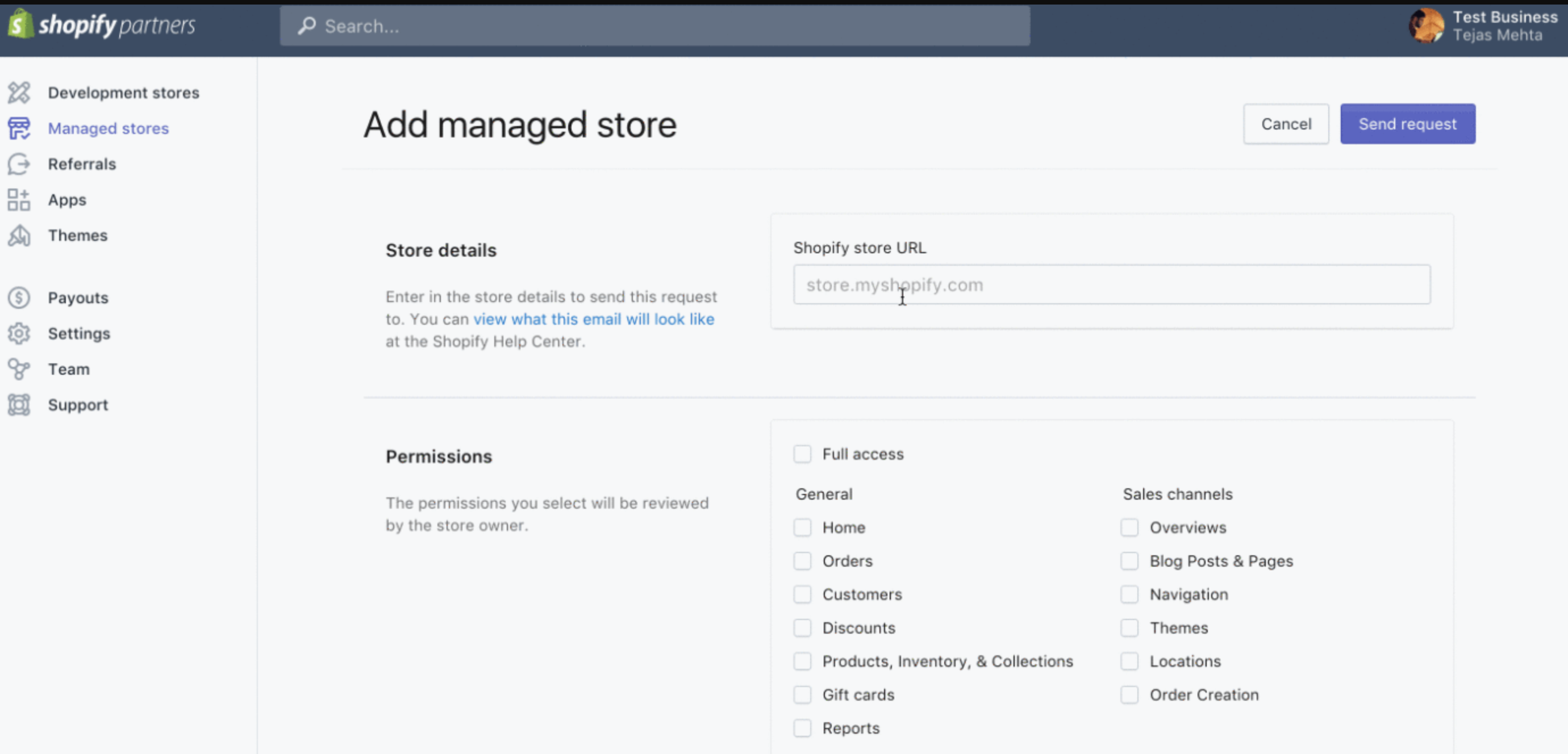
Shopify is the ideal solution if you'd prefer to have an all-in-one e-commerce platform than piece together WordPress plugins.
The greatest website builder on Shopify helps companies of all sizes create and run online stores right out of the box, complete with simple methods for taking payments online.
Most companies would love to have an innovative, fashionable, and modern website. It's time to stop creating WordPress websites from scratch and hunting for themes for e-commerce sites.
Shopify, for example, comes with built-in features for centralizing inventory, order, and fulfillment information across sales channels. Furthermore, it offers a smooth, multi-channel checkout experience optimized for smartphones and one-page conversions.
Customers value Shopify's store management dashboard since it offers a smooth picture of customer and business activity.
Shopify's user-friendly interface and strong website builder architecture allow businesses to concentrate on their core competencies instead of worrying about managing and updating their online presence.
Top features of Shopify
- Make use of an internal payment mechanism free from processing fees.
- With the use of a fraud detection tool, increase security and prevent fraud.
- Use analytics and reporting tools to keep an eye on the performance of your store. You can track and examine customer behavior, website traffic, sales, and other metrics.
- Track cart abandonment by reminding clients via email to come back and finish their purchase.
- Select from more than 8000 apps to include into the backend of your website.
- Create employee accounts to aid in better store management.
Shopify's restrictions
- Not all nations can use Shopify's payment tool.
- Blog features aren't very extensive.
- Increased prices and transaction fees related to premium themes and applications
- mandatory use of Shopify subdomains for entry-level plans
Pricing on Shopify
- Basic: $29 per month
- Shopify: $79 a month
- Advanced: $299 per month
Shopify user reviews and ratings
- G2: 4000+ reviews, 4.4/5
- Capterra: 4.5 out of almost 6000 reviews
10. Ghost
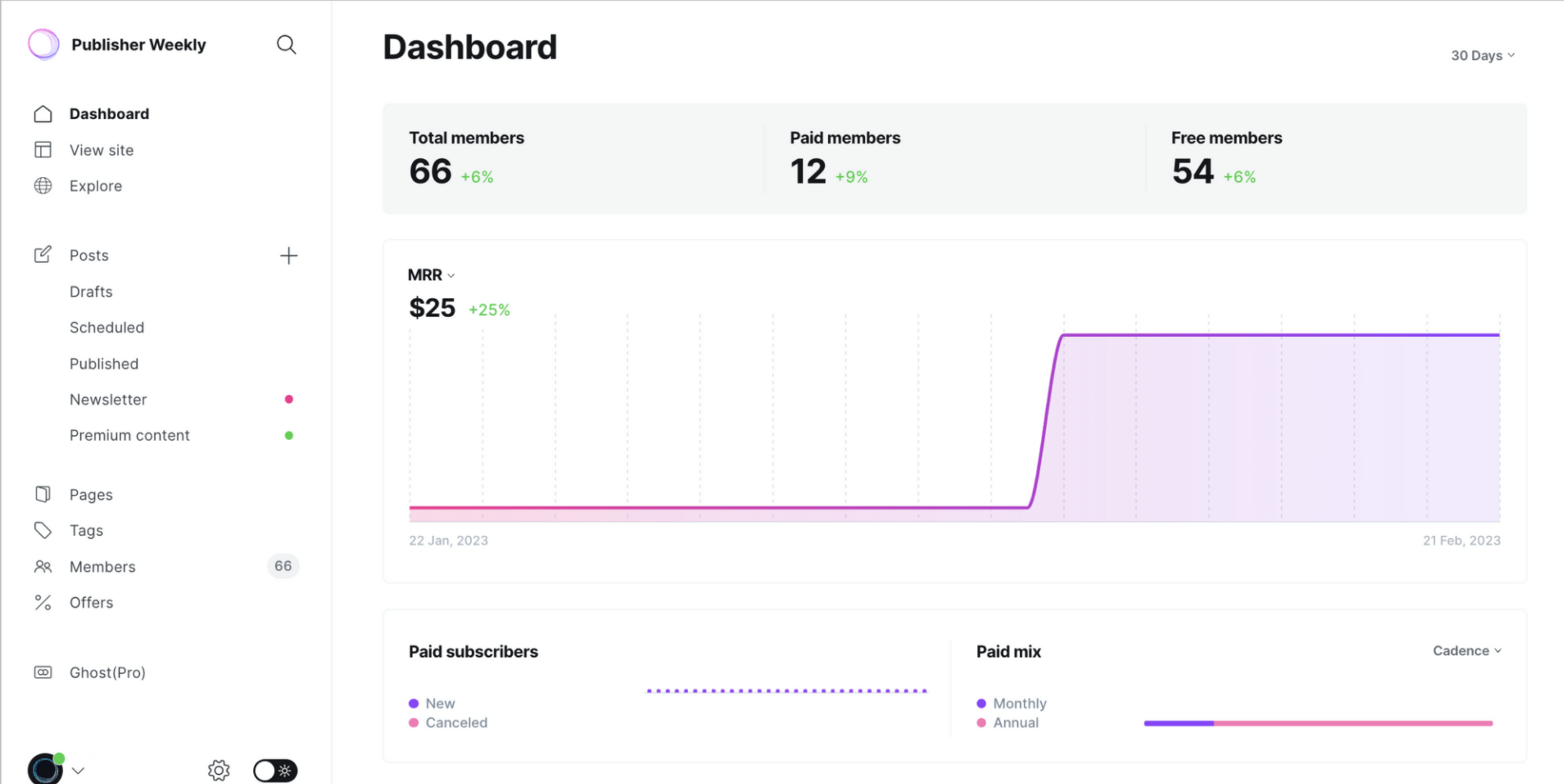
One of the well-known blogging tools is Ghost, which is a publishing platform with tools for producing and managing blog content. With a focus on speed and user experience, it's the perfect open-source substitute for WordPress for small, independent publishing websites or microblogs. It offers two options: Ghost (Pro), a fully managed PaaS solution, and a free self-hosted option.
Ghost may be tailored to work well on a variety of devices, making reading enjoyable. Additionally, Ghost provides publishers with membership and paid subscription options to aid in content monetization.
Strong hosting, design, and security features are provided by Ghost (Pro) so you can concentrate on producing excellent content and engaging users. Ghost provides additional customization choices for your website, like a personalized domain name and integrated SEO tools.
Best aspects of Ghost
- Regardless of the amount of content, maintain fluid navigation with flexible content arrangement.
- Create user accounts with different access and controls for each member of your team.
- Easy content creation, editing, and management with a simple interface
Limitations of ghosts
- There are few possibilities for customization, and complex customizations need coding.
- Absence of native tools for search optimization
- Limited plug-in ecosystem; less sophisticated media management and asset handling features than WordPress
Ghostly costs
- Starter: $9 per month to begin
- Originator: $25 per month
- Team: $50 per month at start
- Business: $199 per month to start
Reviews and ratings for ghosts
- G2: 4.8 out of 35 reviews
- Capterra: 4.1 out of 45 ratings
Other Content Tools
For developing, creating, and maintaining websites, WordPress and its substitute content management systems are invaluable.
Nonetheless, a wide range of parties are involved in the creation and upkeep of websites, including web development teams, marketing, finance, and legal departments. Things can spiral into disarray in the absence of timeframes, procedural routines, and clear communication.
How can we prevent this? To put it simply, use a project management tool like ClickUp to monitor the creation of your website from the very beginning, through content and design modifications to the ultimate launch.
The AI, Documents, and Marketing technologies from ClickUpClickUp have made it easy for many teams to create, update, and publish content to their websites.
ClickUp AI

With ClickUp AI, you can finish your most difficult and time-consuming content-related activities much faster.
Do you want to post something on your new website's blog?
Enter your prompt into the AI writing tool, and it will produce an article that is perfectly on-brand for you. Or, if you already have a backlog of blogs written, utilize the AI editing tool to polish and organize them.
Run a content-producing company? To improve the caliber of your workflows and results, ClickUp AI will write emails for your clients, develop content workflows, and have brainstorming sessions with your team.
ClickUp Docs
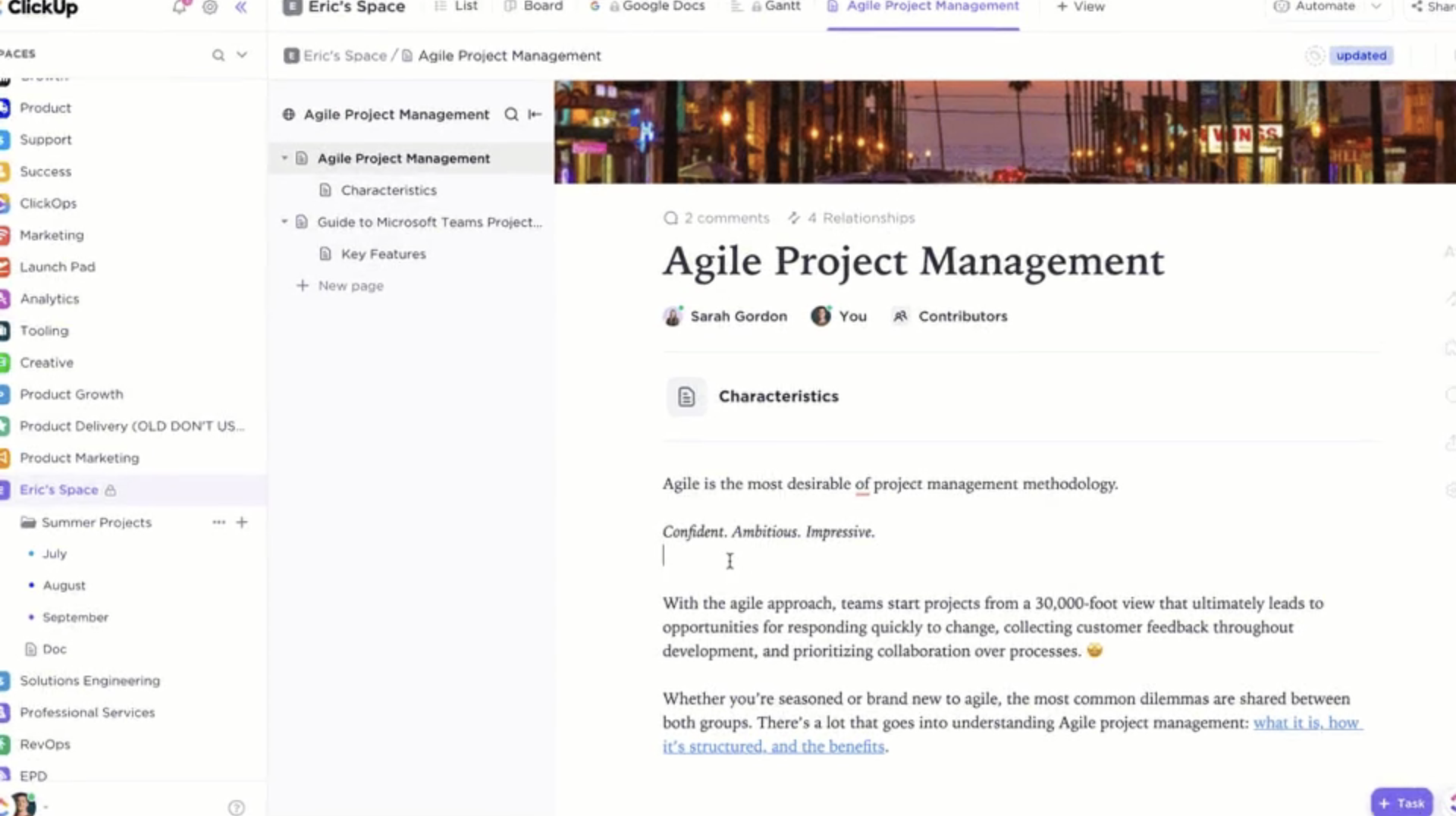
ClickUp Docs is what an art studio is to content creators; it gives teams creating content all the equipment, workspaces, and storage they need to collaborate on masterpieces.
ClickUp Docs' collaborative editor enables team members to co-author content in real time. In addition, it offers threaded discussions and commentary, which reduces the amount of time lost on back-and-forth reviews.
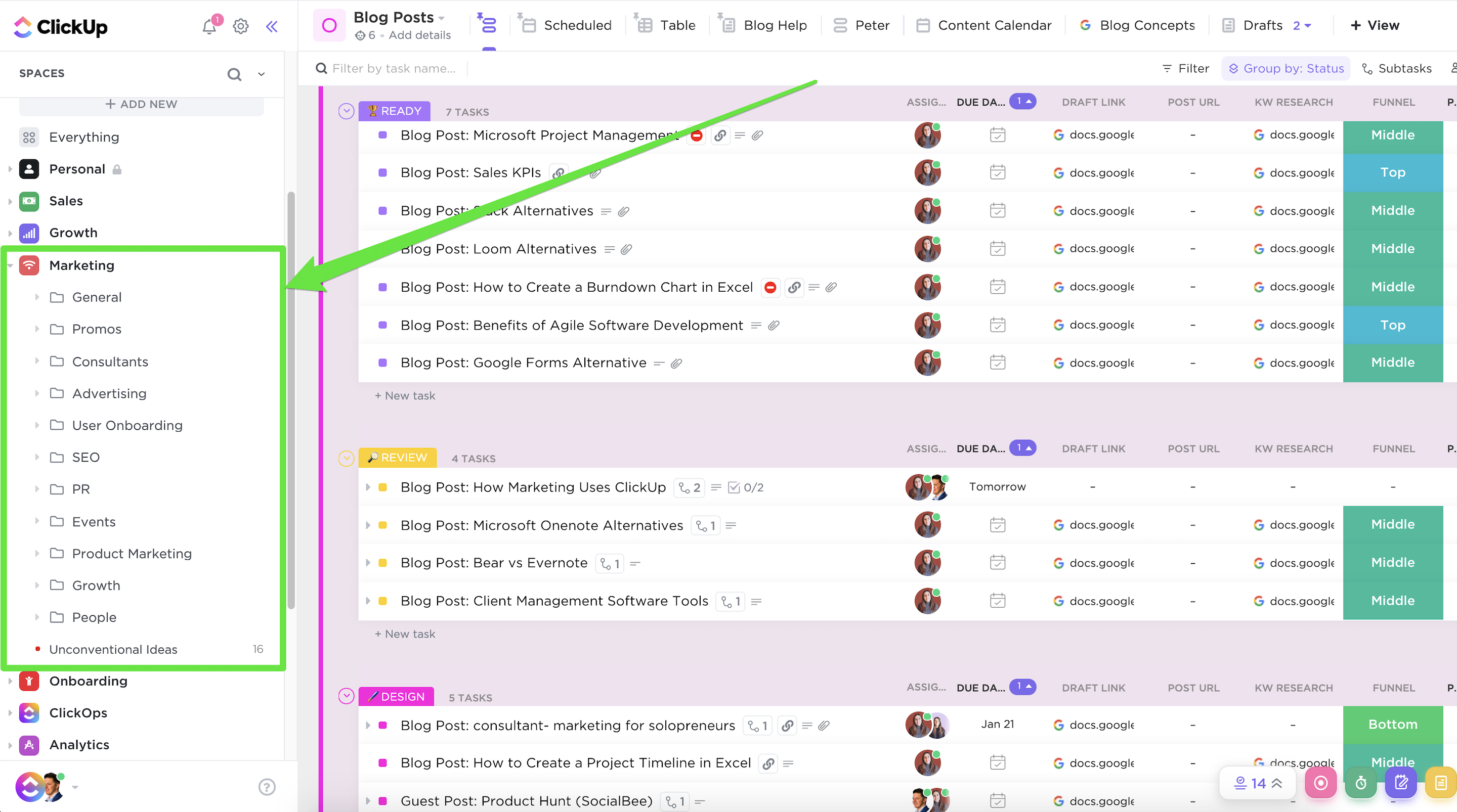
You may develop a content pipeline directly within the editor by connecting ClickUp Docs and tasks, handling reviews and approvals before publishing.
Writing templates are the next step in ensuring consistency in content creation.
ClickUp minimizes the need for several separate tools by keeping writing, review, approvals, and publishing streamlined in one place and securely integrated into tasks and wider project management.
ClickUp Marketing
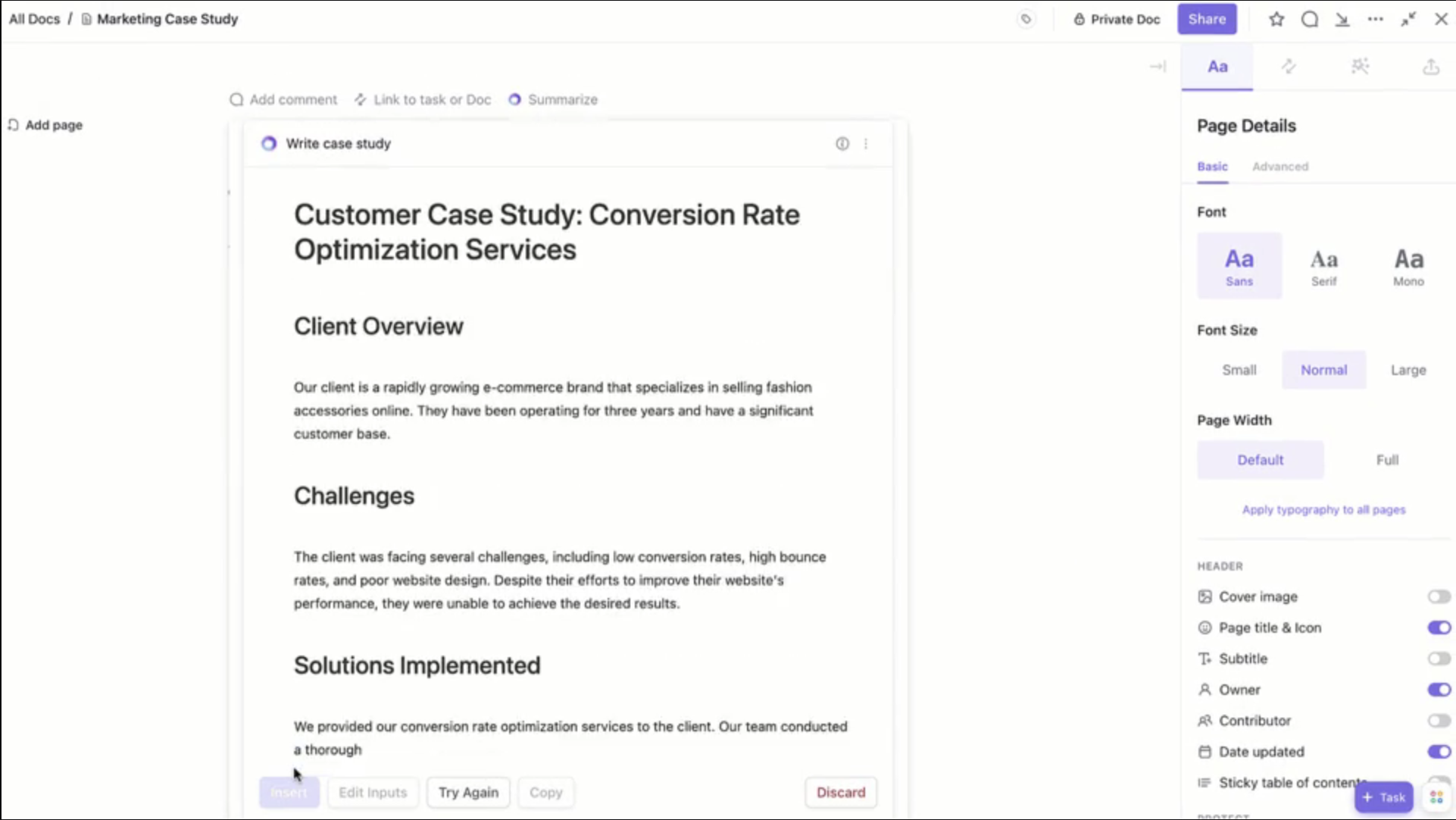
It is time to optimize your material for marketing and distribution once it is prepared for publication. With the aid of ClickUp's marketing tools, you can create multi-channel campaign briefs, facilitate brainstorming sessions for campaign ideas, create marketing communications, and compile campaigns.
Plans and objectives for marketing can also be linked to tasks so that you can monitor their advancement. Every team member has access to this progress. It also encourages accountability and prevents duplication.
In order to increase team efficiency, this openness also removes duplication in the workflow and makes timeframes apparent.
ClickUp best features
- ClickUp's Visual Dashboards make it simple to monitor and communicate success.
- Use ClickUp AI to create better content more quickly.
- Put your content database in a central location.
- ClickUp's capacity to condense talks, tasks, campaigns, and material simplifies ideation. Its template library helps to maximize project delivery timelines.
lickUp limitations
- Not as sophisticated as WordPress's content management system
- Steep learning curve because to plenty of features
ClickUp pricing
- Free Forever
- Unlimited: 7 per user each month
- Business: $12 per user each month
- Enterprise: Get plan specifics by contacting the sales staff.
Reviews for ClickUp
- G2: 9.000+ reviews, 4.7/5
- Capterra: 3.900+ reviews, 4.7/5
Launch Your Website Efficiently Using ClickUp's Platform for Website Design Project Management
Having access to so many WordPress alternatives should make creating and personalizing your ideal website simple.
However, you can ship, optimize, and iterate it more quickly if you include a flexible project management solution like ClickUp in the mix. Activate your ClickUp account to quickly launch your website!
