

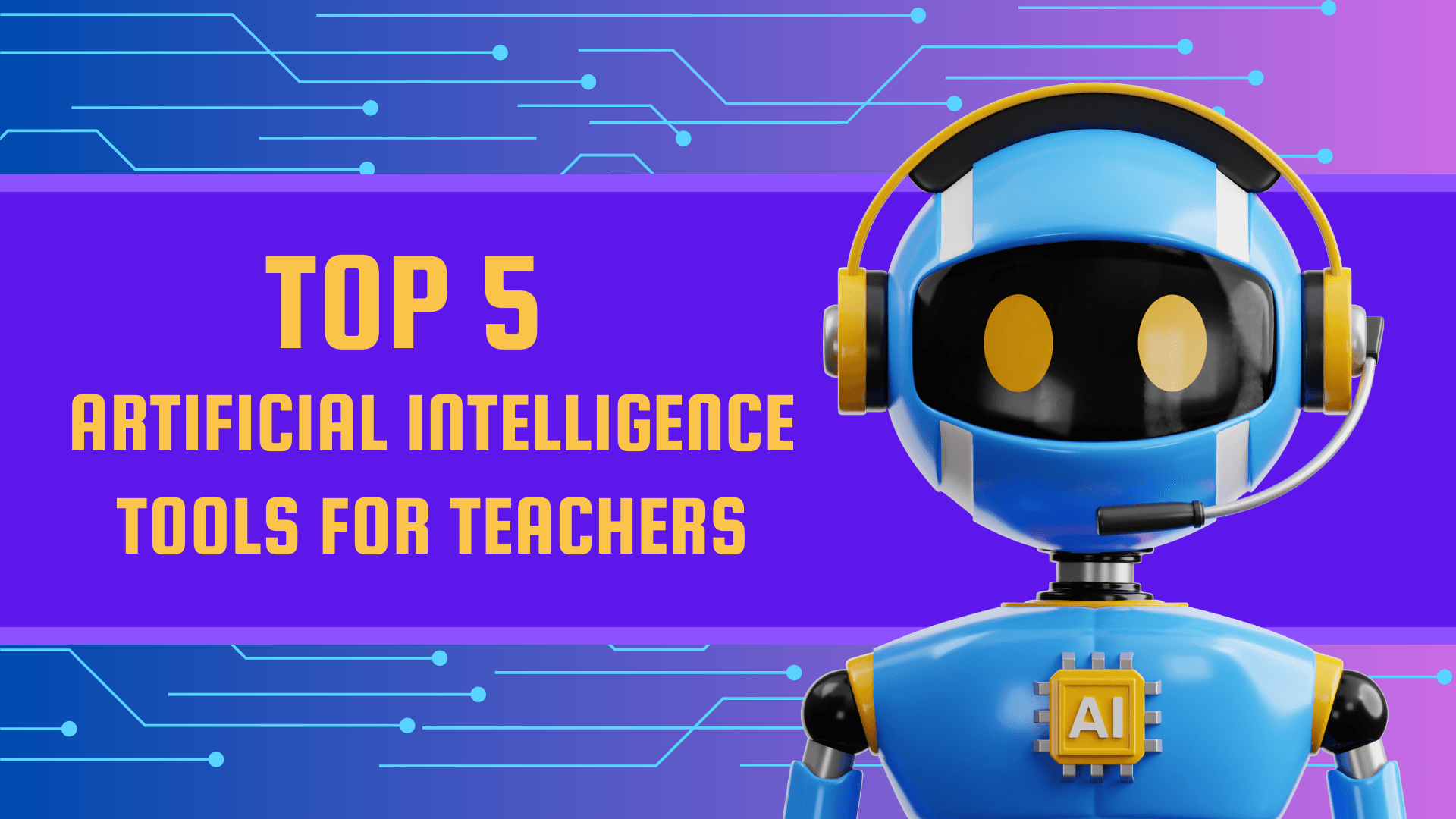
The use of artificial intelligence is quickly permeating every aspect of our lives, including education. Because it increases learning interaction and lessens teacher responsibilities, it may really be a teacher's pet.
Teachers today have access to a plethora of AI-powered tools, but it can be difficult to know which tools to use or even how to utilize them. We put up this list of our top choices for AI tools for educators for that reason.
What Do AI Teaching Tools Entail?
AI is one of the most current teaching technologies available to teachers today, along with an unmatched array of others. Although artificial intelligence has long been a science, its use in education is a relatively new trend.
Artificial intelligence is the capacity of a computer or software to carry out operations that often call for human intervention or to mimic human cognitive function.
Therefore, some of the duties that a teacher would typically have to do themselves may be handled by it. Teachers have access to a plethora of tools that leverage cutting-edge AI technology, each with potential applications and benefits.
AI is a terrific tool that teachers may utilize for administrative work, lesson planning, and in the classroom. AI is one of the most important tools in a teacher's toolbox since it can both streamline and enhance your teaching process.
AI is especially useful for developing and producing complex educational content, for engaging classroom activities, and for finishing repetitive jobs so teachers may free up valuable time.
Why Do Teachers Need to Use AI Tools?
AI is significant for educators in the first place because it can improve the learning environment in the classroom. This may be accomplished by developing fantastic teaching tools or by implementing interactive classroom activities.
AI chatbots, like as Google's Bard or Bing, can be utilized in the classroom to respond to queries from pupils. To customize learning, certain artificial intelligence (AI) techniques can produce interesting movies or interactive presentations.
AI in the classroom also has the significant benefit of saving time, which can be used for teaching or other more pressing tasks. For instance, generative AI technologies are capable of creating conversation starters, course plans, and assessments.
AI may also be utilized almost as a personal teaching assistant when you need someone to give you feedback, or it can expedite other chores like making presentations and grading tests.
Standards for Choosing AI Resources for Teachers
Let's examine a few crucial actions you should do while looking for an excellent AI program for your educational purposes.
1. Set a goal
You must first choose the purpose of the artificial intelligence-powered gadget before choosing the best one. Which would you prefer—saving time on report writing or grading? Would you like assistance creating the ideal course or creating captivating presentations? Your needs will determine the tool you select.
2. Research
For your intended use case, conduct an online search for the top AI-powered products. Be careful to read any evaluations and suggestions that come up. For honest comments and real-life experience, read blogs written by other educators or ask other educators.
3. Experiment and practice
Try out your new educational tool. Using an AI tool to the fullest and noting its performance on various tasks is the greatest approach to become an expert in it. Because not every AI tool is appropriate for every teacher or circumstance, it's also critical to select the one that best fits your needs and the dynamics of your classroom.
4. Use and review
You may begin to fully utilize its potential in the classroom once you're at ease. You may do this by giving your pupils a lecture that was created using AI, either fully or in part. It's critical to monitor what works and what doesn't whenever there is innovation. In this manner, you'll be aware of the good and bad practices for utilizing AI-powered technologies in the future.
The Best 5 AI Resources for Educators
We'll now examine the top five AI-powered teaching aids that are most well-known.
1. The iSpring Page
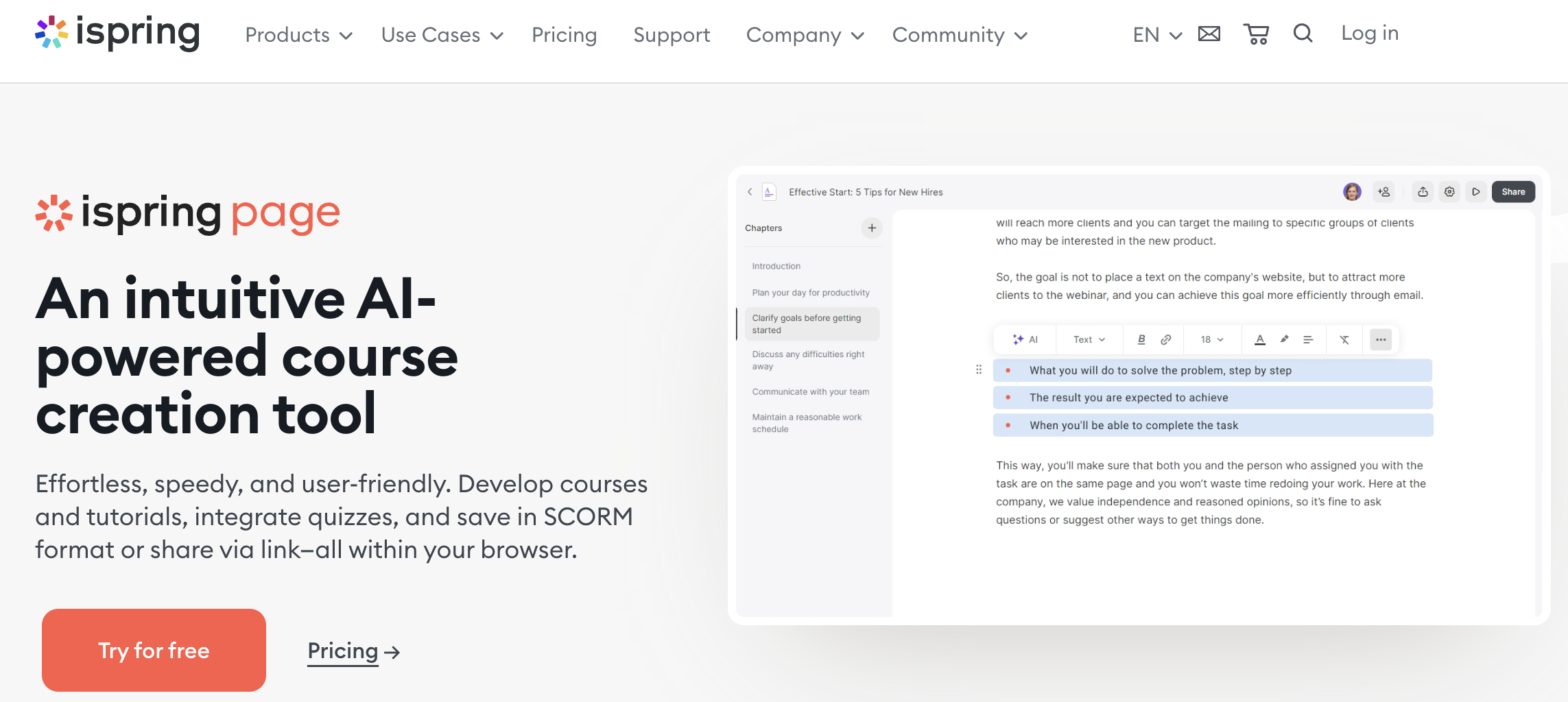
Creating whole courses, tutorials, and quizzes on your browser is possible with iSpring Page, an easy-to-use AI-powered platform for creating educational materials. Teachers may easily develop visually appealing eLearning content using this cloud-based solution. Using iSpring Page is enjoyable and accessible because to its user-friendly UI.
iSpring AI, a virtual assistant that can do several duties to save you time and improve your teaching, is integrated into this educational program. The AI assistant may be used to write and modify material, come up with concepts for new courses, and make quiz questions.
With iSpring Page, you may create new resources or improve ones that already exist to boost student engagement in the classroom. iSpring AI enables you to unleash the full potential of your imagination.
Key features
- Make tests and activities
- Write a summary of the information.
- Translate into several languages
- Correct grammatical and spelling mistakes
- Make your writing better.
Pricing
- iSpring Page is priced at $470 per user/year and offers a 14-day free trial.
2. Canva Magic Write
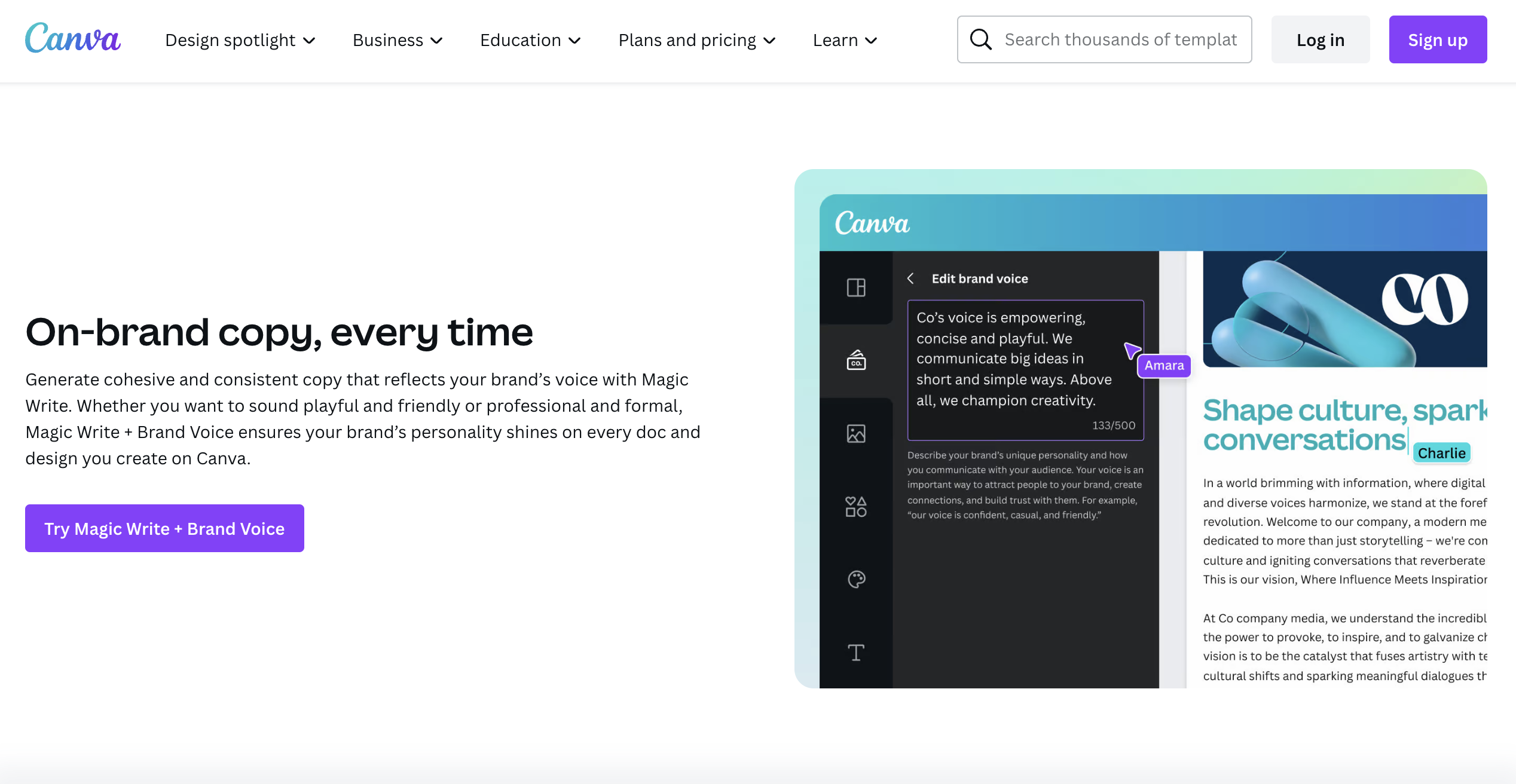
An AI writing tool called Magic Studio from Canva can help you come up with ideas, get beyond writer's block, and produce interesting written material. This tool might be ideal for you as a teacher if writing isn't your strongest suit.
With ideas, material, and structure to help you make your lessons more interesting and memorable for your pupils, Canva Magic Write may help you unleash your creative side. How often you can find a purpose for this tool and how happy you are with the content it generates will determine its potential and limits.
Key features
- Generate a list of ideas
- Make lists and outlines.
- Create and edit content; set prices
Pricing
You can use Canva's Magic Studio for free, but to access some of its other features, you'll need to pay to a premium subscription. After your teaching credentials are confirmed, you can sign up for a free account to access premium Canva features.
3. Magic School
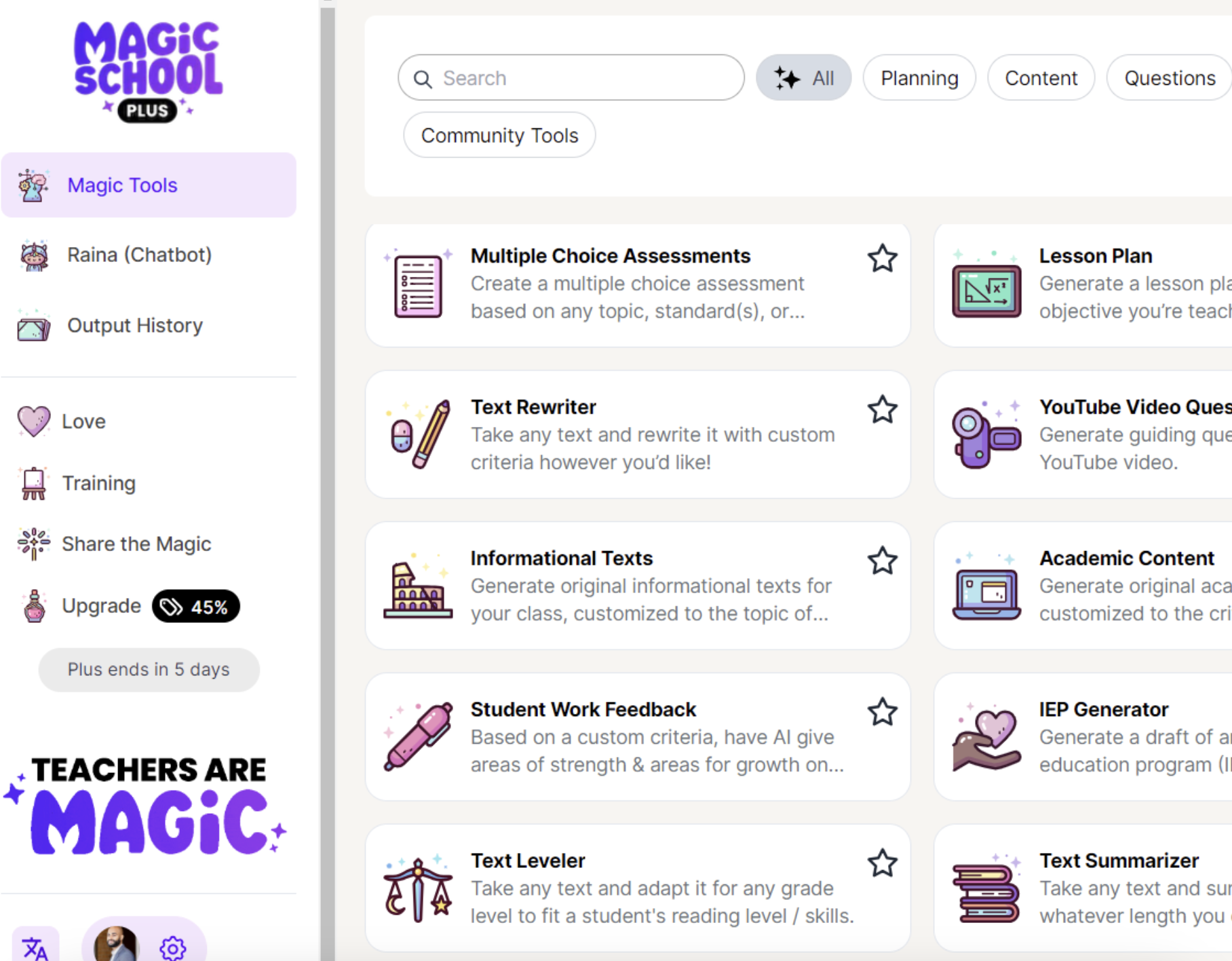
With its astounding assortment of capabilities, this all-inclusive AI-powered platform can handle a wide range of jobs. It may be used to expedite other administrative chores, produce unique content, come up with ideas, and make stuff available.
Although the vast array of tools may initially seem a bit daunting, the user-friendly layout of the site enables educators to peruse the many features and choose the solution that best suits their need. This is most likely one of the greatest sets of AI resources available to help instructors save time.
Key features
- Easy to use
- Multipurpose
- Version available for free
- Suitable for all grade levels
Pricing
The majority of Magic School's features are accessible for free. It does, meanwhile, also provide an unlimited access premium version. The monthly cost of the Plus plan is $6.65, and there is a 30-day free trial period.
4. Education Copilot
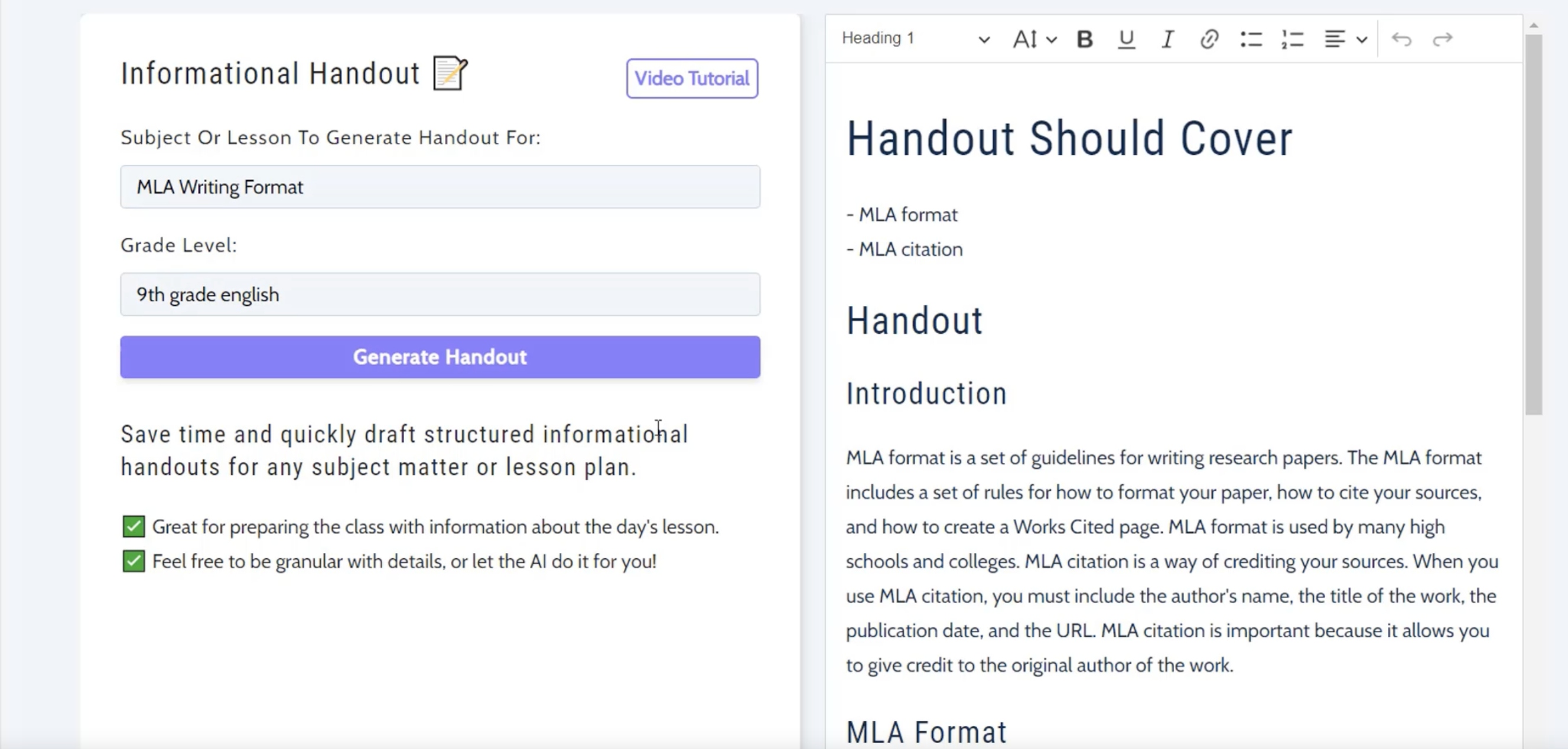
Instruction One of the greatest AI tools for creating lesson plans and teaching materials is Copilot. The program generates lesson plans for classrooms using AI. It may be used to create student reports, writing prompts, project proposals, lesson plans, and more.
If you want to reduce the amount of time you spend planning lessons for each class, this tool is fantastic. Additionally, it's ideal for designing individualized learning programs for your pupils.
Key features
- Create lesson plans and resources.
- Monitor student development
- Personalized lesson plans
Pricing
Education Copilot is available for a 30-day free trial before paying $9/month.
5. PowerPoint Speaker Coach
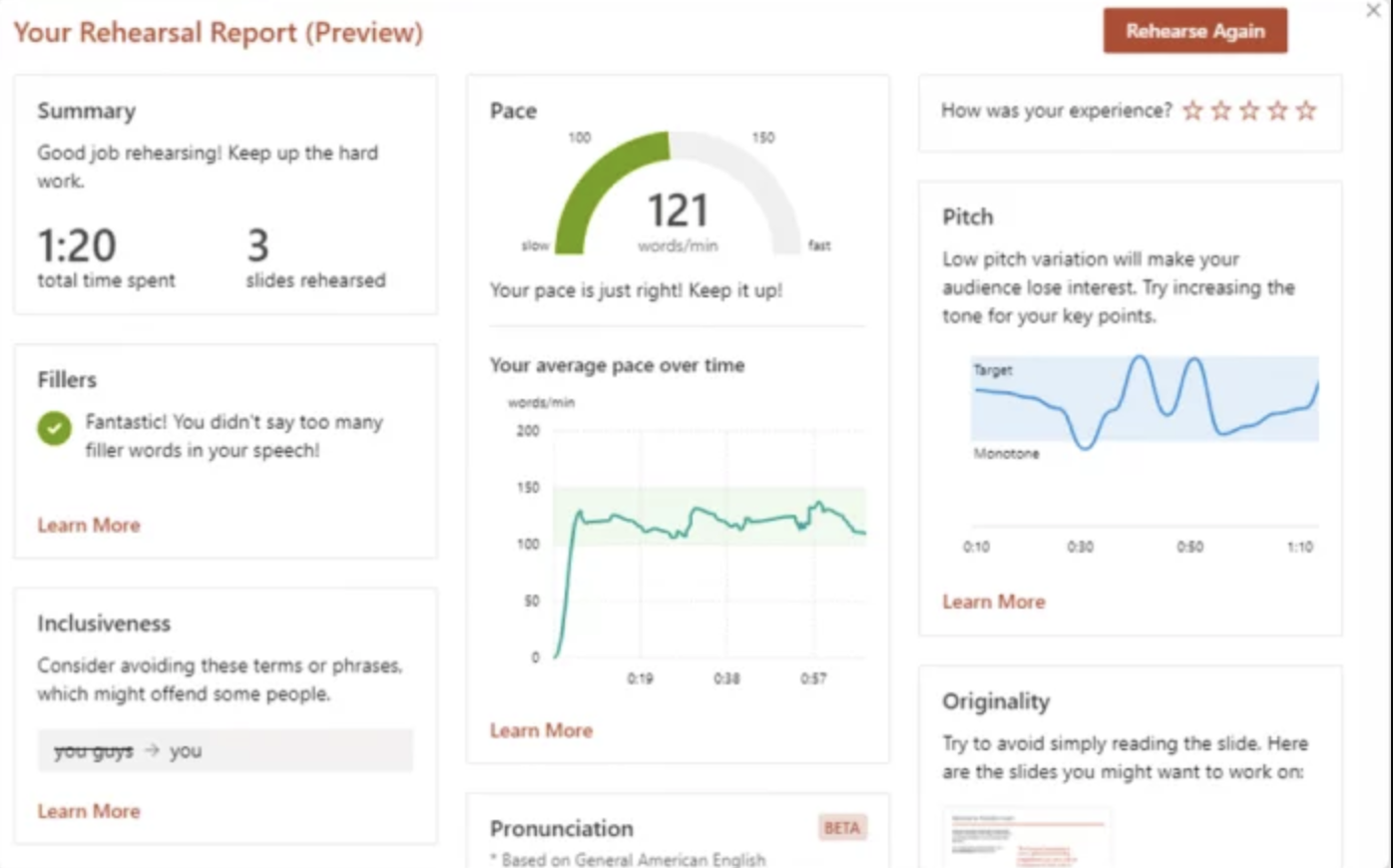
With the aid of PowerPoint Speaker Coach, an AI-powered tool, you can practice public speaking and prepare your presentations. This application provides constructive feedback in real time by analyzing the tone, tempo, and emphasis of your voice.
If you're new to teaching and need to boost your public speaking confidence, or if you frequently find yourself presenting a presentation in front of a bigger group of people, this feedback bot is ideal for you. This is an essential tool for educators who want to keep their students interested in their material through brief, well-presented lectures.
Key features
- Report on the rehearsal
- Important criticism
Pricing
There is a free version of PowerPoint Speaker Coach as well as a subscription edition with more statistics and comments.
Future Trends in AI for Teachers
Now is the moment to see a preview of what artificial intelligence in the classroom holds for educators in the future.
Democratization
The majority of the time, more and more individuals can access technology. Since AI is not expected to be any different, we anticipate that AI will become accessible to more individuals in more contexts.
Inclusivity
We anticipate that when AI technologies become more widely used, proficient, and well-liked, they will promote diversity. AI has the ability to significantly improve learning materials' accessibility for students with a wide range of requirements, enabling every learner to succeed.
Application
Although it's difficult to foresee what problems artificial intelligence will solve, we can be certain that there will be an increasing amount of educational activities that AI can assist with. Greater time savings come from broader application. This won't, however, result in an excessive dependence on AI tools.
VR and AR
Many educators see enormous possibilities in the emerging technological domains of augmented reality and virtual reality. Therefore, it seems sense that the use of AI might improve and change the way that AR and VR alter our educational settings.
Wrap Up
Artificial Intelligence is here to stay and will only get better in the years to come. Therefore, the questions for educators and learners should be "How can I use AI?" and "Which AI tool is best for my needs?" rather than "Should you use AI?"
Whether you utilize generative AI as a tool for your students or choose the best software to improve your teaching materials, artificial intelligence (AI) has a great deal of promise to boost student learning.
For instructors, time is of the essence. One of the best methods to save time that may be spent elsewhere is via artificial intelligence (AI) technologies.
You can make greater use of the time you save by using AI to produce multiple-choice exam questions or to monitor and evaluate student performance.
FAQ
These are some of the most frequent queries regarding AI-based teaching tools.
Which AI is best for teachers?
This question does not have a simple response. It truly relies on the purpose for which you want to use the instrument. While some AI tools are very good at a specific task, others are versatile, and some platforms combine many tools into one package.
iSpring Page can be the finest option for you if you're searching for an integrated AI-powered helper for making courses and learning materials right in your browser. Check out Copilot if you need assistance creating a lesson plan.
How can AI help teachers?
In actuality, there are countless ways in which educators and learners might make use of AI. Nonetheless, there are two main ways that it might be helpful.
The first is by improving the way that students learn, either by providing them with an interactive tool to use or by helping to create the learning materials.
Second, given its many real-world uses in the classroom, artificial intelligence (AI) can be a useful tool for instructors to save time.
Is ChatGPT free for teachers
A discussion may be had with you by ChatGPT, a generative AI chatbot, using data gathered from the Internet. Being a "freemium" service, ChatGPT offers both a free and a premium edition.
It is unlikely to be beneficial as a substitute debate partner, but it may be a helpful tool for teachers and students to enhance writing or research by providing answers to suggested topics.
What is the best AI tool for teachers for lesson plans?
Like any other AI tool, the best one strikes a balance between use and high-caliber output. Having said that, Magic School and Education Copilot are the two top AI tools for instructors to use when creating lesson plans. Both programs have amazing AI features for instructors and are straightforward to use with a nice interface.
