








WebChatGPT, ChatGPT Writer, Merlin, and Compose AI are the top chatGPT Chrome extensions available. With these extensions, you may use ChatGPT's capabilities right from within your Chrome browser, making it very convenient to write content, obtain ideas, and even engage in virtual dialogue.
There are many advantages to using ChatGPT Chrome extensions. The extensions offer users real-time support when writing emails, generating papers, or texting others by integrating smoothly with various online sites.
Writers, students, professionals, and anyone who often communicates in writing are the intended users of these products. Students can utilize ChatGPT to develop ideas and hone their writing abilities, and writers can benefit from its creative support. Professionals who value clear and compelling written expression will find the extensions invaluable as they can be used to improve productivity and expedite communication.
So, let's examine these instruments in more detail
1. Compose AI
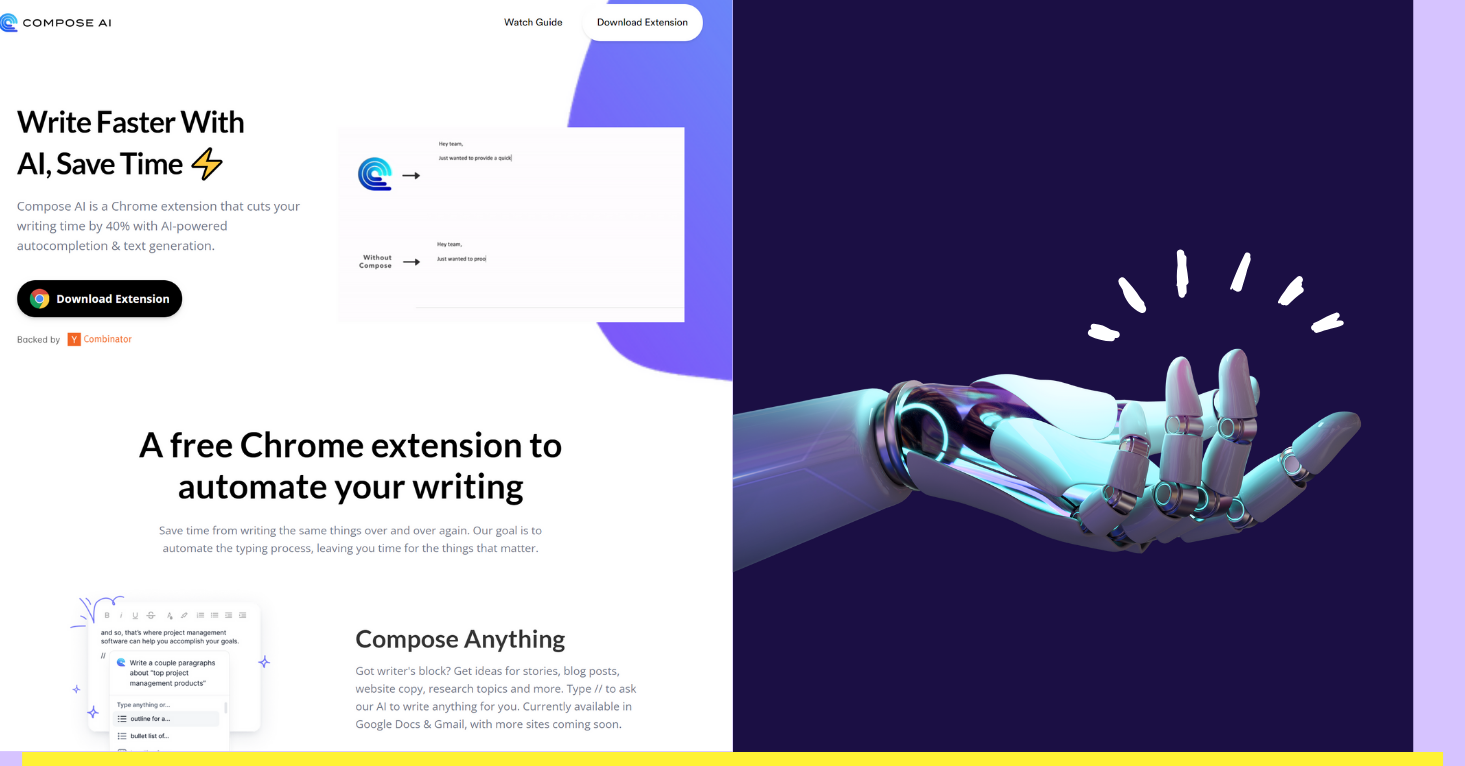
With the help of the fantastic Chrome plugin Compose AI, users may create text that appears human, depending on the input they give. Compose AI, based on the GPT-3 model, is a very flexible tool for various writing jobs since it can comprehend and react to a broad range of stimuli. Compose AI provides a smooth and user-friendly experience whether you need assistance with creative writing, content creation, or even informal conversation.
Features
1. Natural Language Generation: Compose AI can produce text that sounds natural and resembles a human's writing. Because of this, it's a priceless tool for copywriters, content producers, and anyone needing excellent writing.
2. Prompt Variety: The addon can handle prompts about various subjects from technical writing to storytelling and all points in between.
3. Customization Options: To create a more unique and customized writing experience, users can adjust the language style, tone, and even personality of the AI's responses.
Pros
- Compose AI is vital for writers since it gives users thoughtful, cohesive, and pertinent answers to their prompts.
- Long brainstorming sessions are no longer necessary thanks to the extension's quick text generation, significantly increasing productivity.
Cons
- Subscription-based Model: Although Compose AI provides a free trial, customers must subscribe to access the full range of services. This could be a disadvantage for individuals who are on a limited budget.
2. ChatGPT Writer
With this plugin, users can provide text that appears human-like by providing it with input. ChatGPT Writer may be a great help when composing emails, creating engaging social media posts or creating original material. It's a fantastic tool for people who want to write more quickly or get past writer's block.

Features
1. Smooth browser integration: ChatGPT Writer works perfectly with your Chrome browser so that you can access its capabilities with only a click.
2. Customization options: Users can alter the generated text's length, tone, and style to suit their requirements and preferences.
3. Real-time feedback: ChatGPT Writer offers suggestions and enhancements to improve the overall quality of the material in real-time, based on the supplied text.
Pros
- ChatGPT Writer speeds up writing and offers insightful feedback, which can significantly increase productivity.
- ChatGPT Writer is a flexible tool used in various disciplines, as it can be tailored to suit diverse writing needs.
- The extension can produce well-written, coherent language that nearly resembles human writing, guaranteeing that the final product satisfies the required criteria.
Cons
- Users might be worried about the security and privacy of their data when utilizing AI-powered tools, as is the case with any tool that generates proprietary or sensitive content.
- Over time, users' creativity and critical thinking abilities may be hampered by their excessive reliance on the extension for writing assignments.
3. WebChatGPT
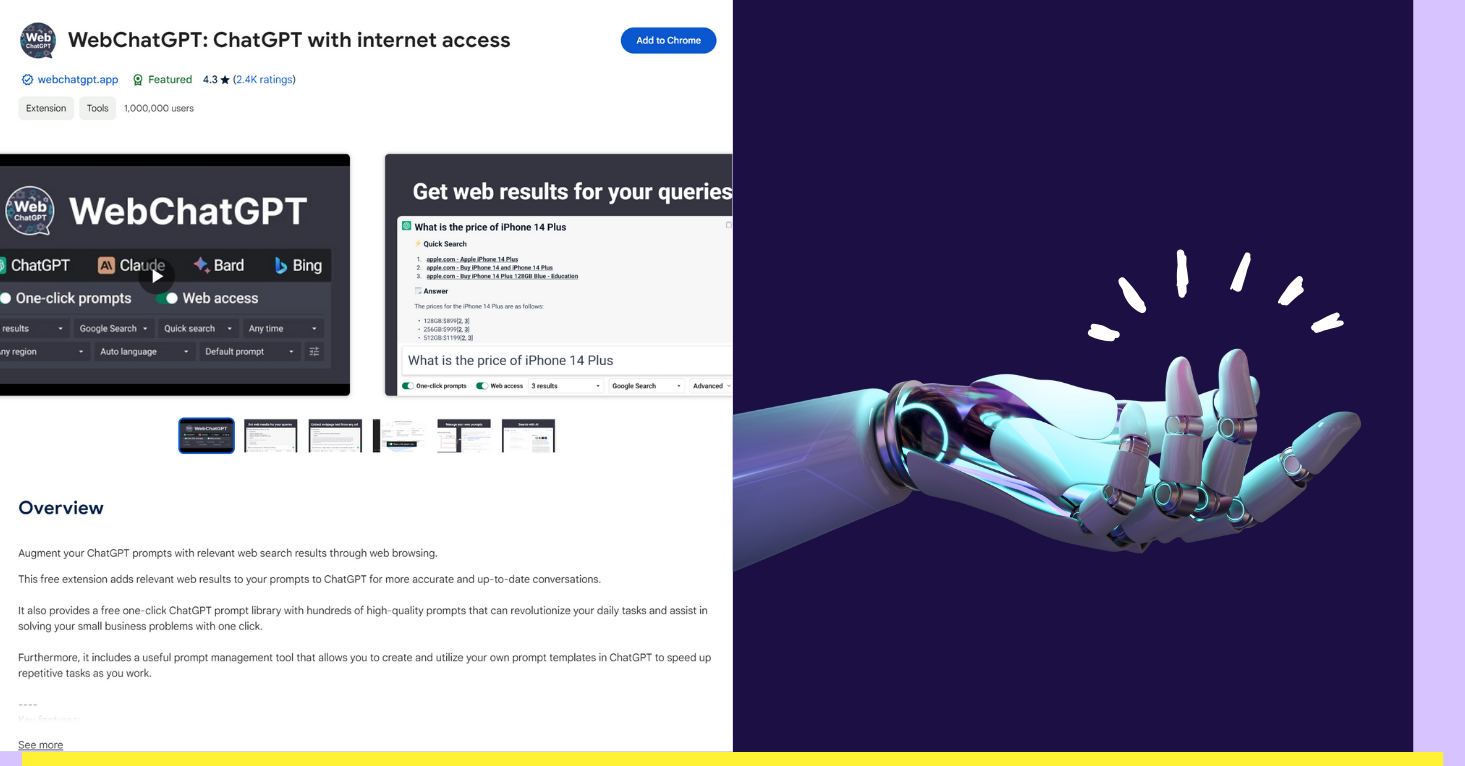
WebChatGPT is a robust Chrome addon that improves online chat capabilities. It is intended to enhance the effectiveness and fun of messaging, conversing, and interacting with people. The following unique characteristics of WebChatGPT make it an indispensable extension.
Features
- Instant Response: WebChatGPT provides real-time, intelligent responses to your messages, allowing for seamless and natural conversations.
- Personalization: The extension learns from your interactions and adapts to your language and communication style, ensuring a personalized experience.
- Multi-platform Integration: WebChatGPT seamlessly integrates with various messaging platforms, including Facebook Messenger, WhatsApp, Slack, and more, making it a versatile tool for all your communication needs.
- Language Support: The extension supports multiple languages, making it an ideal choice for users worldwide.
- Privacy and Security: WebChatGPT prioritizes user privacy and data security, ensuring your conversations are always safeguarded.
Pros
- WebChatGPT streamlines your talking experience with prompt responses and insightful suggestions, saving you time.
- Conversations become more engaging and authentic because of the extension's ability to emulate natural language.
- WebChatGPT is a valuable learning tool for comprehending various communication styles and enhancing language proficiency.
- The addon increases the effectiveness of your entire communication by offering prompt and precise responses.
- Users of various skill levels may utilize the interface because it is simple to use and intuitive.
Cons
- The customization possibilities may seem limiting to specific users despite the advanced nature of the personalization tool.
- The functionality of WebChatGPT is contingent upon a reliable internet connection, which could provide a challenge in specific scenarios.
4. Merlin
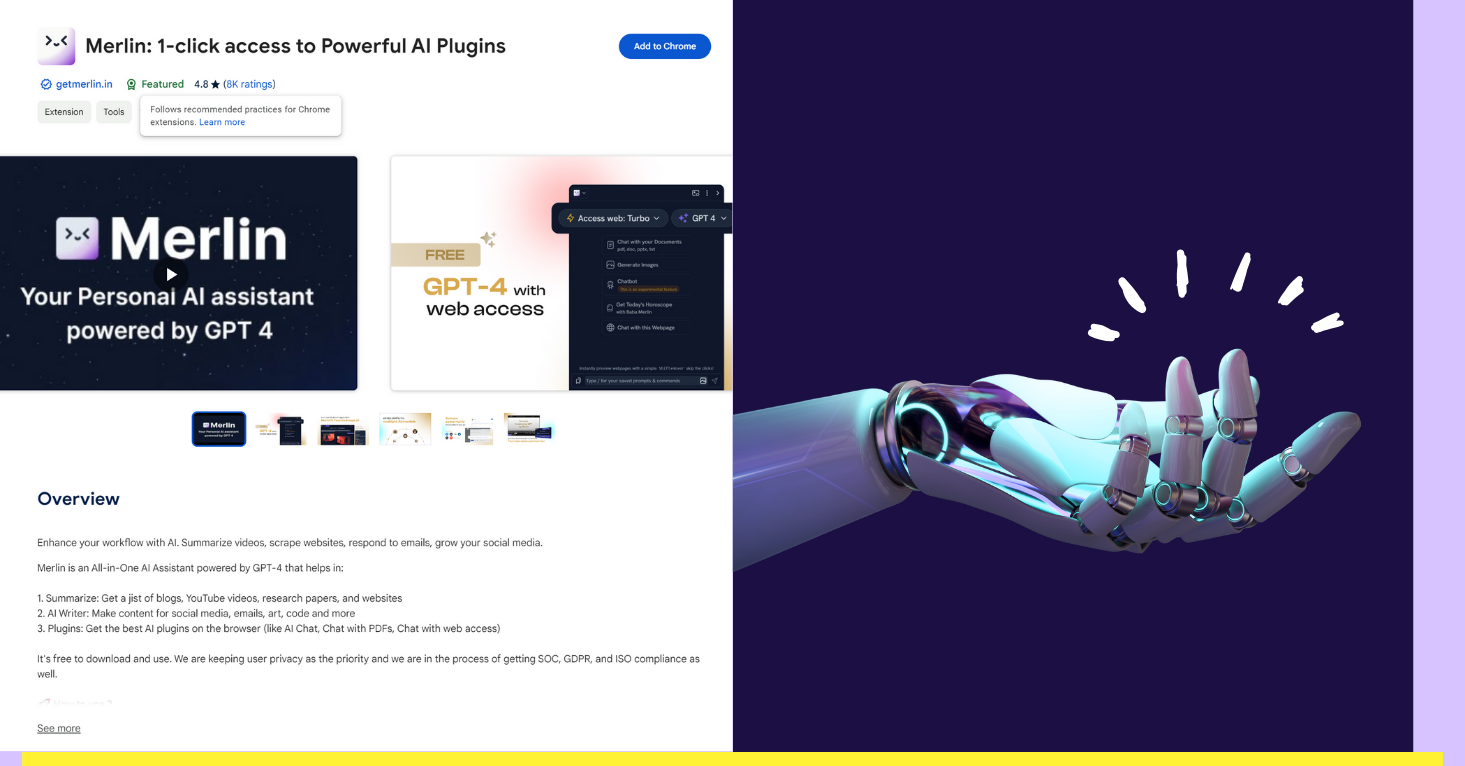
With its numerous helpful features, Merlin is a strong and adaptable Chrome plugin that improves your ChatGPT experience.
Features
- Smooth integration: Merlin offers a simple and intuitive user experience by seamlessly integrating with ChatGPT.
- Advanced personalization: With its advanced customization features, users may tailor the ChatGPT interface to suit their tastes.
- Context-aware recommendations: Merlin makes relevant recommendations to the current context, adding depth and interest to ChatGPT interactions.
- Shortcuts for rapid access streamlines user interaction with ChatGPT by providing shortcuts for several tasks and features.
- Increased productivity: Task management and workflow optimization tools are only two examples of the productivity-focused capabilities that Merlin offers.
Pros
- Merlin adds value and usefulness to ChatGPT by significantly improving the user experience.
- With its wide range of customization choices, users can adjust ChatGPT to their requirements and tastes.
- Merlin encourages more meaningful interactions and deeper engagement with ChatGPT through context-aware suggestions and easy-to-use shortcuts.
- The productivity-focused features of the extension increase users' effectiveness and time management.
Cons
- Certain browser combinations or settings may cause compatibility difficulties that impact some users' overall experience.
Conclusion
A plethora of features are available through ChatGPT and Chrome extensions to improve browsing and efficiency. From grammar and style checking to language translation and content generation, these extensions provide valuable tools to streamline your online experience and improve your writing.
These additions can be helpful if you want to write more quickly, communicate more successfully in other languages, or enhance your writing abilities.
We urge you to investigate and try many choices to determine which best meets your requirements. You might have particular needs, and the adaptability of Chrome extensions makes them so beautiful.
Learn more: AI Journey
