






Elevate your SEO game with this curated list of free Chrome extensions designed for success.
Don't miss out on this opportunity to supercharge your online presence. Take the first step towards SEO excellence—download these extensions now and witness the transformation. Your website's success story begins here!
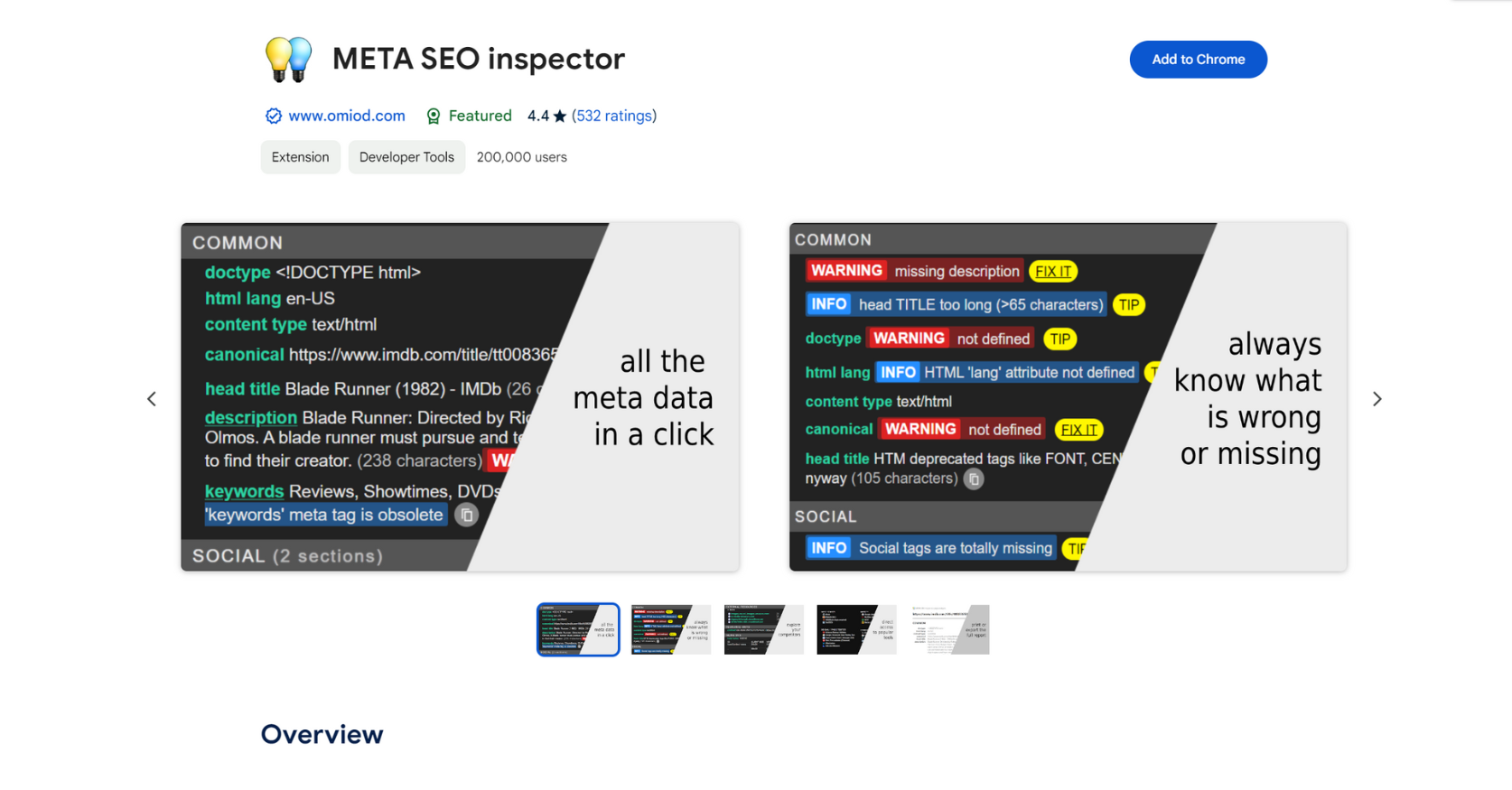
1. META SEO Inspector
This add-on enables you to examine the meta information on web pages, identify problems, and receive guidance on resolving them. It includes meta tags, canonicals, Open Graph tags, structured data, hreflang, subheaders, and more elements.
It also offers detailed information about the internal and external scripts utilized on the page.
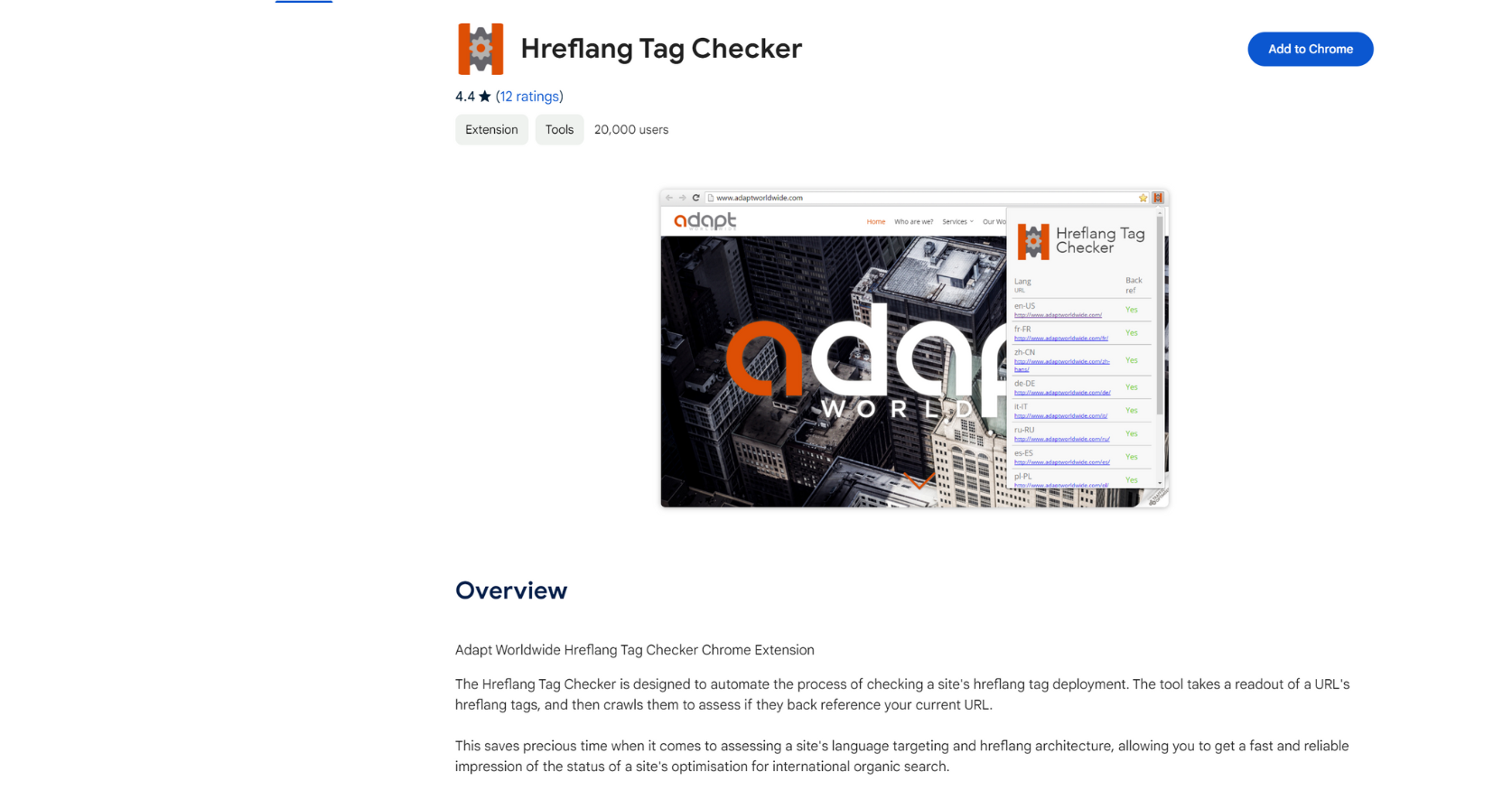
2. Hreflang Tag Checker
Unlike many other extensions, the Hreflang Tag Checker does not just display a page's hreflang information. It scans the links in hreflang tags to verify if they are linked to your visiting page.
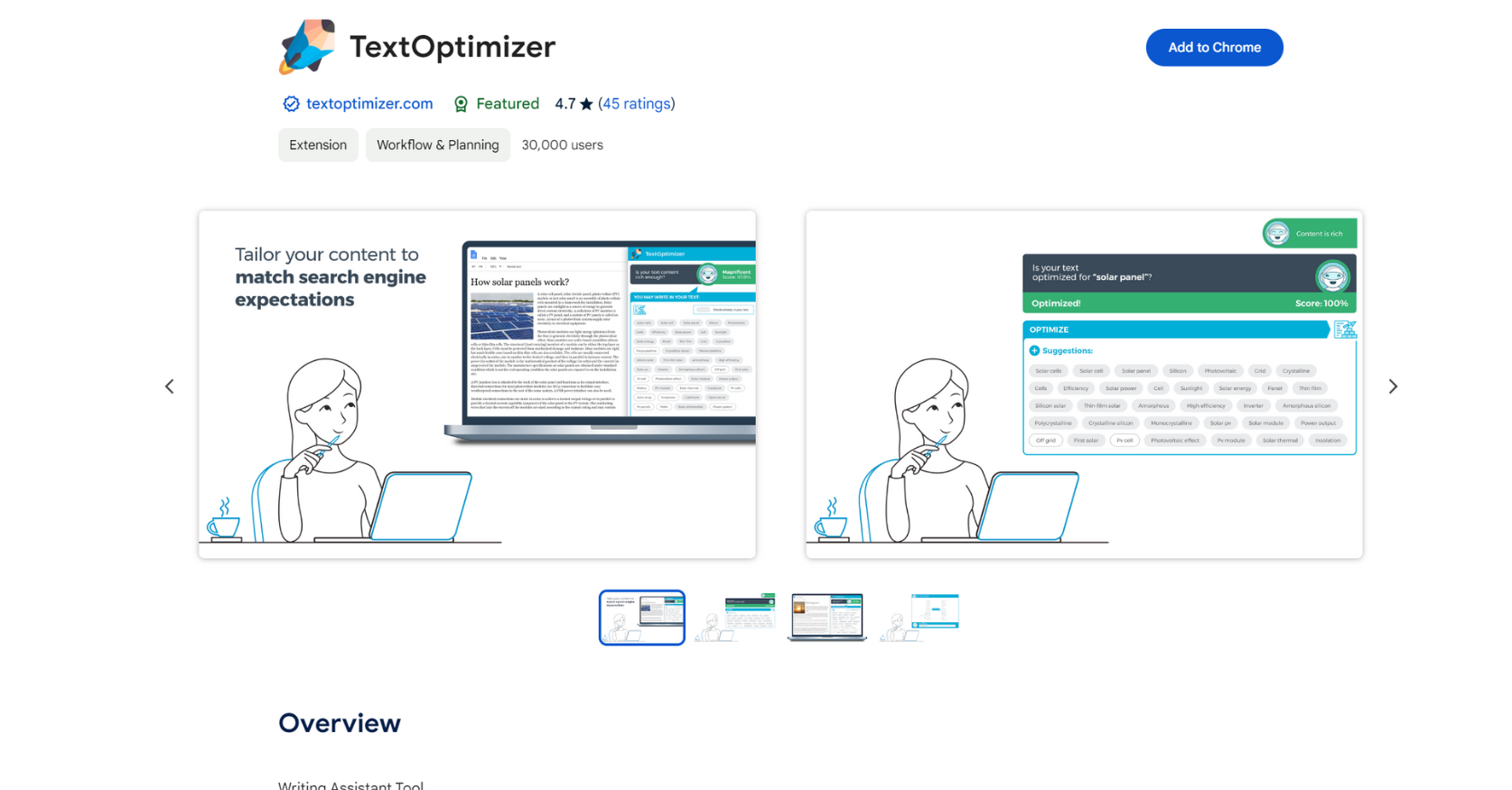
3. TextOptimizer
TextOptimizer is a tool that assists with writing. The tool examines search results for relevant terms and generates "intent tables" to provide alternative words that can be incorporated into your content to align more closely with search engines' expectations.
There are plenty of high-quality content optimization tools available, however TextOptimizer performs well as a free tool.
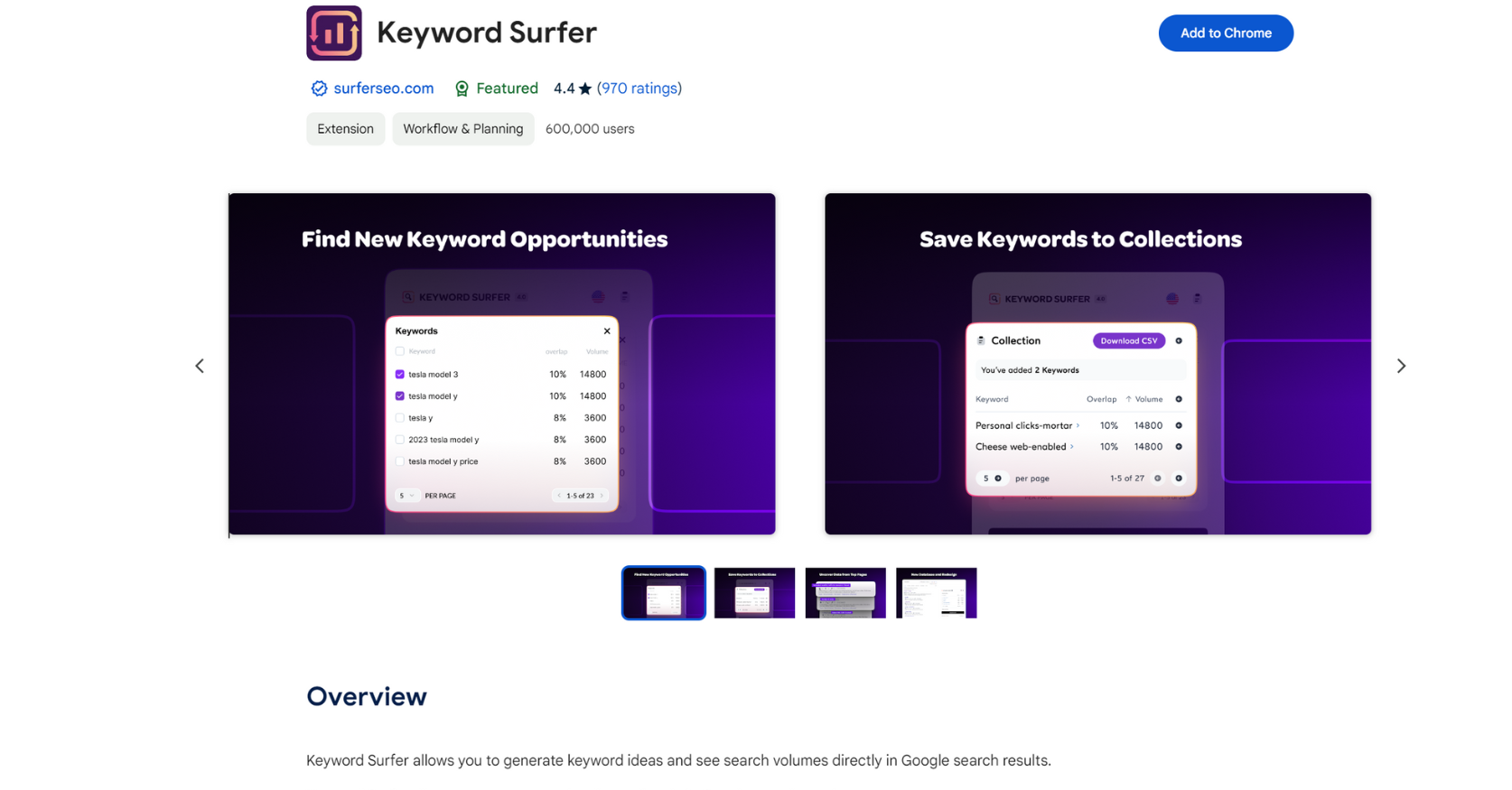
4. Keyword Surfer
This addon provides a significant amount of data for a free tool: It offers information on keyword search volumes, keyword ideas, and estimates of traffic at the domain level, all directly on Google's SERPs.
Recently, it included a new function named "Outline Generator." This function generates an article structure by examining the highest-ranking search results with a single click.
5. SEO Minion
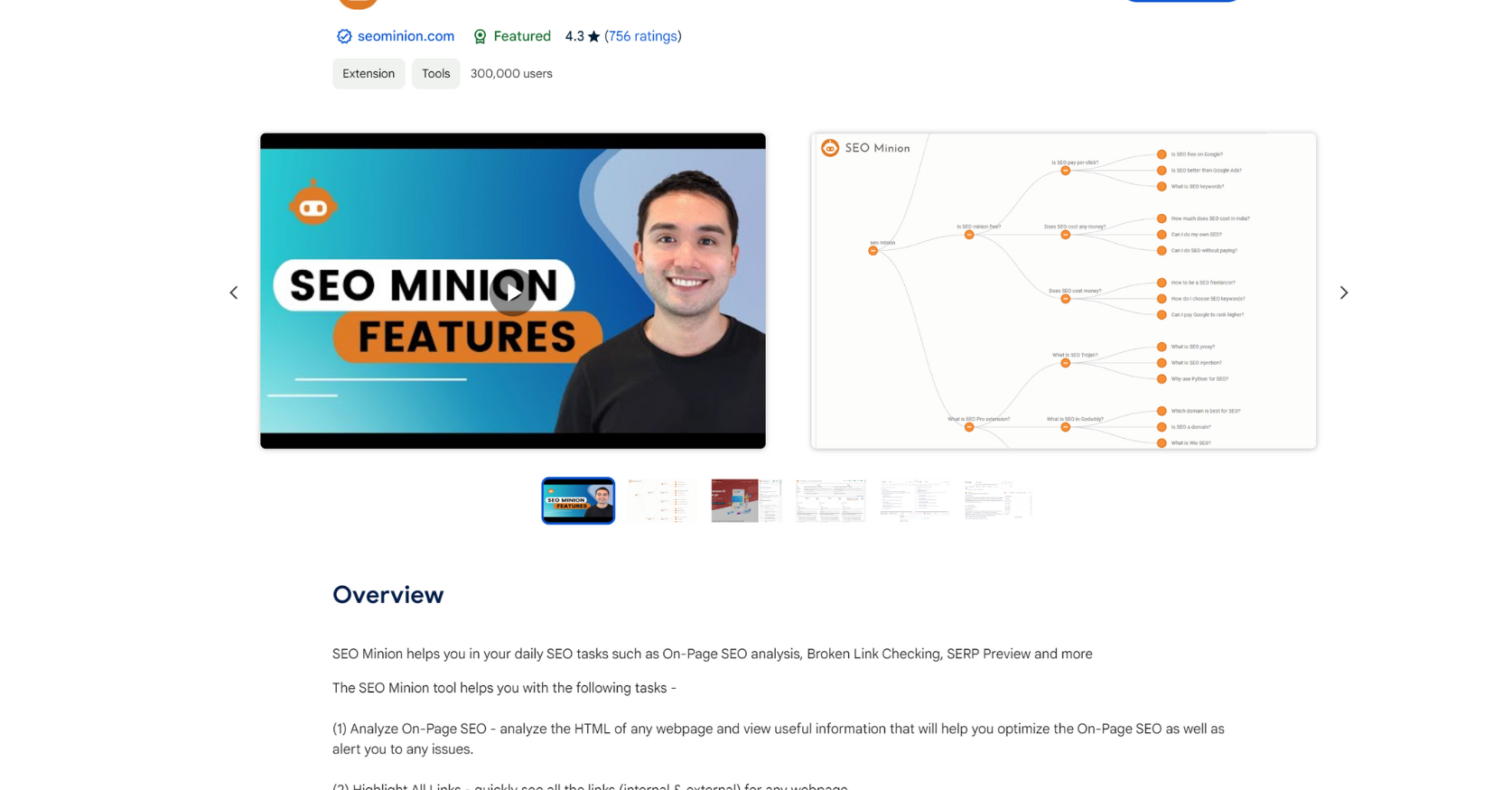
The SEO Minion plugin is a versatile tool for SEO. You can use it to examine on-page SEO information, emphasize outgoing connections, and inspect pages for broken links.
One may argue that its most notable aspect is the export of multilayer queries from the SERP, known as "People Also Ask." This will provide you with related long-tail inquiries that you might think about while generating a new piece of content.
6. SEO Search Simulator
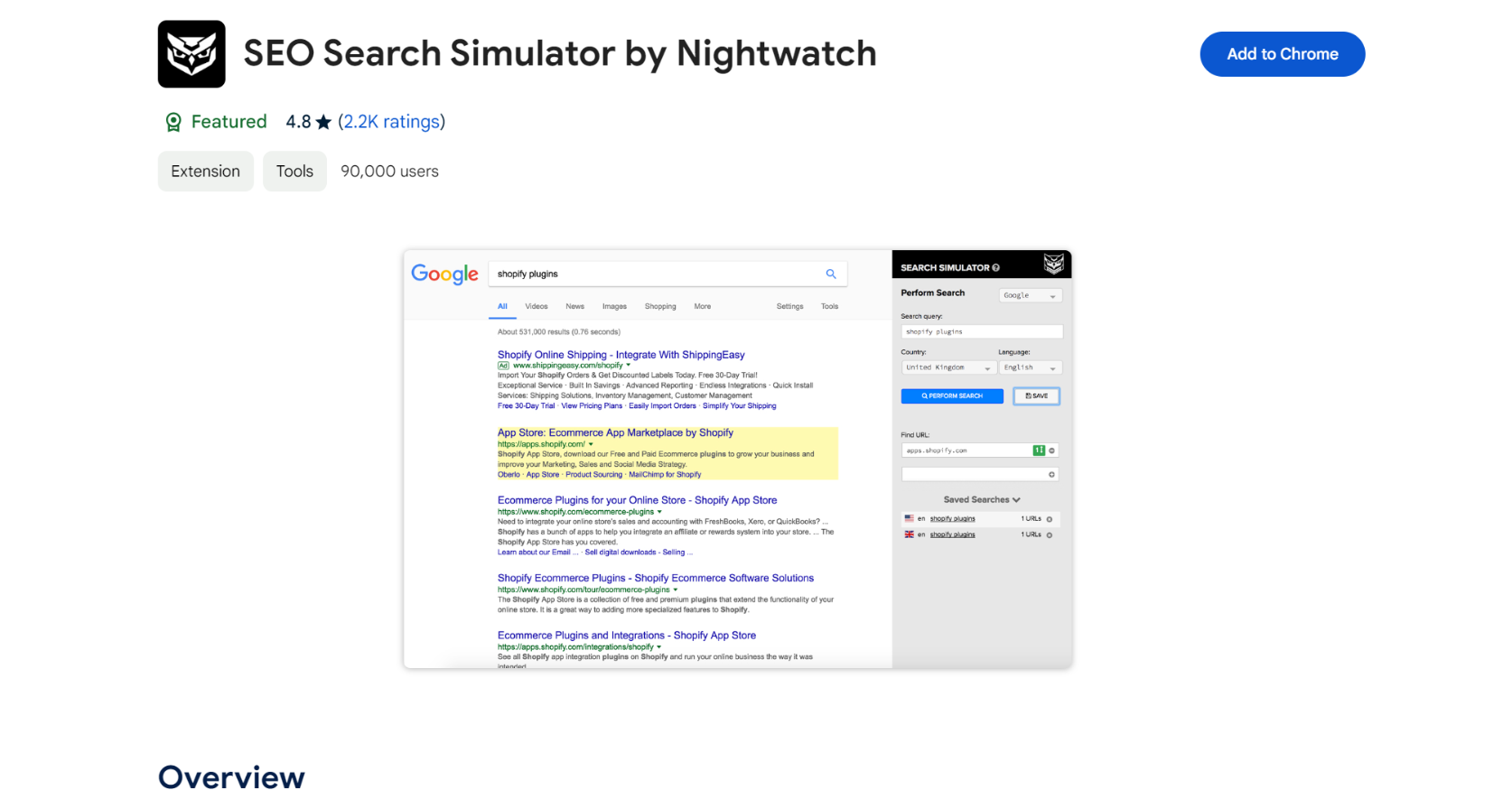
Using this plugin, you can simulate Google searches from any location and verify if a specific URL appears in the top 100 results.
This will assist you in observing how rankings differ for a query in various regions of the world.
7. Link Redirect Trace
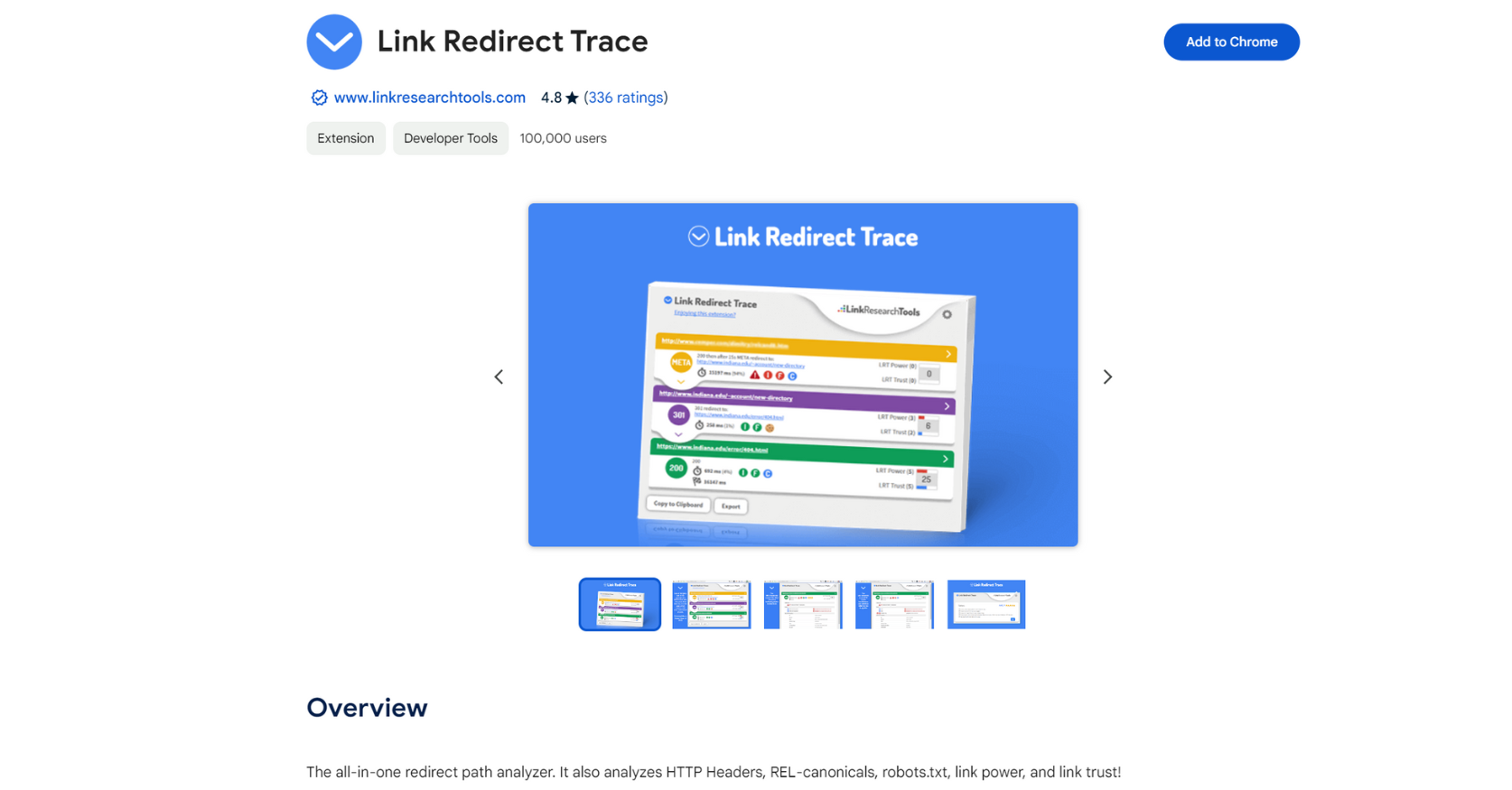
Link Redirect Trace reveals all URLs in a redirect sequence, including 301s, 302s, and JavaScript redirects.
In addition, it shows certain page-level metrics from LinkResearchTools for free.
8. Glimpse
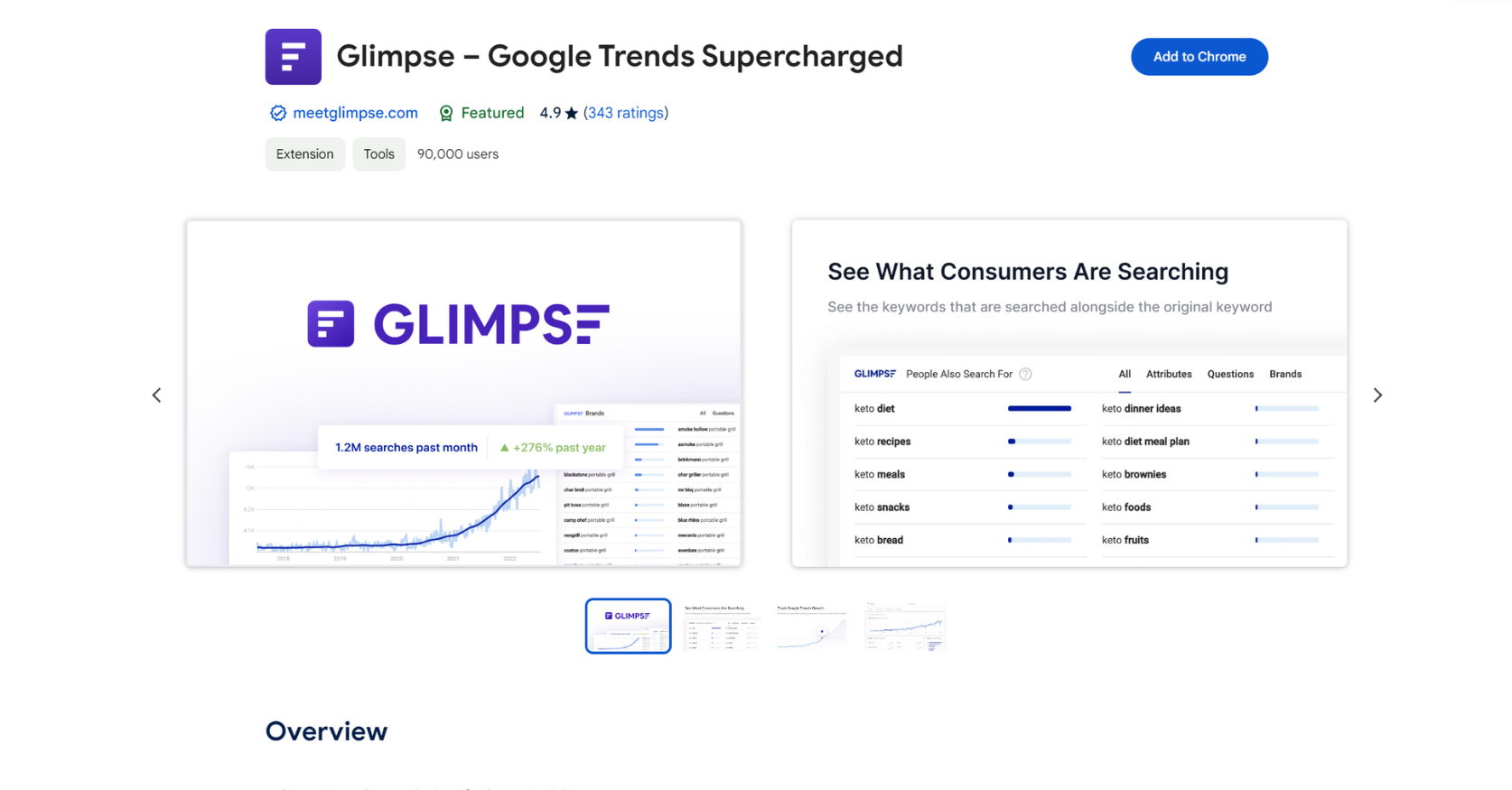
The Glimpse Chrome addon transforms Google Trends into a tool for researching keywords. It enhances the data from Google Trends by including search volumes for keywords, suggestions for long-tail keywords, and a map of topics.
Nevertheless, it's essential to know that the free version only permits ten searches each month. You will also require a premium subscription for thorough keyword research.
9. View Rendered Source
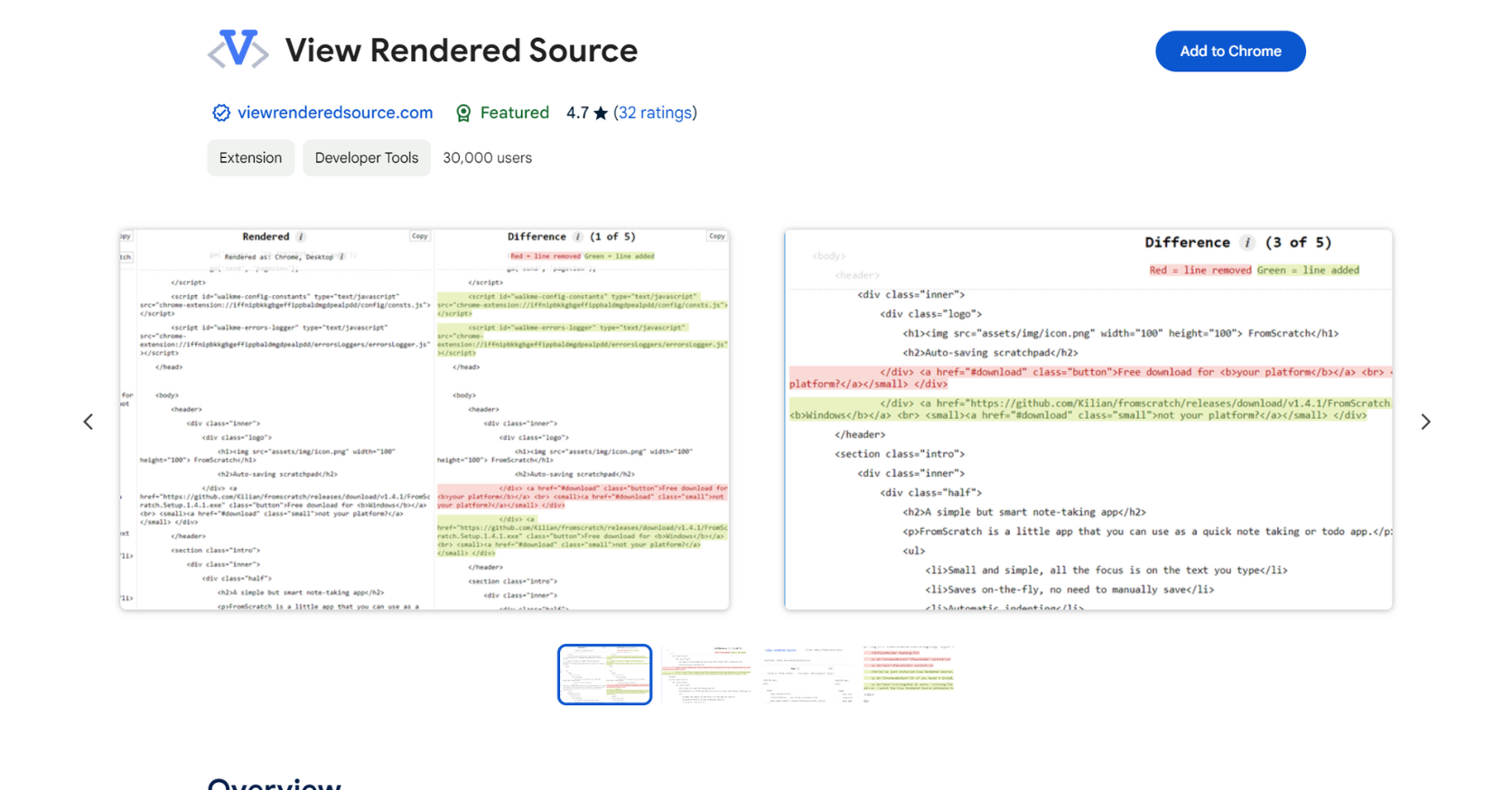
This is an essential tool for anyone who work with websites powered by JavaScript.
It compares the original page code and its displayed version. And SEOs can verify, for instance, if JavaScript modifies titles, descriptions, or canonical tags.
10. Similarweb
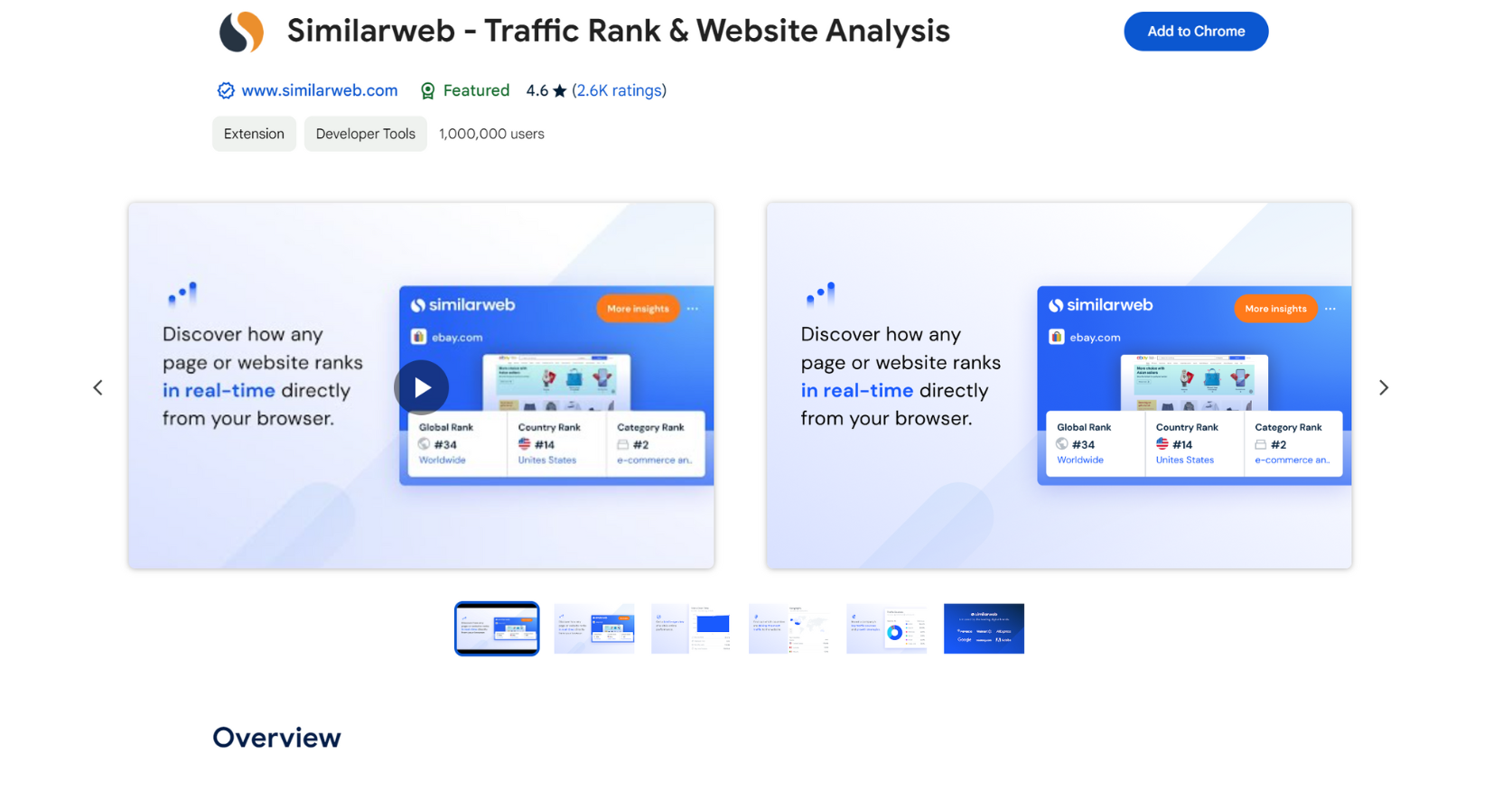
Using Similarweb for Chrome, you can view estimated website traffic, traffic sources, visitor locations, and other important statistics.
This add-on is helpful for assessing connection possibilities and analyzing your rivals.
11. Hunter
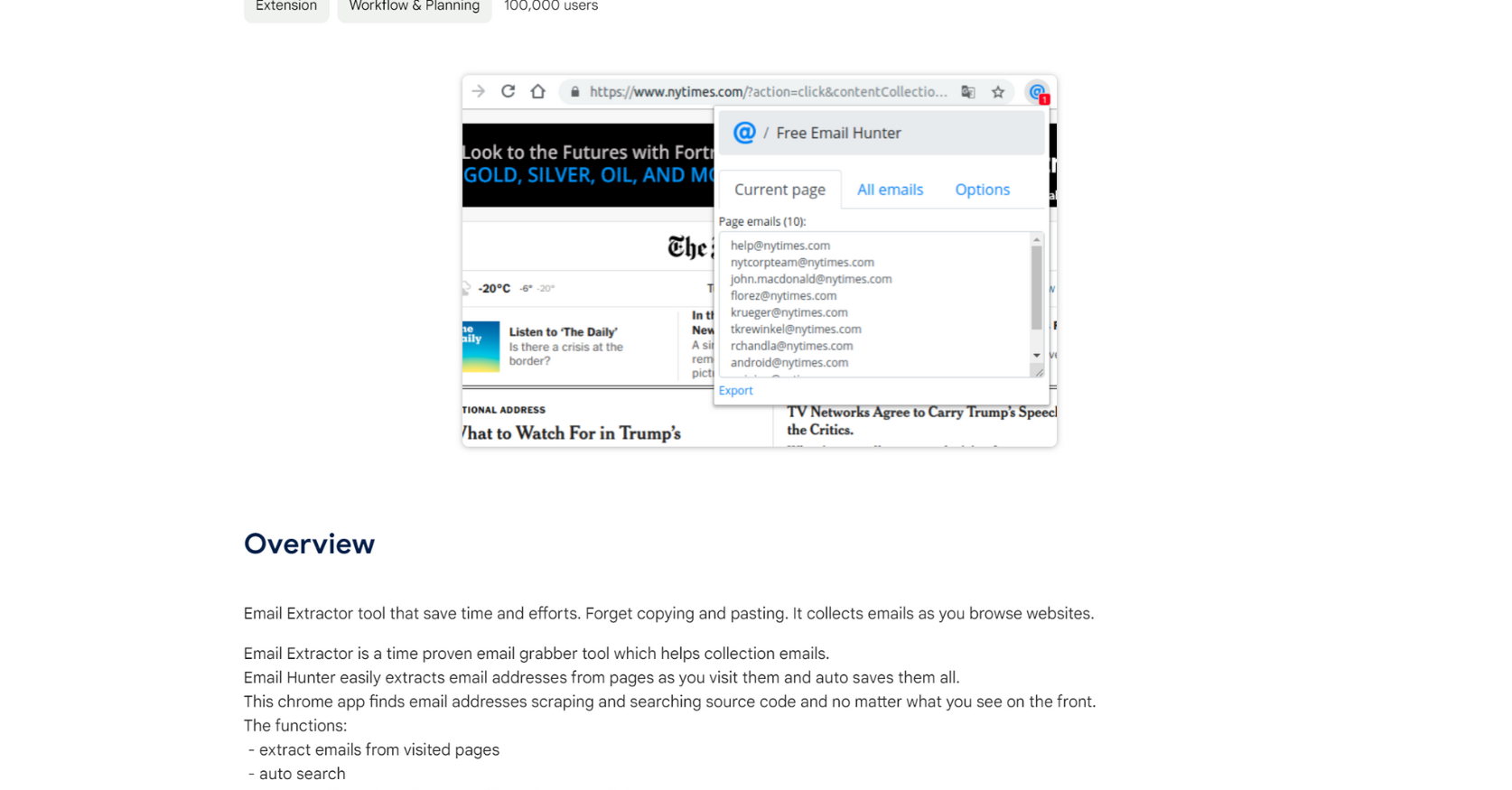
This add-on from Hunter discovers email addresses linked to your browsing page. You receive 50 complimentary credits each month. There is also a Google Sheets extension for quickly checking in bulk.
12. GMass
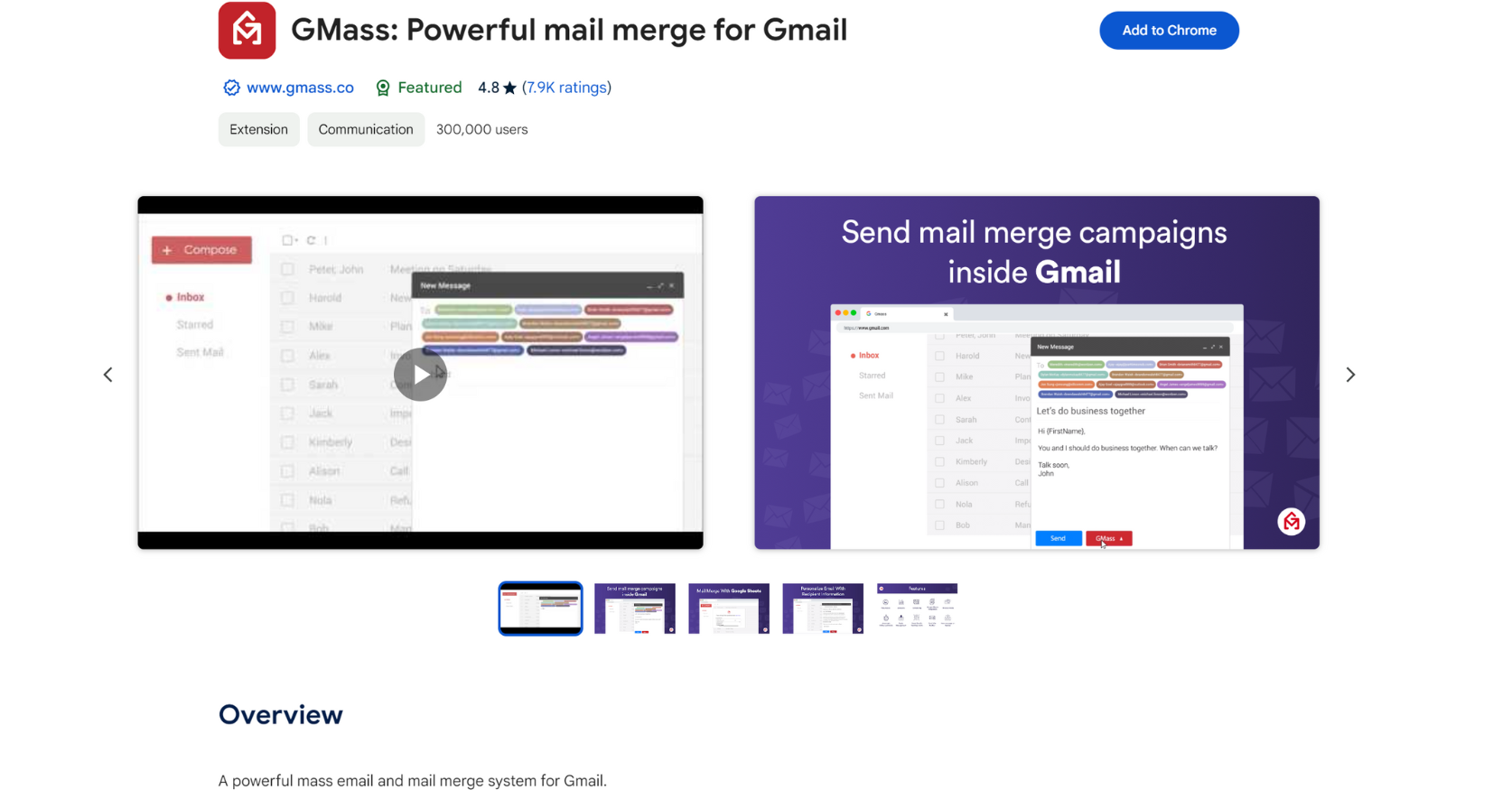
Gmass is an effective and efficient solution for managing outreach activities. It integrates straight into Gmail and requires no additional resources.
You may use it to set up email schedules, send mail merges using Google Sheets, construct email sequences, and keep track of email opens.
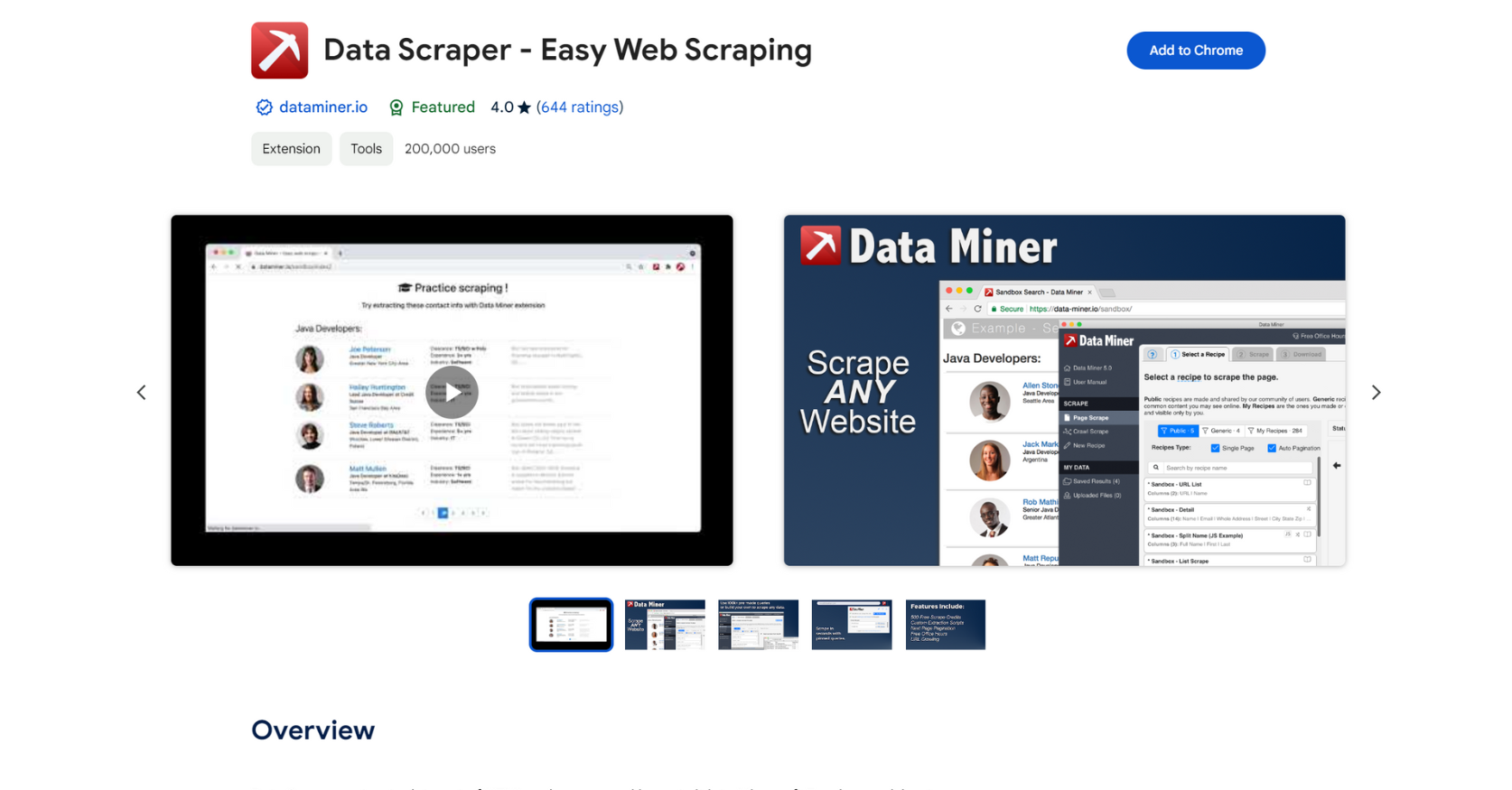
13. Data Scraper
Data Scraper enables you to retrieve different types of data from any webpage and store it in a spreadsheet.
You can retrieve tables and lists, obtain results divided into pages, and develop customized scraping methods to suit your requirements.
Conclusion
There are several Chrome extensions that incorporate the functionalities of online SEO tools and services directly into your browser. I trust that this piece will assist you in discovering a couple of extensions that will greatly enhance your productivity and save you a considerable amount of time.
Remember that having an excessive number of browser extensions can potentially decrease the speed of your computer, so make sure to select them carefully.
If you utilize numerous extensions, you have the option to create multiple user profiles for various tasks.
Next, you have the option to install several extensions on each profile and easily switch between them as necessary.
You may also utilize the One Click Extensions Manager to maintain your extensions in a tidy and organized manner.
Learn more: AI TOOLS
