




Are you tired of spending hours on end trying to optimize your spreadsheets? Look no further, as we have compiled a list of the top 6 best spreadsheet assistant AI tools that will make your life easier. These tools are designed to help you automate tasks, analyze data, and create interactive reports and dashboards. With their advanced features and user-friendly interfaces, these tools are a must-have for anyone working with spreadsheets.
Introduction
Spreadsheets are an essential tool for businesses and individuals alike. They allow us to organize and analyze data, create budgets, and track expenses. However, as our data becomes more complex, so does the task of managing it. This is where spreadsheet assistant AI tools come in. These tools use artificial intelligence and machine learning algorithms to help us optimize our spreadsheets and make data analysis more efficient. Let's take a closer look at the top 6 best spreadsheet assistant AI tools.
1. Excel Solver
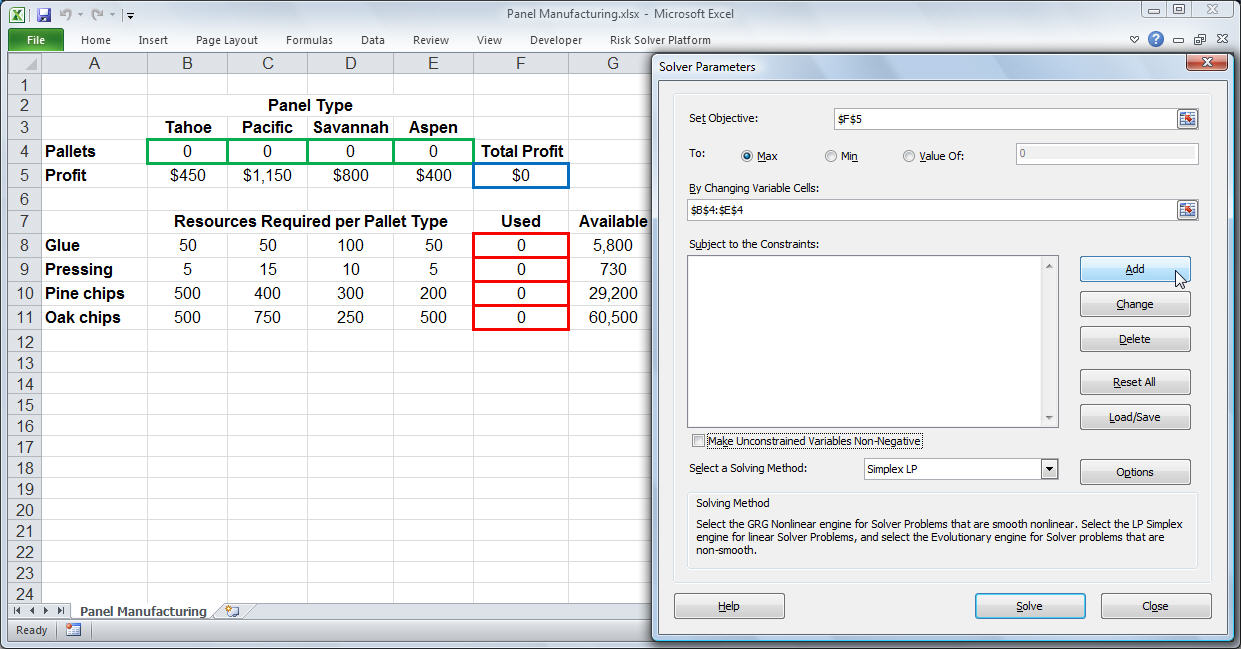
Excel Solver is a powerful tool that can be used to optimize your spreadsheets. It uses mathematical optimization techniques to find the best possible solution to a given problem, based on a set of constraints. This tool is perfect for tasks such as resource allocation, production planning, and financial modeling. With its easy-to-use interface and advanced features, Excel Solver is a must-have for anyone looking to streamline their spreadsheet optimization process.
Features:
- Mathematical optimization techniques
- User-friendly interface
- Ability to handle complex problems
- Compatible with Microsoft Excel
Pros:
- Saves time and effort
- Provides accurate solutions
- Can handle large datasets
- Easy to use, even for beginners
Cons:
- Limited to Microsoft Excel users
- May require some knowledge of mathematical optimization techniques
- Can be expensive for individual users
Opinion: Excel Solver is a powerful tool for optimizing spreadsheets, especially for businesses and organizations that deal with complex data. Its advanced features and user-friendly interface make it a top choice for many users.
2. Google Sheets AI
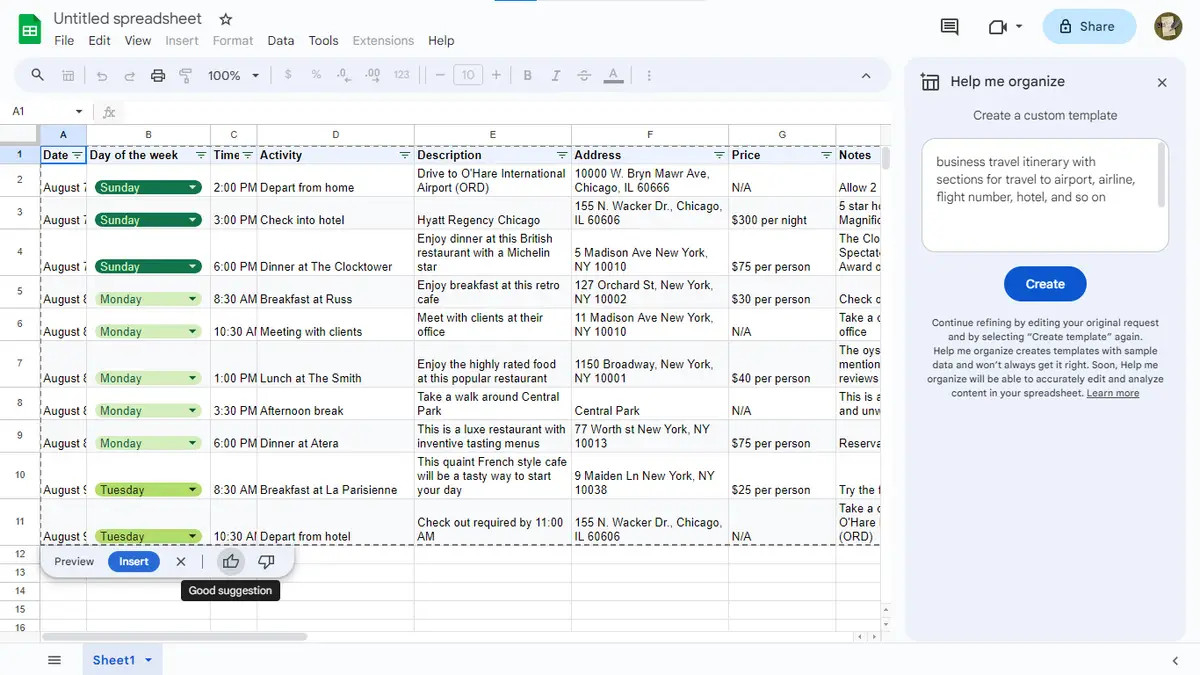
Google Sheets AI is another popular tool that can help you automate tasks and get more out of your spreadsheets. It uses artificial intelligence to analyze data, create visualizations, and even make predictions. This tool is perfect for tasks such as data analysis, visualization, and forecasting. With its integration with other Google products, it's easy to collaborate and share your spreadsheets with others.
Features:
- Artificial intelligence algorithms
- Data analysis and visualization tools
- Integration with other Google products
- Easy collaboration and sharing
Pros:
- Free to use
- User-friendly interface
- Can handle large datasets
- Easy collaboration with others
Cons:
- Limited to Google Sheets users
- May not have as many advanced features as other tools
- Requires internet connection for use
Opinion: Google Sheets AI is a great option for those looking for a free and user-friendly spreadsheet assistant AI tool. Its integration with other Google products makes it a convenient choice for collaboration and sharing.
3. XLSTAT
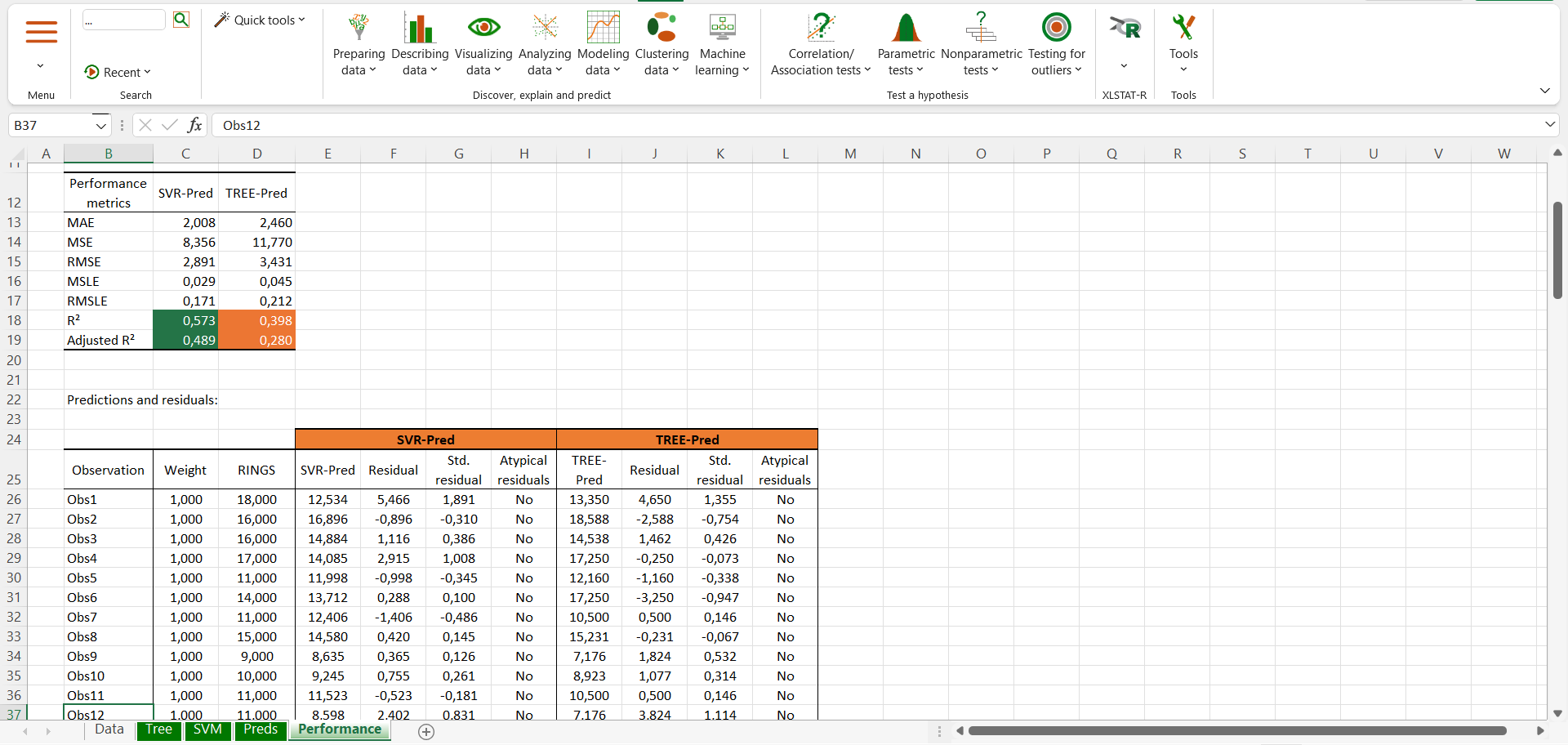
XLSTAT is a comprehensive statistical and data analysis tool that can be added to Microsoft Excel. It provides a wide range of tools for data analysis, including descriptive statistics, regression analysis, and analysis of variance. This tool is perfect for anyone looking to perform advanced statistical analysis on their spreadsheets.
Features:
- Comprehensive statistical analysis tools
- Compatible with Microsoft Excel
- User-friendly interface
- Advanced data visualization options
Pros:
- Easy to use, even for beginners
- Provides accurate results
- Can handle large datasets
- Compatible with Microsoft Excel
Cons:
- Limited to Microsoft Excel users
- May require some knowledge of statistical analysis techniques
- Can be expensive for individual users
Opinion: XLSTAT is a great tool for those looking to perform advanced statistical analysis on their spreadsheets. Its compatibility with Microsoft Excel and user-friendly interface make it a top choice for many users.
4. StatPlus
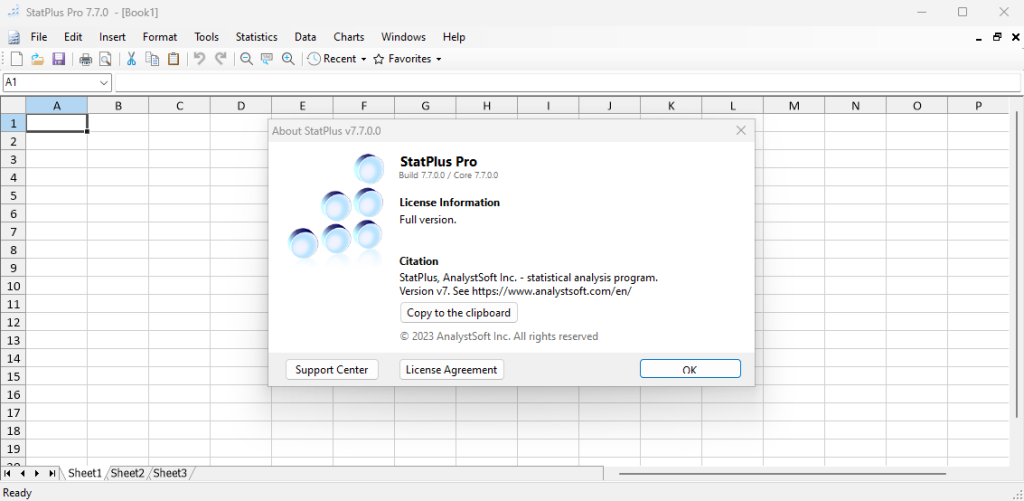
StatPlus is another powerful statistical and data analysis tool that can be added to Microsoft Excel. It provides a wide range of tools for data analysis, including descriptive statistics, regression analysis, and analysis of variance. This tool is perfect for anyone looking to perform in-depth statistical analysis on their spreadsheets.
Features:
- Comprehensive statistical analysis tools
- Compatible with Microsoft Excel
- User-friendly interface
- Advanced data visualization options
Pros:
- Easy to use, even for beginners
- Provides accurate results
- Can handle large datasets
- Compatible with Microsoft Excel
Cons:
- Limited to Microsoft Excel users
- May require some knowledge of statistical analysis techniques
- Can be expensive for individual users
Opinion: StatPlus is a great alternative to XLSTAT for those looking to perform statistical analysis on their spreadsheets. Its features and user-friendly interface make it a top choice for many users.
5. Power BI
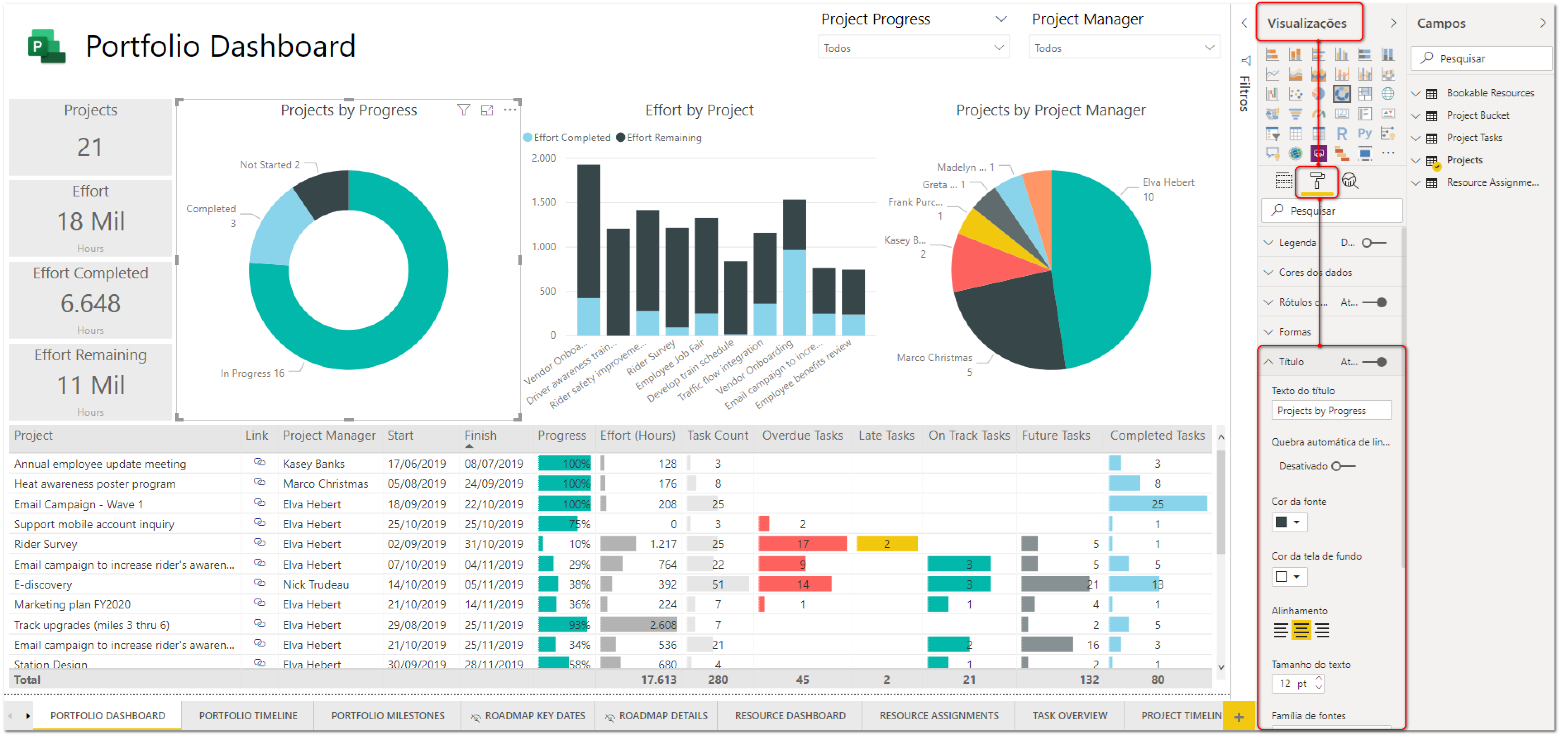
Power BI is a business intelligence tool that can be used to create interactive dashboards and reports from your spreadsheets. It provides a wide range of features for data visualization, including charts, graphs, and maps. This tool is perfect for businesses and organizations looking to gain insights from their data.
Features:
- Business intelligence tools
- Data visualization options
- Interactive dashboards and reports
- Integration with other Microsoft products
Pros:
- Easy to use, even for beginners
- Provides real-time data insights
- Integration with other Microsoft products
- Customizable dashboards and reports
Cons:
- Limited to Microsoft Excel users
- May not have as many advanced features as other tools
- Can be expensive for individual users
Opinion: Power BI is a great tool for businesses and organizations looking to gain insights from their data. Its integration with other Microsoft products and customizable dashboards make it a top choice for many users.
6. Tableau
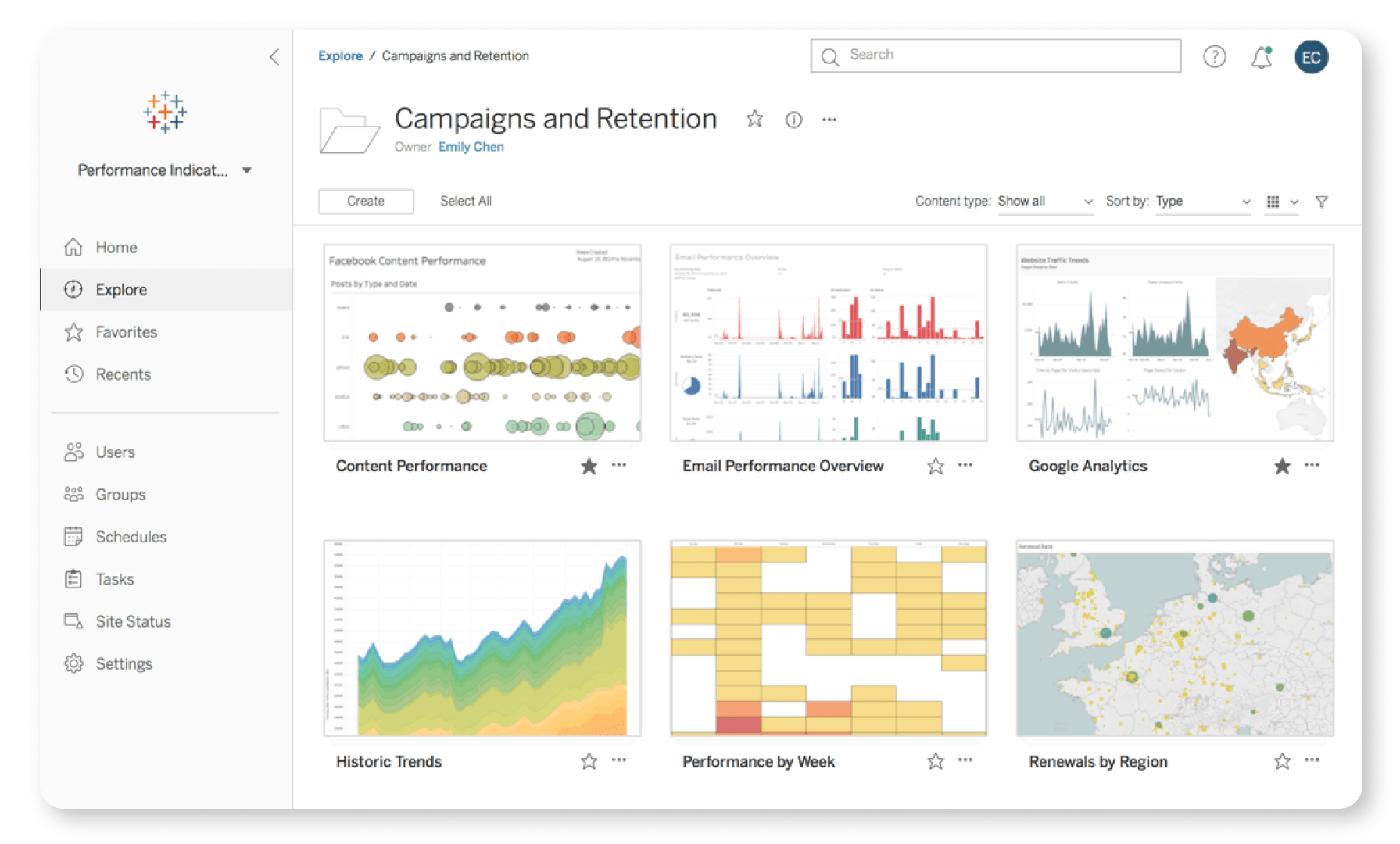
Tableau is another business intelligence tool that can be used to create interactive dashboards and reports from your spreadsheets. It provides a wide range of features for data visualization, including charts, graphs, and maps. This tool is perfect for businesses and organizations looking to gain insights from their data.
Features:
- Business intelligence tools
- Data visualization options
- Interactive dashboards and reports
- Integration with other platforms
Pros:
- Easy to use, even for beginners
- Provides real-time data insights
- Integration with other platforms
- Customizable dashboards and reports
Cons:
- May not have as many advanced features as other tools
- Can be expensive for individual users
- Requires some knowledge of data visualization techniques
Opinion: Tableau is a great alternative to Power BI for businesses and organizations looking to gain insights from their data. Its features and user-friendly interface make it a top choice for many users.
FAQs
1. Are these tools compatible with all spreadsheet programs?
No, most of these tools are designed to work with specific spreadsheet programs such as Microsoft Excel or Google Sheets.
2. Do I need any special skills to use these tools?
While some tools may require some knowledge of statistical analysis or mathematical optimization techniques, most of them have user-friendly interfaces that are easy to navigate.
3. Are these tools free to use?
Some of these tools offer free versions or trials, but most of them require a subscription or one-time purchase.
4. Can I collaborate with others using these tools?
Yes, most of these tools offer collaboration and sharing features, making it easy to work with others on the same spreadsheet.
5. Can I use these tools offline?
Some of these tools may require an internet connection for use, while others can be used offline.
Conclusion
In today's data-driven world, spreadsheets are an essential tool for businesses and individuals alike. However, managing and analyzing large amounts of data can be a daunting task. That's where spreadsheet assistant AI tools come in. With their advanced features and user-friendly interfaces, these tools make optimizing spreadsheets and analyzing data more efficient and accurate. Whether you're a business owner, data analyst, or just someone looking to streamline your spreadsheet tasks, these top 6 best spreadsheet assistant AI tools are a must-have.
