




Are you tired of manually managing your databases and struggling with complex queries? Look no further, as we have compiled a list of the top 5 best SQL tools that will make your database management experience a breeze. These tools offer a wide range of features, from code completion to graphical performance analysis, making them essential for any database administrator or developer. So let's dive in and explore the top 5 best SQL tools.
1. DBeaver: Cross-platform, Open-source Tool with a Wide Range of Features
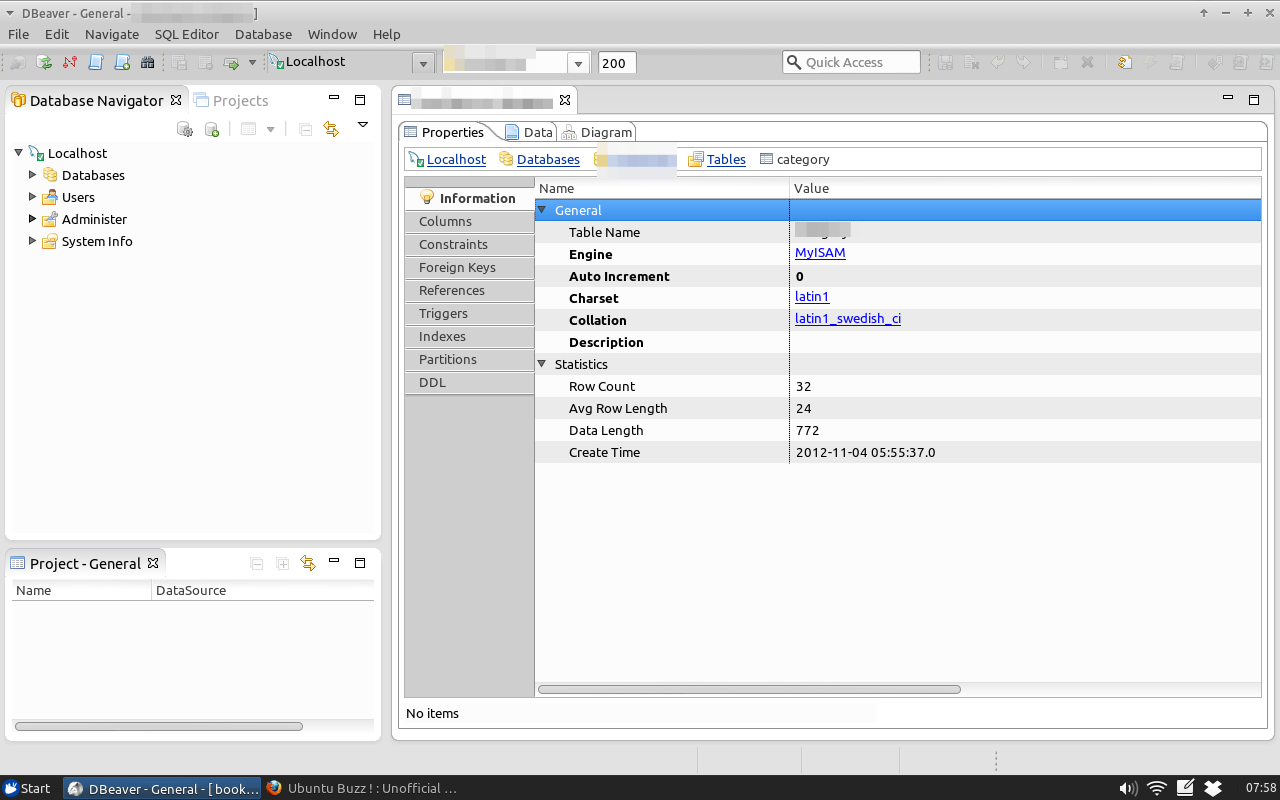
DBeaver is a popular cross-platform, open-source tool that supports various databases such as MySQL, PostgreSQL, Oracle, and more. It offers a user-friendly interface and a wide range of features, including code completion, query builder, and schema browser. With its intuitive design, DBeaver makes it easy to manage and manipulate your databases efficiently.
Features:
- Supports multiple databases
- Code completion for faster query writing
- Query builder for visual query creation
- Schema browser for easy navigation through database objects
- Data export and import capabilities
- Advanced data filtering and sorting options
Pros:
- Free and open-source
- Cross-platform compatibility
- Intuitive and user-friendly interface
- Regular updates and bug fixes
- Active community support
Cons:
- Limited advanced features compared to paid tools
- Occasional crashes and bugs reported by users
- Steep learning curve for beginners
My Opinion: As an open-source tool, DBeaver offers impressive features and compatibility with various databases. Its user-friendly interface and regular updates make it a reliable choice for managing databases. However, it may not be suitable for advanced users who require more robust features.
2. SQL Server Management Studio (SSMS): Microsoft's Official Toolset for Managing SQL Server Databases
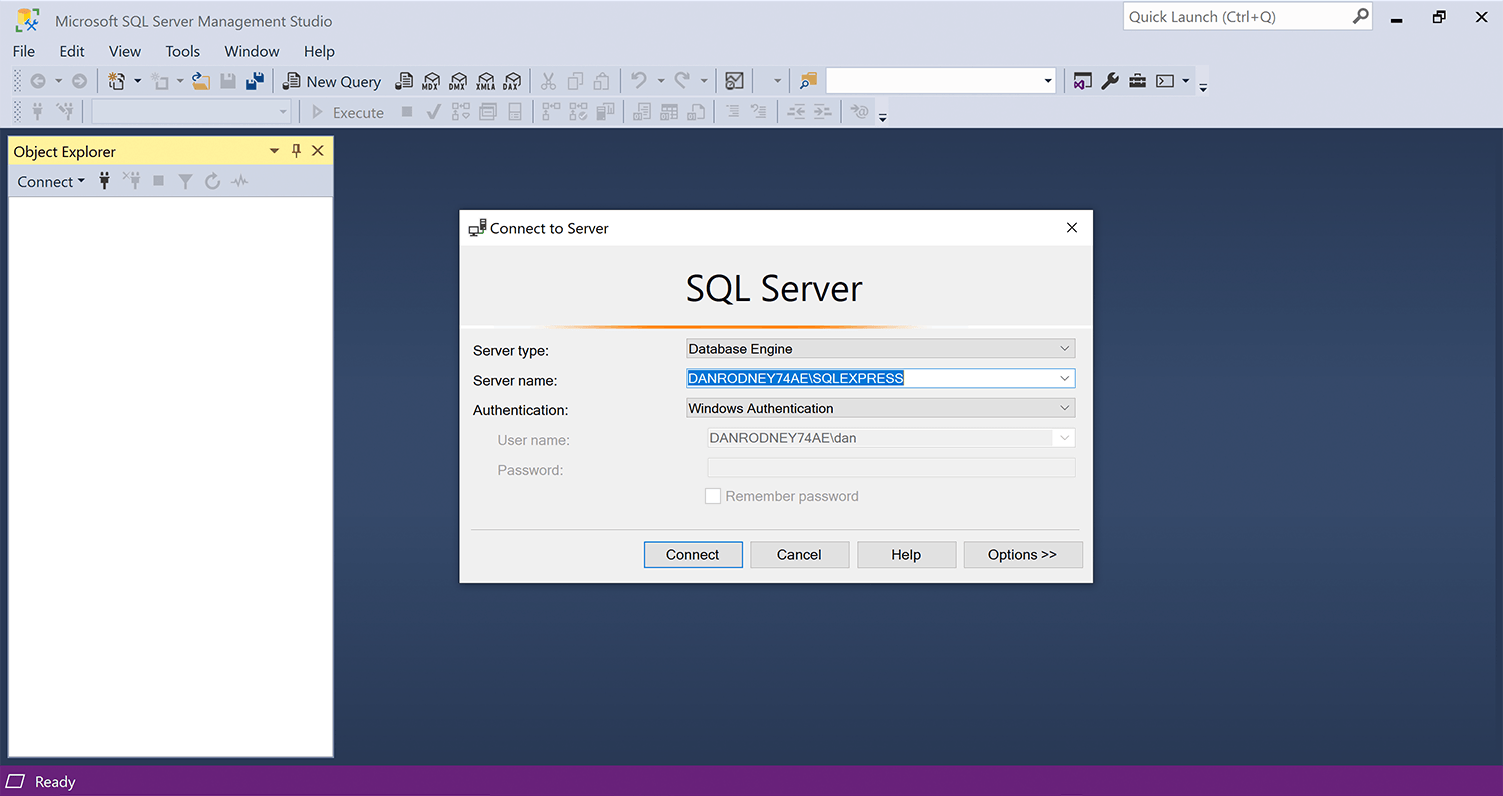
SQL Server Management Studio (SSMS) is Microsoft's official toolset for managing SQL Server databases. It offers advanced features such as graphical performance analysis, debugging, and data visualization. With its powerful tools, SSMS makes it easier to manage and optimize your SQL Server databases.
Features:
- Advanced query editor with IntelliSense
- Graphical execution plans for query optimization
- Debugging capabilities for stored procedures and functions
- Data visualization through charts and graphs
- Database backup and restore options
Pros:
- Free and official tool from Microsoft
- Robust features for SQL Server database management
- Regular updates and bug fixes
- Integration with other Microsoft products
Cons:
- Limited compatibility with non-Microsoft databases
- Steep learning curve for beginners
- Occasional crashes and bugs reported by users
My Opinion: As the official tool from Microsoft, SSMS offers powerful features for managing SQL Server databases. However, its limited compatibility and steep learning curve may make it challenging for beginners to use effectively.
3. PostgreSQL pgAdmin: Open-source Tool Designed Specifically for PostgreSQL Databases
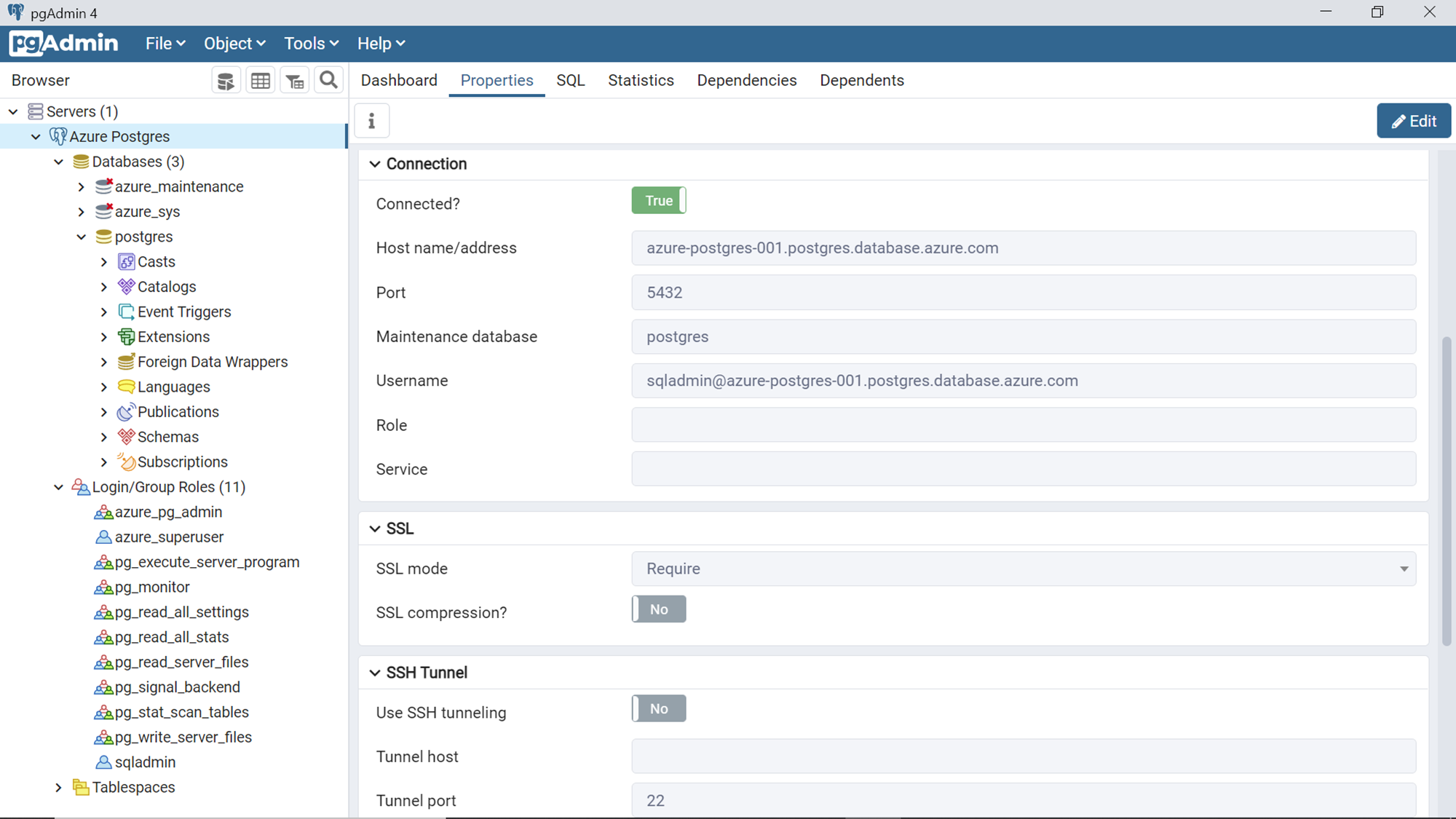
PostgreSQL pgAdmin is an open-source tool designed specifically for PostgreSQL databases. It provides a user-friendly interface for database administration and query execution. With its intuitive design and robust features, pgAdmin is a popular choice among PostgreSQL users.
Features:
- Database object management and navigation
- Query editor with syntax highlighting and code completion
- Data import and export capabilities
- Server monitoring and performance analysis
- User and permission management
Pros:
- Free and open-source
- Intuitive and user-friendly interface
- Regular updates and bug fixes
- Active community support
Cons:
- Limited compatibility with other databases
- Occasional crashes and bugs reported by users
- Steep learning curve for beginners
My Opinion: For PostgreSQL users, pgAdmin is an excellent choice for managing databases. Its user-friendly interface and regular updates make it a reliable tool for database administration. However, its limited compatibility may be a drawback for those working with multiple databases.
4. MySQL Workbench: Oracle's Proprietary Tool for Managing MySQL Databases
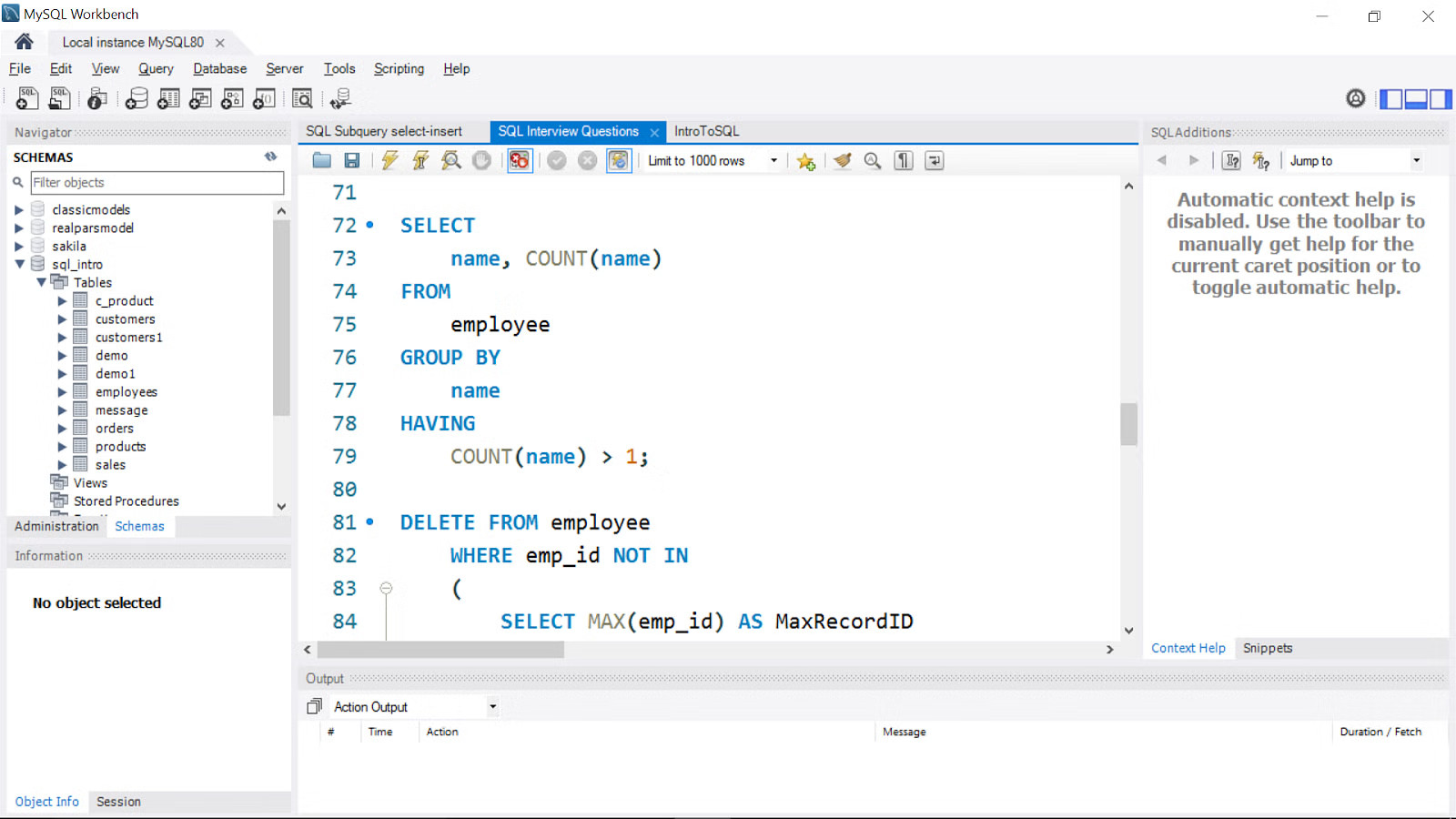
MySQL Workbench is Oracle's proprietary tool for managing MySQL databases. It offers a user-friendly interface and powerful data modeling capabilities, making it an essential tool for MySQL developers and administrators. With its comprehensive features, MySQL Workbench simplifies the process of managing and optimizing your databases.
Features:
- Data modeling and design tools
- Query editor with syntax highlighting and code completion
- Database backup and restore options
- Performance monitoring and analysis
- User and permission management
Pros:
- Free and official tool from Oracle
- User-friendly interface
- Regular updates and bug fixes
- Integration with other Oracle products
Cons:
- Limited compatibility with non-MySQL databases
- Occasional crashes and bugs reported by users
- Steep learning curve for beginners
My Opinion: As the official tool from Oracle, MySQL Workbench offers robust features for managing MySQL databases. Its data modeling capabilities make it stand out among other tools, but its limited compatibility may be a drawback for some users.
5. SQLiteStudio: Cross-platform, Open-source GUI for SQLite Databases
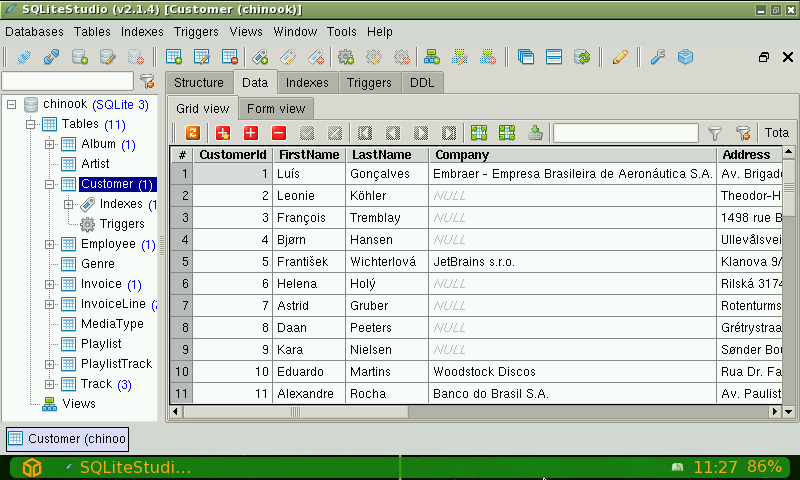
SQLiteStudio is a cross-platform, open-source GUI for SQLite databases. It offers a simple yet intuitive interface for browsing data and executing queries efficiently. With its lightweight design and essential features, SQLiteStudio is a popular choice for managing SQLite databases.
Features:
- Intuitive interface for easy navigation
- Query editor with syntax highlighting and code completion
- Data import and export capabilities
- Database object management and navigation
- User and permission management
Pros:
- Free and open-source
- Cross-platform compatibility
- Lightweight and fast performance
- Regular updates and bug fixes
Cons:
- Limited compatibility with other databases
- Occasional crashes and bugs reported by users
- Steep learning curve for beginners
My Opinion: For SQLite databases, SQLiteStudio is a reliable tool with essential features. Its lightweight design and cross-platform compatibility make it a convenient choice for managing databases. However, its limited compatibility may be a drawback for those working with multiple databases.
FAQs
1. Are these tools suitable for beginners?
Yes, these tools offer user-friendly interfaces and essential features that make them suitable for beginners.
2. Can I use these tools for commercial purposes?
Yes, all of these tools are free to use for both personal and commercial purposes.
3. Do these tools support multiple databases?
Some tools, such as DBeaver and pgAdmin, support multiple databases, while others are specific to a particular database, such as MySQL Workbench.
4. Are there any paid versions of these tools available?
No, all of these tools are free and open-source, except for MySQL Workbench, which is a proprietary tool from Oracle.
5. Can I contribute to the development of these tools?
Yes, most of these tools have active community support, and you can contribute to their development through bug reports or code contributions.
Conclusion: Choose the Best SQL Tool for Your Needs
In conclusion, these top 5 best SQL tools offer a wide range of features and compatibility with various databases. Whether you are a beginner or an advanced user, there is a tool that will suit your needs. From open-source to proprietary tools, choose the one that fits your requirements and enhances your database management experience. Happy querying!
