






In today’s fast-paced development environment, AI tools have become indispensable for boosting productivity, enhancing code quality, and simplifying complex tasks. From generating code snippets to securing your applications, these tools offer a range of features tailored to developers’ needs. This comprehensive review highlights some of the best AI tools available, their features, pricing, and overall utility to help you choose the right one for your workflow.
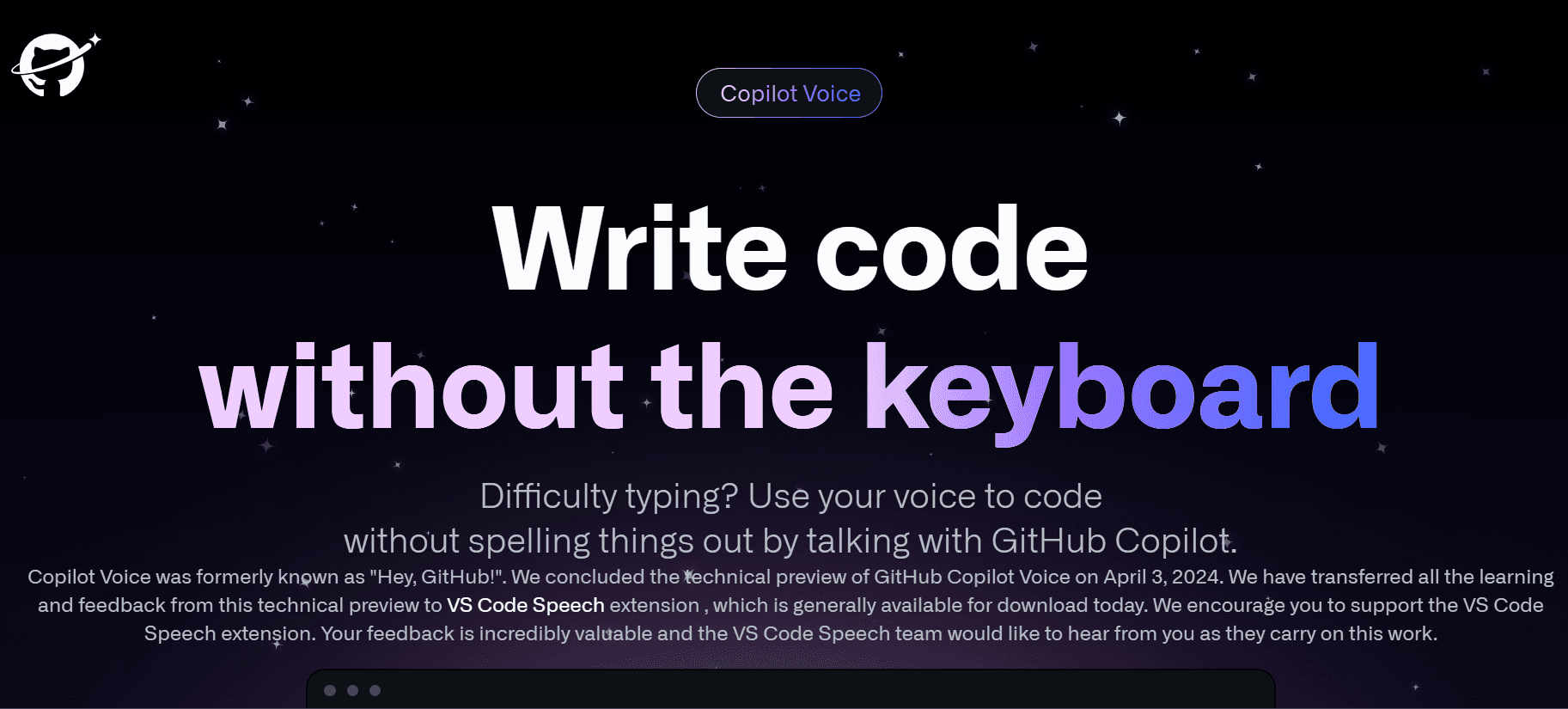
GitHub Copilot
1. Introduction
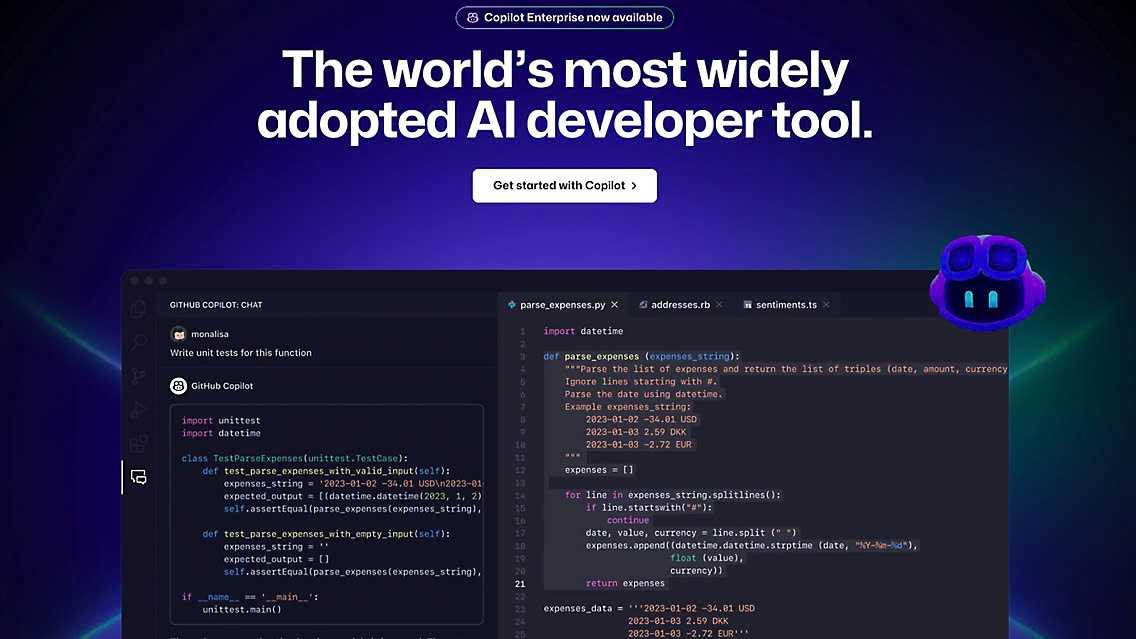
GitHub Copilot is an AI-powered coding assistant developed by OpenAI and GitHub. It integrates seamlessly with code editors to provide line-by-line and block code suggestions, supporting a wide variety of programming languages and frameworks.
2. Pros and Cons
Pros:
- Supports multiple languages and frameworks.
- Intuitive and integrates smoothly with popular IDEs like VS Code.
- Boosts productivity with context-aware suggestions.
Cons:
- Not entirely free; costs can add up for long-term use.
- Limited offline functionality.
3. Price
- $10/month for individual developers.
- Free for students and open-source contributors.
4. Score: 9/10
5. Highlight
GitHub Copilot's ability to predict and suggest accurate code snippets is unmatched, making it a top choice for developers.
Amazon CodeWhisperer
1. Introduction
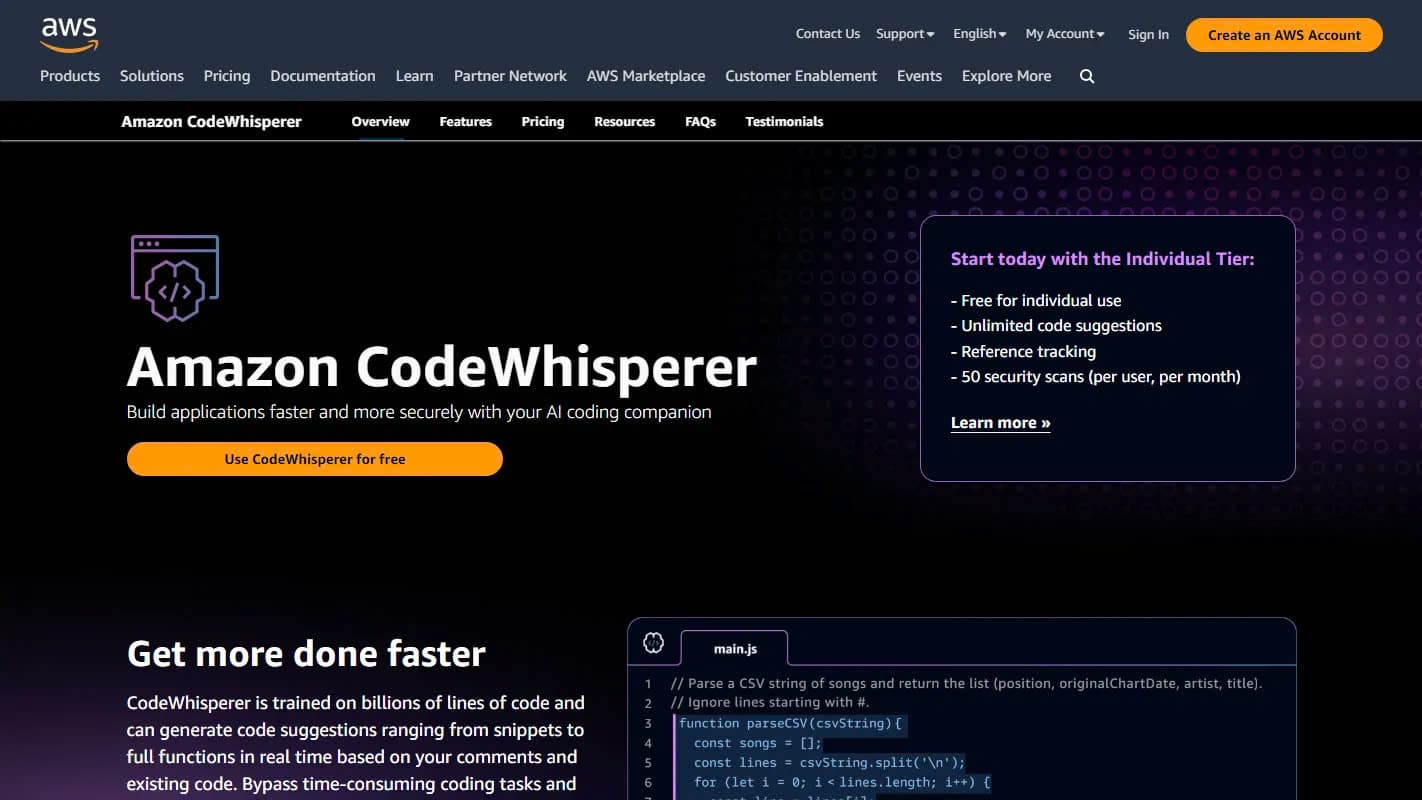
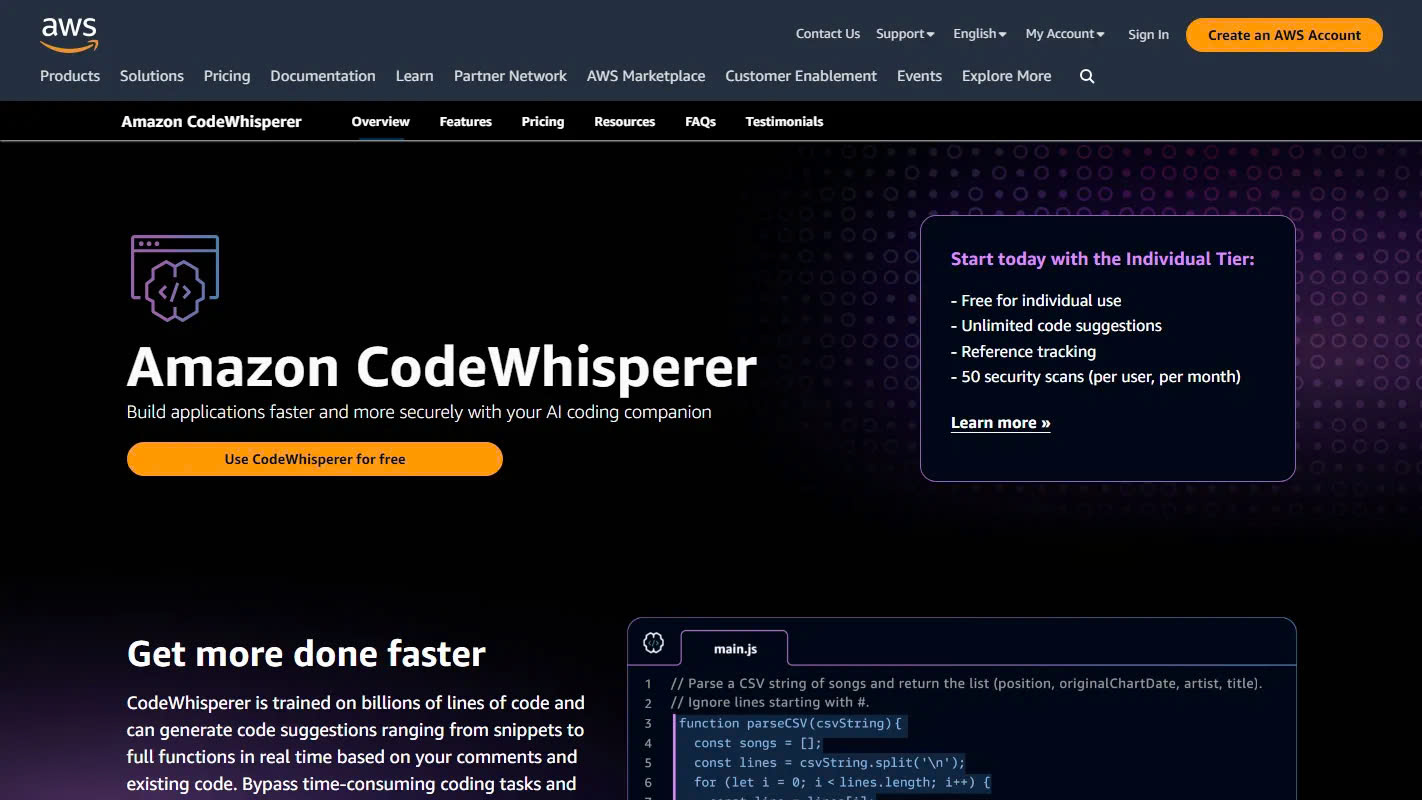
Amazon CodeWhisperer is tailored for AWS-related coding. It not only provides smart code suggestions but also performs security scans to ensure code safety.
2. Pros and Cons
Pros:
- Exceptional support for AWS services and frameworks.
- Built-in security scans for safer code.
- User-friendly interface.
Cons:
- Best suited for AWS users; less versatile outside AWS ecosystem.
3. Price
- Free for individual use.
- $19/month for professional tier.
4. Score: 8/10
5. Highlight
Amazon CodeWhisperer is a must-have for AWS developers seeking seamless code generation with security checks.
Codium
1. Introduction
Codium is a free alternative to GitHub Copilot, offering smart code suggestions across multiple languages. It also features a web-based IDE.
2. Pros and Cons
Pros:
- Completely free.
- Supports various programming languages.
- Includes a web IDE for flexible use.
Cons:
- Lacks advanced features found in paid tools.
- Limited community support.
3. Price
- Free for all users.
4. Score: 7/10
5. Highlight
Codium’s cost-free model makes it an appealing choice for budget-conscious developers.
Claude
1. Introduction
Claude, an AI tool from Anthropic, excels in contextual understanding and generating code. While not specifically a coding tool, it can write, explain, and debug code effectively.
2. Pros and Cons
Pros:
- Strong contextual understanding.
- Offers detailed code explanations.
- Free web interface available.
Cons:
- Not tailored exclusively for coding tasks.
- Limited integration with IDEs.
3. Price
- Free web interface.
- $20/month for Pro version.
4. Score: 8/10
5. Highlight
Claude’s ability to combine contextual analysis with code generation makes it a versatile tool.
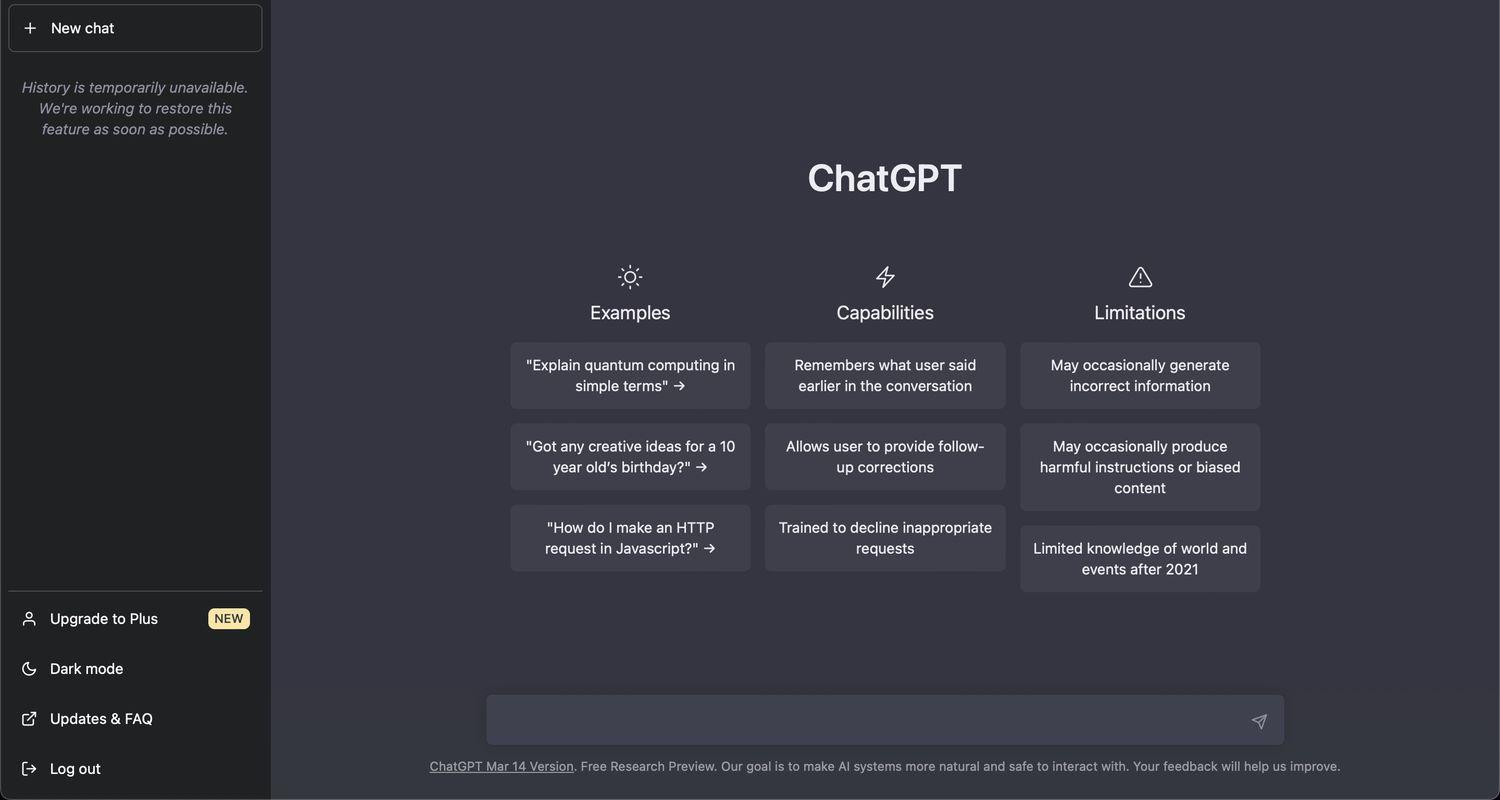
ChatGPT
1. Introduction
ChatGPT by OpenAI is a robust AI assistant known for its code generation and debugging capabilities. It can also explain code snippets in simple terms.
2. Pros and Cons
Pros:
- Generates high-quality code snippets.
- Excellent for debugging and learning.
- Free basic tier.
Cons:
- Context length limitations in the free version.
- Lacks IDE integration.
3. Price
- Free for basic use.
- $20/month for Plus subscription.
4. Score: 9/10
5. Highlight
ChatGPT’s versatility in coding and debugging makes it a valuable tool for developers and learners alike.
Cod
1. Introduction
Cod specializes in working with entire codebases. It generates style-consistent code and answers questions related to the codebase.
2. Pros and Cons
Pros:
- Maintains style consistency across code.
- Ideal for handling large codebases.
- Free tier available.
Cons:
- Limited to supported languages.
- Pro features require a subscription.
3. Price
- Free for individual use.
- $9/month for Pro tier.
4. Score: 7.5/10
5. Highlight
Cod’s focus on large codebases makes it ideal for team projects and enterprise-level development.
Visual Copilot
1. Introduction
Visual Copilot converts Figma designs directly into code, enabling developers to rapidly create websites or apps from mockups.
2. Pros and Cons
Pros:
- Excellent for design-to-code workflows.
- Supports multiple frameworks.
- Saves time in UI development.
Cons:
- Limited to Figma designs.
- Paid tiers can be expensive for small teams.
3. Price
- Free tier available.
- Paid plans start at $19/month.
4. Score: 8/10
5. Highlight
Visual Copilot’s ability to bridge the gap between design and code makes it a standout tool for UI/UX developers.
Snyk
1. Introduction
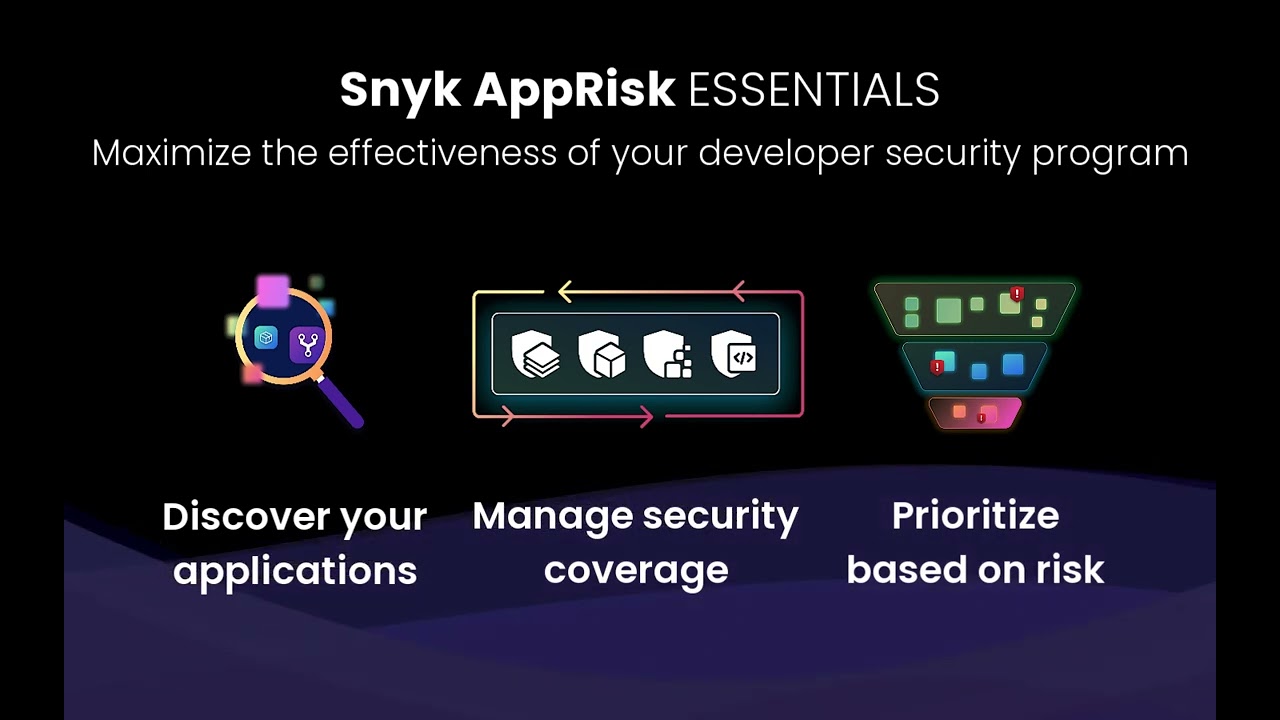
Snyk is a security-focused AI tool that detects and fixes vulnerabilities in code and dependencies. It integrates seamlessly into development workflows.
2. Pros and Cons
Pros:
- Real-time vulnerability detection.
- Comprehensive dependency analysis.
- Free tier available.
Cons:
- Paid plans required for team use.
- May produce false positives in complex setups.
3. Price
- Free for individuals.
- Team plans start at $16.99/month.
4. Score: 8.5/10
5. Highlight
Snyk’s robust security features make it an indispensable tool for secure development.
Pieces for Developers
1. Introduction
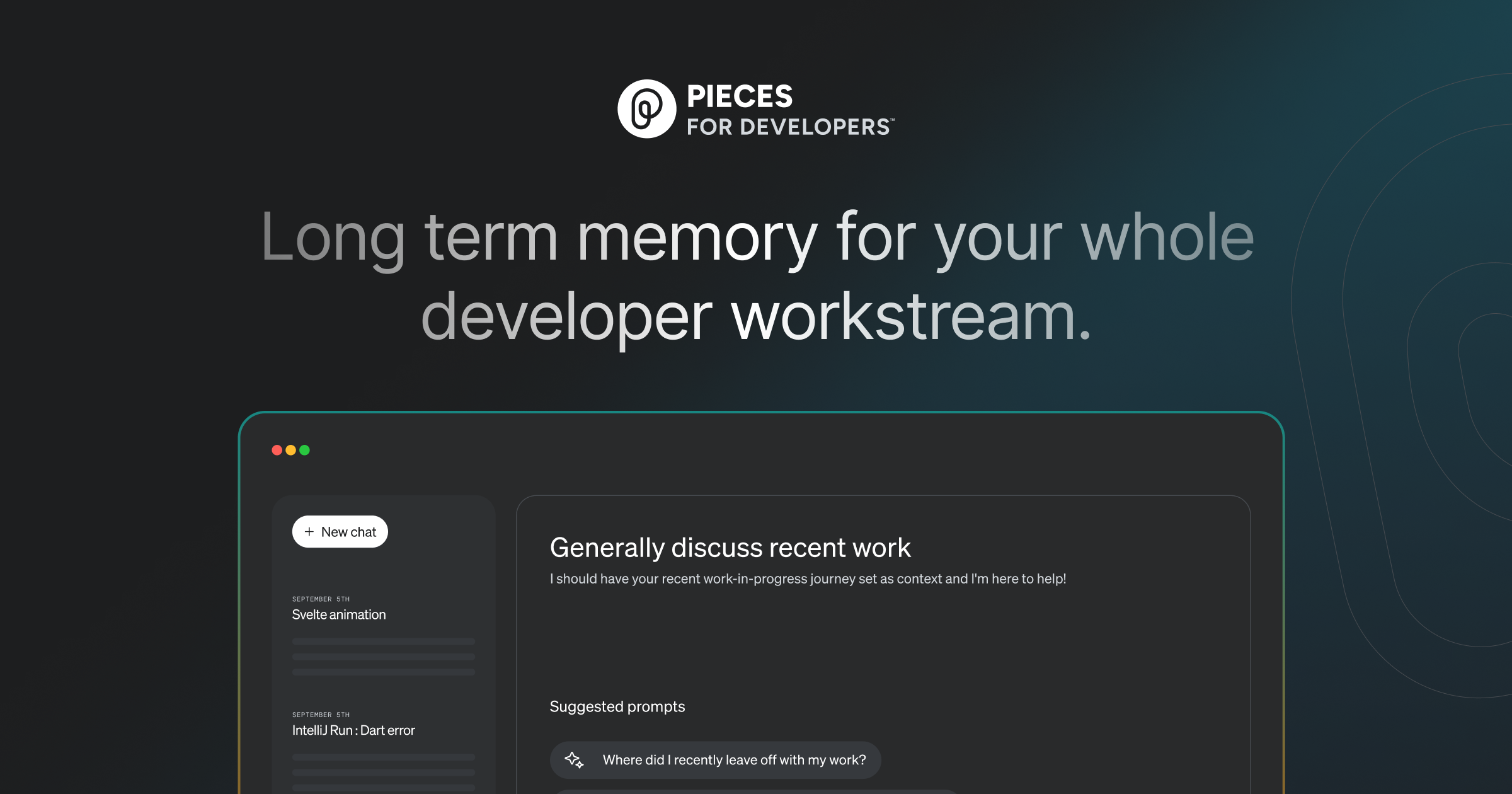
Pieces for Developers is an AI-driven tool for saving, sharing, and reusing code snippets. It uses automatic tagging and categorization for efficiency.
2. Pros and Cons
Pros:
- AI-powered tagging simplifies snippet management.
- Supports sharing and collaboration.
- Free for all users.
Cons:
- Lacks advanced integrations.
- Limited customization options.
3. Price
- Free for all users.
4. Score: 7/10
5. Highlight
Pieces for Developers enhances productivity by streamlining code snippet management.
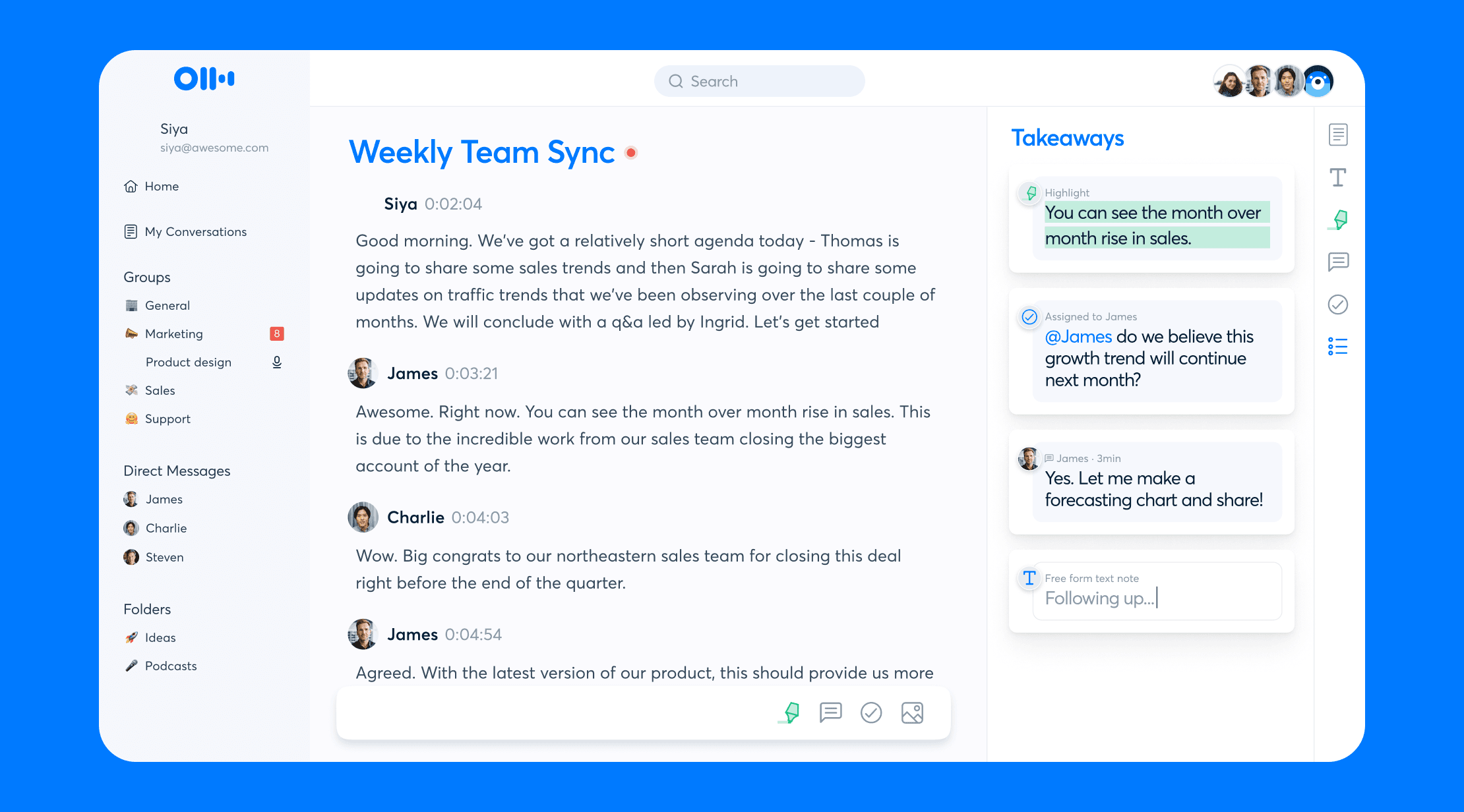
Otter.ai
1. Introduction
Otter.ai is primarily a transcription tool but proves useful in meetings and code reviews by generating searchable transcripts and summaries.
2. Pros and Cons
Pros:
- High-quality transcription.
- Searchable documentation for meetings.
- Free tier available.
Cons:
- Limited to transcription-related use cases.
- Paid plans can be pricey.
3. Price
- Free basic tier.
- Paid plans start at $16.99/month.
4. Score: 7.5/10
5. Highlight
Otter.ai’s transcription capabilities make it an excellent tool for documentation and team collaboration.
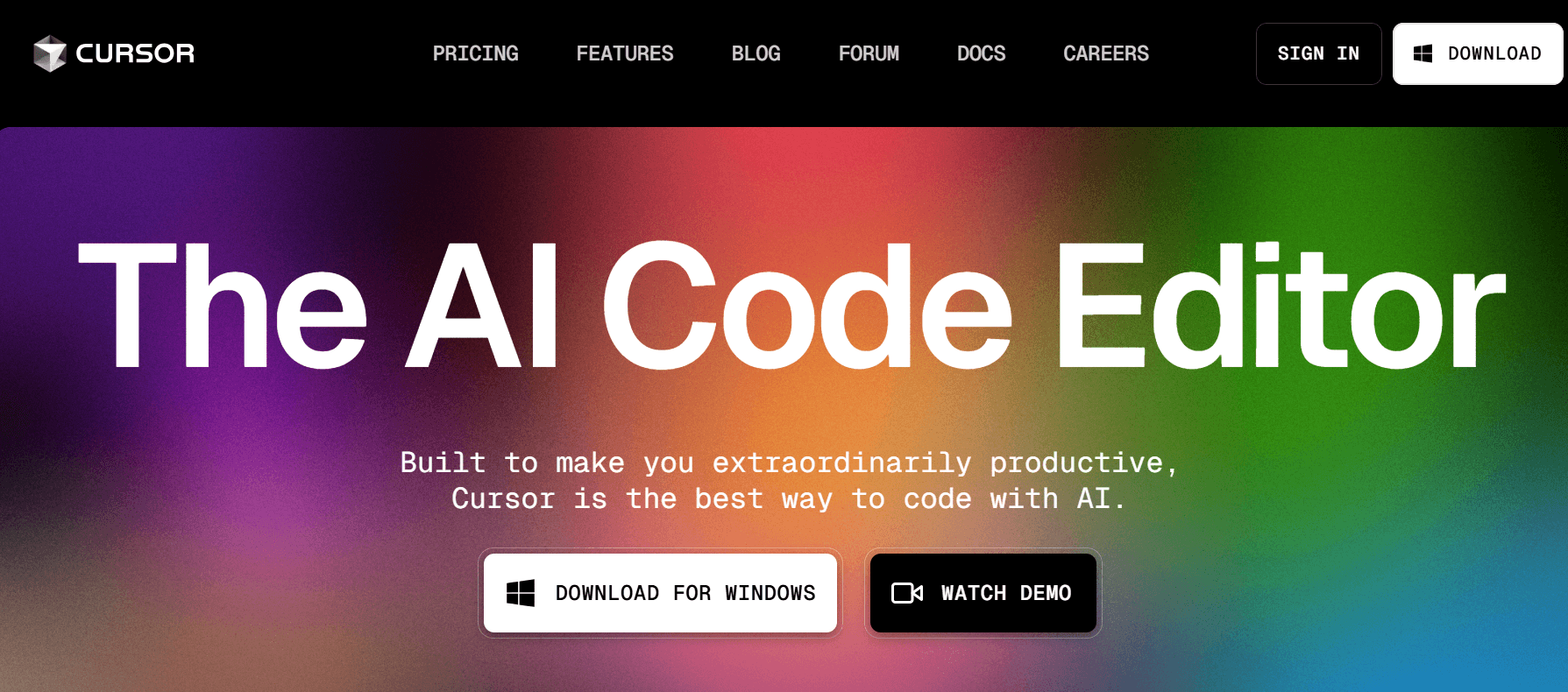
Cursor
1. Introduction
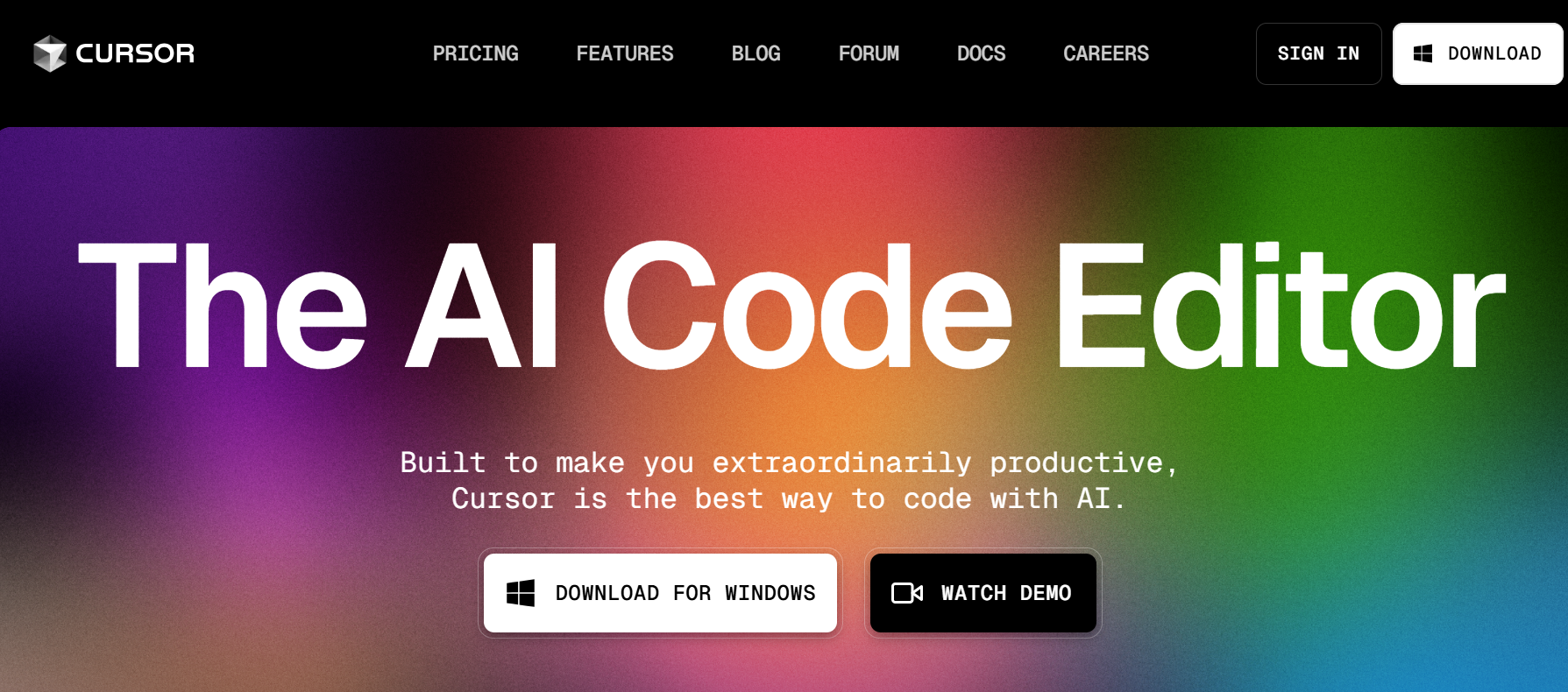
Cursor is an innovative IDE with built-in AI features. It supports chatting with AI, completions, and editing multiple files simultaneously.
2. Pros and Cons
Pros:
- AI-powered coding assistance.
- Supports multi-file editing.
- Free tier available.
Cons:
- Features still evolving.
- Pro plan required for advanced features.
3. Price
- Free tier available.
- Pro plans start at $20/month.
4. Score: 8/10
5. Highlight
Cursor’s integrated AI features make it a promising choice for developers looking for a modern IDE.
Visual Studio Code
1. Introduction
Visual Studio Code (VS Code) is a popular free IDE offering a wide range of AI-powered extensions to customize and enhance the coding experience.
2. Pros and Cons
Pros:
- Highly customizable with numerous extensions.
- Free and open-source.
- Supports almost all programming languages.
Cons:
- Some extensions may require subscriptions.
- Can be resource-intensive with multiple extensions.
3. Price
- Free for all users.
4. Score: 9/10
5. Highlight
VS Code’s versatility and extensive extension library make it a favorite among developers worldwide.
Conclusion
AI tools have revolutionized the way developers work by automating repetitive tasks, improving code quality, and enhancing team collaboration. Whether you need a coding assistant like GitHub Copilot, a security scanner like Snyk, or a transcription tool like Otter.ai, there is an AI solution tailored to your needs. Evaluate the tools reviewed above based on your specific requirements and budget to make the most of these cutting-edge technologies.
