
Veo 4
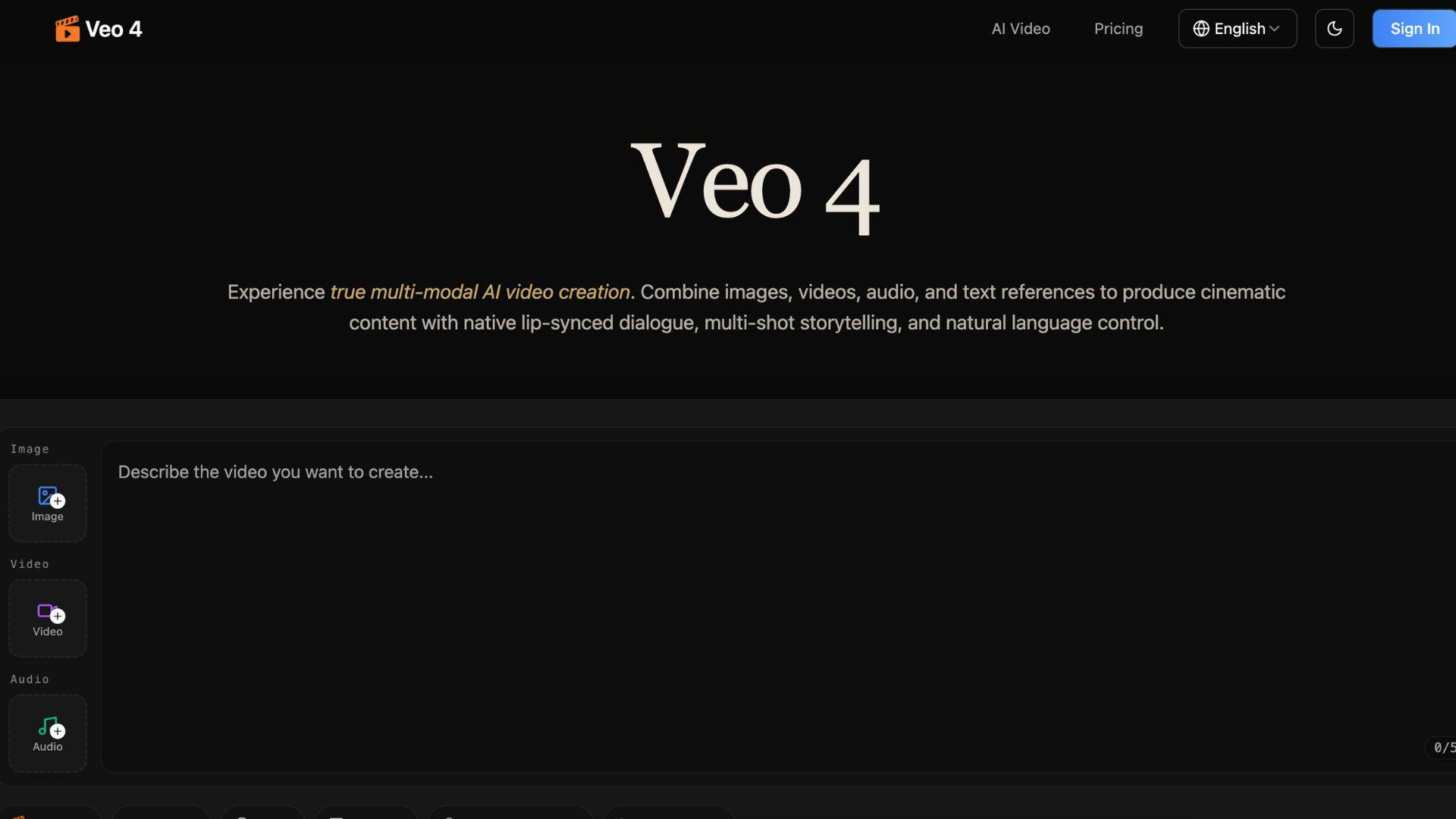

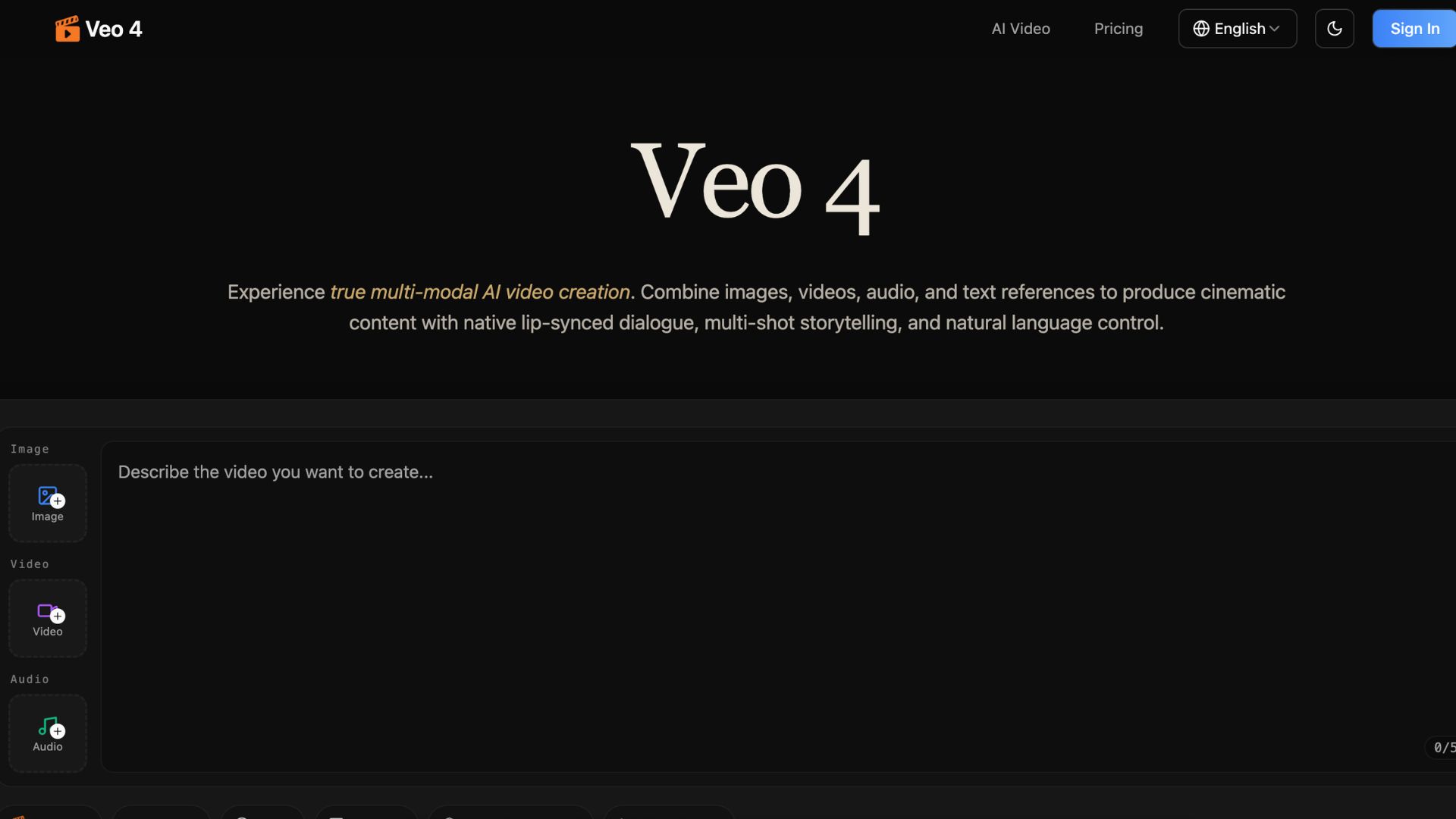
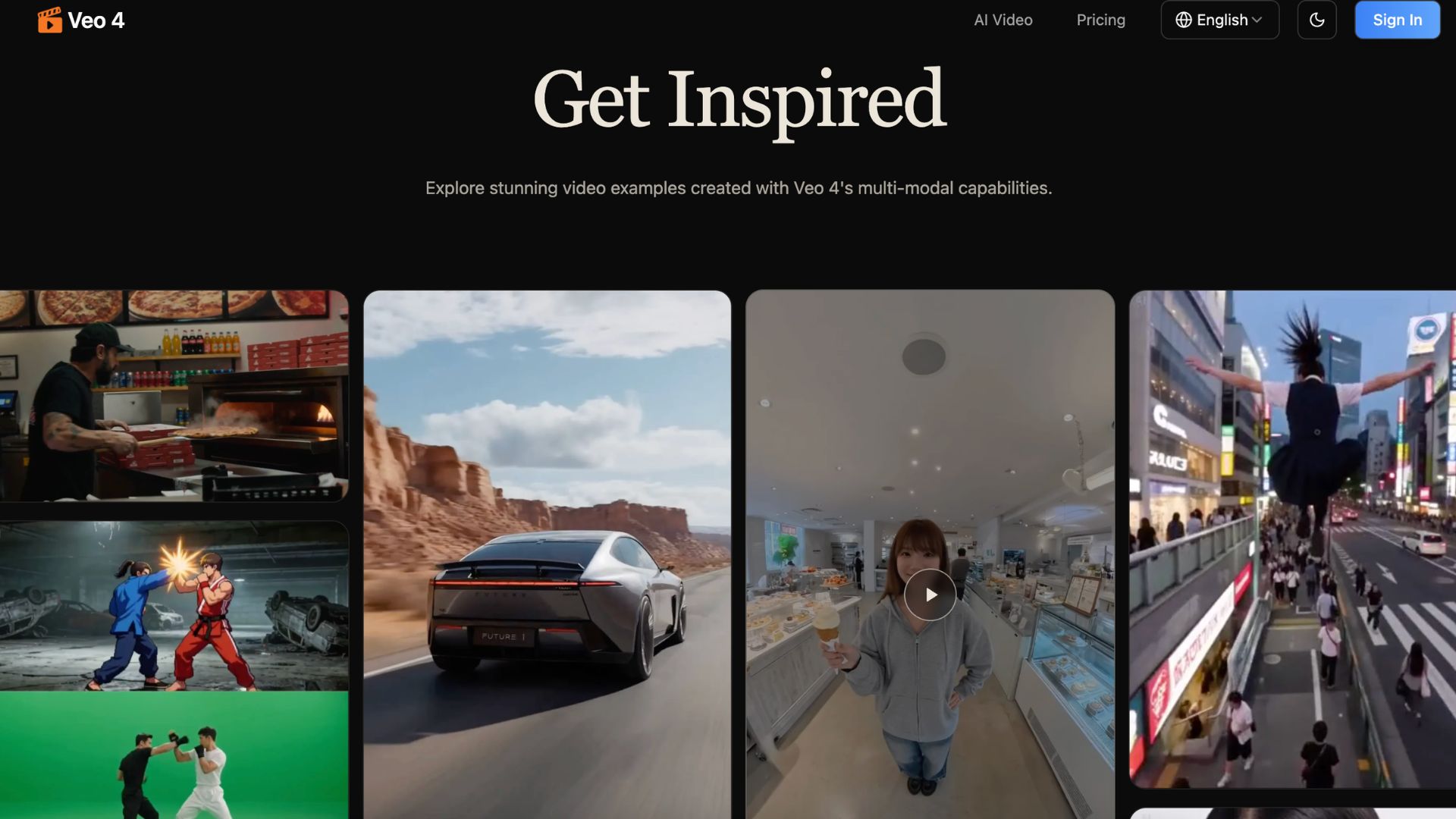
Veo 4 is an AI video generator built for creators who want faster and cleaner video creation. It helps users create cinematic videos from text, images, video clips, and audio. This makes Veo 4 useful for marketers, founders, educators, and content creators who need professional videos without a full production team.
What is Veo 4
Veo 4 is a multi-modal AI video creation tool. It helps you create short cinematic videos using prompts, images, videos, and audio files.
Instead of only typing a text prompt, you can upload assets and use them as references. You can guide the tool with a camera move, a character style, a scene, a sound, or a motion pattern.
This gives creators more control than many basic text-to-video tools.
Veo 4 is useful for social videos, ads, product demos, short stories, and creative tests. It can help you turn a rough idea into a polished video much faster.
For creators who feel stuck with slow editing tools, Veo 4 can be a practical shortcut.
Key Features:
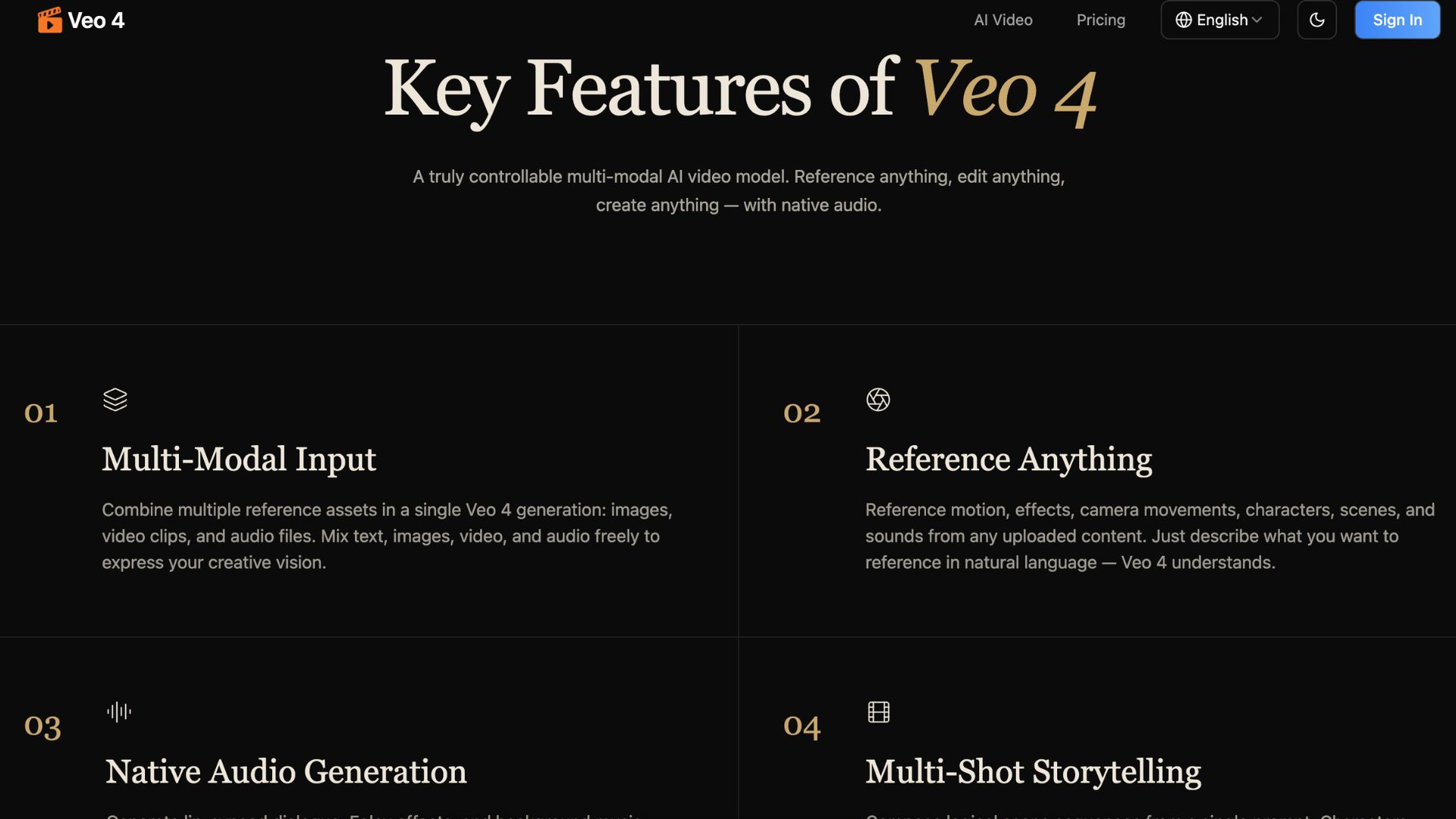
- Multi-Modal Input: Veo 4 supports text, images, video, and audio. This helps you explain your creative idea with more detail.
- Reference-Based Creation: You can use existing assets as references. This is useful when you want a certain camera style, scene, sound, or motion.
- Native Audio Generation: Veo 4 can create video with audio. This can help with dialogue, sound effects, and background sound.
- Multi-Shot Storytelling: The tool can create videos with more than one scene. This is helpful for short ads, story clips, and product videos.
- Consistent Characters: Veo 4 focuses on keeping characters and visual style more stable across shots. This is important for branded content.
- Watermark-Free Downloads: The official site mentions watermark-free downloads. This is useful for creators who want a more professional final result.
- Natural Language Control: You can describe what you want in simple language. This makes the tool easier for users without editing skills.
Pros & Cons:
Pros
- Saves time when creating short videos.
- Good for marketers, creators, and startup teams.
- Supports text, image, video, and audio inputs.
- Helps create more cinematic video clips.
- Useful for social media content and ads.
- Can reduce the need for several editing tools.
- Watermark-free downloads make content look more professional.
- Strong option for testing creative ideas fast. 🚀
Cons
- New users may need time to learn better prompting.
- Exact public pricing may not be clear before sign-in.
- Results may still need testing and edits.
- Best output depends on strong prompts and good references.
- It is not ideal for long-form video production.
- It needs internet access to work.
Who is Using Veo 4?
Veo 4 is a good fit for people who create visual content often.
Marketing teams can use it to create short ads, campaign videos, product clips, and social posts. It helps teams test more ideas without waiting for a full video production cycle.
Content creators can use Veo 4 for TikTok, Instagram Reels, YouTube Shorts, and other short-form platforms. It is useful when they need fresh video ideas every week.
Entrepreneurs can use it to make product demos, launch videos, explainer clips, and pitch visuals. This is helpful when budgets are tight but the brand still needs to look professional.
Educators can use Veo 4 to make visual lessons, tutorial clips, and concept explainers. A short video can make complex ideas easier to understand.
Agencies can use it to create quick drafts for clients. They can test visual styles, ad ideas, and story concepts before spending more time on final production.
Music creators can use it to create visuals for songs, beats, and promo clips. 🎧
Pricing:
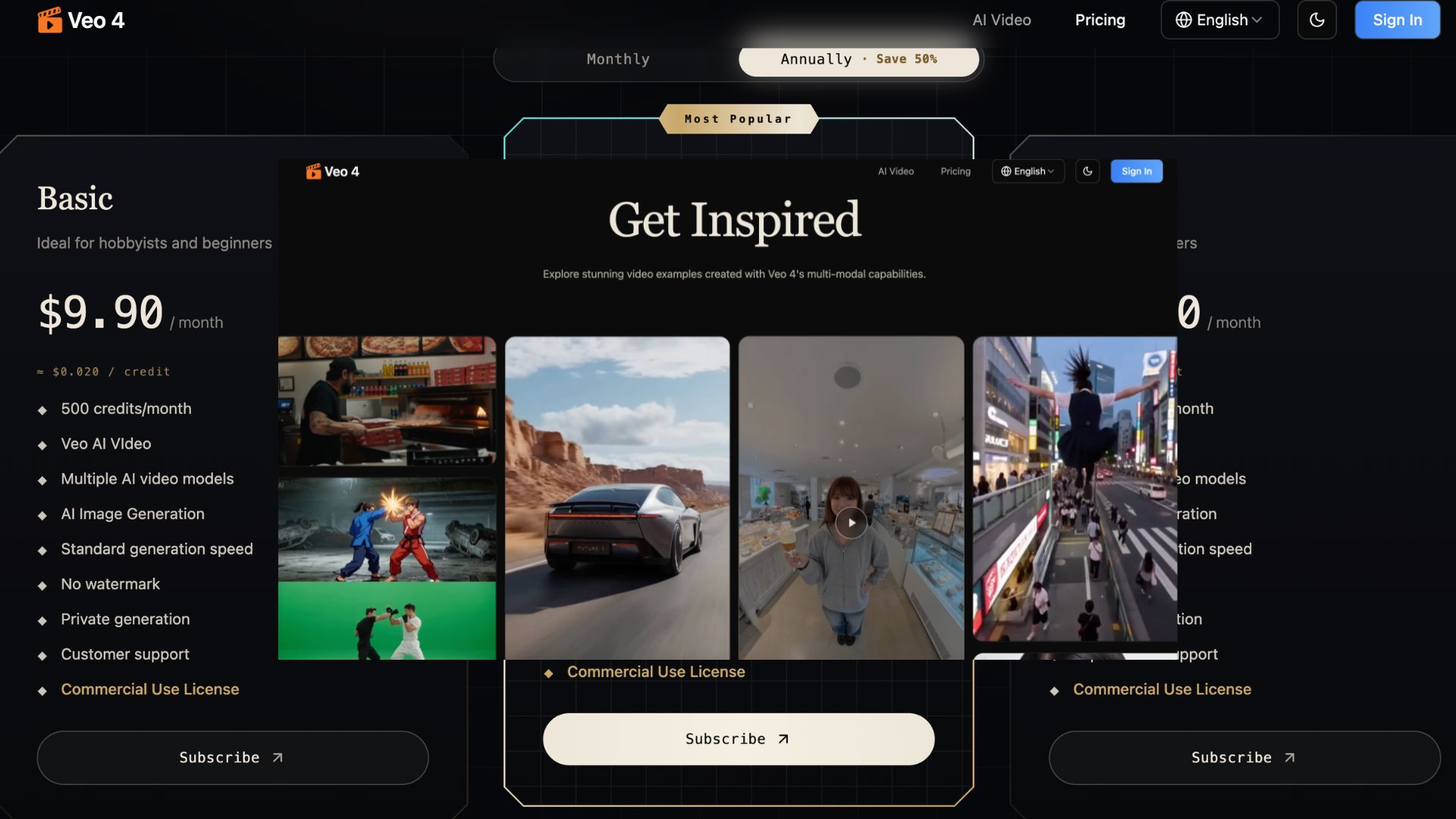
Veo 4 has a pricing page on its official website. The page says users can choose the plan that works best for them. It also says all plans include access to core features.
The site also mentions a limited-time annual billing offer with 50% savings. However, exact public prices were not clearly shown in the page text during review.
Free Version: A clear free plan was not visible in the public pricing text during review. Users should visit the official pricing page to confirm the latest free access or trial options.
Pro Version: Paid plans appear to include access to the core Veo 4 features. Users should check the official pricing page for current plan limits, credits, and commercial usage terms.
What Makes Veo 4 Unique?
Veo 4 stands out because it is not just a basic text-to-video generator.
Its biggest strength is control.
You can use text, images, video, and audio together. This helps you give the AI more context. It also helps reduce random results.
For example, you can upload a product image and ask Veo 4 to create a short cinematic ad. You can also use a video reference to guide motion or camera movement.
This is useful for creators who want AI speed but still need creative direction.
The mix of multi-modal input, native audio, multi-shot creation, and consistent characters makes Veo 4 different from many simple AI video tools.
It is built for creators who care about both speed and quality. ✨
Veo 4 Tutorials:
Veo 4 is designed around a simple workflow.
First, you prepare your idea. This can be a short prompt, a product image, a video clip, or an audio file.
Next, you upload your assets. These files can help the tool understand the style, motion, or sound you want.
Then, you write your prompt. Keep it clear and direct. Tell the tool what scene you want, what should happen, what style you prefer, and what mood the video should have.
After that, generate the video and review the result. You may need to adjust the prompt or change the reference files.
For better results, use short and specific prompts. Avoid vague words. Give the tool clear direction.
Example prompt:
“Create a cinematic product video of this smartwatch on a black desk. Add soft studio lighting, slow camera movement, and a premium tech ad style.”
This type of prompt gives Veo 4 a clearer goal.
How We Rated It:
- Accuracy and Reliability: 4.2/5
- Ease of Use: 4.3/5
- Functionality and Features: 4.7/5
- Performance and Speed: 4.2/5
- Customization and Flexibility: 4.8/5
- Data Privacy and Security: 4.1/5
- Support and Resources: 4.0/5
- Cost-Efficiency: 4.0/5
- Integration Capabilities: 4.1/5
- Overall Score: 4.3/5
Summary
Veo 4 is a strong AI video generator for creators who want more control over short video creation.
It helps users create cinematic videos with text, images, videos, and audio. This makes it useful for ads, social posts, product demos, music visuals, education, and creative storytelling.
Its best feature is the multi-modal workflow. You are not limited to a simple text prompt. You can use different assets to guide the final video.
This is a big advantage for marketers and creators who want results that match their real idea.
The main downside is pricing clarity. The official pricing page mentions plans and annual savings, but exact prices were not clearly visible in the public page text during review.
Even with that limit, Veo 4 is worth exploring. It can help creators save time, test more ideas, and create professional short videos with less manual editing.
For tech-savvy entrepreneurs, marketing teams, and content creators, Veo 4 can be a useful AI video tool to add to the content workflow.
Veo 4 Launch embeds
Use website badges to drive support from your community for your AI Journey Launch. They're easy to embed on your homepage or footer.


GALLERY
Featured image represents the contents
Empowering You With AI JOURNEY Discover, Learn, Master!