
Riverside


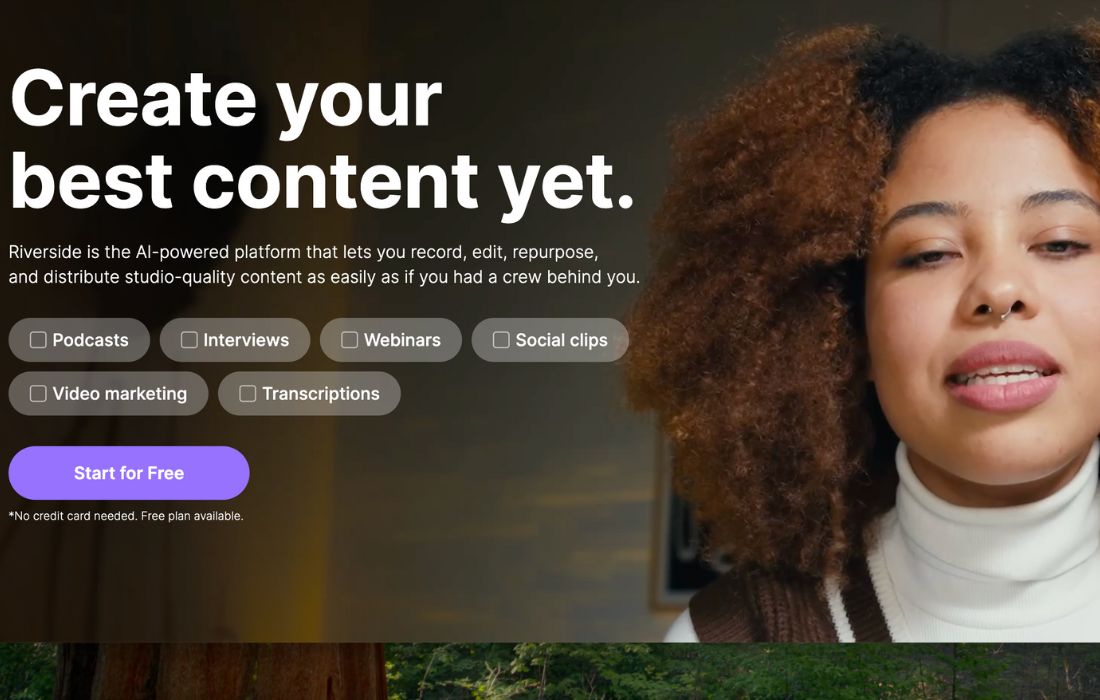
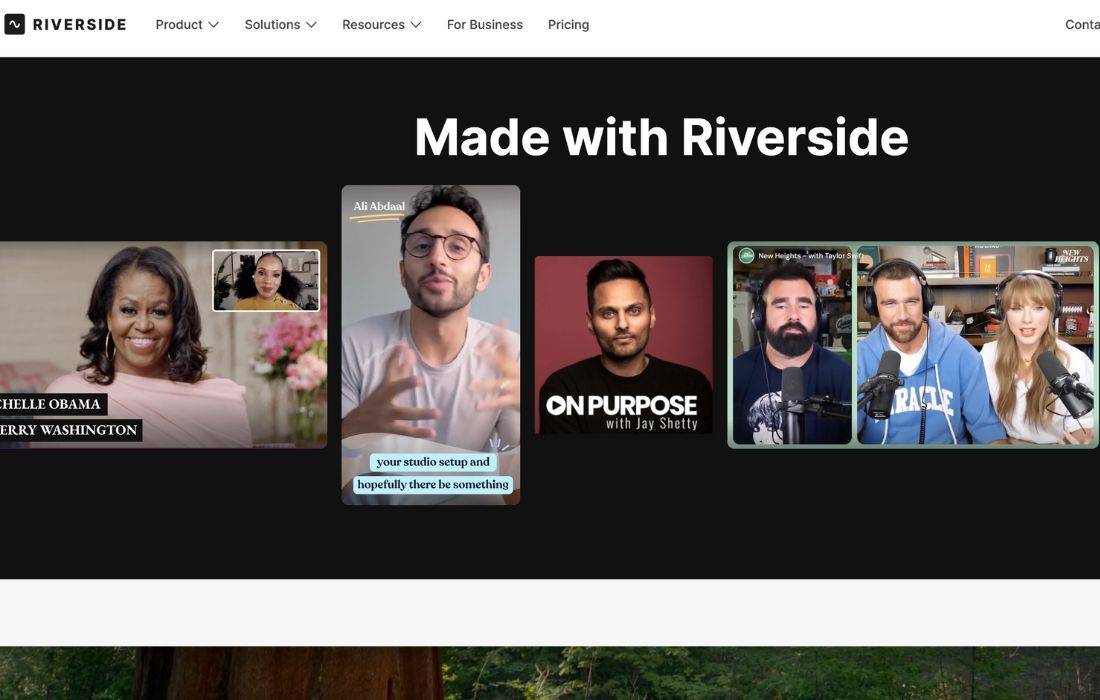
Riverside is one of the most popular tools for creators who want clean, professional audio and video. This Riverside review shows why so many entrepreneurs and content creators trust it. Riverside gives users studio-quality recording without complex gear. If you want a tool that removes friction, saves time, and boosts your workflow, Riverside is a strong choice.
What is Riverside?
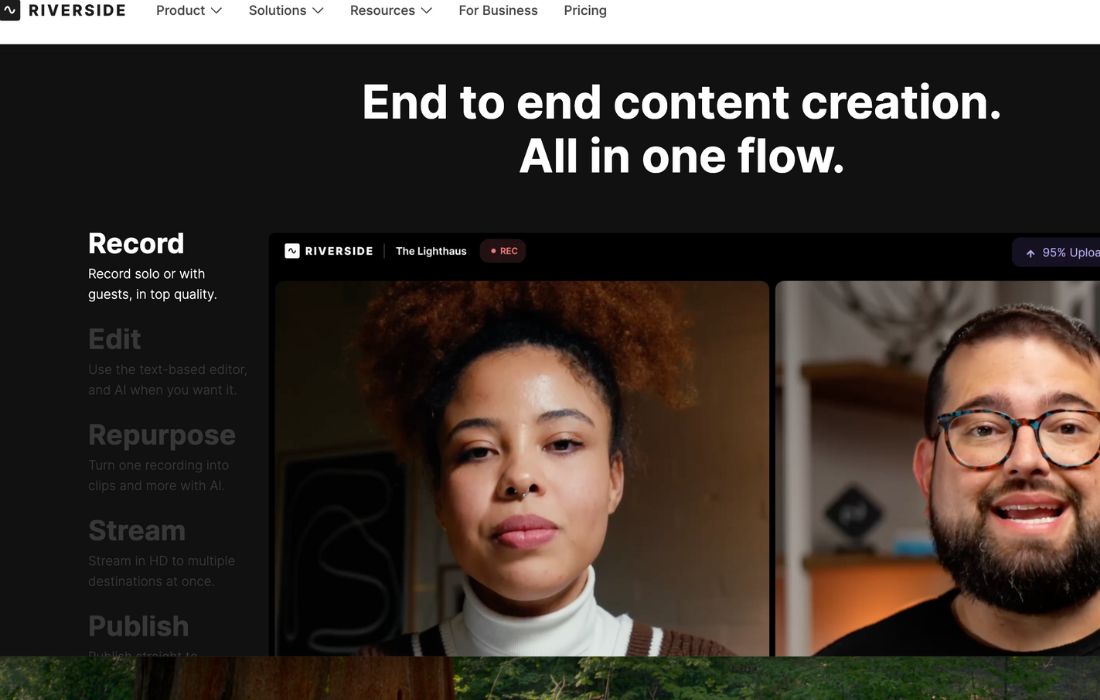
Riverside is a browser-based recording platform that helps creators capture high-quality audio and video. It records locally on each guest’s device, so internet issues do not affect quality. It is simple, fast, and built for creators who want professional results without editing headaches. 🎧
Key Features:
- Local Recording Technology: Riverside records audio and video on each device. This means clear, lossless quality even if the internet lags. Users get a clean final file every time.
- Customizable Recording Rooms: You can set up branded studios for guests. This helps teams create a consistent look and feel.
- Automated Editing Tools: Riverside cuts filler words, background noise, and long pauses. This saves hours of manual editing.
- Easy Sharing and Export: Export files in many formats or share them instantly. This speeds up teamwork and publication.
- Beginner-Friendly Interface: Even users with no editing or recording skills can get pro-level output. Riverside does the heavy lifting. ✨
Pros & Cons:
Pros
- Saves time with fast, automated editing
- Improves workflows for recording, training, and remote onboarding
- Highly customizable for solo creators or full teams
- Scalable for creators, small businesses, and enterprises
- Local recording removes stress about internet stability
- Works on browser, mobile, and desktop
Cons
- Has a learning curve for complete beginners
- Works best in Chrome or the Riverside app
- Needs internet access to run sessions and upload files
Who is Using Riverside?
Riverside is used by a wide range of creators and teams:
- Podcasters who want clean sound without complex editing
- YouTube creators recording interviews or tutorials
- Businesses running remote training and onboarding
- Marketing teams capturing high-quality brand videos
- Educators hosting virtual lessons and webinars
- Influencers producing content with guests online
- Agencies offering podcast or video services to clients
Pricing:
Free Trial: Riverside does not offer a full free version. However, new users get a limited free trial that lets them test recording quality and basic features before upgrading. It is enough to understand the workflow and see if the tool fits your needs.
Paid Version:
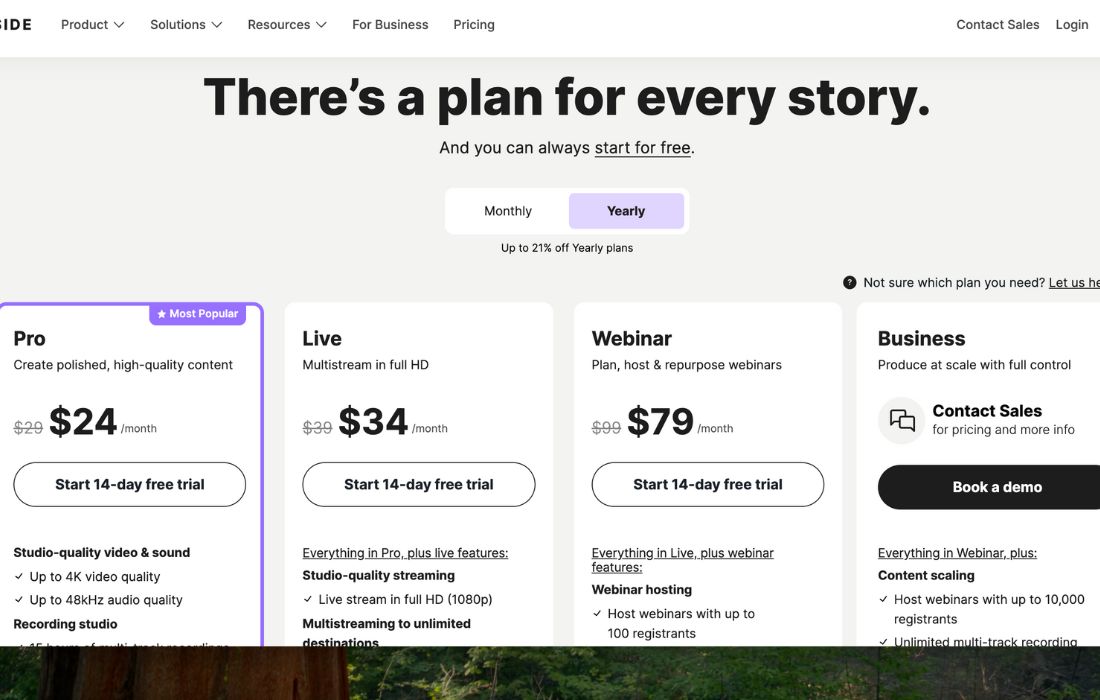
- Riverside offers several paid plans, starting with the Pro plan at $29/month, ideal for polished, high-quality content.
- The Live plan costs $39/month and supports full-HD multistreaming.
- For event creators, the Webinar plan is $99/month, designed for planning, hosting, and repurposing webinars.
- Larger teams can choose the Business plan, which requires contacting sales for custom pricing and full-scale production features.
What Makes Riverside Unique?
Riverside stands out because of its blend of local recording, browser-based simplicity, and AI-powered editing. Many tools record over the internet, causing glitches. Riverside avoids this issue by recording directly on each device. This is a major advantage, especially for creators who cannot risk losing quality. It also offers one of the simplest editing flows in the industry. You record, let AI clean your file, export, and publish. This mix of power and ease is what many busy creators want.
Riverside Tutorials:
Riverside offers many helpful guides and video tutorials. They walk users through recording setup, editing, exporting, and interviews. New users can learn fast. This reduces the stress of learning a new tool.
How We Rated It:
- Accuracy and Reliability: 4.7/5
- Ease of Use: 4.6/5
- Functionality and Features: 4.8/5
- Performance and Speed: 4.7/5
- Customization and Flexibility: 4.5/5
- Data Privacy and Security: 4.6/5
- Support and Resources: 4.6/5
- Cost-Efficiency: 4.5/5
- Integration Capabilities: 4.4/5
- Overall Score: 4.6/5
Summary
Riverside transforms how creators record audio and video. It removes common problems like low internet quality, messy edits, and slow workflows. Its AI features make content production faster and easier. Riverside is a powerful choice for creators and teams who want clean professional output without expensive gear or complex software. Anyone serious about content creation should explore Riverside for smoother production and better results.
Riverside Launch embeds
Use website badges to drive support from your community for your AI Journey Launch. They're easy to embed on your homepage or footer.

GALLERY
Featured image represents the contents
Empowering You With AI JOURNEY Discover, Learn, Master!