
PixPark AI


What is PixPark AI
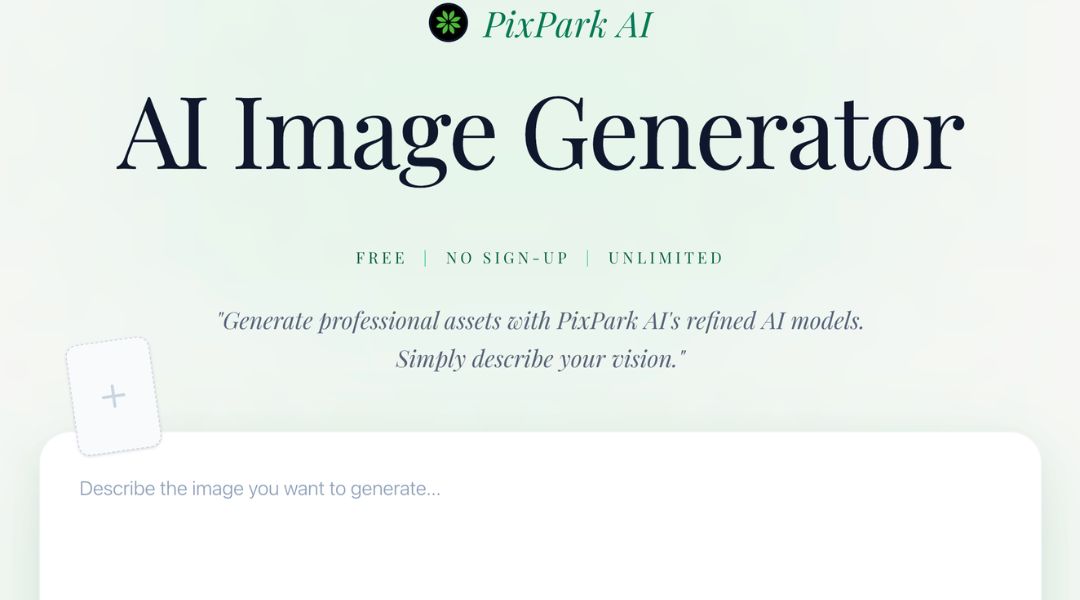
PixPark AI is an AI-powered image editing tool that helps users create clean, professional visuals in seconds. PixPark AI focuses on automation, making tasks like background removal and image enhancement simple and fast.
If you often struggle with manual editing or complex design tools, PixPark AI offers a more efficient way to handle visual content without sacrificing quality.
Key Features:
- AI Background Removal: Removes image backgrounds instantly. This eliminates manual work and speeds up editing.
- Smart Image Enhancement: Automatically improves brightness, contrast, and sharpness for better results.
- Batch Processing: Edit multiple images at once. Ideal for eCommerce stores and content-heavy workflows.
- Flexible Export Options: Supports multiple formats for easy sharing across platforms.
- User-Friendly Interface: Clean and simple design. Even beginners can use it without training.
Pros & Cons:
Pros
- Saves time on repetitive editing tasks
- Helps teams scale content production faster
- Works well for different industries and use cases
- Easy to learn and use
- Reduces need for advanced design skills
Cons
- Some advanced edits may still need manual tools
- Depends on internet connection
- Limited control compared to professional software
Who is Using PixPark AI?
PixPark AI is used by a wide range of professionals:
- eCommerce sellers: Create clean product images quickly
- Content creators: Generate visuals for blogs and social media
- Marketing teams: Produce ad creatives at scale
- Freelancers: Deliver faster results to clients
- Startup founders: Build brand visuals without hiring designers
Pricing:
Free Version: PixPark AI offers a free plan. You can start editing images right away with basic features.
Pro Version: Paid plans unlock advanced tools, faster processing, and higher usage limits. Visit the official website for updated pricing details.
What Makes PixPark AI Unique?
PixPark AI stands out because it combines speed, simplicity, and quality in one platform.
Many tools focus only on one feature. PixPark AI offers a balanced set of tools that work well together. This makes it easier to manage your entire image workflow in one place.
It also reduces the need for design skills. This is a big advantage for entrepreneurs and small teams who want professional results without extra cost.
PixPark AI Tutorials:
PixPark AI provides helpful tutorials and guides. These resources make onboarding easy. Users can learn quickly and start editing images within minutes.
Most features are intuitive, so you won’t need long training sessions.
How We Rated It:
- Accuracy and Reliability: 4.5/5
- Ease of Use: 4.7/5
- Functionality and Features: 4.4/5
- Performance and Speed: 4.6/5
- Customization and Flexibility: 4.2/5
- Data Privacy and Security: 4.3/5
- Support and Resources: 4.2/5
- Cost-Efficiency: 4.5/5
- Integration Capabilities: 4.1/5
- Overall Score: 4.4/5 ⭐
Summary
PixPark AI changes how you handle image editing. It removes manual steps and speeds up your workflow.
With strong AI features, PixPark AI helps you create professional visuals with less effort. This makes it a great choice for marketers, creators, and business owners.
If you want faster results and less hassle, PixPark AI is worth trying.
PixPark AI Launch embeds
Use website badges to drive support from your community for your AI Journey Launch. They're easy to embed on your homepage or footer.

GALLERY
Featured image represents the contents


Empowering You With AI JOURNEY Discover, Learn, Master!