
nanobananaimg
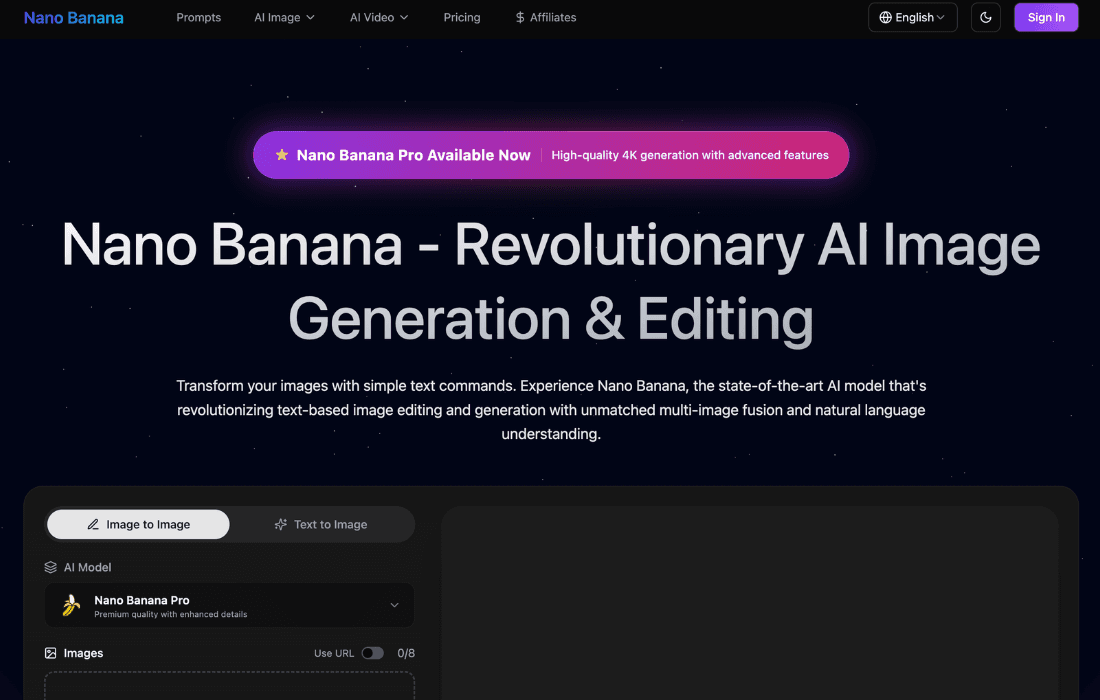

What is nanobananaimg?
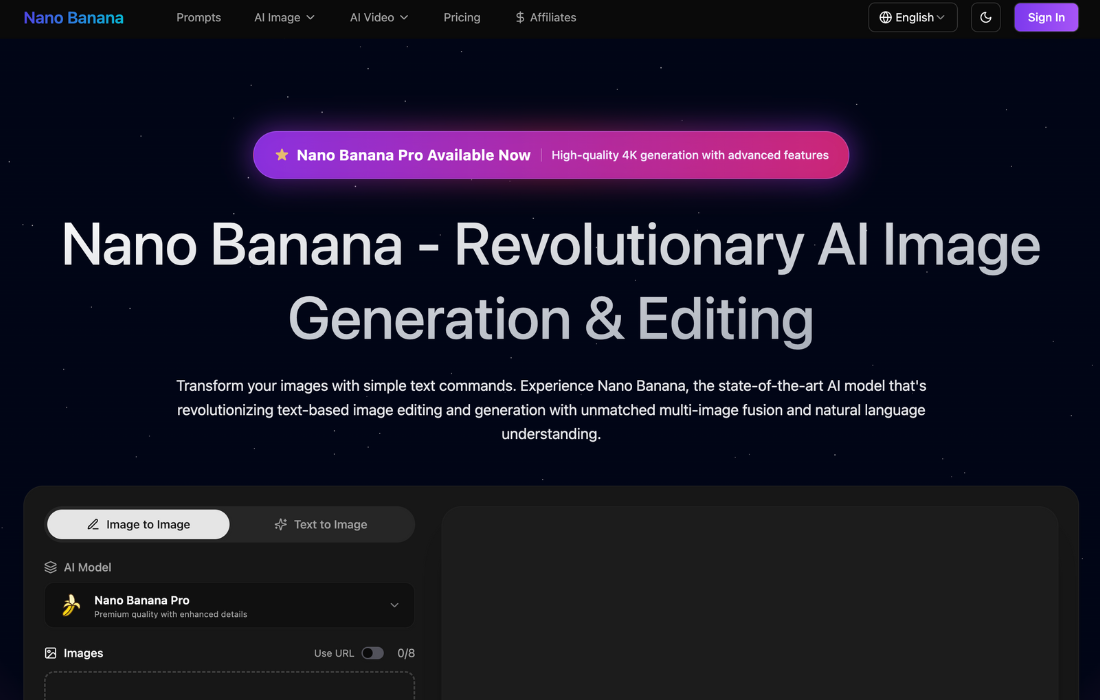
nanobananaimg is an AI tool that lets you create and edit images and short videos with simple text prompts. You type what you want, upload a picture if needed, and nanobananaimg does the heavy work in the background. It aims to replace many small design tasks so your content still looks pro, but takes far less time to produce.
Key Features
- Natural language image editing
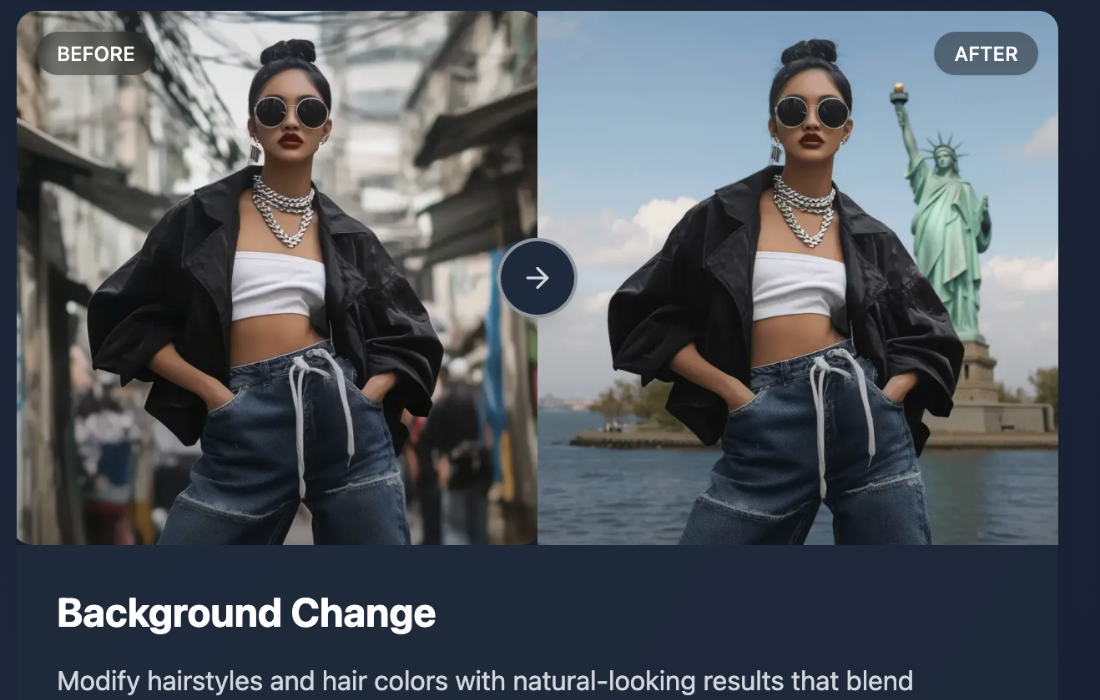
- You can edit images just by typing. For example: “remove the text but keep the background” or “change the background to a beach at sunset 🏖️”. No need for manual masking, layers, or complex tools.
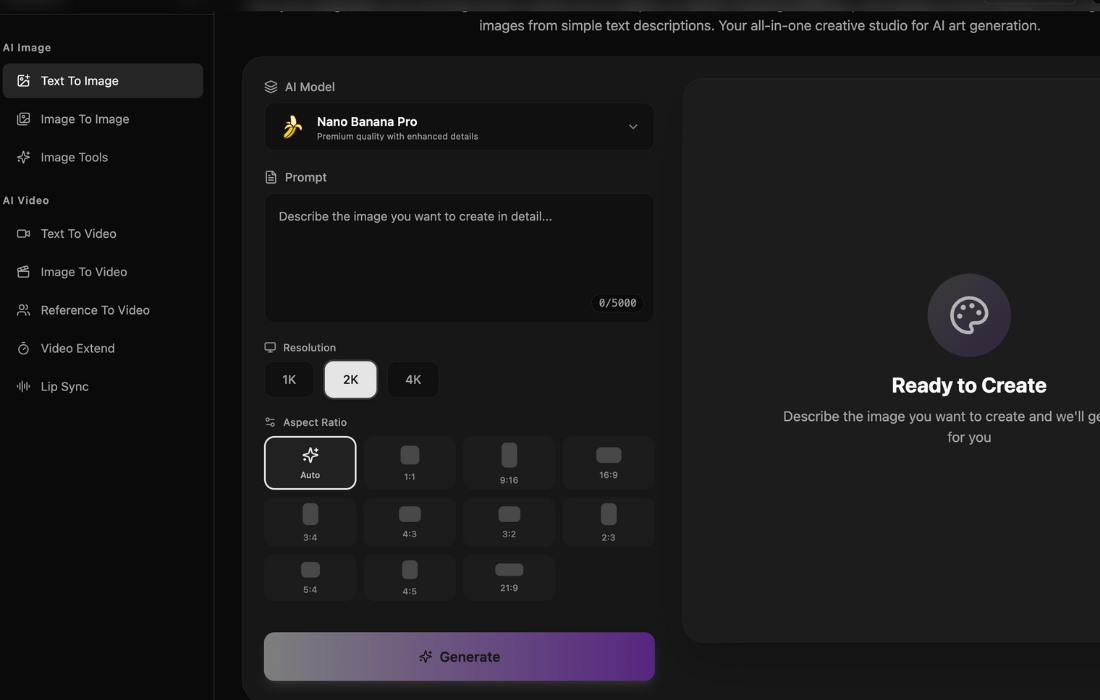
- Text-to-image and image-to-image generation
- Start from only text or from an existing image. You can create new scenes, restyle photos, recolor elements, or fix problems in a few clicks. The tool can also work in high resolution, which is nice for ads, websites, and print.
- Multi-image fusion and character consistency
- nanobananaimg can blend several input images into one result. It also tries to keep characters looking the same across many images. This is useful when you build campaigns, storyboards, or training content with the same person or mascot.
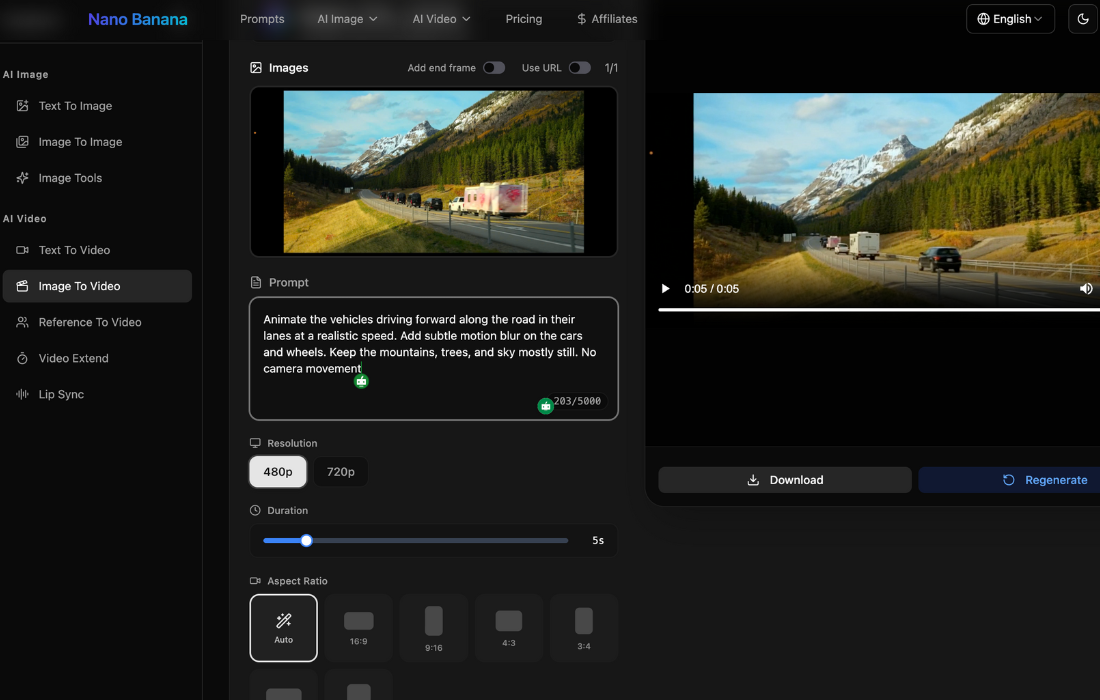
- Image-to-video and text-to-video support
- The tool supports AI video models as well. You can turn images or prompts into short clips for ads, reels, or intros. This makes it easier to keep a consistent style between your visuals and your videos 🎬.
- Prompt templates and ready-made examples
- nanobananaimg offers built-in prompt examples and scenarios. Things like comic coloring, background change, “virtual try-on”, and image restoration. You can load them, tweak the words, and get results fast even if you are new to AI visuals.
Pros & Cons
Pros
- Saves a lot of time
- Many edits that would take minutes or hours in Photoshop or Canva can be done in one prompt. That helps founders and small teams who do not have a full-time designer.
- Great for workflows, training, and onboarding
- You can keep the same character or style across slides, SOPs, and training modules. This gives a more polished look to internal documents and learning content.
- Flexible and highly customizable
- You control prompts, images, style, and output size. That makes nanobananaimg useful for many use cases: social posts, ads, thumbnails, product photos, comics, and more.
- Scales from solo users to teams
- The credit system and different plans let you test the tool with a small budget. Then you can move up as your content volume grows. This is good for agencies and startups that scale over time.
Cons
- Prompting has a learning curve
- You must learn how to describe your edits clearly. The tool is powerful, but the results depend on your prompts. Some users will need time and practice to get consistent output.
- Tied to the nanobananaimg website
- It mainly works as a hosted web app. There is no strong focus on API or deep integrations, so teams that want to plug it into custom pipelines may feel limited.
- Trust and safety concerns
- External site checkers give the domain a low trust score. This comes from factors like a very new domain and hidden owner data. It does not prove bad intent, but you should be careful with payment details and start with small spends.
- No clear free-forever plan
- You can explore the platform, but serious usage needs credits or a paid plan. This is normal for many AI tools, but it matters if you only want to test casually.
Who is Using nanobananaimg?
nanobananaimg is made for people who need many visuals but do not want to spend hours inside classic design tools:
- Content creators and influencers
- For thumbnails, social posts, profile art, and quick experiments. Perfect for Instagram, TikTok, and YouTube content.
- Marketing teams and agencies
- For ad creatives, landing page images, A/B test visuals, and campaign assets that reuse the same characters or styles.
- Designers and digital artists
- For fast concept art, style tests, and idea exploration before final polish in pro tools.
- Photographers and studios
- For quick retouch, background swaps, face fixes, and restoring old photos.
- Educators and trainers
- For e-learning slides, diagrams, and consistent characters in courses and training videos.
If you already use AI for copywriting or strategy, nanobananaimg can become the visual engine in your stack.
Pricing
nanobananaimg uses simple plans with monthly or yearly (50% off) billing, plus one-time credit packs. All plans include core AI image and video models, no watermark, and commercial use. New users also get 20 free credits on their first account so you can test real projects before paying
- Basic – $4.90/month or $58.80/year
- 500 credits/month.
- Up to 50 images and 50 videos.
- Access to Nano Banana, Nano Banana Pro, Seedream, GPT Image 1.5, Flux Kontext, enhancer, and background remover.
- Standard speed, support, and commercial license.
- Standard – $9.90/month or $118.80/year
- 2,000 credits/month.
- Up to 200 images and 200 videos.
- All Basic features plus priority generation queue and priority support.
- Pro – $19.90/month or $238.80/year
- 6,000 credits/month.
- Up to 600 images and 600 videos.
- All Standard features plus fastest generation speed and expert team support.
You can also buy credit packs (Starter, Growth, Professional, Max) as one-time purchases. Credits last up to one year and stack, which is handy for seasonal campaigns or extra-busy months 📈
Free Version
Free Version: There is no full free plan, but you can sign up, explore the tool, and use the 20 free credits for your first user to try real workflows.
Pro Version
Pro Version: Basic, Standard, and Pro unlock more credits, faster speed, better support, and full commercial rights. These are the best choice for creators, marketers, and teams using nanobananaimg every week.
What Makes nanobananaimg Unique?
nanobananaimg stands out because it focuses on smart image editing and strong character consistency. It is not just “type a prompt, get a random image”. It is built to handle edits, fusions, and multi-step tasks that real content teams face every day.
A few things make it special:
- It helps keep the same face or character across many images.
- It blends multiple images into one result instead of working on only a single input.
- It covers both image and video in one place, with one credit system.
For busy tech-savvy users, this mix of control, speed, and cross-media output is a big plus.
nanobananaimg Tutorials
nanobananaimg does not drown you in long courses. Instead, it gives you simple, practical help:
- Prompt examples for common tasks like background change, comic coloring, and text removal.
- Clear scenarios you can open, edit, and run with your own images.
- Short help text and FAQ to explain formats, limits, and basic best practices.
If you already use AI tools, you will feel at home quickly. If you are new, you can learn by copying, tweaking, and saving your favorite prompts 💡.
How We Rated It
- Accuracy and Reliability: 4.7 / 5
- Ease of Use: 4.0 / 5
- Functionality and Features: 4.8 / 5
- Performance and Speed: 4.5 / 5
- Customization and Flexibility: 4.6 / 5
- Data Privacy and Security: 2.5 / 5 (due to the external trust warnings; use with care)
- Support and Resources: 3.8 / 5
- Cost-Efficiency: 4.2 / 5
- Integration Capabilities: 3.5 / 5
Overall Score: 4.1 / 5
Summary
nanobananaimg is a strong AI partner for images and short videos. It helps tech-savvy founders, marketers, and creators move faster without giving up visual quality. You can turn ideas into assets in minutes, not days.
Its AI features, like natural language editing and character consistency, go beyond many basic image generators. This makes nanobananaimg useful not only for fun images but also for real business workflows, from ads to training slides.
The main downside is trust. Because the domain is very new and rated as risky by some scanners, you should test nanobananaimg with caution. Start small, protect your payment data, and follow your own company security rules.
If you are fine with those limits and you need a flexible AI visual tool, nanobananaimg is worth testing in your content creation stack.
nanobananaimg Launch embeds
Use website badges to drive support from your community for your AI Journey Launch. They're easy to embed on your homepage or footer.

GALLERY
Featured image represents the contents
Empowering You With AI JOURNEY Discover, Learn, Master!
Get the latest on AI!
Subscribe for helpful tips, updates, and exciting news delivered straight to your inbox. Stay in the loop and level up your skills. Join us today!
Categories
Resources
Copyright © 2024 AI Journey LLC. All rights reserved.