
MagicLight


MagicLight is an AI text-to-video tool that helps you turn scripts and ideas into animated videos in minutes. For busy creators, marketers, and entrepreneurs, MagicLight promises professional video content without complex software or long timelines. If you want to publish more content but hate editing, this tool is made for you.
What is MagicLight? 🤖
MagicLight is an AI video creation platform. You type in a story, script, or idea, and it turns that text into a full video. Scenes, characters, voiceovers, and motion are all handled by the AI.
You do not need to be a video editor. You do not need a studio or big budget. MagicLight is built so that solo creators and small teams can produce story-style videos for YouTube, social media, and training with much less effort.
Key Features of MagicLight
- AI Story to Video
- MagicLight takes your script and automatically builds a complete video. It adds scenes, camera angles, and voiceover so you do not have to edit on a timeline.
- Long-Form Video Support
- Unlike many AI tools that stop at short clips, MagicLight can handle longer videos. This makes it useful for story channels, tutorials, and educational content.
- Consistent Characters
- You can keep the same character style across scenes and even across videos. This helps your brand or story feel more stable and professional.
- Automatic Storyboarding
- MagicLight breaks your story into scenes for you. You do not need to plan each shot. This saves time and removes a lot of guesswork.
- Multilingual Voiceovers
- You can pick different voices and languages. This is helpful if you target global audiences or want to test new markets.
- Easy Export and Sharing
- When the video is ready, you can export in HD and upload to YouTube, TikTok, or any other platform with a few clicks. 🎯
Pros & Cons of MagicLight
Pros ✅
- Saves a lot of time in the video creation process
- Great for training, onboarding, education, and explainer videos
- Easy to use, even if you have never edited video before
- Scales from solo creators to agencies and small teams
- Handles longer videos, not only 30–60 second social clips
Cons ❌
- Output quality depends on how well you write prompts and scripts
- Credit-based pricing can feel limiting for heavy users
- Needs a stable internet connection to work smoothly
- Offers less manual fine control than pro editors like Premiere Pro
Who Is Using MagicLight? 👥
- Content Creators and YouTubers
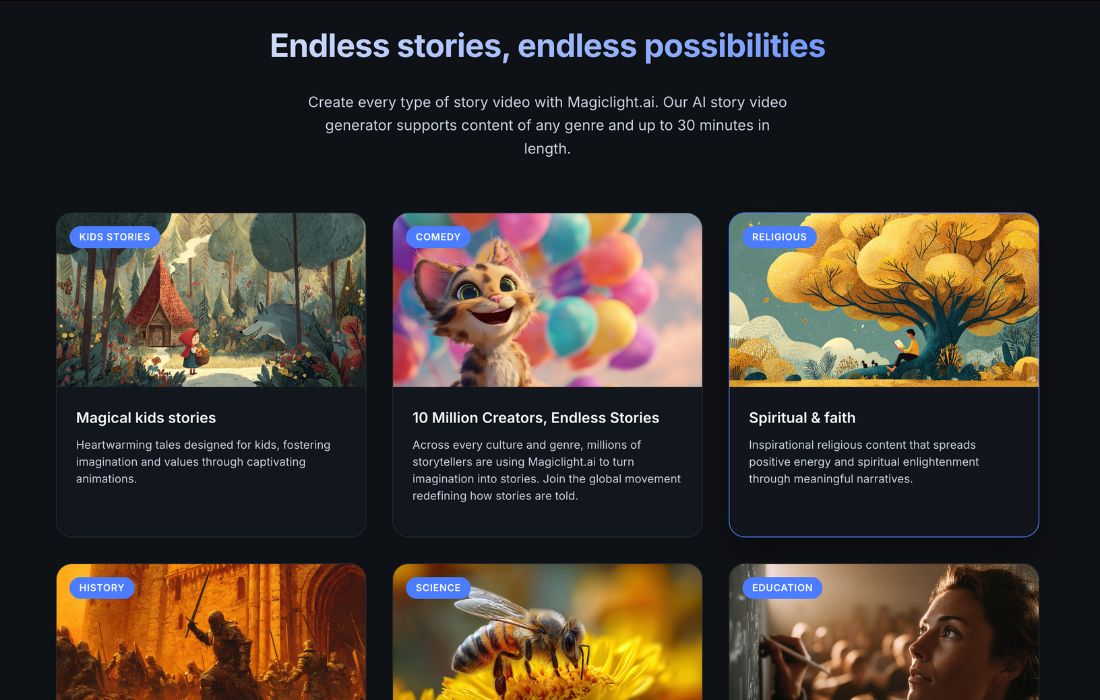
- They use MagicLight to build story channels, faceless videos, kids’ stories, and explainers. It is popular for people who want to upload often without recording themselves.
- Marketers and Small Businesses
- Brands create product videos, brand stories, and simple ad creatives. MagicLight helps them test many concepts fast.
- Educators, Trainers, and Coaches
- They turn slide decks, blog posts, or lesson notes into animated training videos. This makes learning material more engaging and easier to follow.
- Authors and Storytellers
- Writers convert short stories or scripts into visual content. This helps them reach platforms like YouTube and TikTok, not just text-based channels. 📚
MagicLight Pricing 💰
MagicLight usually offers:
- A Free plan with some starting credits. This lets you test the workflow, see the interface, and output a few videos without paying.
- Paid plans with more credits, longer video limits, higher quality, and extra features like more voices or export options.
- The best path is simple. Start with the free version, check if the style and speed fit your content plan, then upgrade only if it earns back in time or money.
Social Media & Community Feedback 📲
MagicLight is gaining attention on platforms like Reddit, Quora, TikTok, and YouTube.
On Reddit, users are curious about its long-form ability. Many compare it to other AI video tools and see MagicLight as an option for 5–60 minute videos rather than just shorts.
On Quora, creators describe MagicLight as simple and friendly for non-editors. They highlight that it helps beginners produce videos without touching complex timelines.
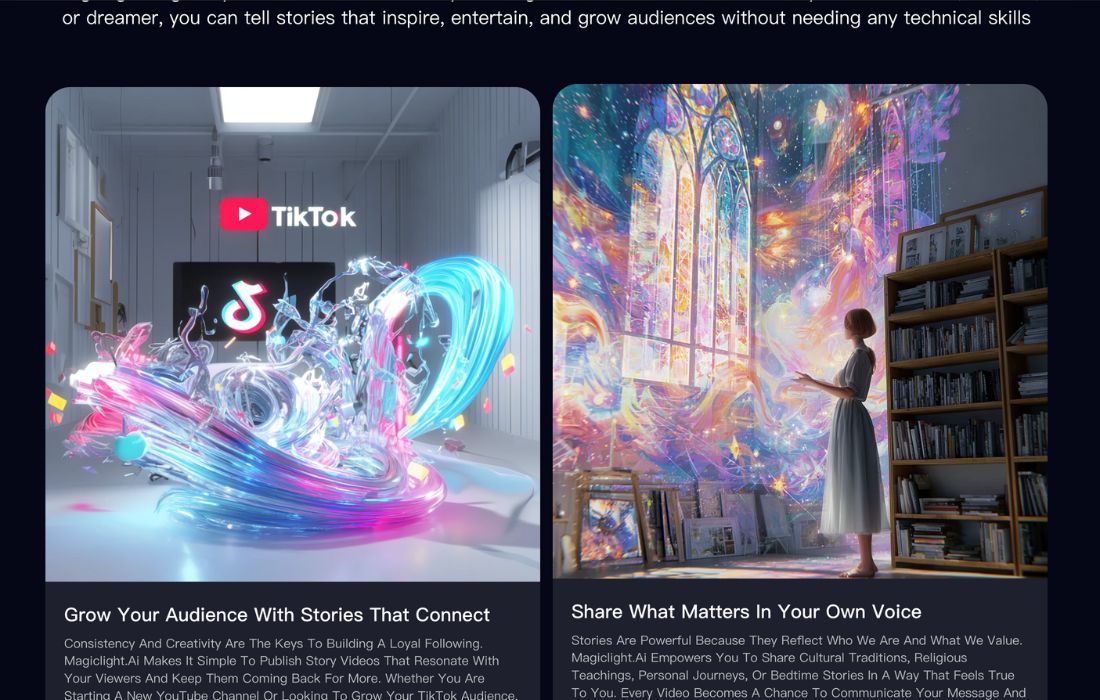
On TikTok and YouTube, some creators show full workflows. They write a story, run it through MagicLight, and publish the result as kids’ content or narration-based channels. Many position it as a way to grow faceless channels faster.
The social conversation is still early, but the pattern is clear. People see MagicLight as a promising tool for story-driven content and fast production.
What Makes MagicLight Unique? ⭐
MagicLight stands out in three key ways.
First, it focuses on story-style and longer videos, not only on quick clips. This is important if your strategy is based on YouTube watch time or long learning modules.
Second, its character consistency helps your videos feel like part of a single world or brand. Many AI tools still struggle with this.
Third, the simple text-to-video pipeline keeps the workflow light. You bring the idea and script. MagicLight handles the rest. This mix of simplicity, story focus, and length support makes it different from many “flashy demo” AI tools.
MagicLight Tutorials and Learning Resources 📚
New users do not have to guess. MagicLight offers tutorials, quick start guides, and examples that show how to go from script to final video. On platforms like YouTube, you can also find walkthroughs from creators who share their settings and niche strategies.
With these resources, most users can produce their first video in a single session. That is a big win compared to classic editing tools that take days to learn.
How We Rated MagicLight
- Accuracy and Reliability: 4.2 / 5
- Ease of Use: 4.5 / 5
- Functionality and Features: 4.4 / 5
- Performance and Speed: 4.3 / 5
- Customization and Flexibility: 4.0 / 5
- Data Privacy and Security: 4.1 / 5
- Support and Resources: 3.8 / 5
- Cost-Efficiency: 4.0 / 5
- Integration Capabilities: 4.0 / 5
- Overall Score: 4.2 / 5 ⭐
Summary
MagicLight is a strong pick if you want to publish more video content without building a full editing skill set. It turns scripts into animated videos, supports longer story formats, and keeps characters consistent, which is great for branding.
The main trade-offs are the credit model and the need for clear prompts. But for many tech-savvy entrepreneurs, marketers, and creators, the time saved will far outweigh those limits. If you want to test AI-powered video creation and move faster than classic editing tools allow, MagicLight is worth trying. 🚀
MagicLight Launch embeds
Use website badges to drive support from your community for your AI Journey Launch. They're easy to embed on your homepage or footer.


GALLERY
Featured image represents the contents

Frequently Asked Questions
Empowering You With AI JOURNEY Discover, Learn, Master!