
Lynote AI


If you want faster drafts, cleaner notes, and fewer edits, Lynote AI is built for that. Lynote AI combines practical tools that many creators and marketing teams normally juggle across tabs: a YouTube transcript workflow, an AI content detector, and an AI humanizer. The result is simple: you can turn videos and drafts into publish-ready text with less manual cleanup, while keeping your content sounding natural and professional.
What is Lynote AI
Lynote AI is an AI-powered toolkit designed to help you learn, write, and repurpose content faster. It focuses on turning video into text (transcripts), polishing AI-written drafts so they read more human, and checking text to see which parts may look AI-generated. It’s aimed at students, creators, and teams that want speed without sacrificing quality.
Key Features:
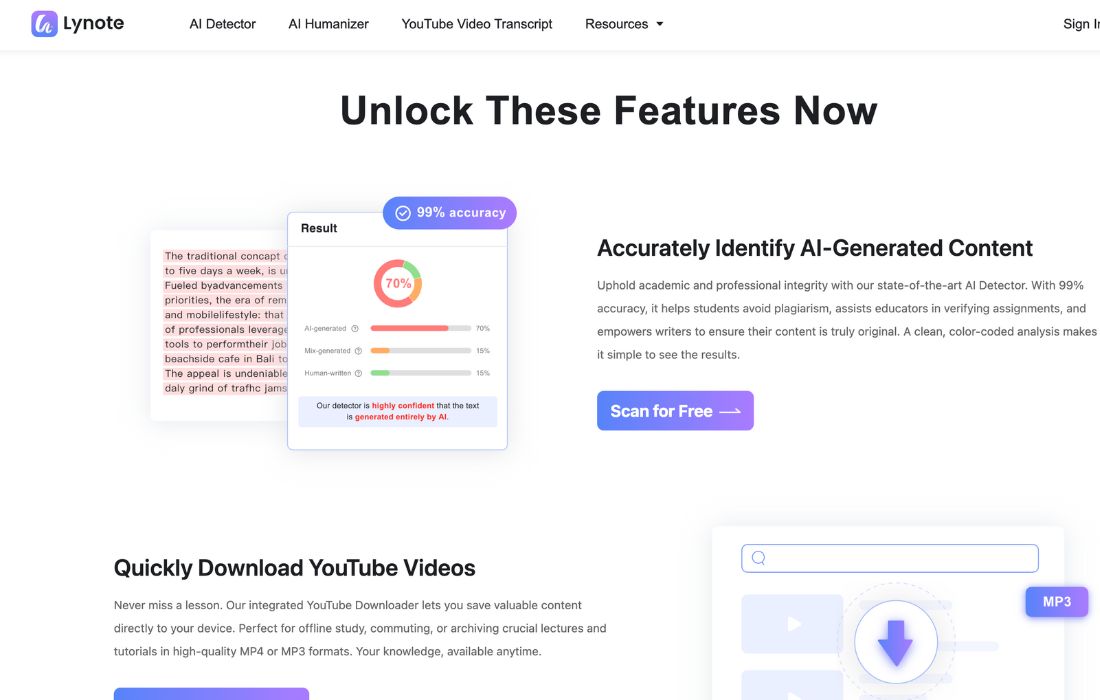
- AI Content Detector (with sentence highlighting): Checks your text and flags sections that look AI-written. The highlight-style feedback is useful because you can fix the exact sentences instead of guessing.
- AI Humanizer (multiple modes): Rewrites AI drafts to sound more natural and less robotic. You can usually choose a mode (like basic vs stronger rewriting) depending on how much you want to change.
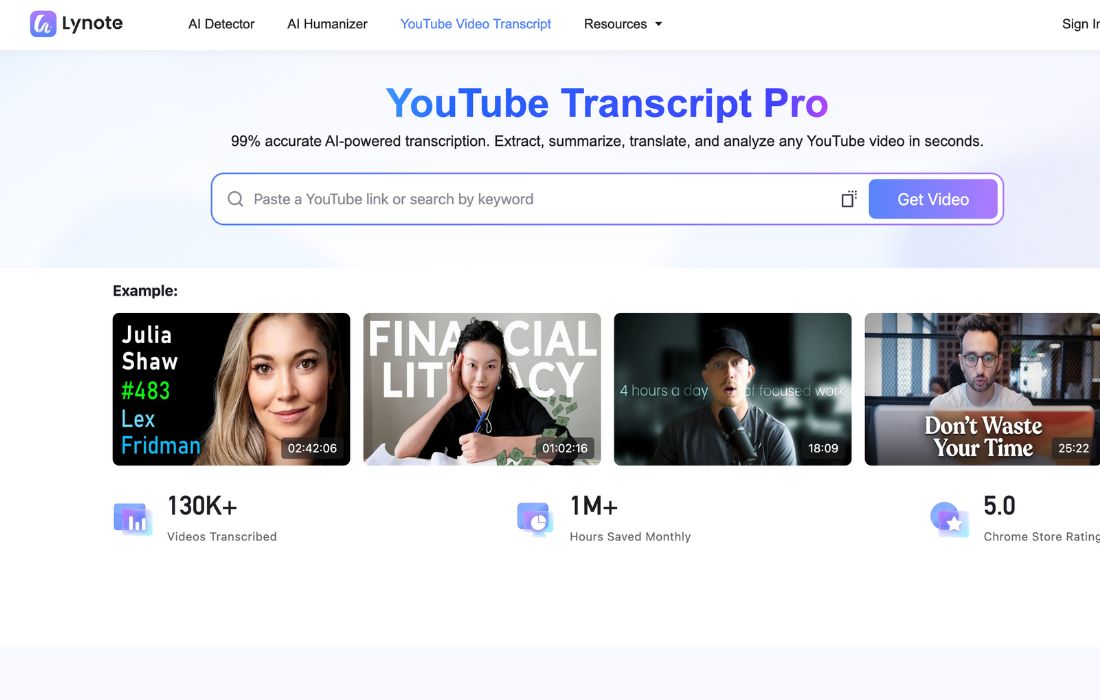
- YouTube Transcript Tool (timestamps + export): Turns YouTube videos into transcripts you can reuse. Timestamps help when you need to quote or reference key moments. Export options make repurposing easier.
- Document-friendly workflow: Many teams work with long text and files. Tools like this often support paste-in text and file uploads so you can process bigger drafts faster.
- Sharing and reuse: Transcript text can become blog outlines, social posts, email sequences, or training notes. That “one input → many outputs” workflow is where the time savings show up.
Pros & Cons:
Pros
- Saves a lot of time ⏱️: Transcript + humanize + detect covers a full loop from raw input to polished output.
- Cleaner editing process: Highlighting or sentence-level feedback makes fixes faster and more focused.
- Useful for teams: Marketers, editors, and educators can standardize how they review and polish text.
- Flexible use cases: It works for study notes, content repurposing, client drafts, and SEO writing.
- Scales with volume: You can start small for free, then upgrade if you need higher limits.
Cons
- You still need judgment: No detector or humanizer is perfect. You must review the output before publishing.
- A small learning curve: To get the best results, you’ll want a repeatable workflow (transcript → outline → draft → humanize → final edit → check).
- Internet required: Like most web AI tools, performance depends on your connection.
- Pricing can feel unclear upfront: Many tools mention paid tiers without showing a simple pricing table on the main page, so you may need to check inside the product.
Who is Using Lynote AI?
Lynote AI fits best for people who create or review a lot of text, and want fewer “rewrite cycles.” Here are the most common user types and how they use it:
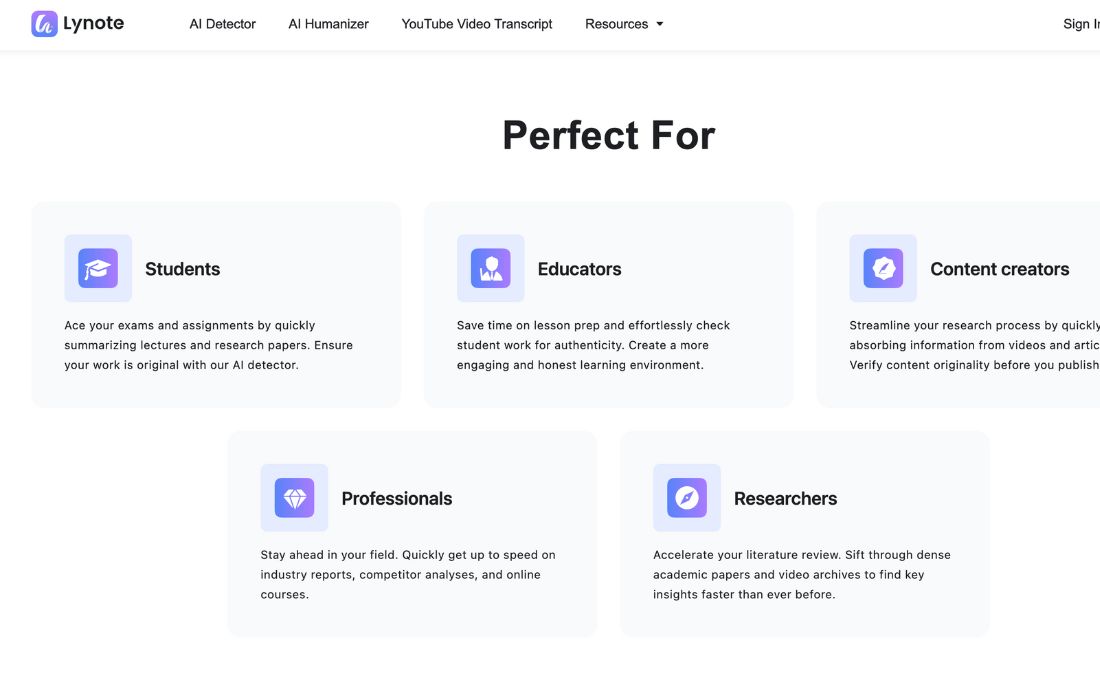
- Tech-savvy entrepreneurs 🚀: Turn videos, calls, or product demos into text. Then reuse that text for landing pages, newsletters, and posts.
- Marketing professionals 📈: Convert YouTube content into blog posts, ad angles, and social threads. Humanize drafts to match brand tone.
- Content creators 🎬: Pull transcripts, grab hooks, and build scripts or captions quickly.
- Writers and agencies ✍️: Speed up first drafts, then humanize and edit for client-ready delivery.
- Educators and reviewers 👩🏫: Use detection as a signal during review, then focus on clarity and originality.
- Students and self-learners 📚: Save time by reading transcripts instead of rewatching long lectures.
Pricing:
Lynote AI typically pushes a “start free” path, which is ideal if you want to test it on real work before paying.
Free Version: Great for trying core features and learning the workflow. Use it to validate output quality and see how much editing you still need.
Pro Version: Best if you process content daily or need higher limits, faster processing, or expanded features. For the most accurate pricing, always check the official pricing inside Lynote AI’s site/app, because tiers can change over time.
What Makes Lynote AI Unique?
A lot of tools do one job well. Lynote AI is interesting because it covers a full “content pipeline” in one place:
- One workflow, not five tools: Transcript helps you capture content, humanizer improves readability, and detector helps you review risk areas. That combination reduces context switching.
- More practical editing: When a detector points to specific sentences, you can fix exactly what matters. That is faster than chasing a single overall score.
- Built for repurposing: The transcript feature is a real advantage for marketers. Video-to-text is the easiest way to scale content without creating everything from scratch.
- Helpful for “professional tone”: If you’re frustrated with drafts that sound generic, humanizing plus a quick human edit can make the final output feel more brand-ready.
Lynote AI Tutorials:
Good tools reduce “setup pain.” Lynote AI-style pages usually explain a simple process, which helps new users move fast. Here’s a workflow that works well for most teams:
- Step 1: Start with a source (YouTube video, rough notes, or a draft).
- Step 2: Generate the transcript (if you start with a video). Pull key sections and build a quick outline.
- Step 3: Draft fast using your outline. Keep it simple and direct.
- Step 4: Humanize the draft to reduce repetitive phrasing and improve flow.
- Step 5: Run detection as a review step and rewrite any sentences that look unnatural.
- Step 6: Final human edit for brand voice, accuracy, and formatting.
- This approach keeps you efficient while still protecting quality.
How We Rated It:
These scores reflect how the tool fits real-world workflows for creators, marketers, and small teams. Ratings assume you still do a final human edit (which you should).
- Accuracy and Reliability: 4.3/5
- Ease of Use: 4.4/5
- Functionality and Features: 4.5/5
- Performance and Speed: 4.4/5
- Customization and Flexibility: 4.2/5
- Data Privacy and Security: 4.4/5
- Support and Resources: 4.0/5
- Cost-Efficiency: 4.3/5
- Integration Capabilities: 4.1/5
- Overall Score: 4.3/5
Summary
Lynote AI is a practical toolset for anyone who wants faster content with fewer edits. It shines when you need to turn video into usable text, polish AI drafts into natural writing, and review content quickly before publishing. If you’re a tech-savvy entrepreneur, marketer, or content creator who is tired of tools that create “almost good” drafts, Lynote AI is worth testing. Start with the free option, build a repeatable workflow, and only upgrade if you hit volume limits.
Lynote AI Launch embeds
Use website badges to drive support from your community for your AI Journey Launch. They're easy to embed on your homepage or footer.

GALLERY
Featured image represents the contents

Empowering You With AI JOURNEY Discover, Learn, Master!
Get the latest on AI!
Subscribe for helpful tips, updates, and exciting news delivered straight to your inbox. Stay in the loop and level up your skills. Join us today!
Categories
Resources
Copyright © 2024 AI Journey LLC. All rights reserved.