
Beatviz
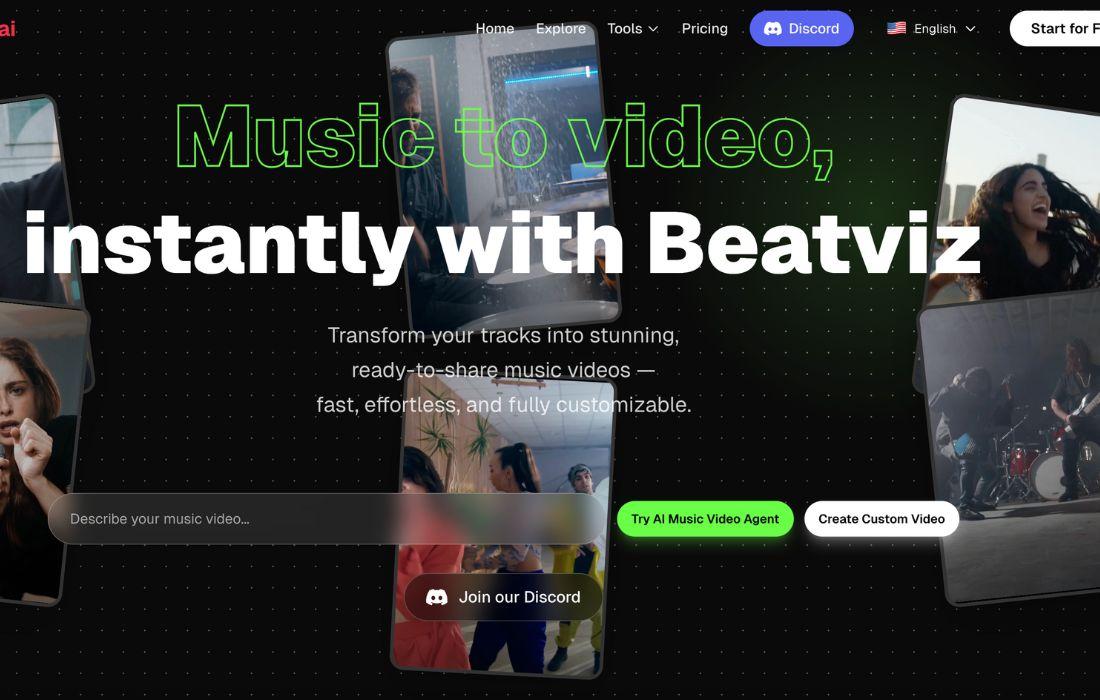

What is Beatviz.ai?
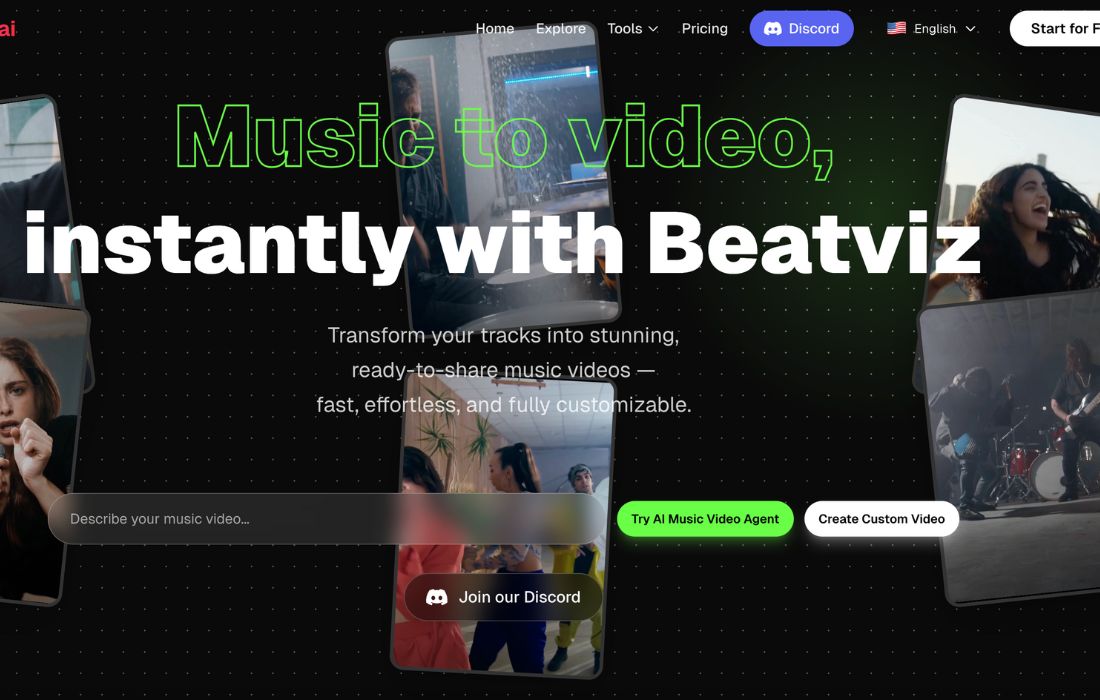
Beatviz.ai is an AI music visualizer that automatically creates high-quality, audio-reactive videos from your music tracks—no editing skills needed.
Built for musicians, producers, and content creators, this tool turns your sound into stunning visuals with just a few clicks. Whether you're sharing on YouTube, Instagram, or TikTok, Beatviz.ai helps your music stand out.
Key Features:
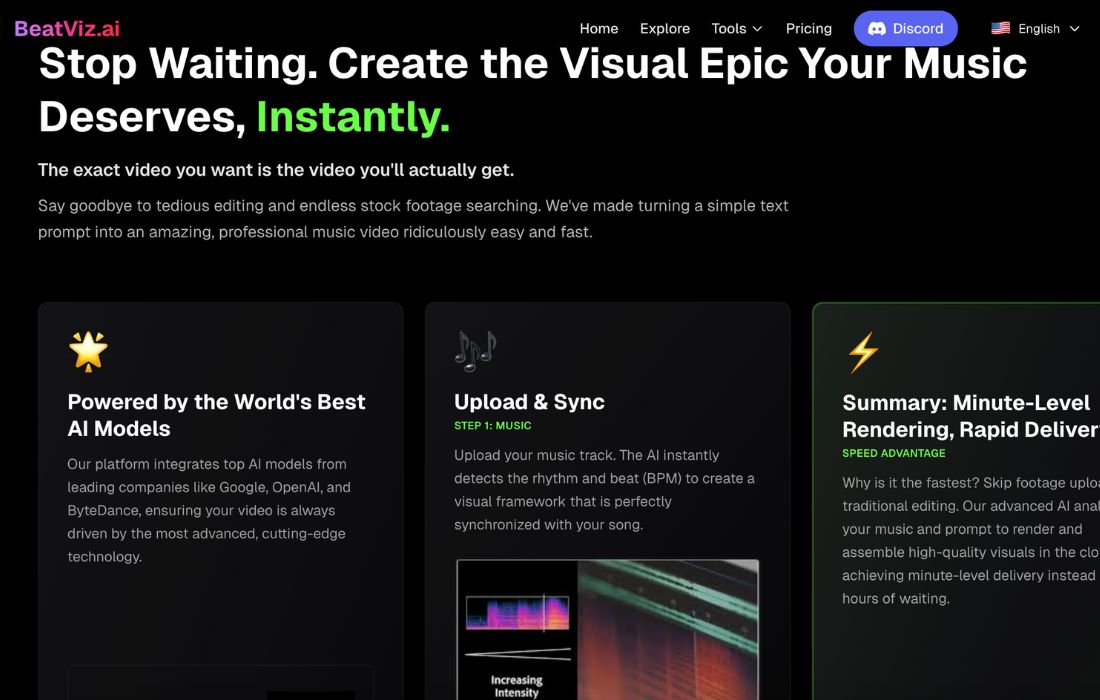
- AI Beat Detection: Automatically syncs visual effects to your audio's rhythm, giving every beat a visual punch.
- Templates for Every Genre: Choose from modern, cinematic, or abstract styles to match your vibe.
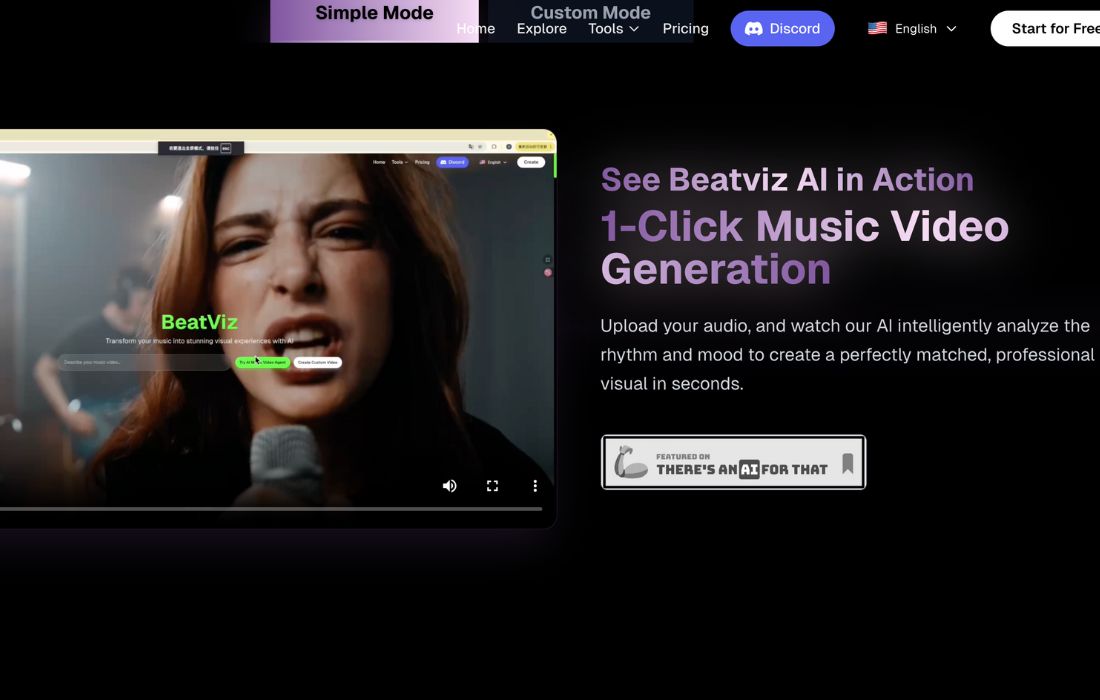
- Instant Video Generation: Upload audio, pick a template, and get a rendered video in minutes.
- One-Click Export: Download HD videos ready for any platform or stream.
- No Editing Skills Required: Everything is automated—great for artists without video production experience.
Pros & Cons:
Pros
- Speeds up content creation for musicians and creators
- Looks professional without expensive editing software
- Great for promoting songs on social media
- No learning curve—ideal for DIY creators
- Works for all genres: EDM, lo-fi, hip-hop, and more
Cons
- Less control for users who want detailed customization
- Requires stable internet to process and render videos
- Export times may vary depending on video length
Who is Using Beatviz.ai?
- Indie Musicians: Quickly turn singles or demos into promo content
- Music Producers: Showcase beats with matching visuals
- Content Creators & DJs: Add visual flair to mixes or livestream content
- Labels & Marketers: Promote artists on social media with branded video content
Pricing:
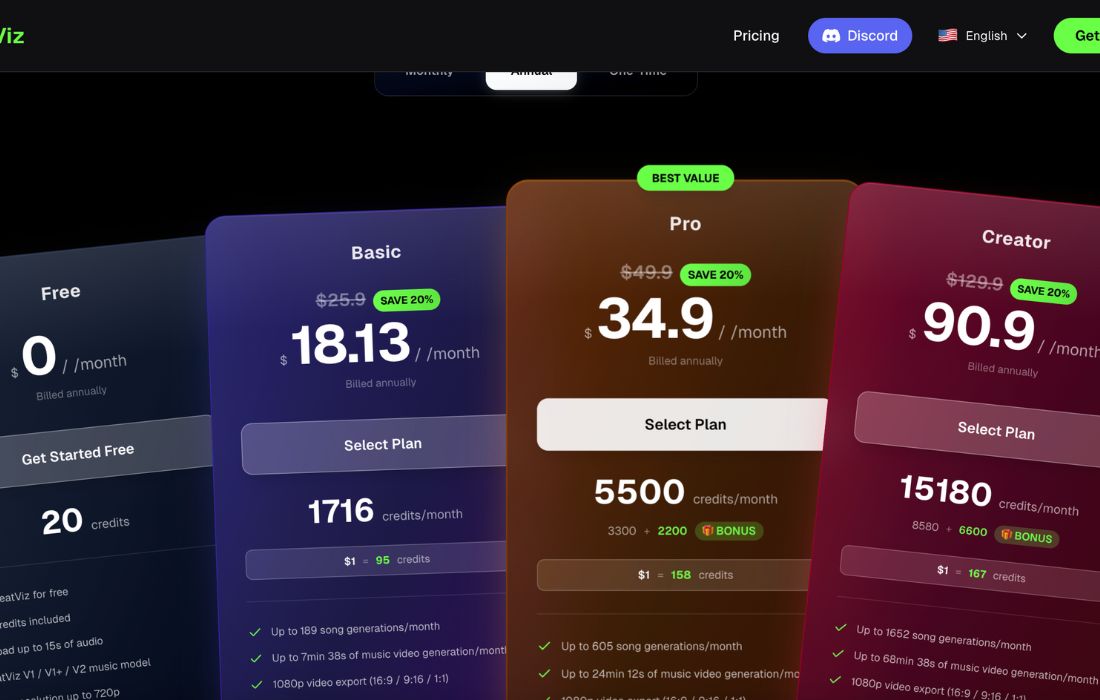
Free Version: ✅ Try it for free with limited resolution and templates—ideal for testing.
Pro Version: Upgrade for HD exports, advanced templates, watermark removal, and more. Check Beatviz.ai’s official site for up-to-date pricing plans.
What Makes Beatviz.ai Unique?
Beatviz.ai stands out because it focuses on speed + creativity. Unlike traditional editing tools, it:
- Uses AI to sync visuals precisely to beats
- Requires no technical know-how
- Delivers polished, loop-ready clips in minutes
- Makes video creation as easy as uploading a song
For creators who want to focus on music, not editing, this tool is a game-changer.
Beatviz.ai Tutorials:
- Quick-start guides and video walkthroughs
- Step-by-step blog posts for advanced styling
- Friendly support team via email and live chat
Even total beginners can publish their first visualizer video in under 10 minutes.
How We Rated It:
| Criteria | Score (out of 5) |
| Accuracy and Reliability | 4.6 |
| Ease of Use | 4.8 |
| Functionality and Features | 4.5 |
| Performance and Speed | 4.4 |
| Customization and Flexibility | 4.2 |
| Data Privacy and Security | 4.5 |
| Support and Resources | 4.6 |
| Cost-Efficiency | 4.3 |
| Integration Capabilities | 4.0 |
| Overall Score | ⭐ 4.5 / 5 ⭐ |
Summary
Beatviz.ai is the ultimate shortcut for musicians and content creators who want to visualize music effortlessly. With AI-powered automation, you no longer need to hire editors or learn video software.
It’s fast, intuitive, and produces eye-catching visuals that boost engagement on social platforms.
👉 If you're a musician or beatmaker looking to elevate your audio with stunning visuals, Beatviz.ai is absolutely worth a try.
Beatviz Launch embeds
Use website badges to drive support from your community for your AI Journey Launch. They're easy to embed on your homepage or footer.


GALLERY
Featured image represents the contents
Empowering You With AI JOURNEY Discover, Learn, Master!
Get the latest on AI!
Subscribe for helpful tips, updates, and exciting news delivered straight to your inbox. Stay in the loop and level up your skills. Join us today!
Categories
Resources
Copyright © 2024 AI Journey LLC. All rights reserved.